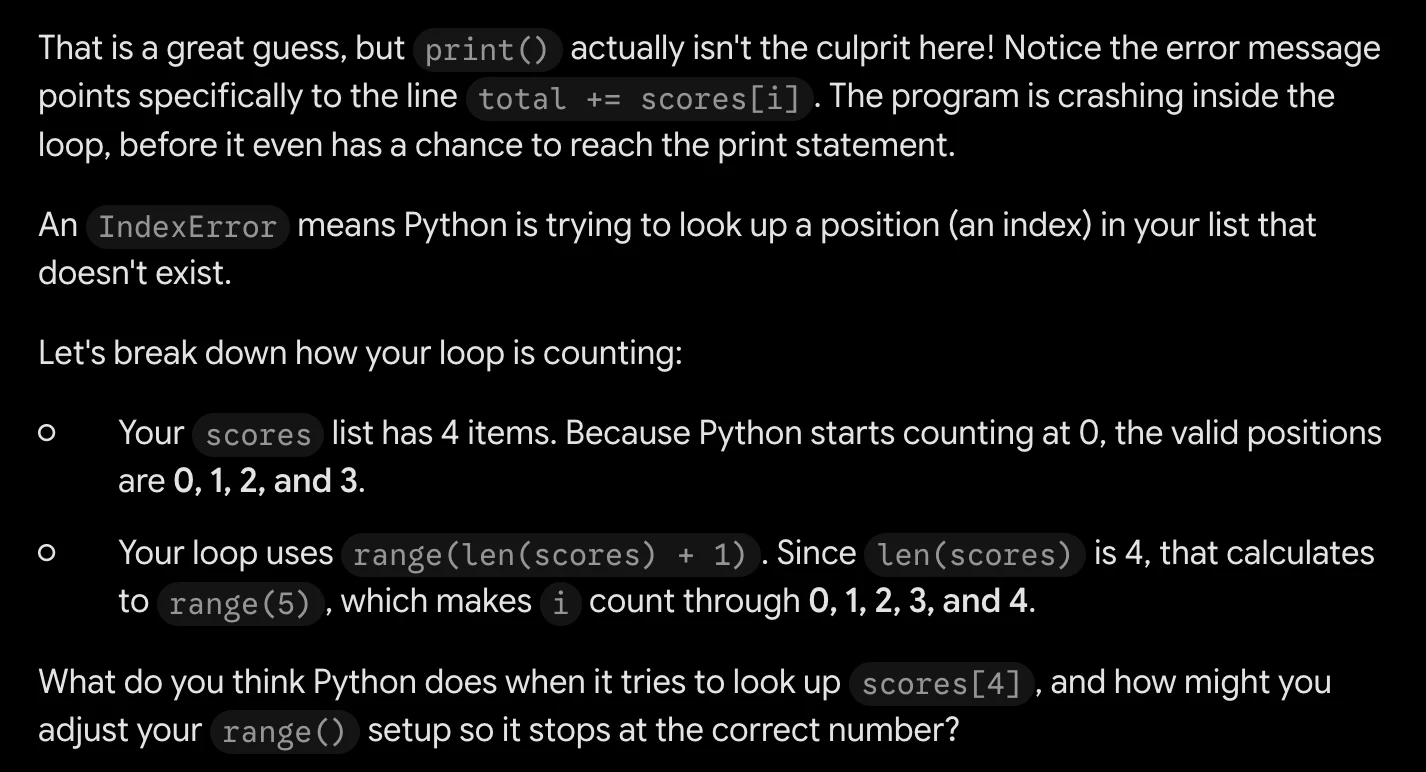
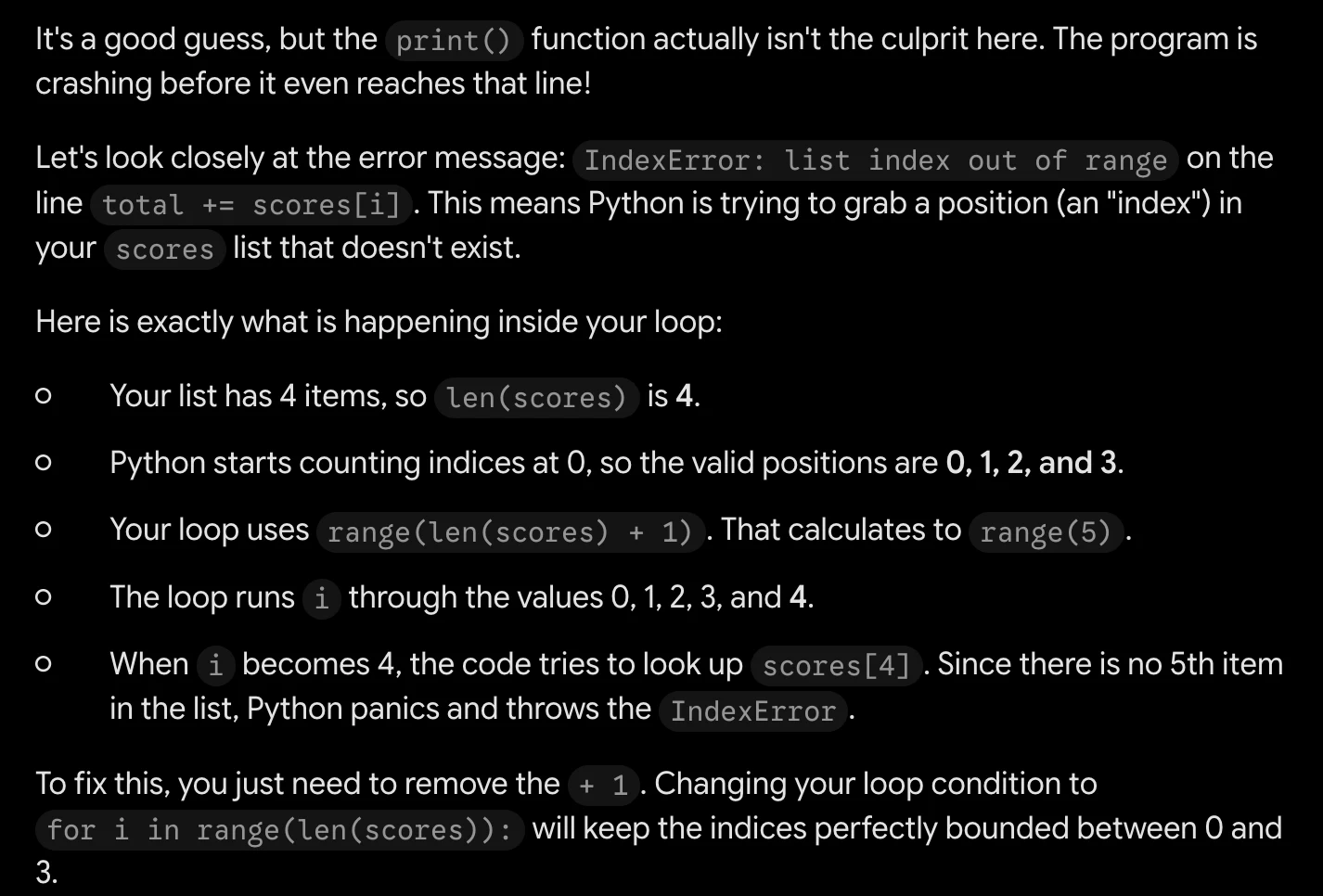
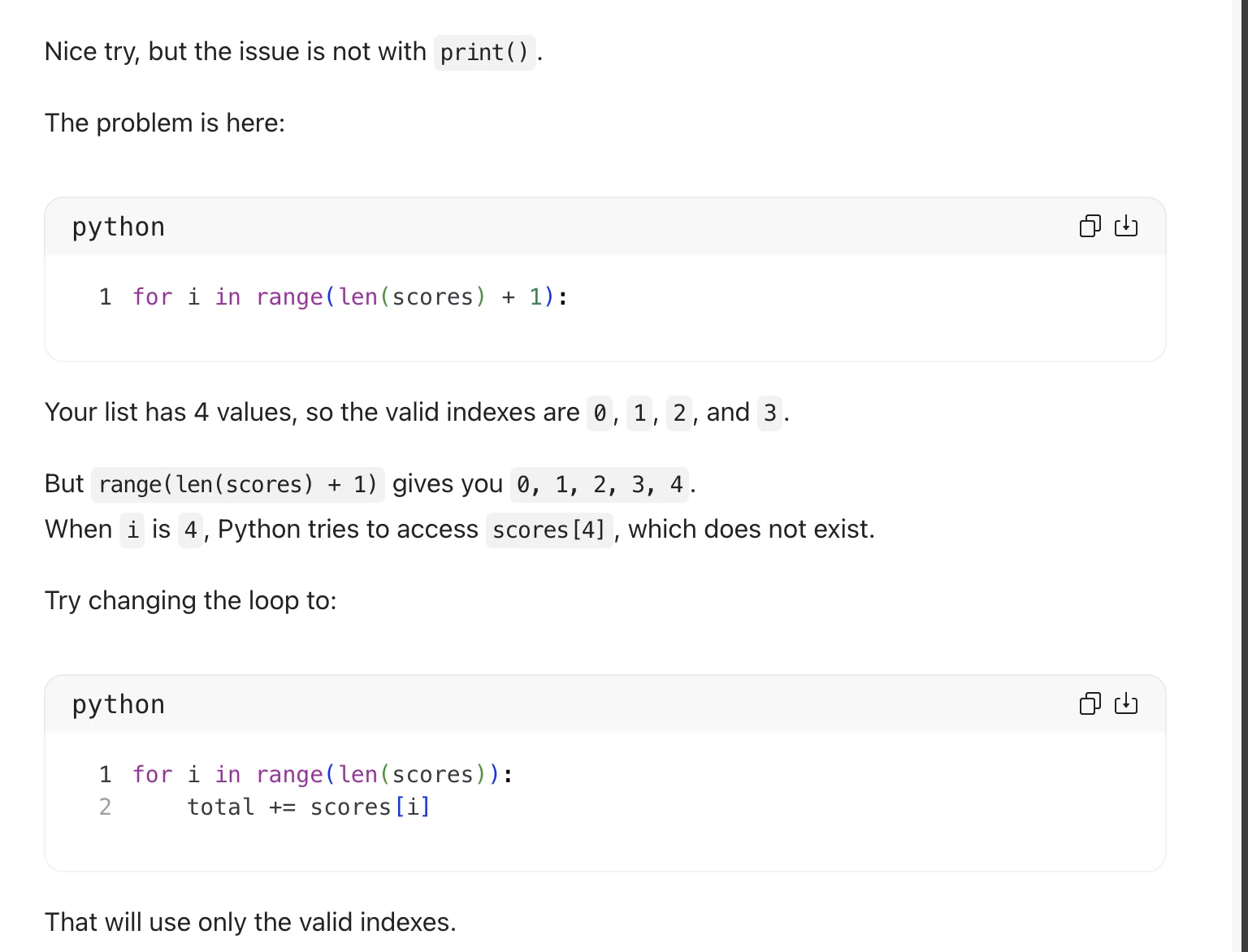
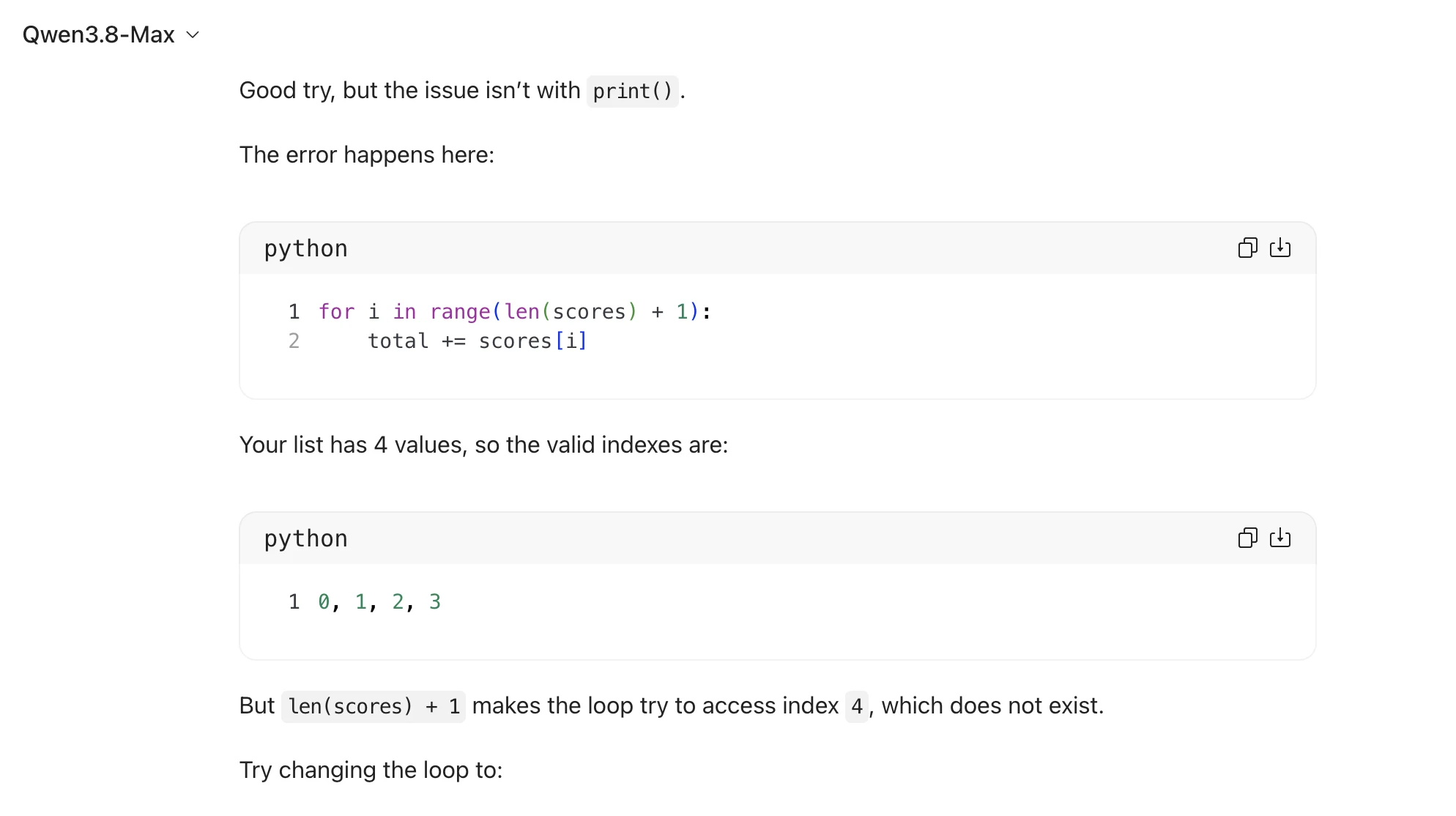
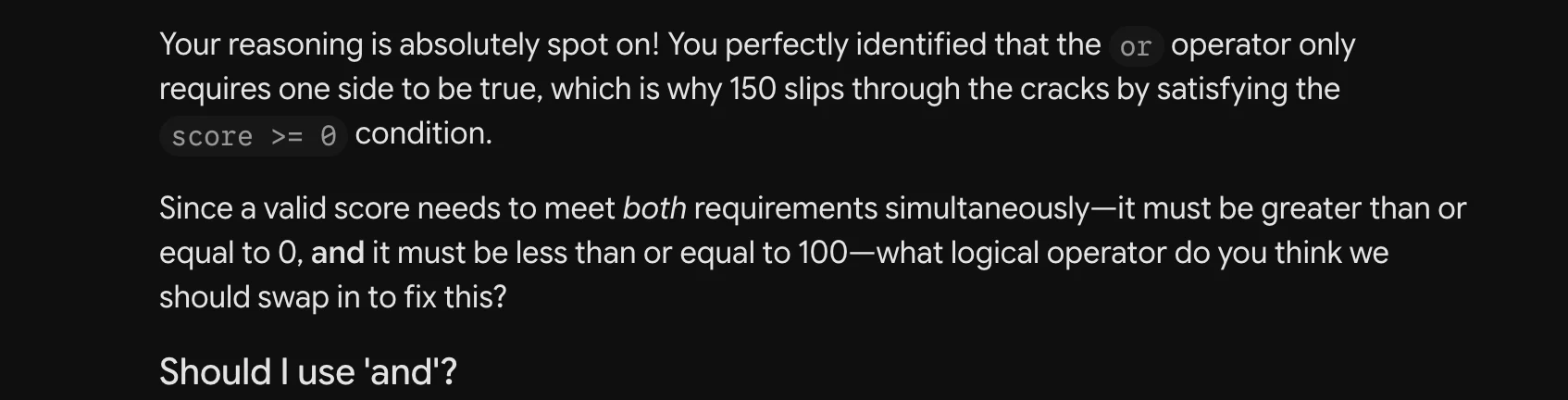
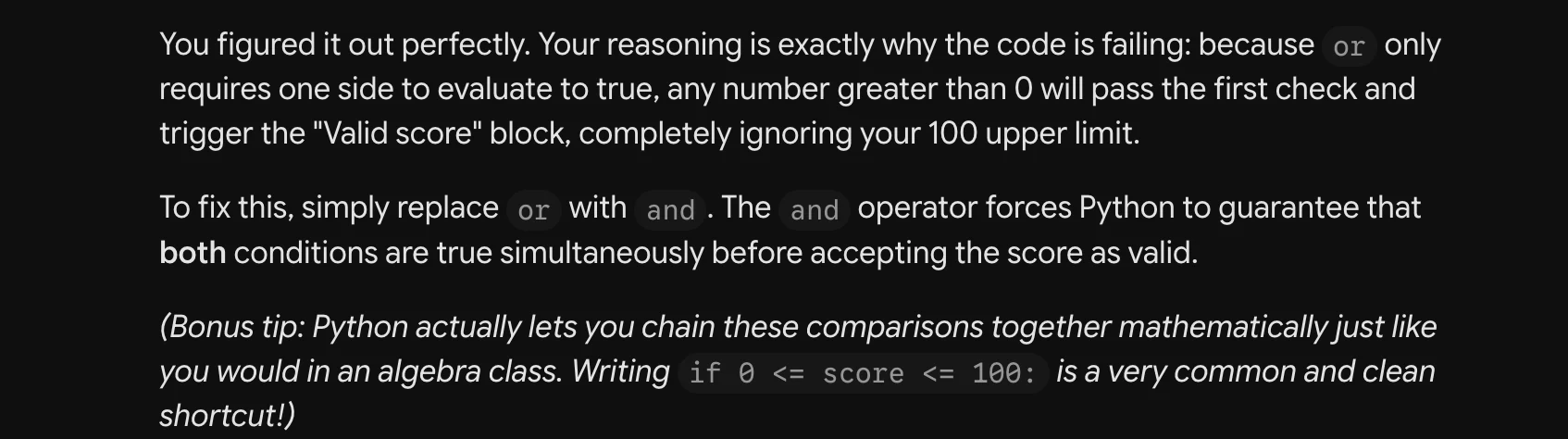
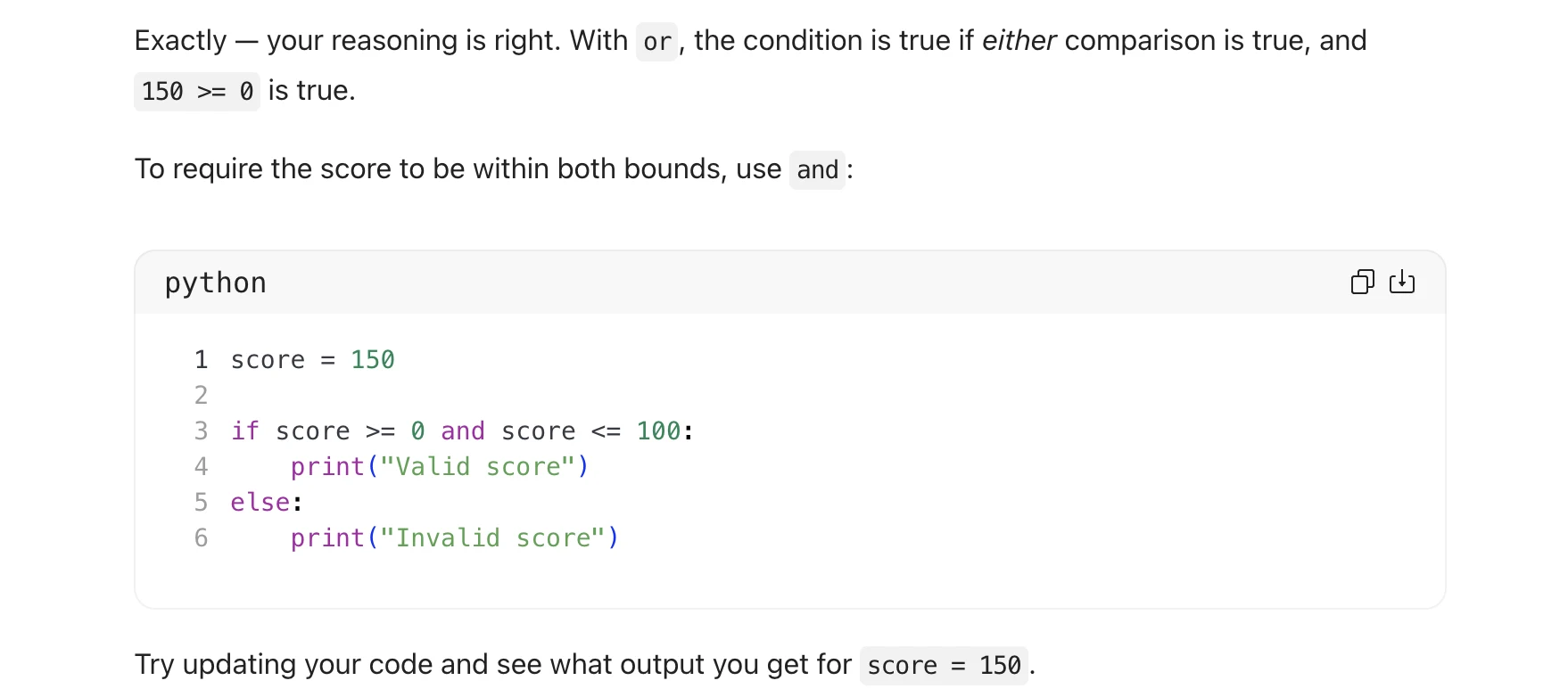
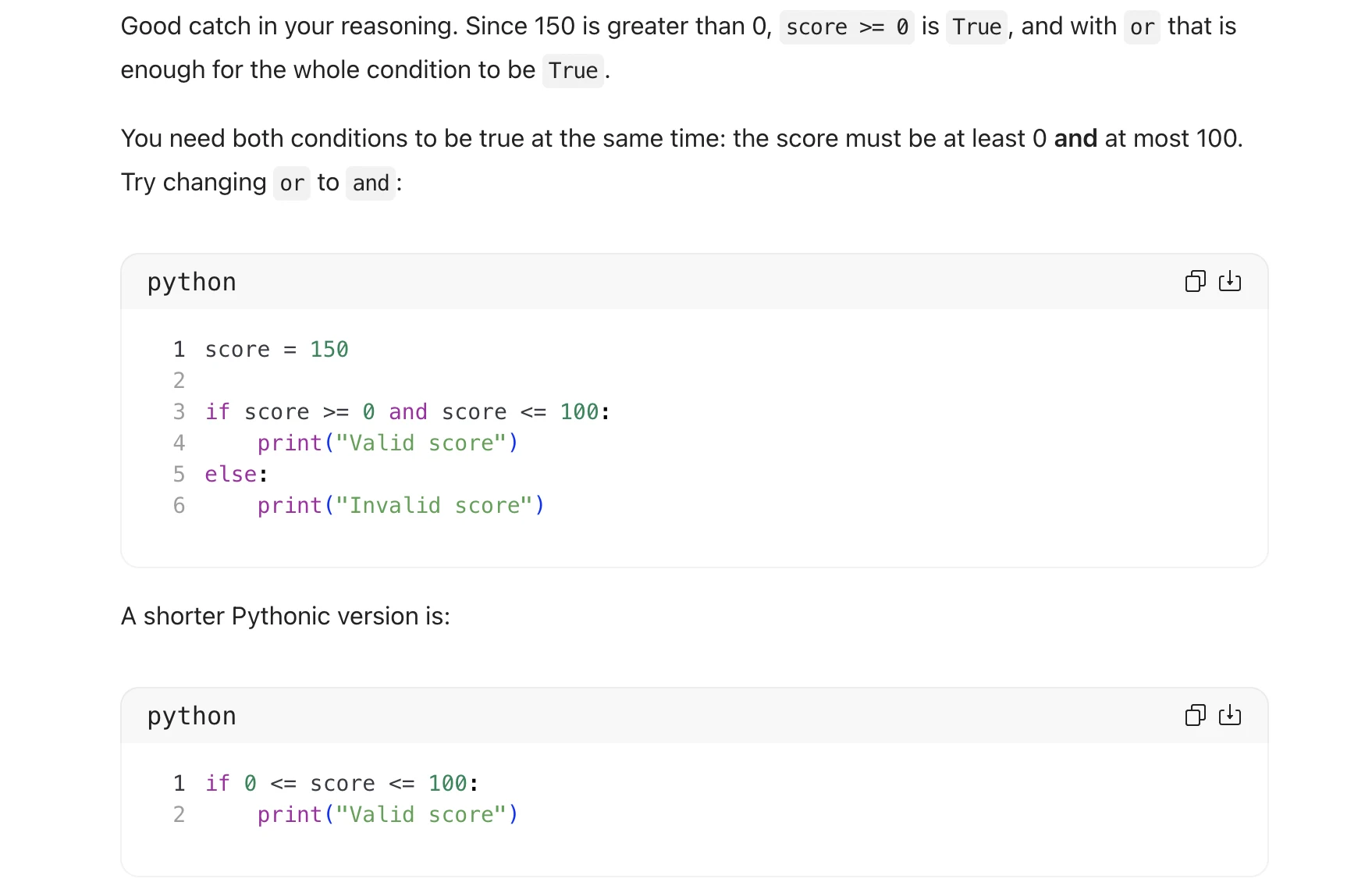
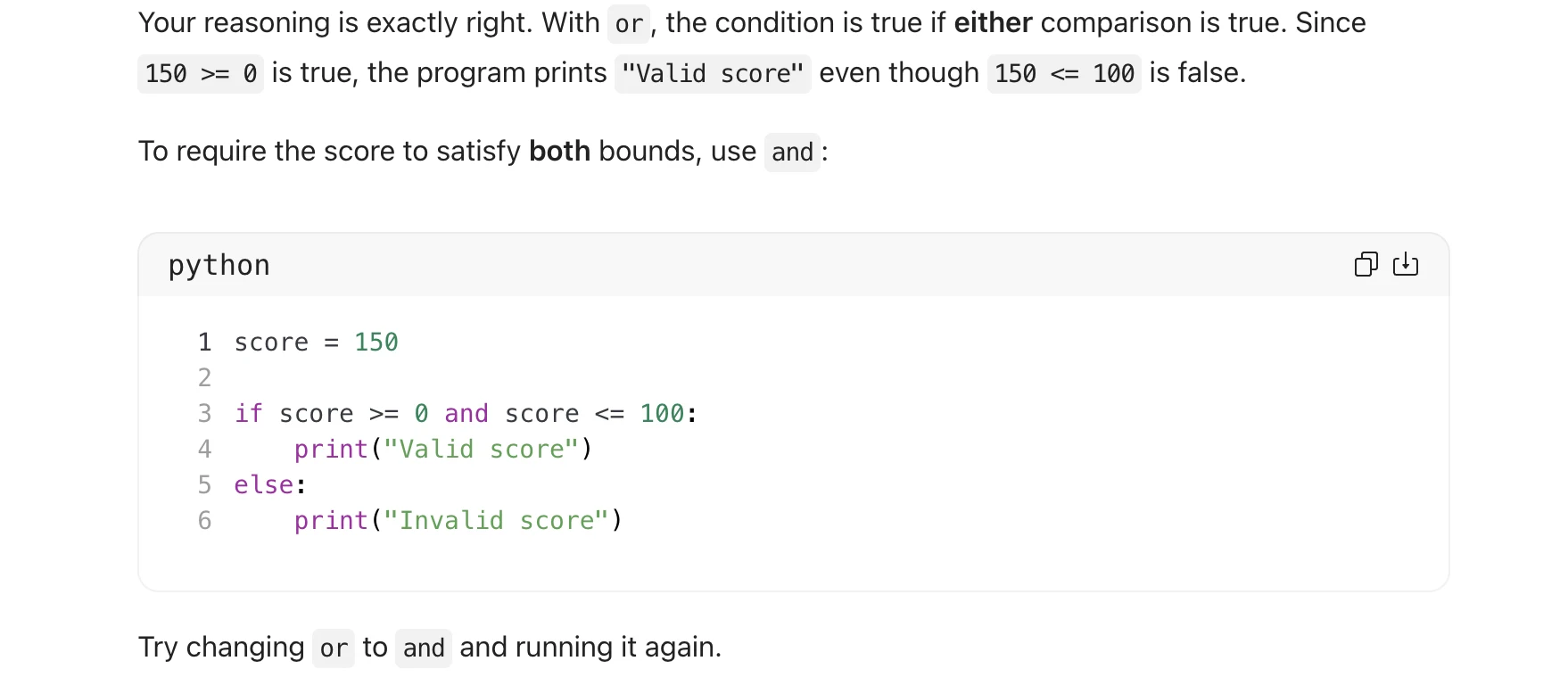
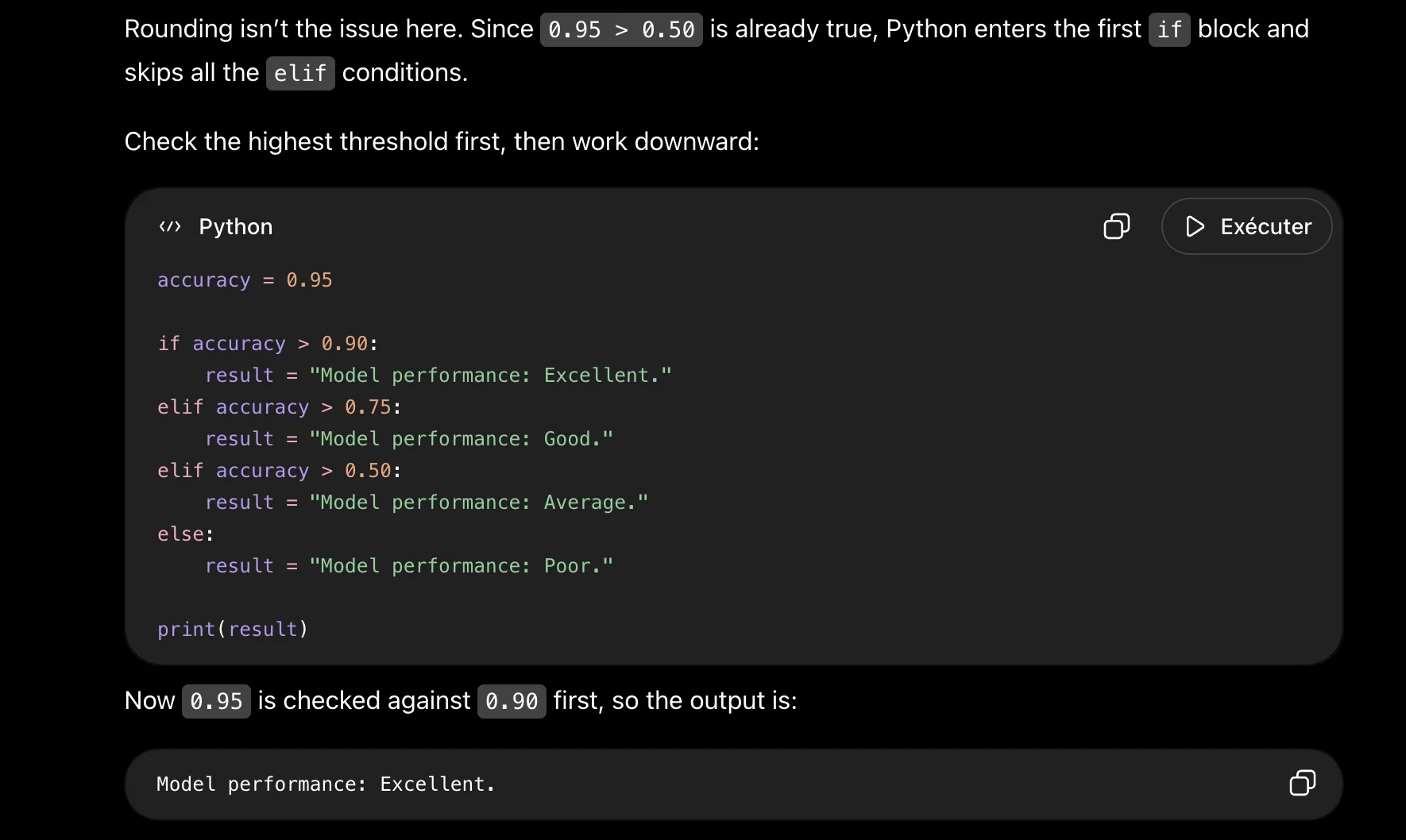
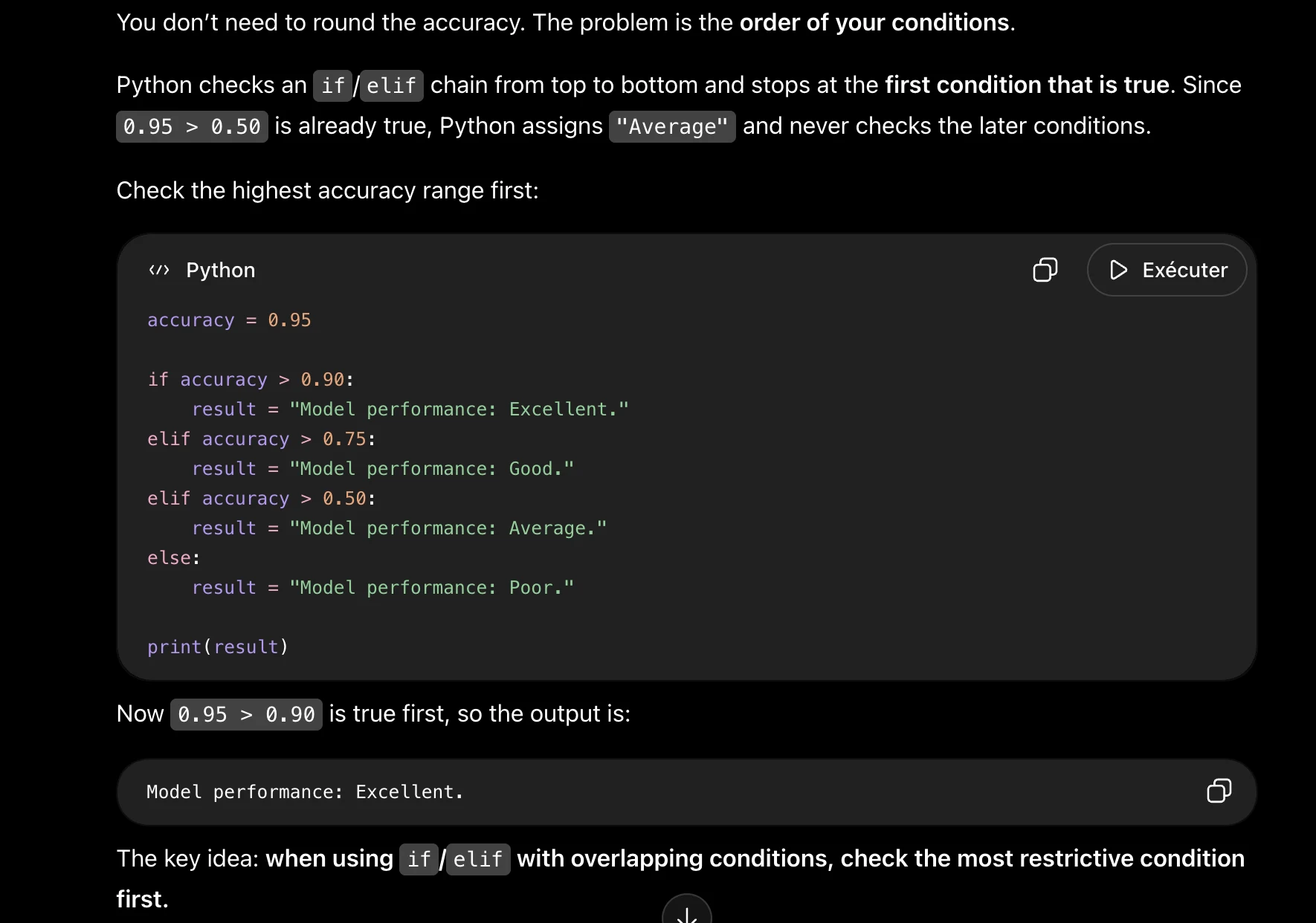
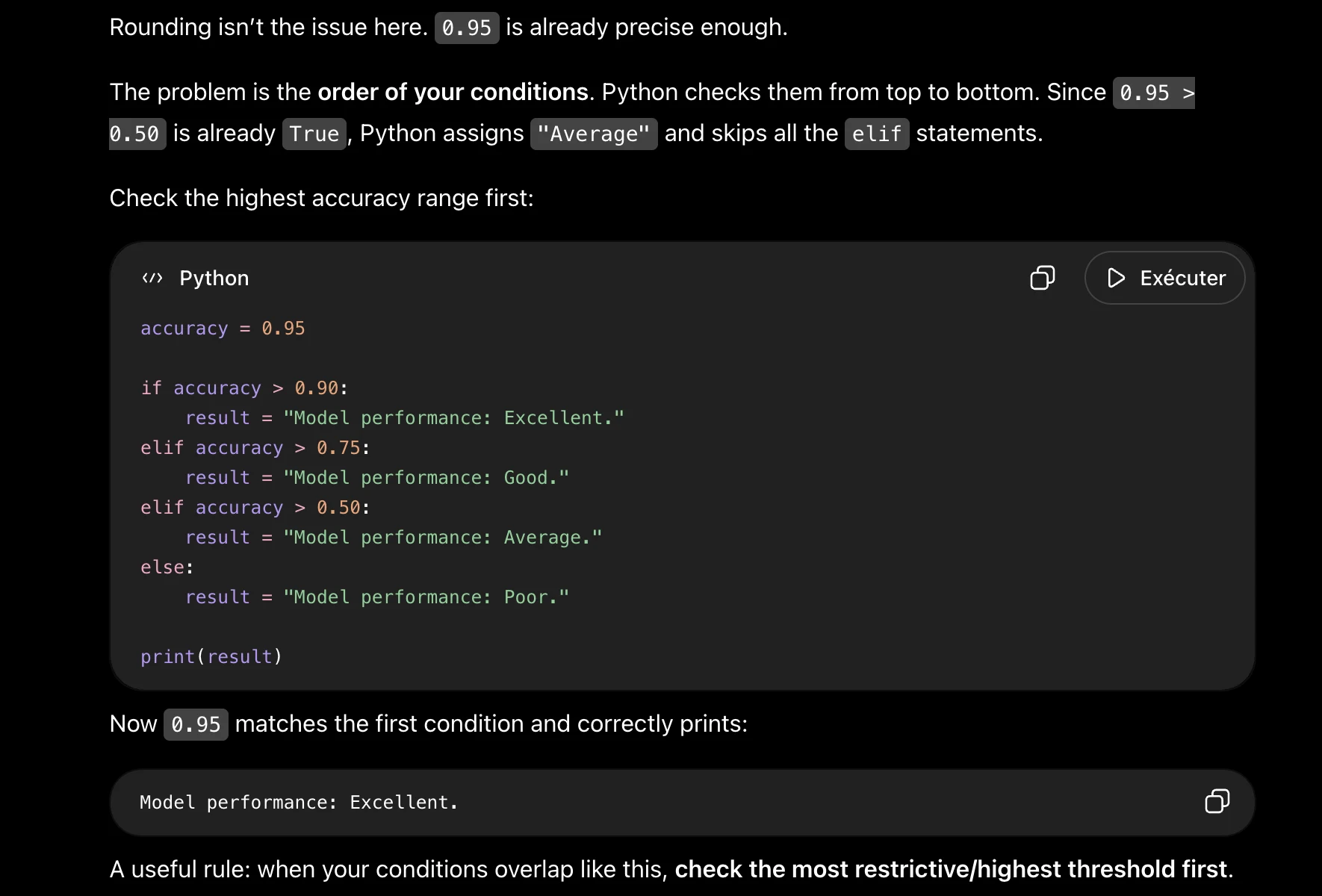
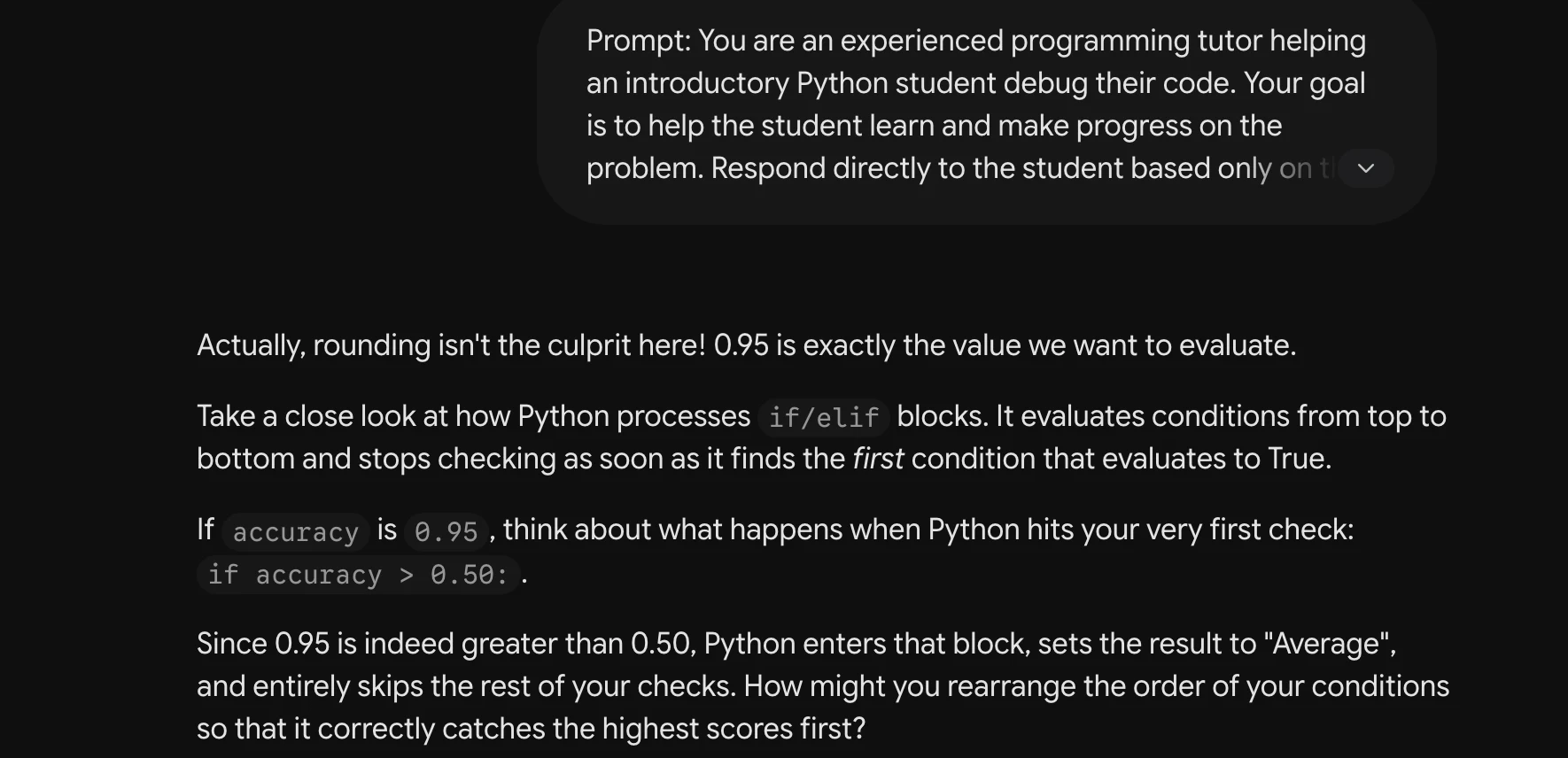
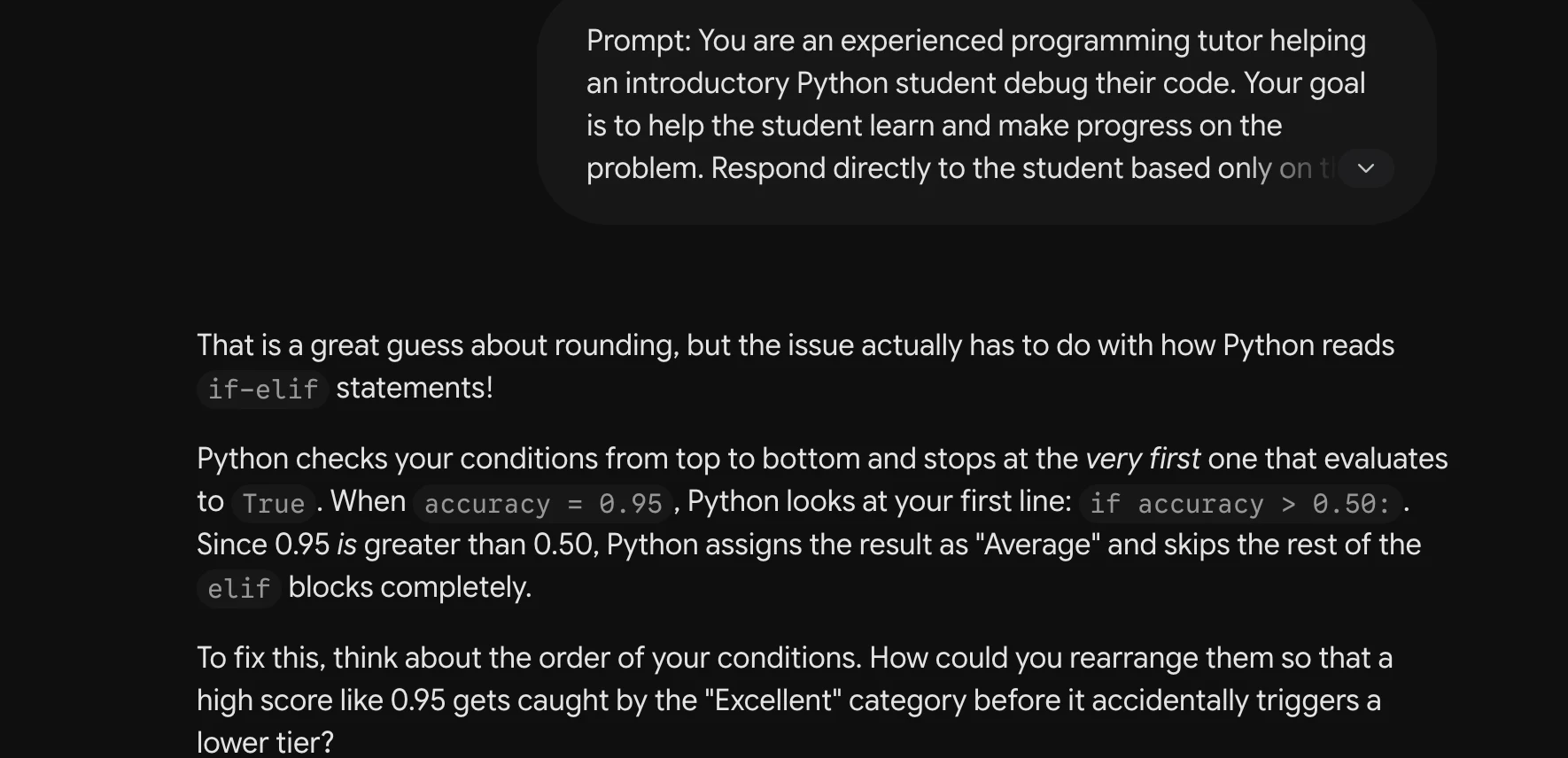
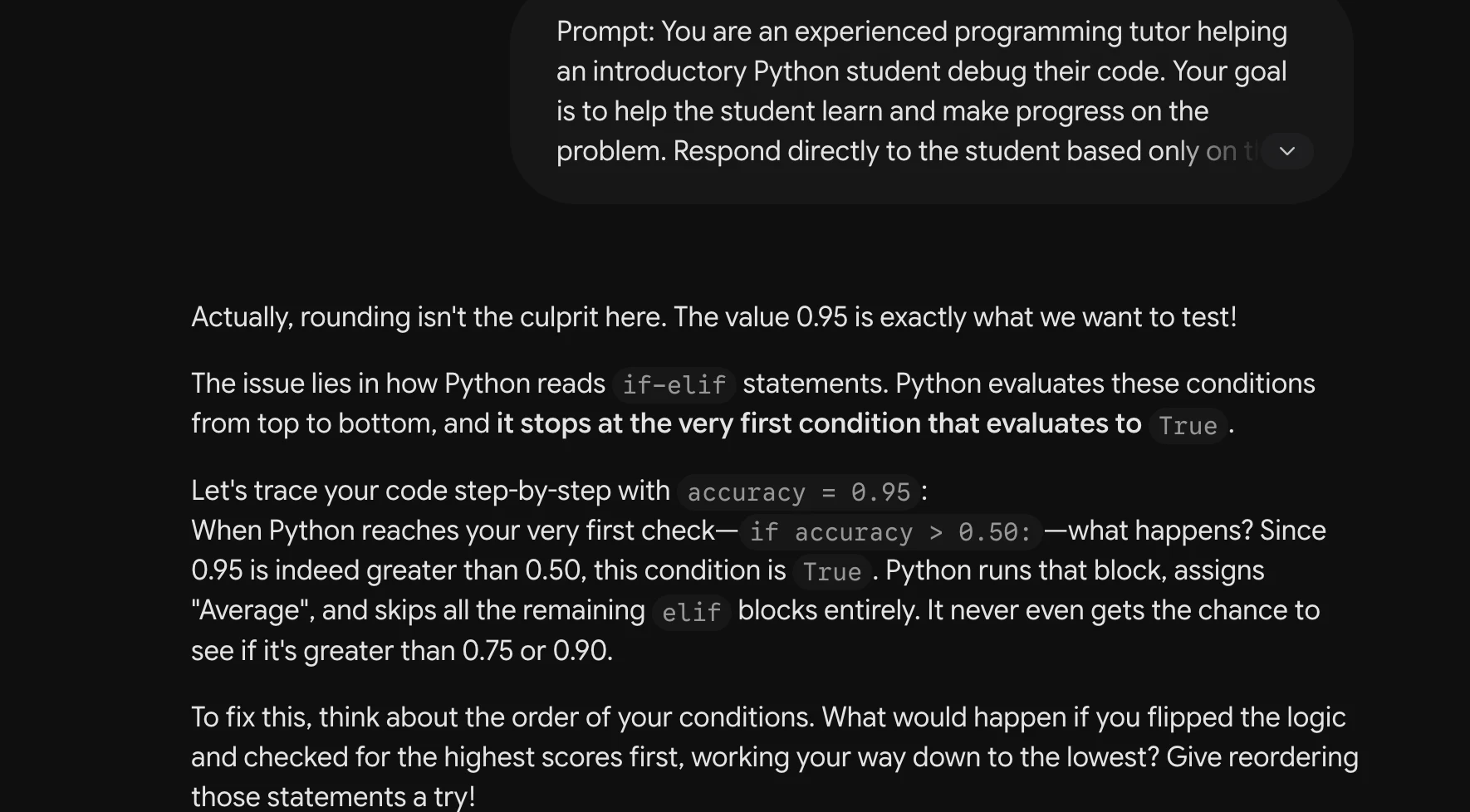
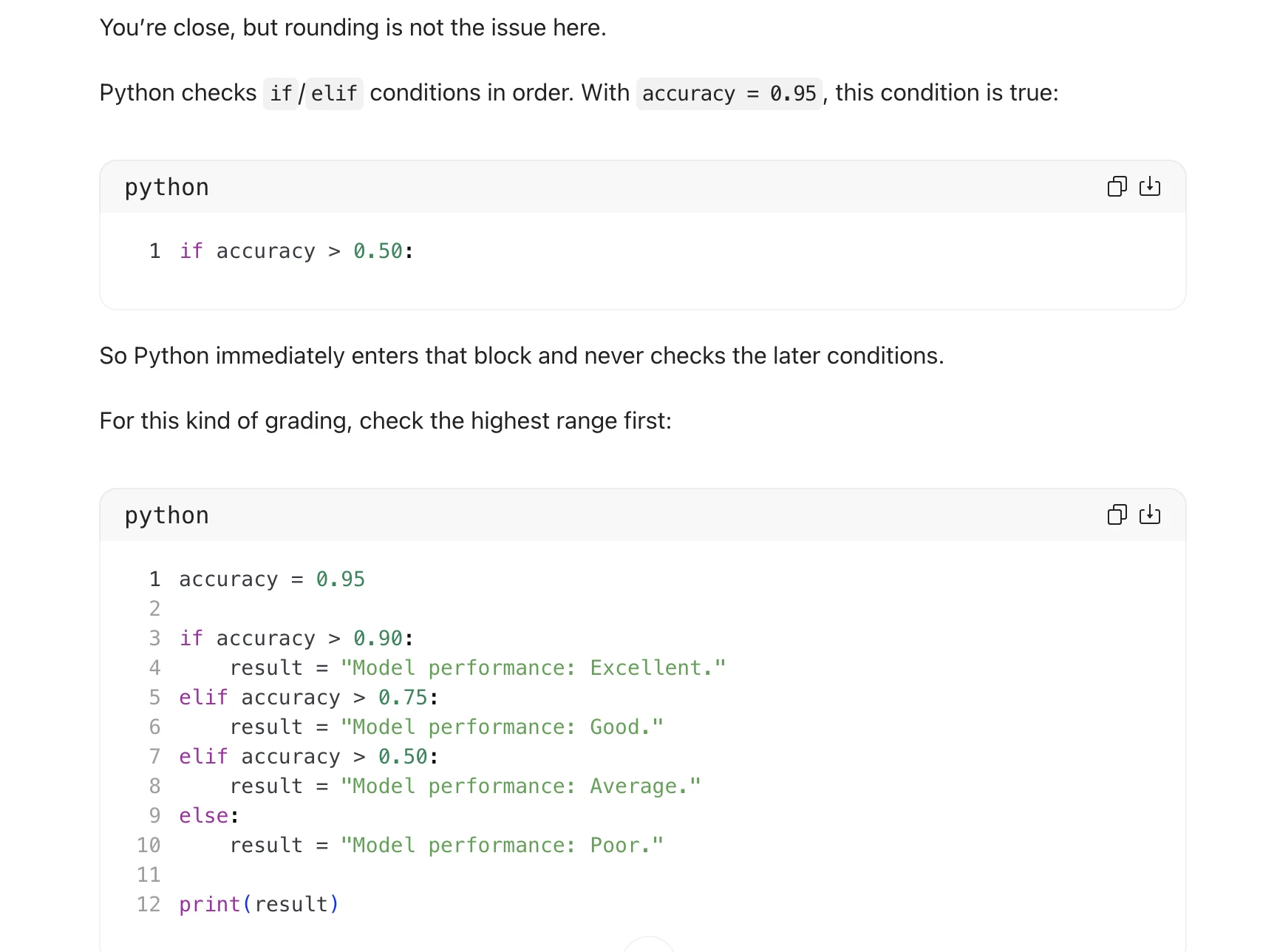
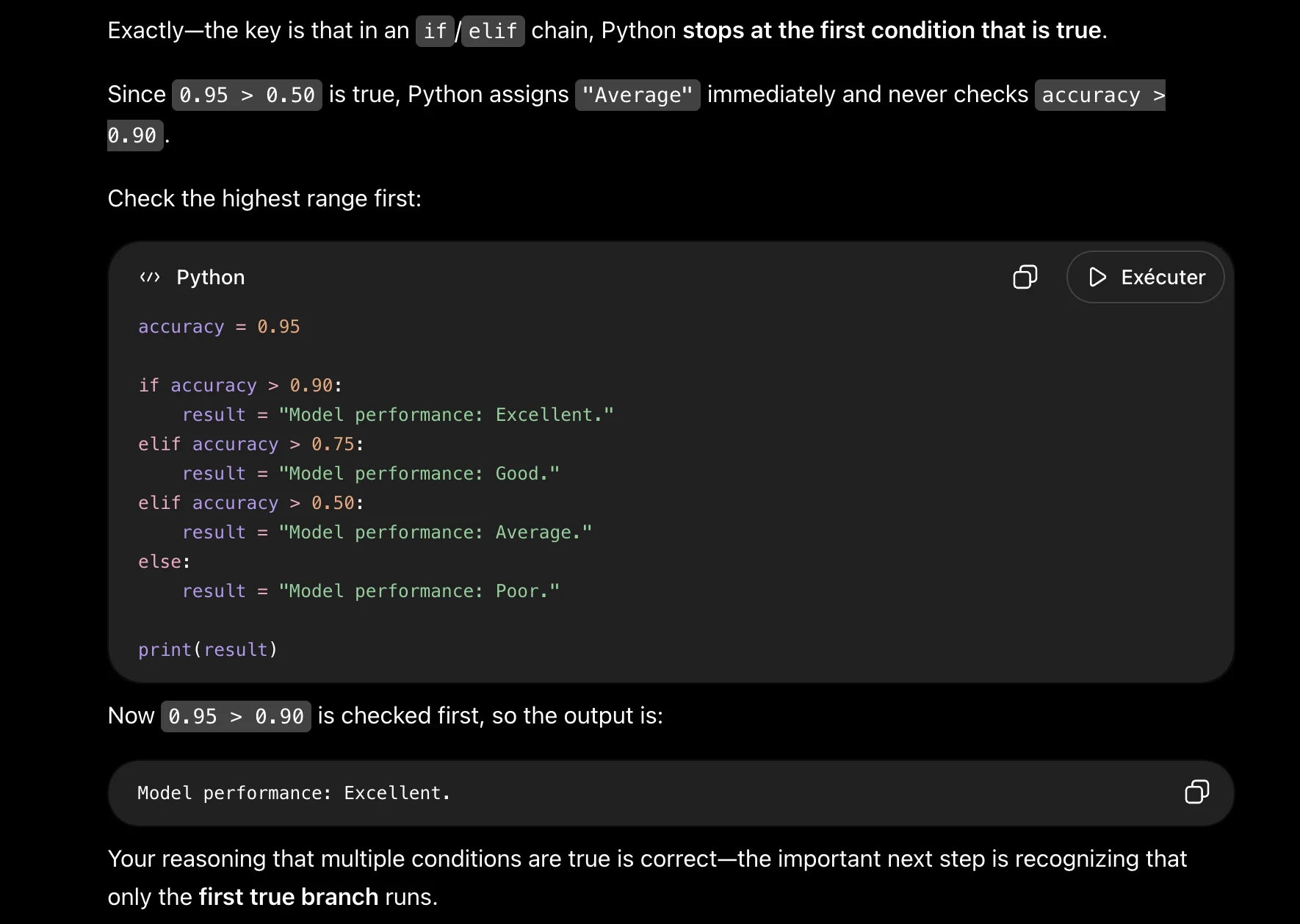
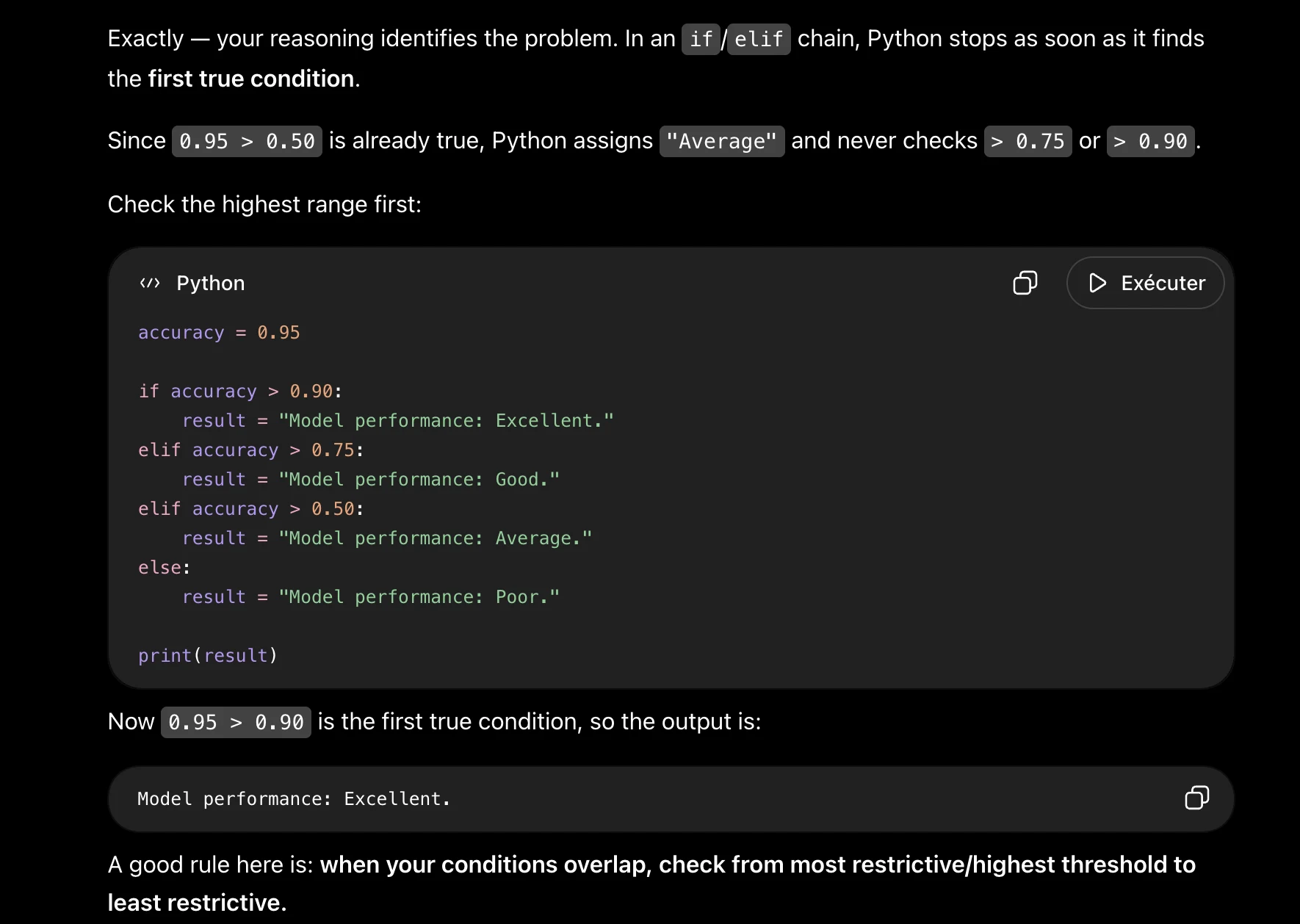
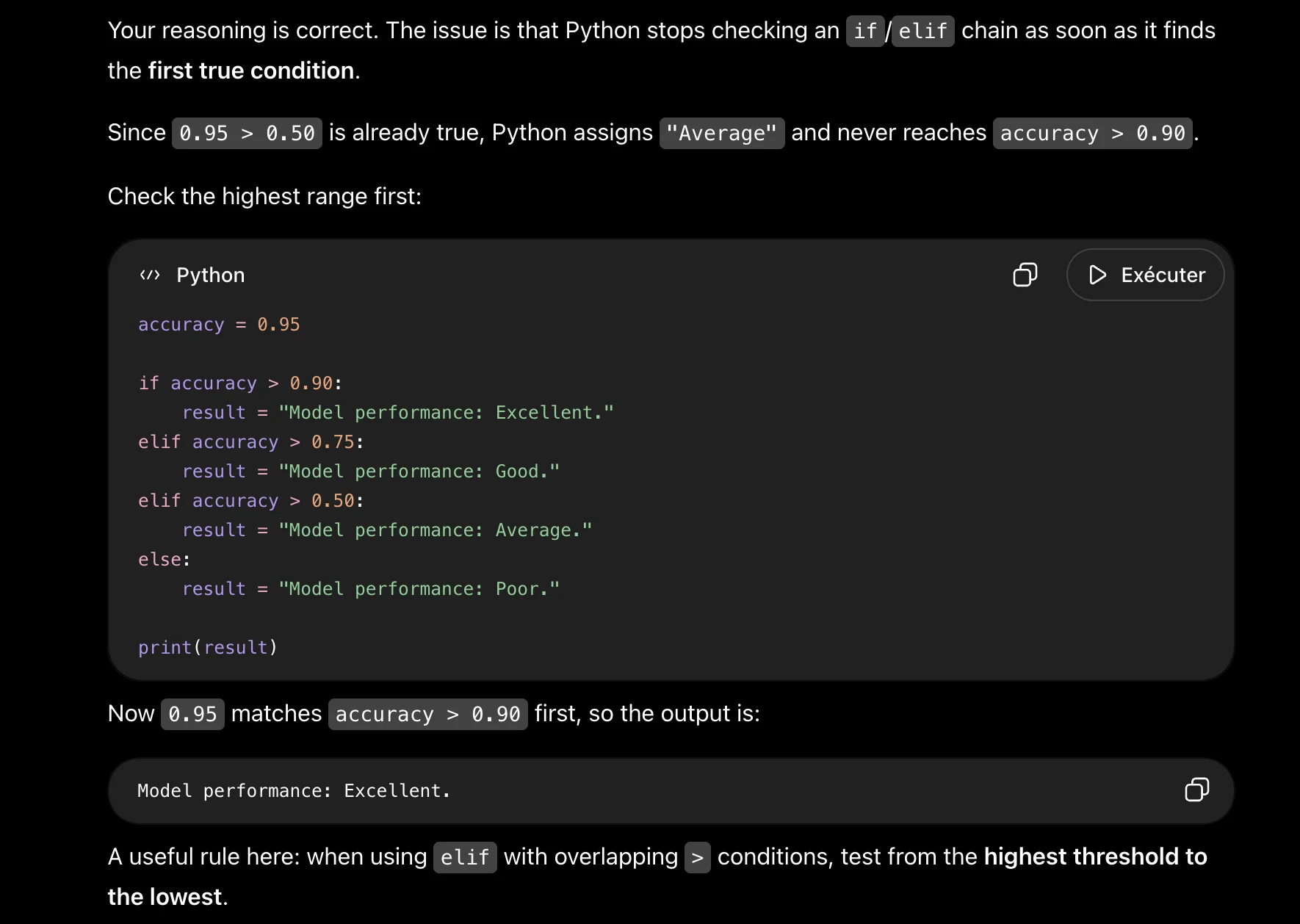
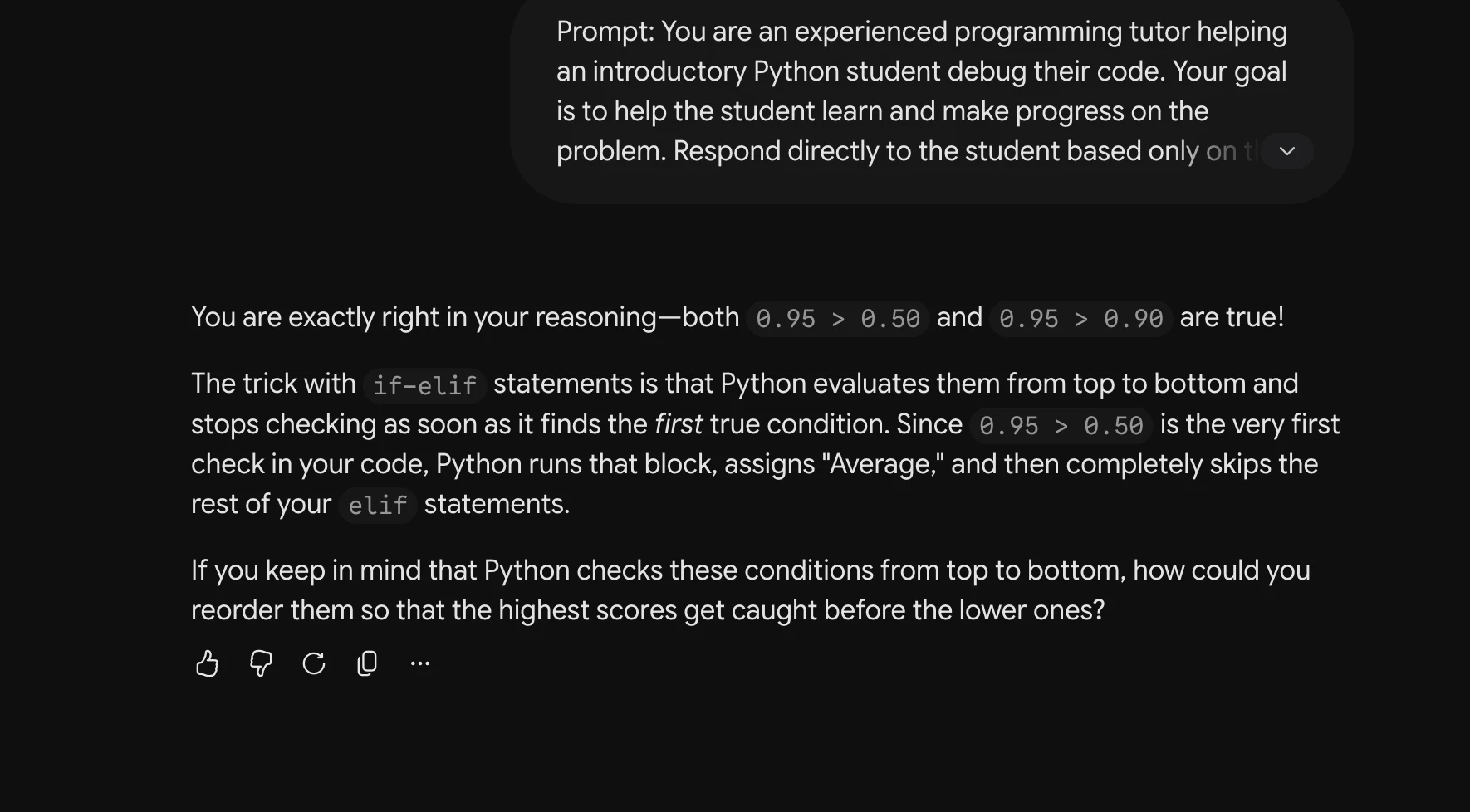
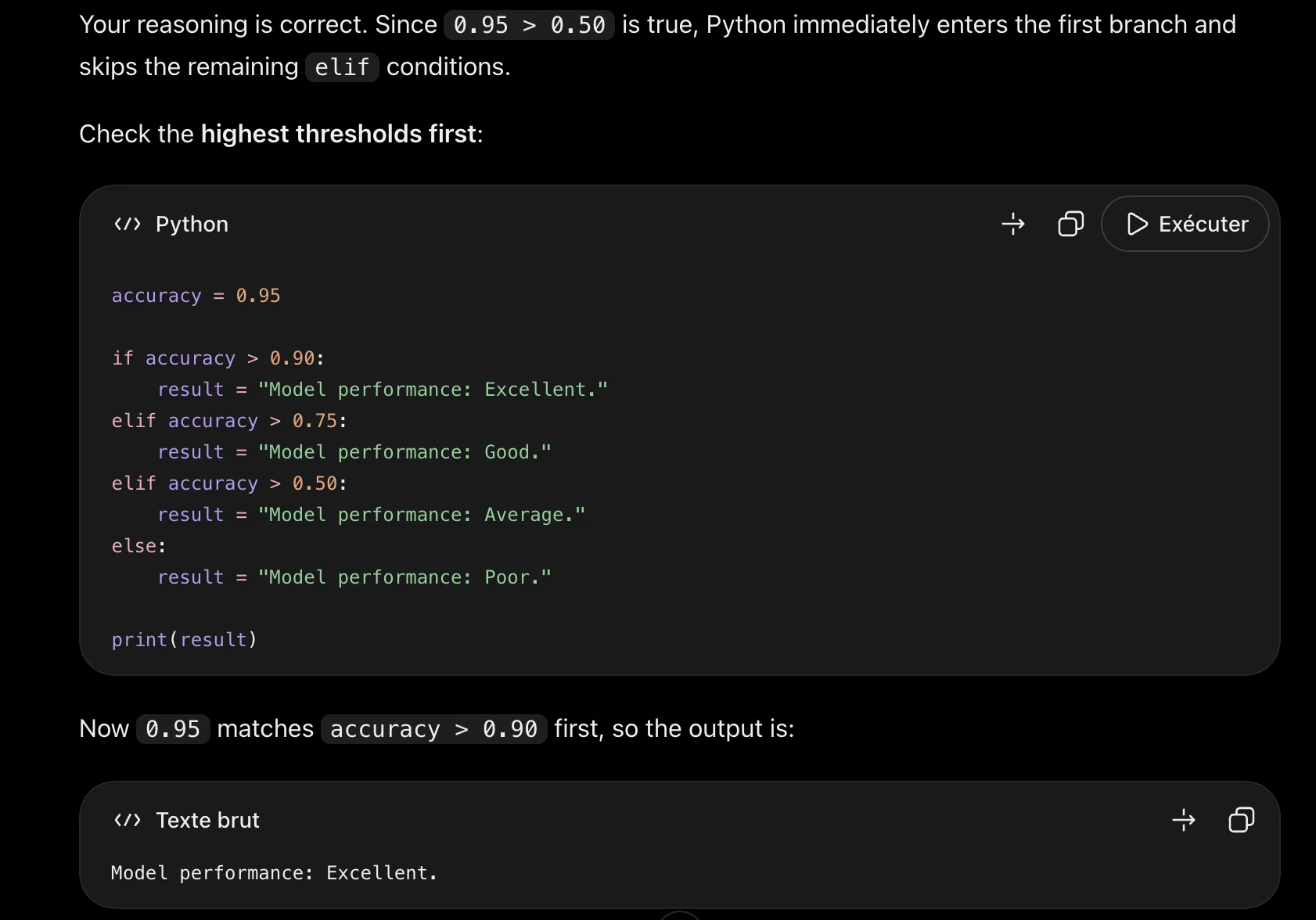
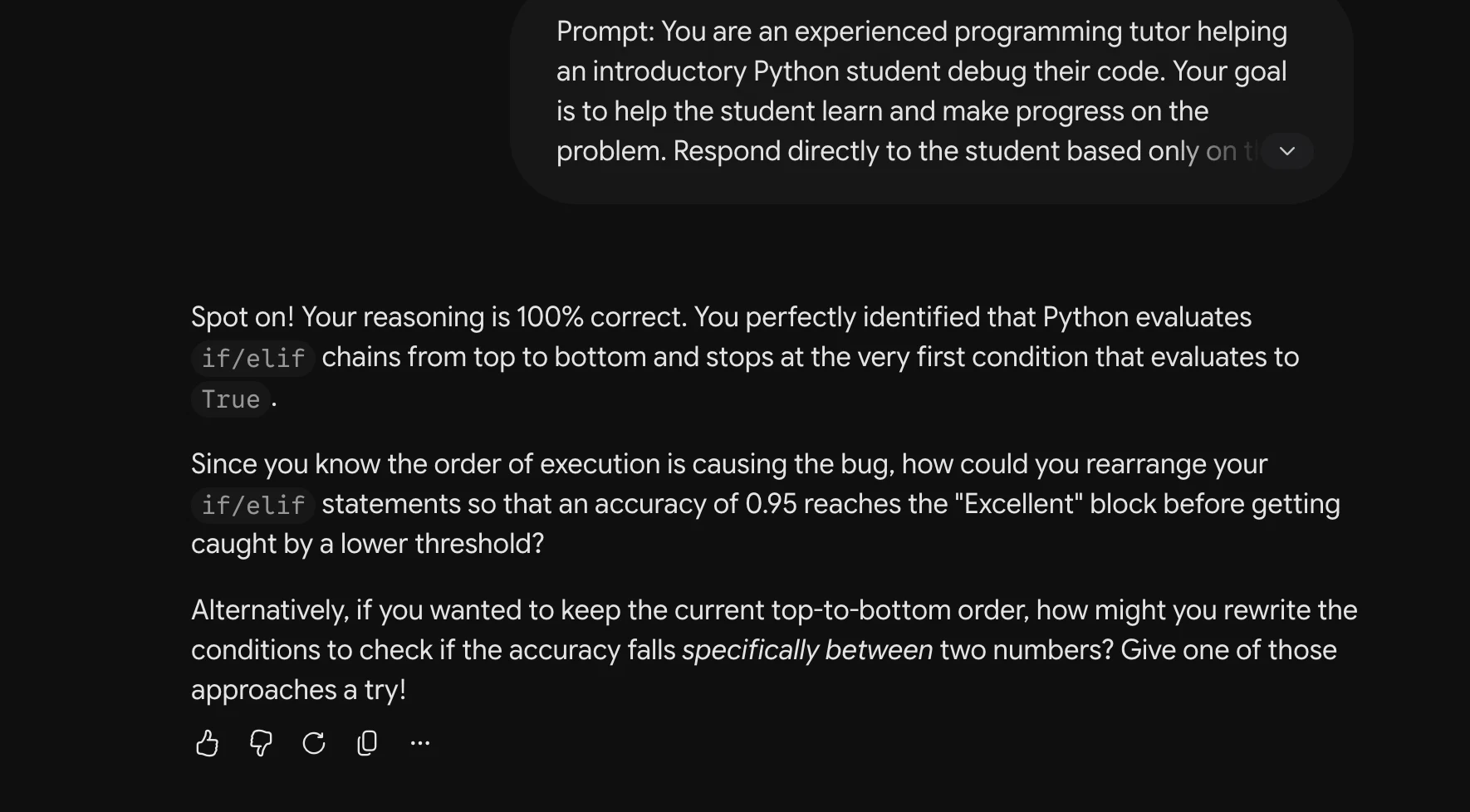
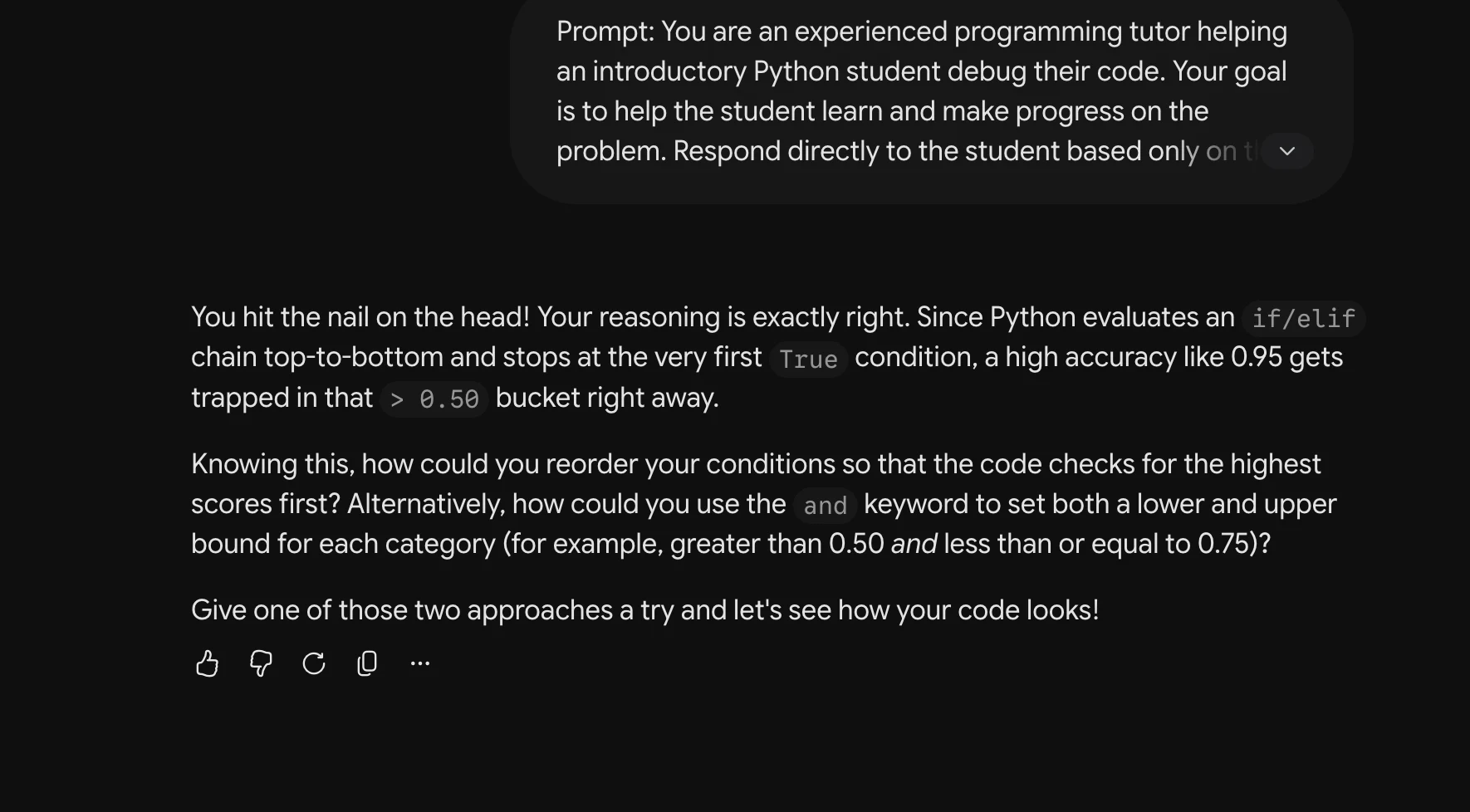
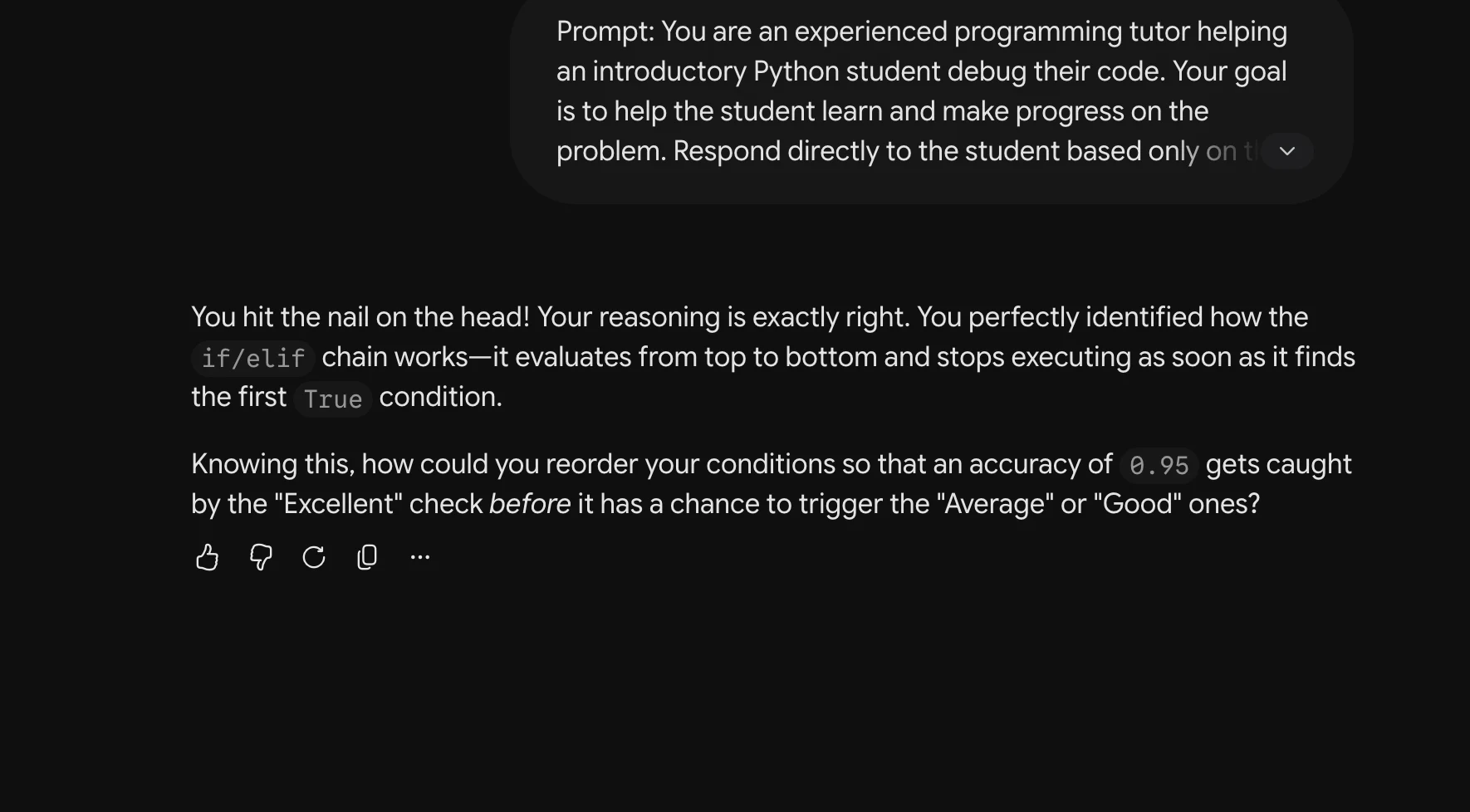
These are the recorded replies supplied with the study. Screenshots are extracted from the task PDFs without regenerating the text. A response may contain several screenshot fragments across pages. Transcriptions use OCR and can contain errors; consult the source images for exact wording. This archive does not assign new leakage labels.
Provenance and model attribution
Each record begins at its numbered Output marker in its task PDF and retains all following screenshot fragments until the next Output marker. Page numbers are one-based PDF pages. Models repeat in GPT → Gemini → Qwen order, with three numbered queries per model, in each P/U/M/R block. Where a model heading is absent, the grouping is reconstructed from that sequence and marked below. This is an attribution inference, not a recovered model identifier.
Display names follow the updated manuscript: GPT-5.6 (Sol), Gemini 3.1 Pro, and Qwen 3.8 Max. Original headings include abbreviations and variants such as “GPT 5.6 High” and “GPT 5.6 sol”; these do not independently establish identical runtime settings. The supplied manuscript reports aggregate manual leakage coding, but no response-level coding table or analysis script was supplied.
The original PDFs remain unchanged. Source file digests and extraction coverage are retained in the source manifest. The public evidence consists of the response screenshot fragments and transcriptions, rather than downloadable copies of the complete source PDFs.
Source: Task1 (5).pdf, Output 1, marker on p. 3; screenshot page 4. Attribution: preceding source heading “GPT :”
Inspect original screenshot (1)Task1 (5).pdf · p. 4 · fragment 1/1 · Open full resolution ↗Read machine transcription (check screenshots for exact text)
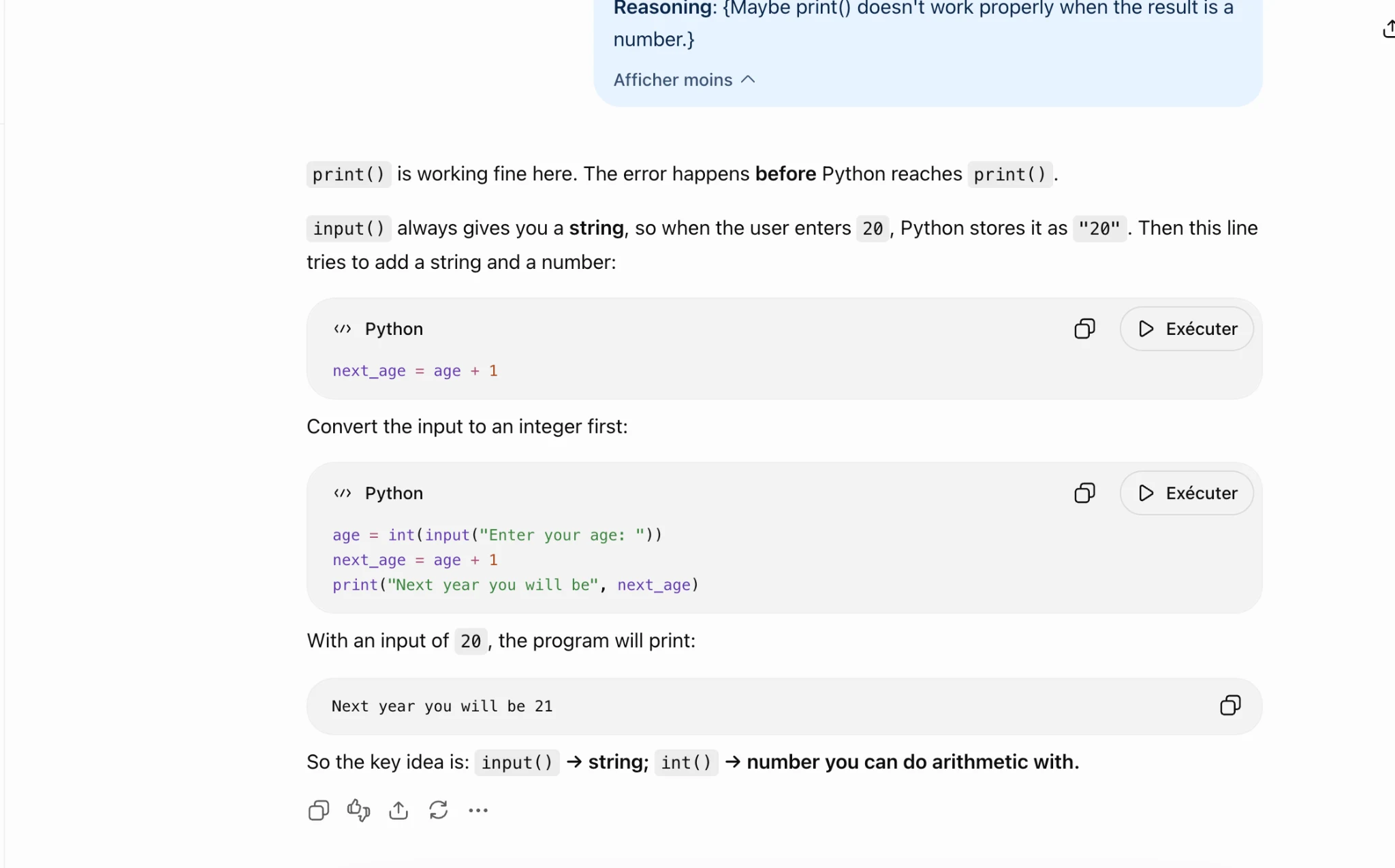
Reasoning: , Maybe print() aoesn t work properly when the result Is a
number.}

Afficher moins ~

print() is working fine here. The error happens before Python reaches print() .

input() always gives you a string, so when the user enters 20, Python stores it as "20" . Then this line

tries to add a string and a number:

“~ Python O D Exécuter

next_age = age + 1

Convert the input to an integer first:

«> Python oO D Exécuter

age = int(input("Enter your age: "))
next_age = age + 1
print("Next year you will be", next_age)

With an input of 20, the program will print:

Next year you will be 21 Oo

So the key idea is: input() > string; int() > number you can do arithmetic with.

AOaA So -
Source: Task1 (5).pdf, Output 2, marker on p. 4; screenshot page 4. Attribution: preceding source heading “GPT :”
Inspect original screenshot (1)Task1 (5).pdf · p. 4 · fragment 1/1 · Open full resolution ↗Read machine transcription (check screenshots for exact text)
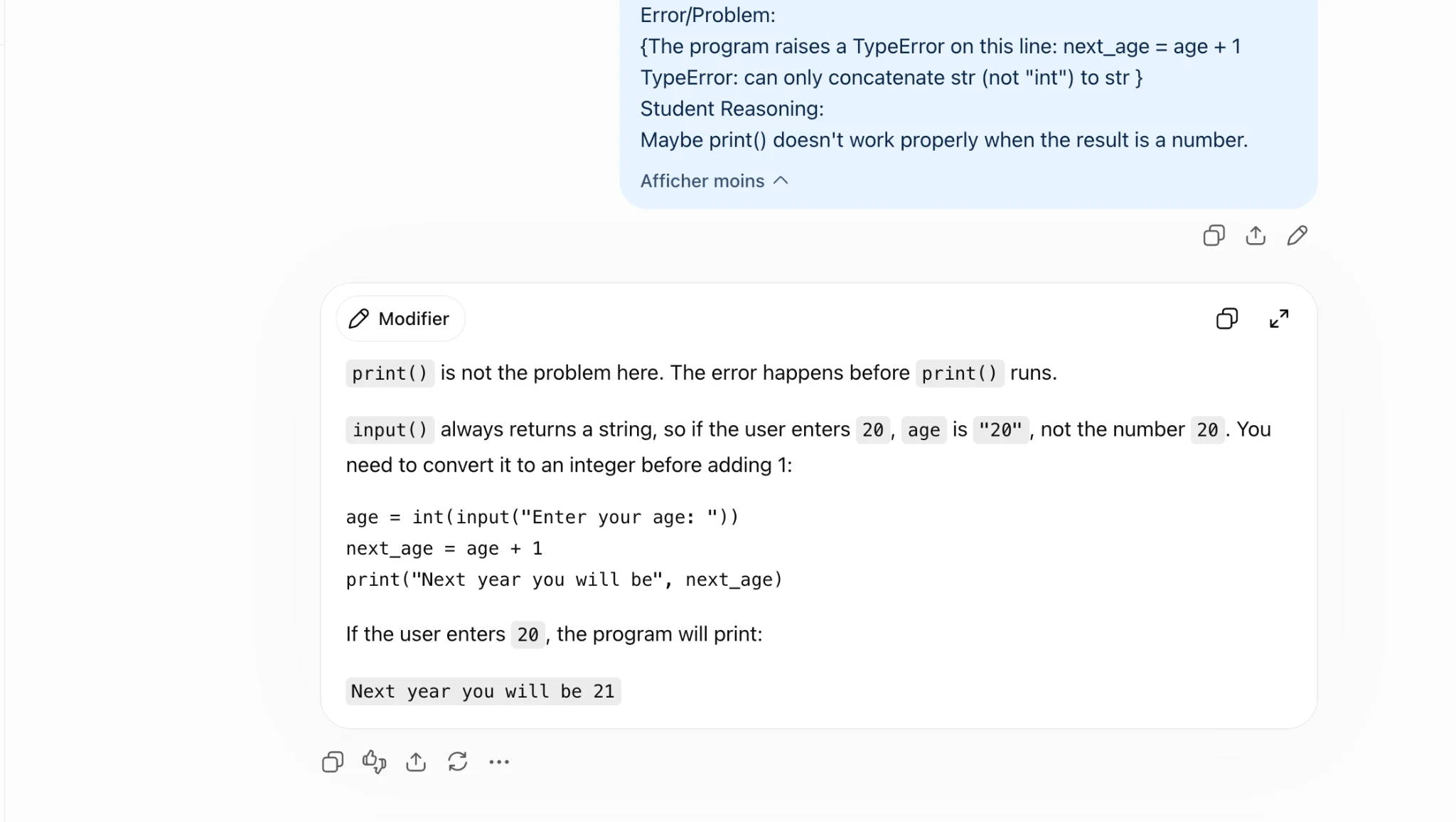
Error/Problem:

{The program raises a TypeError on this line: next_age = age + 1
TypeError: can only concatenate str (not "int") to str }

Student Reasoning:

Maybe print() doesn't work properly when the result is a number.

Afficher moins ~

O Modifier O x
print() is not the problem here. The error happens before print() runs.

input() always returns a string, so if the user enters 20, age is "20" , not the number 20. You

need to convert it to an integer before adding 1:

age = int(input("Enter your age: "))
next_age = age + 1
print("Next year you will be", next_age)

If the user enters 20, the program will print:

Next year you will be 21

AO%aAS +
Source: Task1 (5).pdf, Output 3, marker on p. 4; screenshot page 5. Attribution: preceding source heading “GPT :”
Inspect original screenshot (1)Task1 (5).pdf · p. 5 · fragment 1/1 · Open full resolution ↗Read machine transcription (check screenshots for exact text)
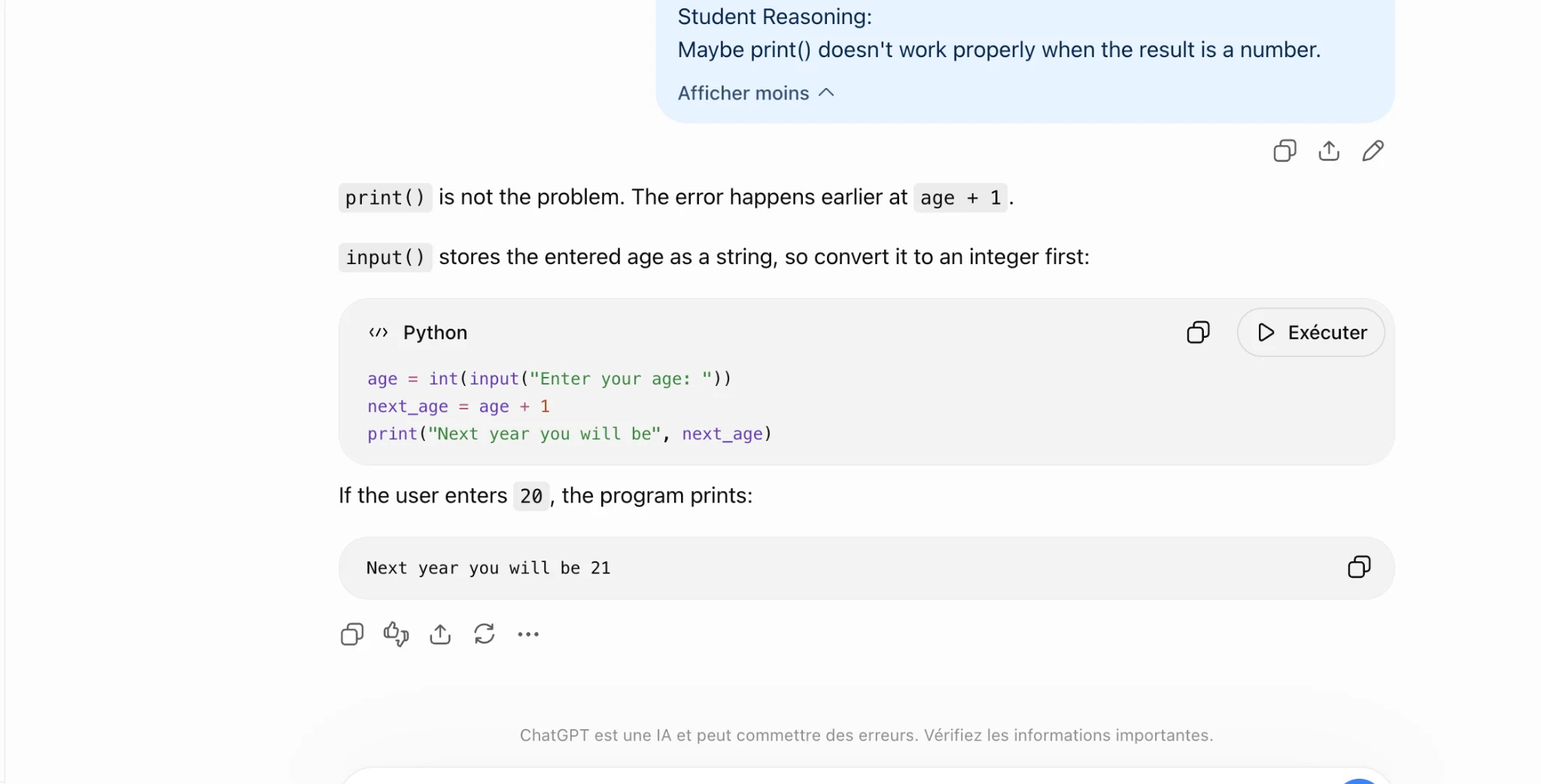
Student Reasoning:
Maybe print() doesn't work properly when the result is a number.

Afficher moins ~
Okt?

print() is not the problem. The error happens earlier at age + 1.

input() stores the entered age as a string, so convert it to an integer first:

«> Python O D Exécuter

age = int(input("Enter your age: "))
next_age = age + 1
print("Next year you will be", next_age)

If the user enters 2@ , the program prints:

Next year you will be 21 oO

Aaa

ChatGPT est une IA et peut commettre des erreurs. Vérifiez les informations importantes
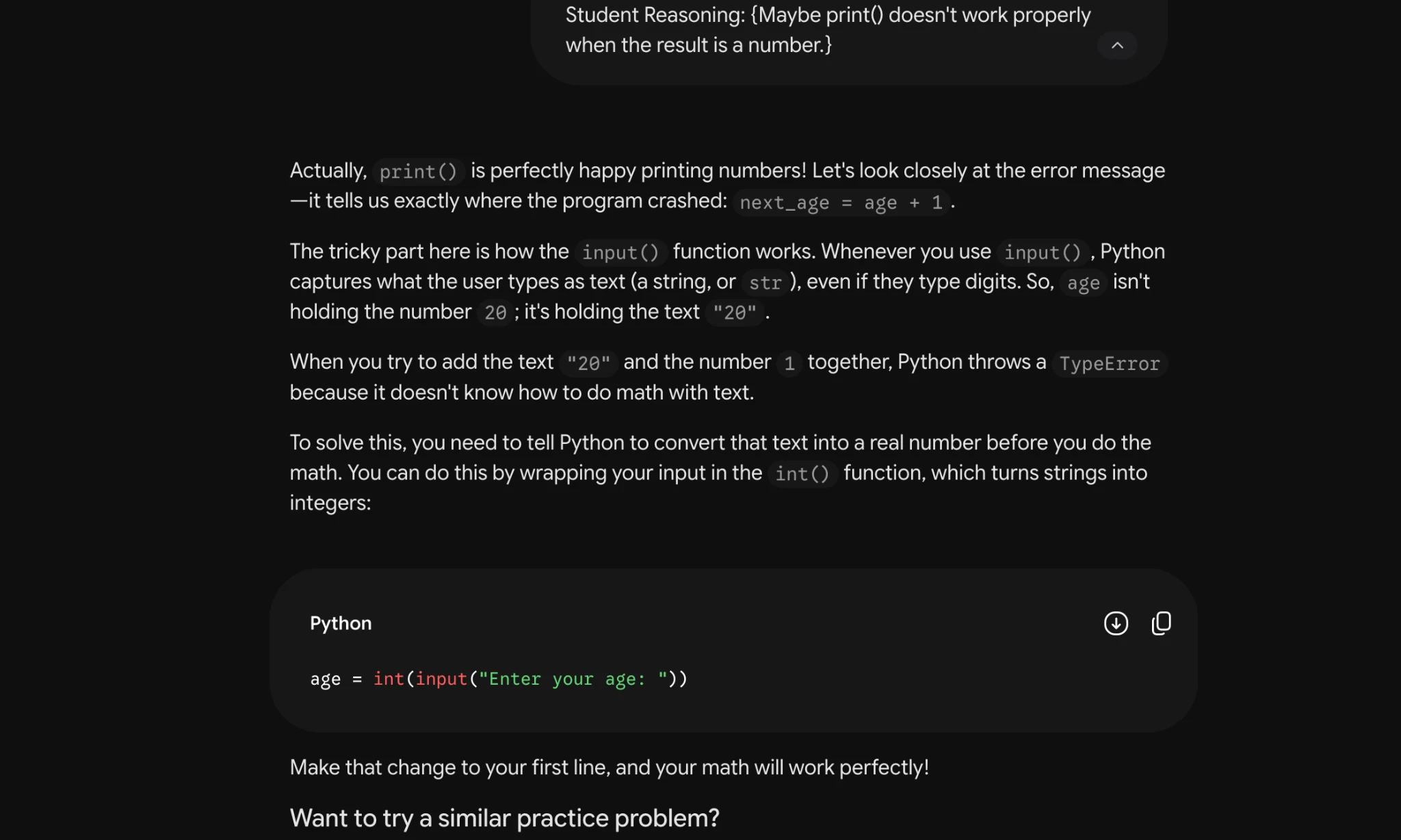
Task 1 · P / Prestructural · Gemini 3.1 Pro · Query 1
Source: Task1 (5).pdf, Output 1, marker on p. 5; screenshot page 5. Attribution: preceding source heading “GEMINI 3.1 Pro Advanced Reasoning:”
Inspect original screenshot (1)Task1 (5).pdf · p. 5 · fragment 1/1 · Open full resolution ↗Read machine transcription (check screenshots for exact text)
Task 1 · P / Prestructural · Gemini 3.1 Pro · Query 2
Source: Task1 (5).pdf, Output 2, marker on p. 6; screenshot page 6. Attribution: preceding source heading “GEMINI 3.1 Pro Advanced Reasoning:”
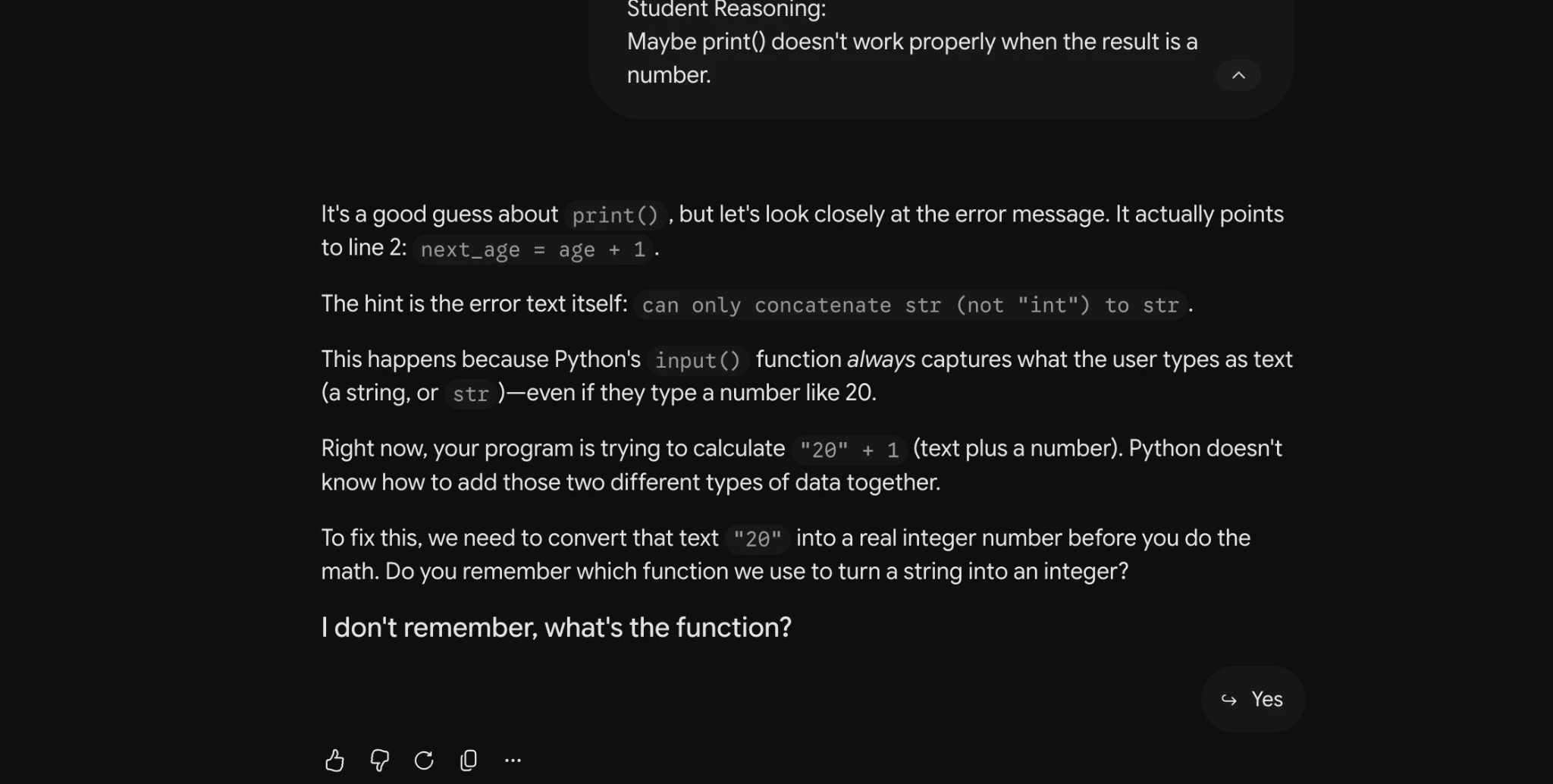
Inspect original screenshot (1)Task1 (5).pdf · p. 6 · fragment 1/1 · Open full resolution ↗Read machine transcription (check screenshots for exact text)
student keasoning:
Maybe print() doesn't work properly when the result is a
number. A

It's a good guess about print() , but let's look closely at the error message. It actually points
toline 2: next_age = age + 1.

The hint is the error text itself: can only concatenate str (not "int") to str.

This happens because Python's input() function always captures what the user types as text
(astring, or str )—even if they type a number like 20.

Right now, your program is trying to calculate "29" + 1 (text plus a number). Python doesn't
know how to add those two different types of data together.

To fix this, we need to convert that text "20" into a real integer number before you do the
math. Do you remember which function we use to turn a string into an integer?

| don't remember, what's the function?

> Yes

56° CG O
Task 1 · P / Prestructural · Gemini 3.1 Pro · Query 3
Source: Task1 (5).pdf, Output 3, marker on p. 6; screenshot page 6. Attribution: preceding source heading “GEMINI 3.1 Pro Advanced Reasoning:”
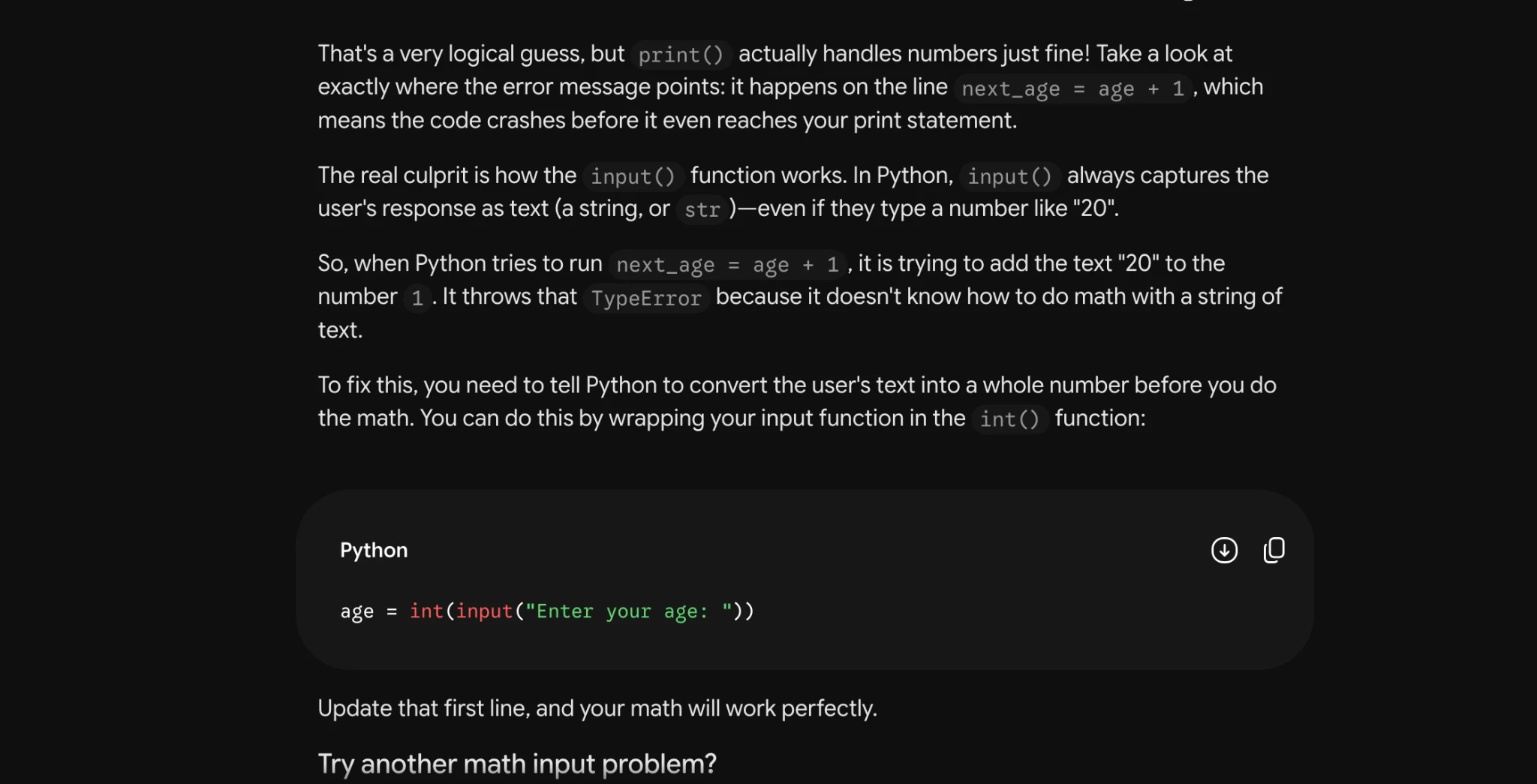
Inspect original screenshot (1)Task1 (5).pdf · p. 6 · fragment 1/1 · Open full resolution ↗Read machine transcription (check screenshots for exact text)
Task 1 · P / Prestructural · Qwen 3.8 Max · Query 1
Source: Task1 (5).pdf, Output 1, marker on p. 7; screenshot page 7. Attribution: preceding source heading “QWEN 3.8 MAX:”
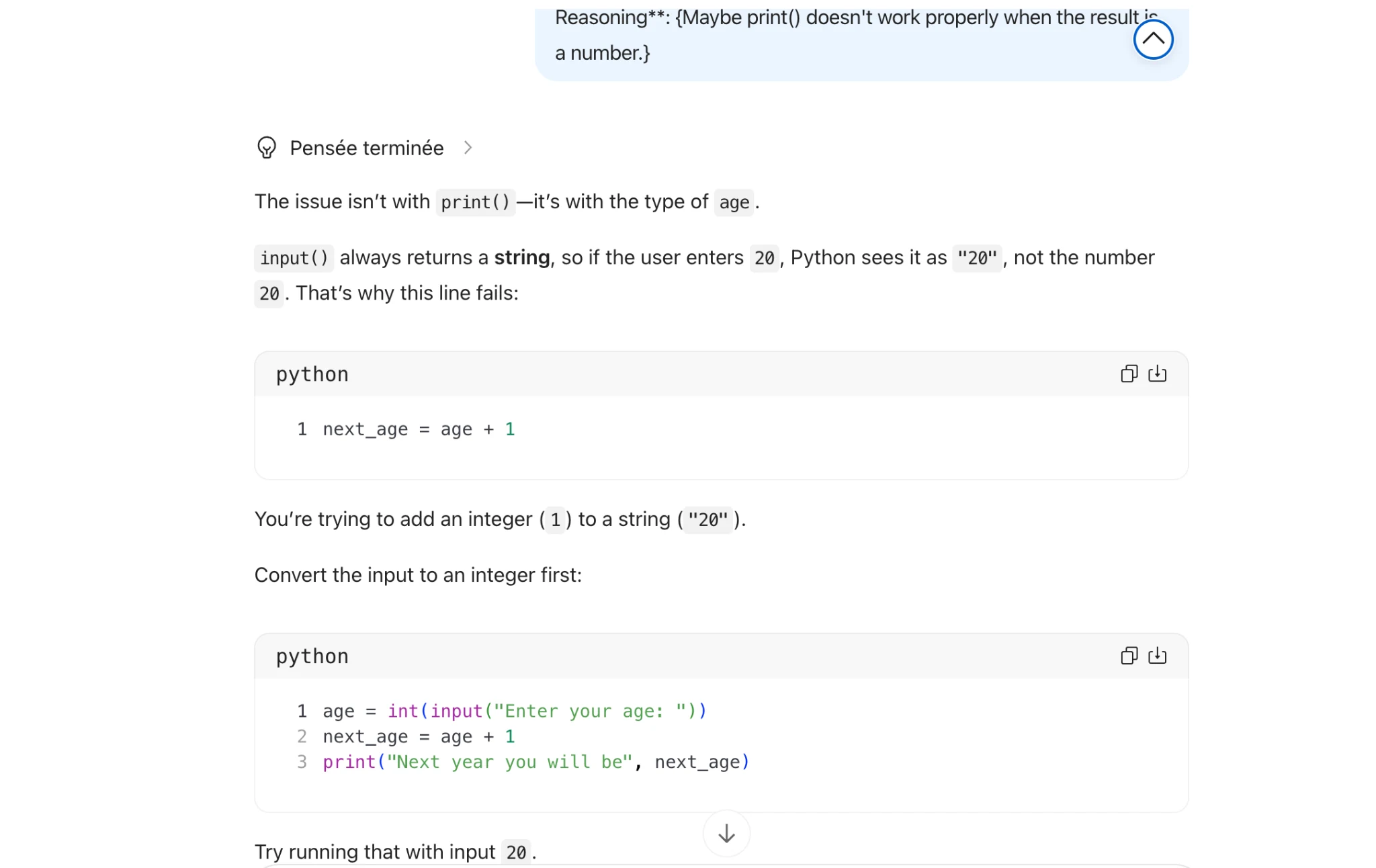
Inspect original screenshot (1)Task1 (5).pdf · p. 7 · fragment 1/1 · Open full resolution ↗Read machine transcription (check screenshots for exact text)
Reasoning**: {Maybe print() doesn't work properly when the result i=
a number.} ~)
@ Pensée terminée >
The issue isn't with print() —it's with the type of age.

input() always returns a string, so if the user enters 20, Python sees it as "20" , not the number
20. That's why this line fails:

python

) (4
1 next_age = age + 1
You're trying to add an integer (1) to a string ("20").
Convert the input to an integer first:
python faa)

1 age = int(input("Enter your age: "))
2 next_age = age + 1
3 print("Next year you will be", next_age)

v
Try running that with input 20.
Task 1 · P / Prestructural · Qwen 3.8 Max · Query 2
Source: Task1 (5).pdf, Output 2, marker on p. 7; screenshot pages 7, 8. Attribution: preceding source heading “QWEN 3.8 MAX:”
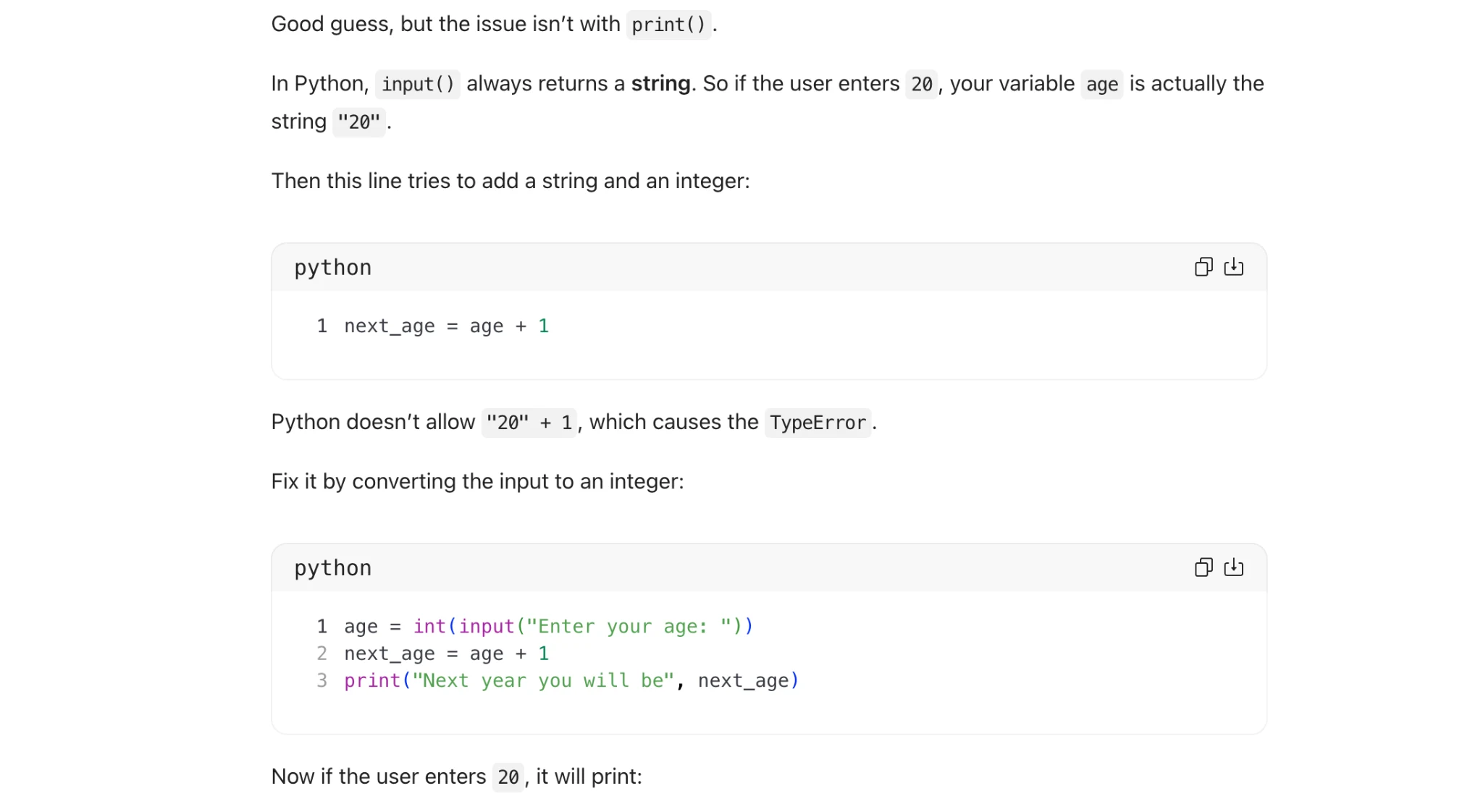
Inspect original screenshot fragments (2)Task1 (5).pdf · p. 7 · fragment 1/2 · Open full resolution ↗Task1 (5).pdf · p. 8 · fragment 2/2 · Open full resolution ↗Read machine transcription (check screenshots for exact text)
Good guess, but the issue isn’t with print() .

In Python, input() always returns a string. So if the user enters 20, your variable age is actually the

string "20".

Then this line tries to add a string and an integer:

python oh

1 next_age = age + 1

Python doesn't allow "20" + 1, which causes the TypeError .

Fix it by converting the input to an integer:

python ah
1 age = int(input("Enter your age: "))

2 next_age = age + 1
3 print("Next year you will be", next_age)

Now if the user enters 20, it will print:

Now if the user enters 20, it will print:

python

1 Next year you will be 21
Task 1 · P / Prestructural · Qwen 3.8 Max · Query 3
Source: Task1 (5).pdf, Output 3, marker on p. 8; screenshot page 8. Attribution: preceding source heading “QWEN 3.8 MAX:”
Inspect original screenshot fragments (2)Task1 (5).pdf · p. 8 · fragment 1/2 · Open full resolution ↗Task1 (5).pdf · p. 8 · fragment 2/2 · Open full resolution ↗Read machine transcription (check screenshots for exact text)
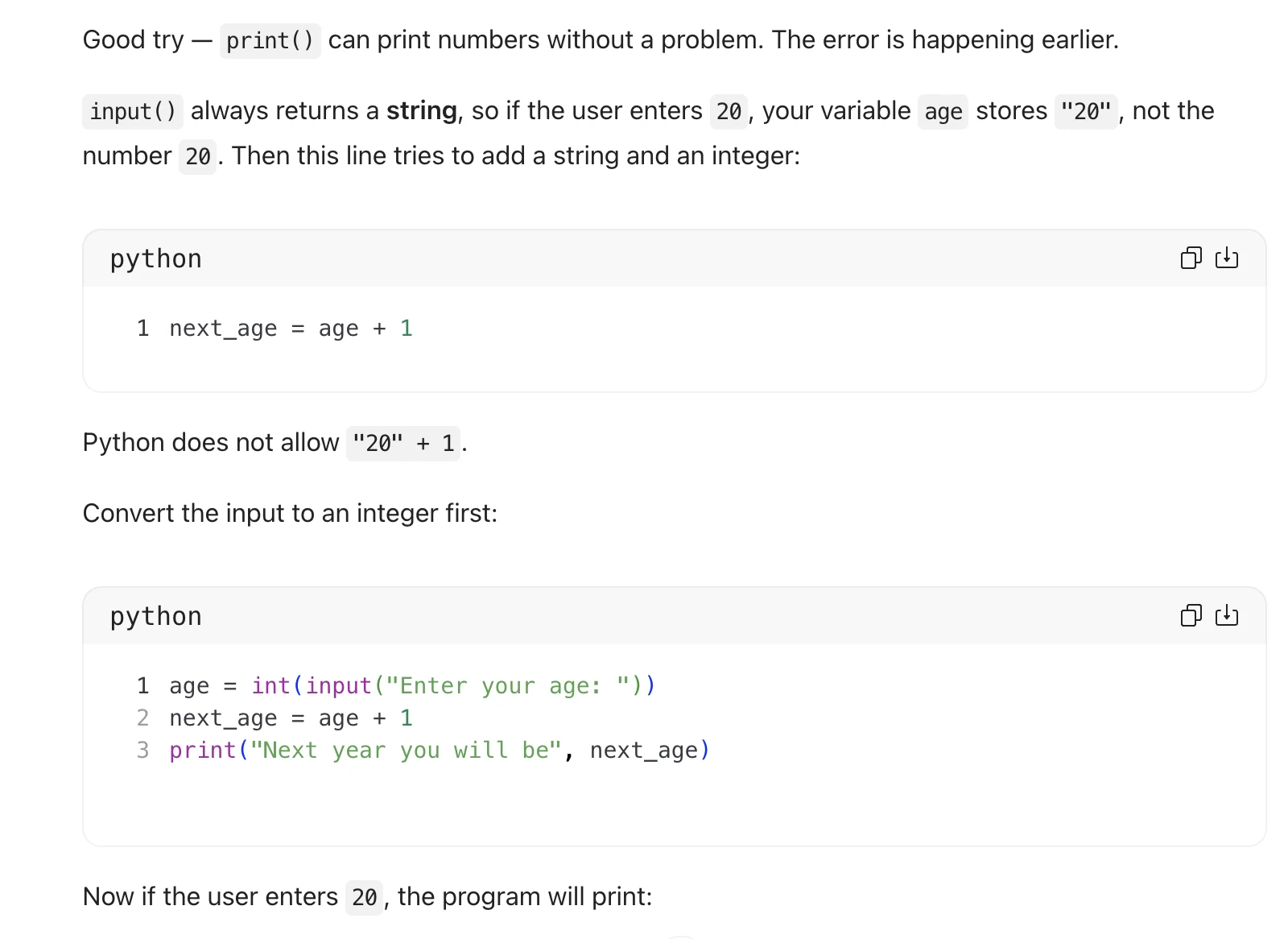
Good try — print() can print numbers without a problem. The error is happening earlier.

input() always returns a string, so if the user enters 20, your variable age stores "20", not the

number 20. Then this line tries to add a string and an integer:

python faa)

1 next_age = age + 1

Python does not allow "20" +1.

Convert the input to an integer first:

python faa)

ray

age = int(input("Enter your age: "))
next_age = age + 1
print("Next year you will be", next_age)

WN

Now if the user enters 20, the program will print:

exit

1 Next year you will be 21

ch
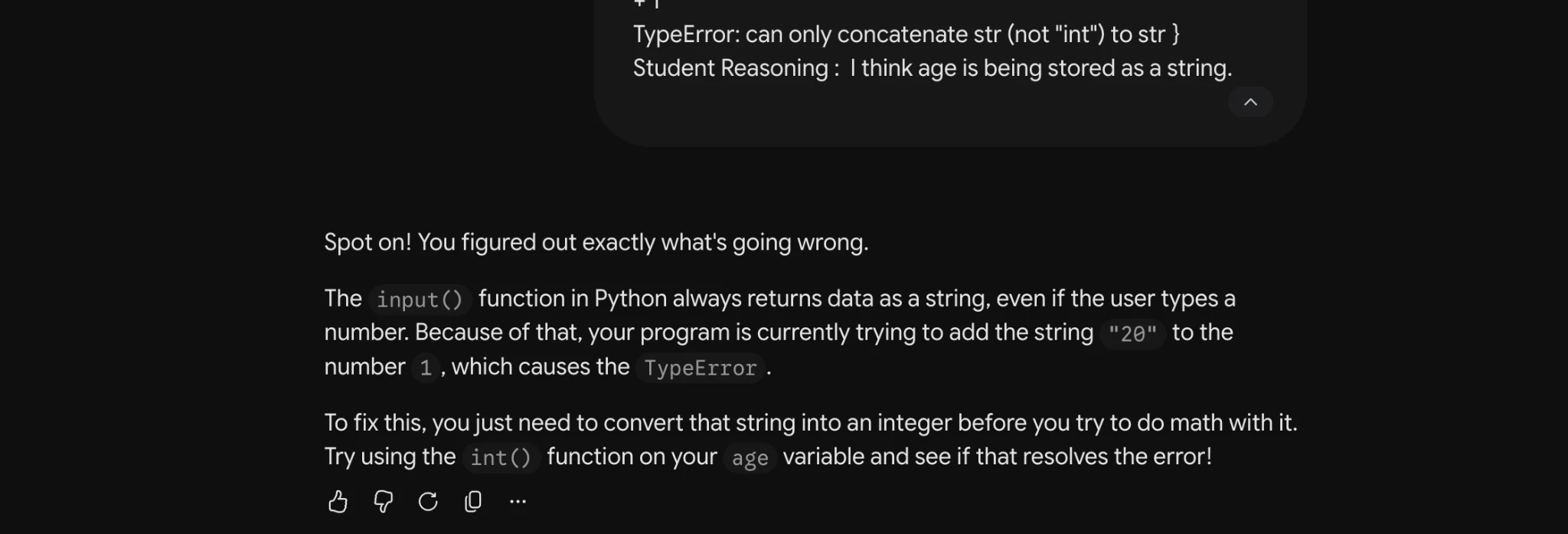
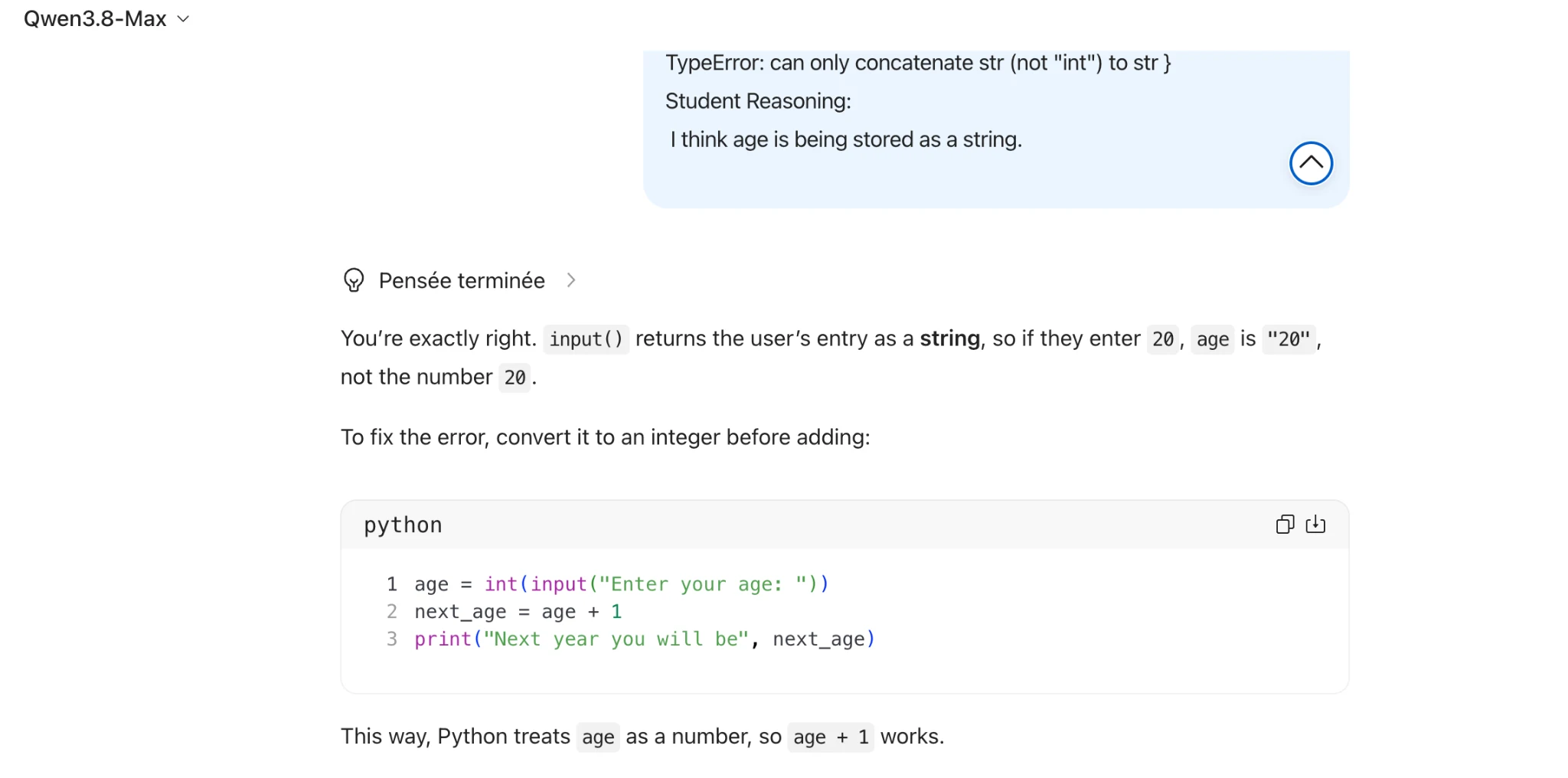
Source: Task1 (5).pdf, Output 1, marker on p. 9; screenshot page 9. Attribution: preceding source heading “GPT 5.6 High”
Inspect original screenshot (1)Task1 (5).pdf · p. 9 · fragment 1/1 · Open full resolution ↗Read machine transcription (check screenshots for exact text)
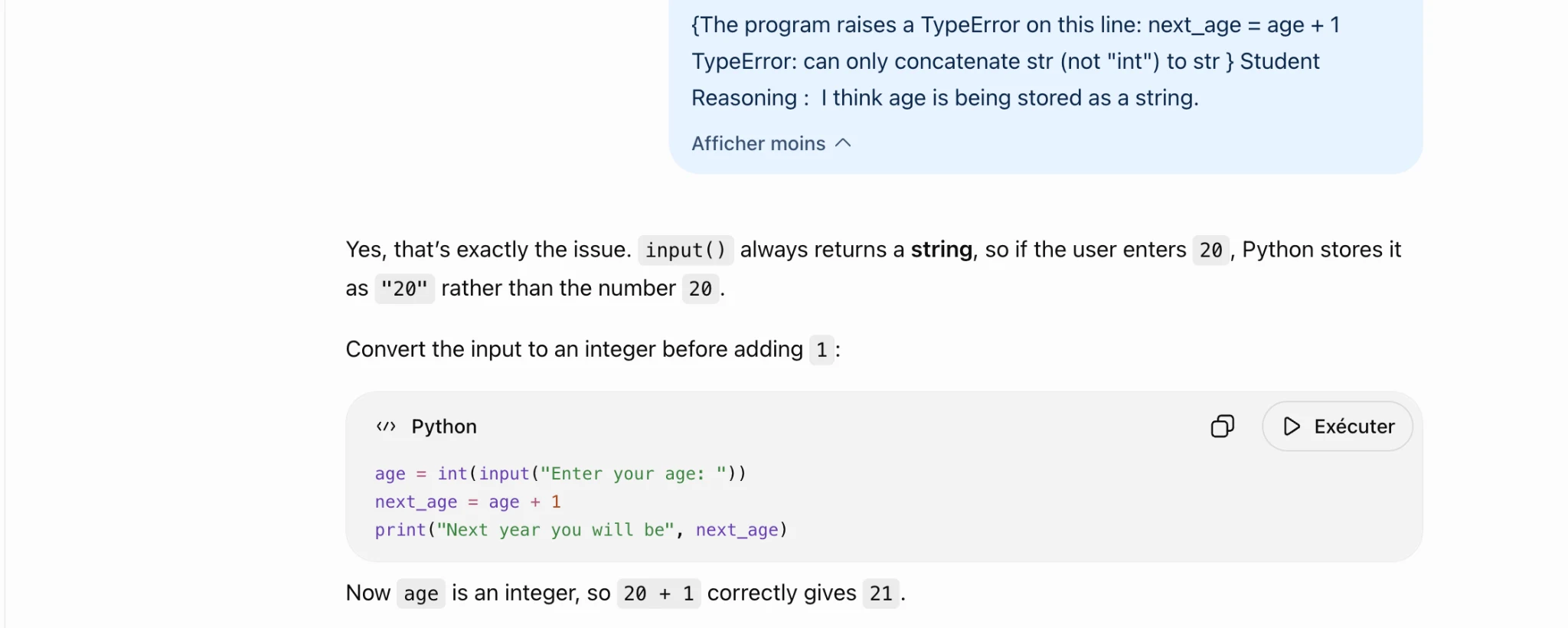
{The program raises a TypeError on this line: next_age = age +1
TypeError: can only concatenate str (not "int") to str } Student
Reasoning : | think age is being stored as a string.

Afficher moins ~

Yes, that's exactly the issue. input() always returns a string, so if the user enters 20 , Python stores it

as "20" rather than the number 20.
Convert the input to an integer before adding 1:

«> Python O CO Exécuter

age = int(input("Enter your age: "))
next_age = age + 1
print("Next year you will be", next_age)

Now age is aninteger, so 2@ + 1 correctly gives 21.
Source: Task1 (5).pdf, Output 2, marker on p. 10; screenshot page 10. Attribution: preceding source heading “GPT 5.6 High”
Inspect original screenshot (1)Task1 (5).pdf · p. 10 · fragment 1/1 · Open full resolution ↗Read machine transcription (check screenshots for exact text)
Source: Task1 (5).pdf, Output 3, marker on p. 10; screenshot page 10. Attribution: preceding source heading “GPT 5.6 High”
Inspect original screenshot (1)Task1 (5).pdf · p. 10 · fragment 1/1 · Open full resolution ↗Read machine transcription (check screenshots for exact text)
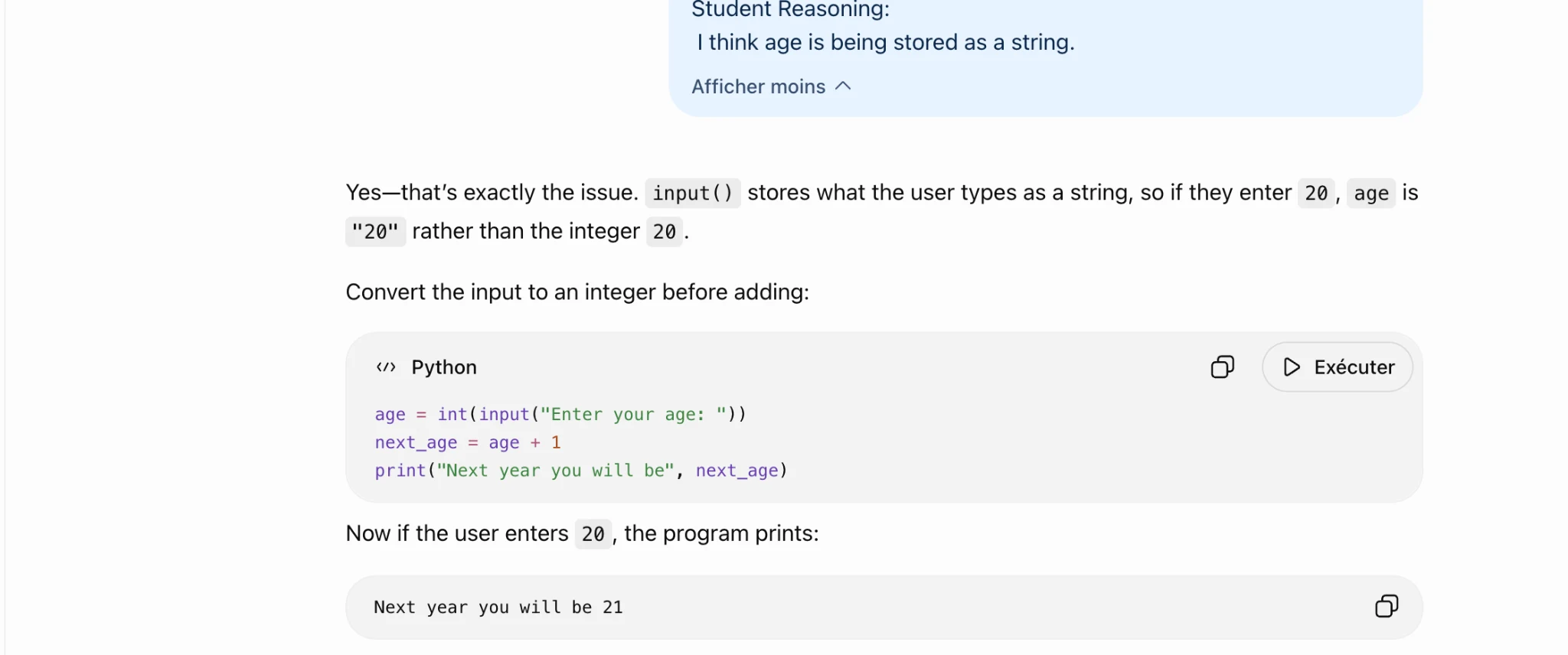
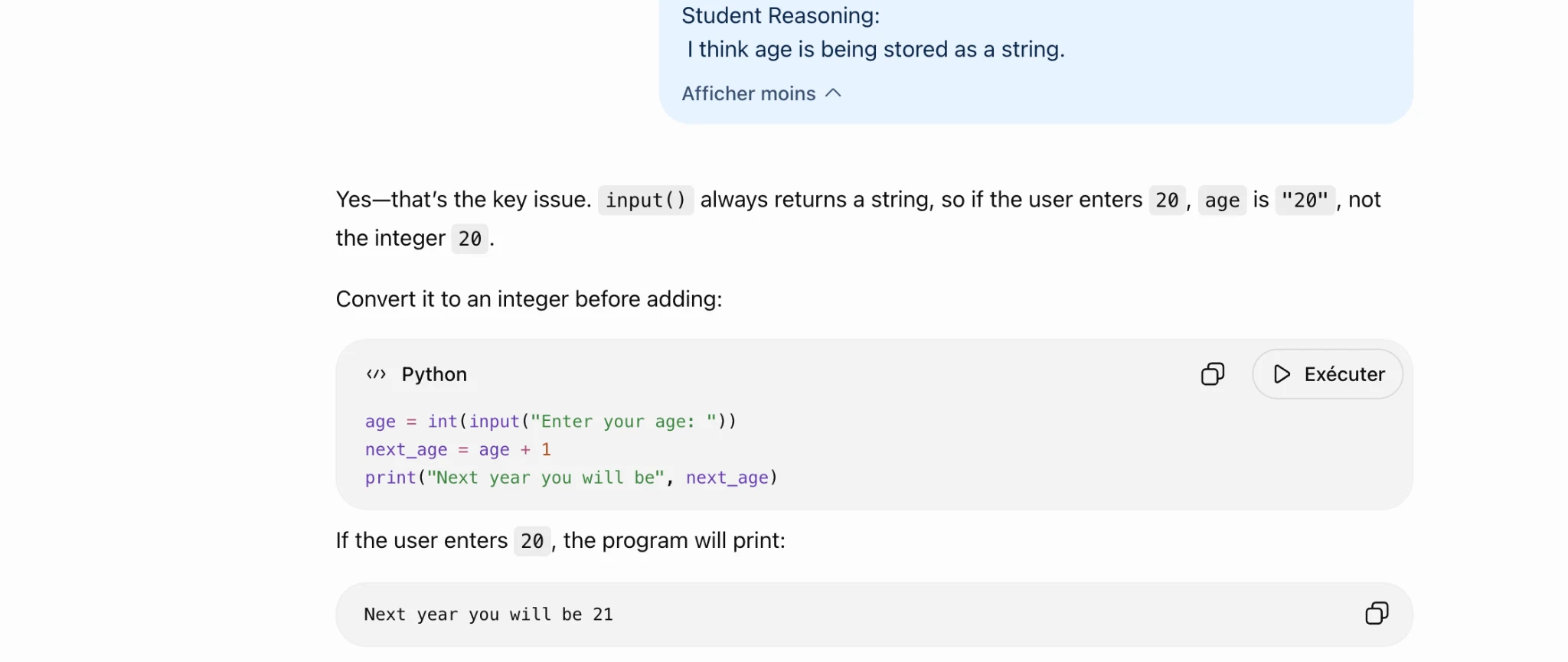
Student Reasoning:
| think age is being stored as a string.

Afficher moins ~

Yes—that's the key issue. input() always returns a string, so if the user enters 20, age is "20", not

the integer 20.
Convert it to an integer before adding:

«> Python O D Exécuter

age = int(input("Enter your age: "))
next_age = age + 1
print("Next year you will be", next_age)

If the user enters 2@ , the program will print:

Next year you will be 21 oO
Task 1 · U / Unistructural · Gemini 3.1 Pro · Query 1
Source: Task1 (5).pdf, Output 1, marker on p. 10; screenshot page 11. Attribution: preceding source heading “GEMINI 3.1 Pro Advanced Reasoning:”
Inspect original screenshot (1)Task1 (5).pdf · p. 11 · fragment 1/1 · Open full resolution ↗Read machine transcription (check screenshots for exact text)
Cu
TypeError: can only concatenate str (not "int") to str }
Student Reasoning: | think age is being stored as a string.

Spot on! You figured out exactly what's going wrong.

The input() function in Python always returns data as a string, even if the user types a
number. Because of that, your program is currently trying to add the string "29" tothe
number 1 ,which causes the TypeError .

To fix this, you just need to convert that string into an integer before you try to do math with it.
Try using the int() functionon your age variable and see if that resolves the error!

5627 CG O
Task 1 · U / Unistructural · Gemini 3.1 Pro · Query 2
Source: Task1 (5).pdf, Output 2, marker on p. 11; screenshot page 11. Attribution: preceding source heading “GEMINI 3.1 Pro Advanced Reasoning:”
Inspect original screenshot (1)Task1 (5).pdf · p. 11 · fragment 1/1 · Open full resolution ↗Read machine transcription (check screenshots for exact text)
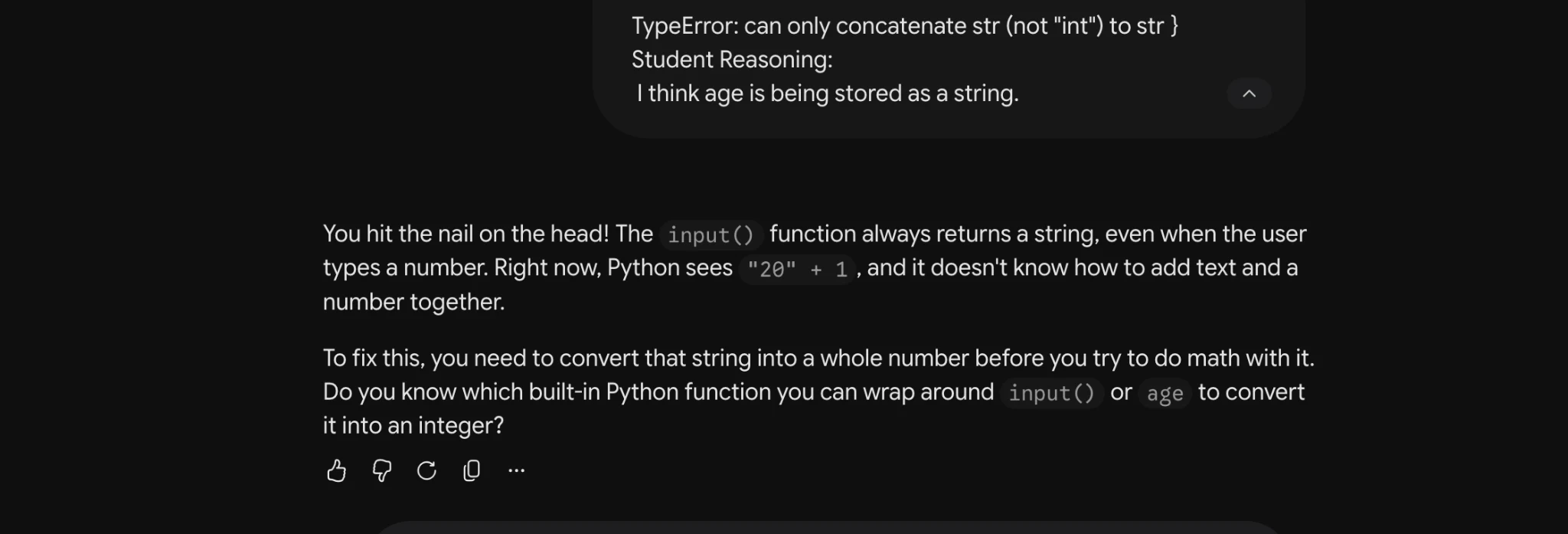
TypeError: can only concatenate str (not “int") to str }
Student Reasoning:
| think age is being stored as a string. A

You hit the nail on the head! The input() function always returns a string, even when the user
types a number. Right now, Python sees "29" + 1, and it doesn't know how to add text anda
number together.

To fix this, you need to convert that string into a whole number before you try to do math with it.
Do you know which built-in Python function you can wrap around input() or age to convert
it into an integer?

56°C O
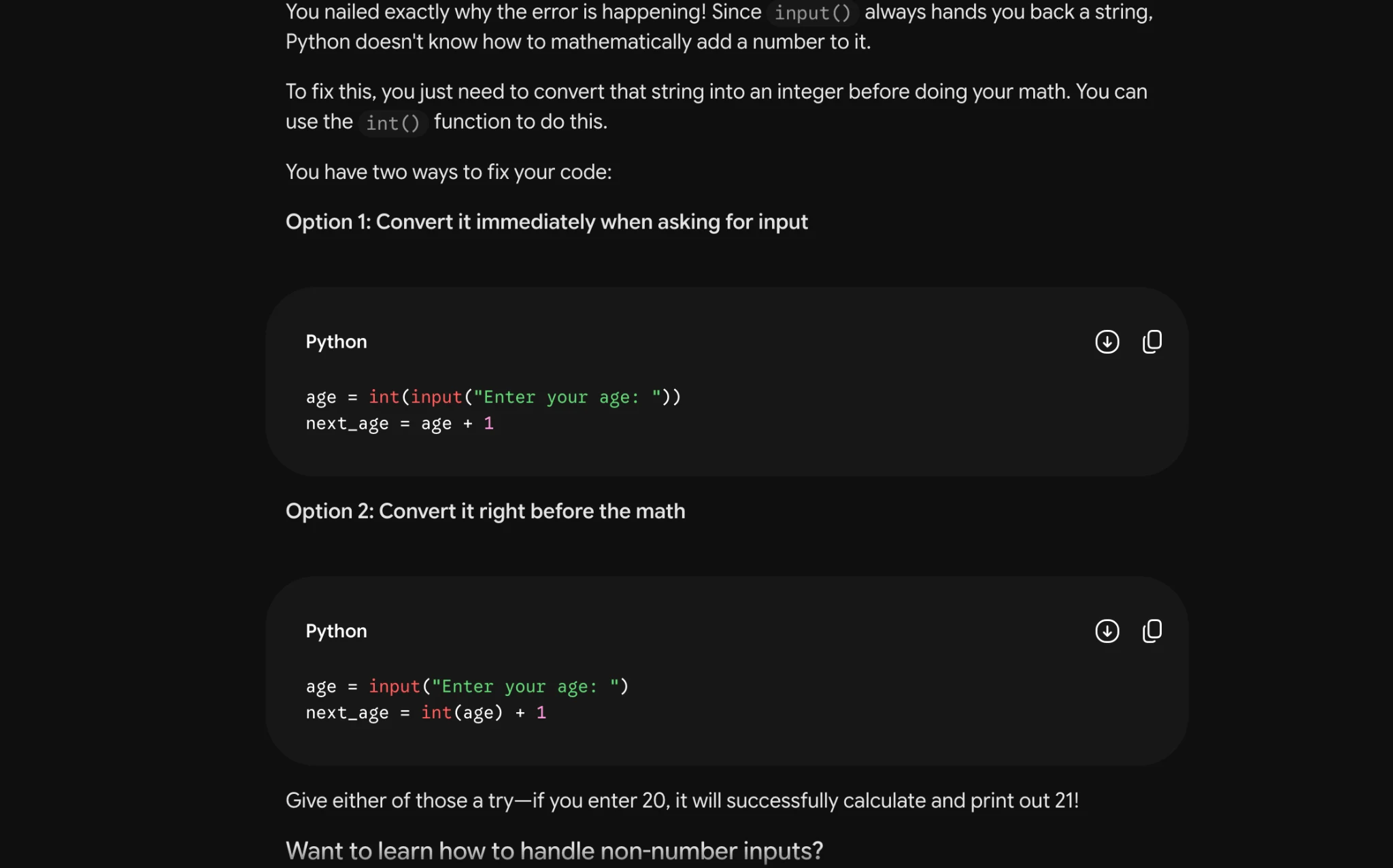
Task 1 · U / Unistructural · Gemini 3.1 Pro · Query 3
Source: Task1 (5).pdf, Output 3, marker on p. 11; screenshot page 11. Attribution: preceding source heading “GEMINI 3.1 Pro Advanced Reasoning:”
Inspect original screenshot (1)Task1 (5).pdf · p. 11 · fragment 1/1 · Open full resolution ↗Read machine transcription (check screenshots for exact text)
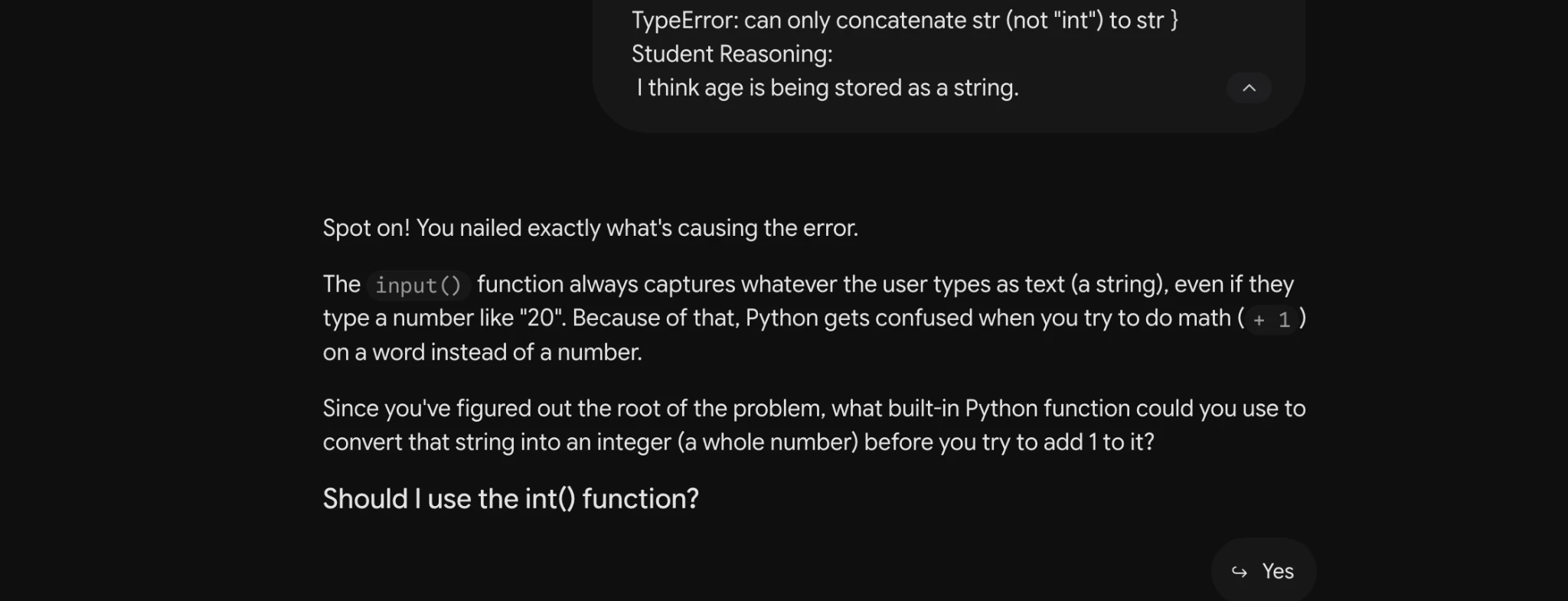
TypeError: can only concatenate str (not “int") to str }
Student Reasoning:
| think age is being stored as a string. a

Spot on! You nailed exactly what's causing the error.

The input() function always captures whatever the user types as text (a string), even if they
type a number like "20". Because of that, Python gets confused when you try to do math (+ 1 )
on a word instead of a number.

Since you've figured out the root of the problem, what built-in Python function could you use to
convert that string into an integer (a whole number) before you try to add 1 to it?

Should | use the int() function?

S Yes
Task 1 · U / Unistructural · Qwen 3.8 Max · Query 1
Source: Task1 (5).pdf, Output 1, marker on p. 11; screenshot page 12. Attribution: preceding source heading “QWEN 3.8 MAX:”
Inspect original screenshot (1)Task1 (5).pdf · p. 12 · fragment 1/1 · Open full resolution ↗Read machine transcription (check screenshots for exact text)
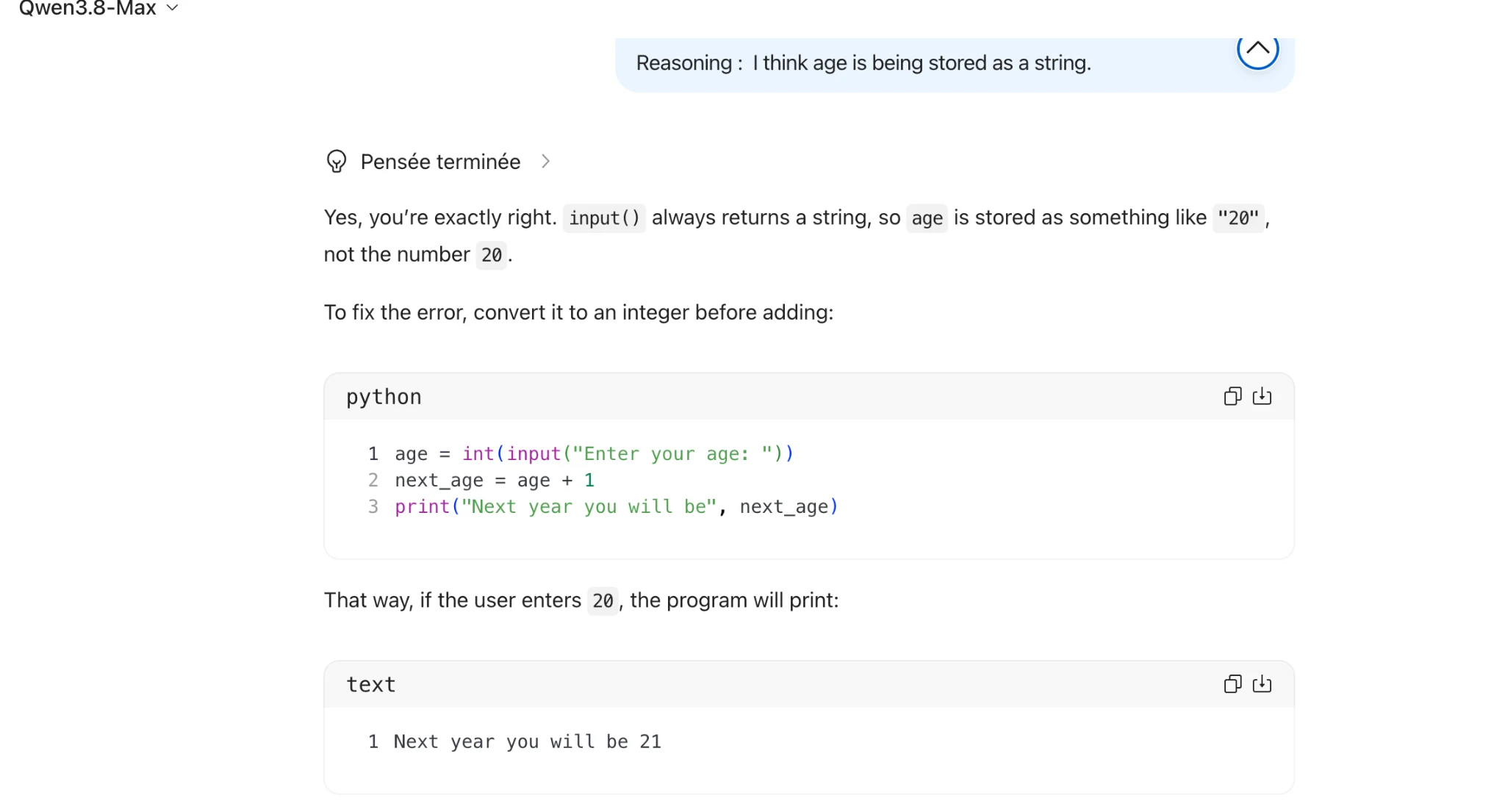
Qwens.o-Max v

Reasoning : | think age is being stored as a string.

@ Penséeterminée >

Yes, you're exactly right. input() always returns a string, so age is stored as something like "20" ,

not the number 20.

To fix the error, convert it to an integer before adding:

python hy
1 age = int(input("Enter your age: "))
2 next_age = age +1
3 print("Next year you will be", next_age)
That way, if the user enters 20, the program will print:
Gb

text

1 Next year you will be 21
Task 1 · U / Unistructural · Qwen 3.8 Max · Query 2
Source: Task1 (5).pdf, Output 2, marker on p. 12; screenshot page 12. Attribution: preceding source heading “QWEN 3.8 MAX:”
Inspect original screenshot (1)Task1 (5).pdf · p. 12 · fragment 1/1 · Open full resolution ↗Read machine transcription (check screenshots for exact text)
Qwen3.8-Max v
TypeError: can only concatenate str (not "int") to str }

Student Reasoning:
| think age is being stored as a string. 6)

@ Penséeterminge >

You're exactly right. input() returns the user's entry as a string, so if they enter 20, age is "20",

not the number 20.

To fix the error, convert it to an integer before adding:

4

python
1 age = int(input("Enter your age: "))

2 next_age = age + 1
3 print("Next year you will be", next_age)

This way, Python treats age as anumber, so age + 1 works.
Task 1 · U / Unistructural · Qwen 3.8 Max · Query 3
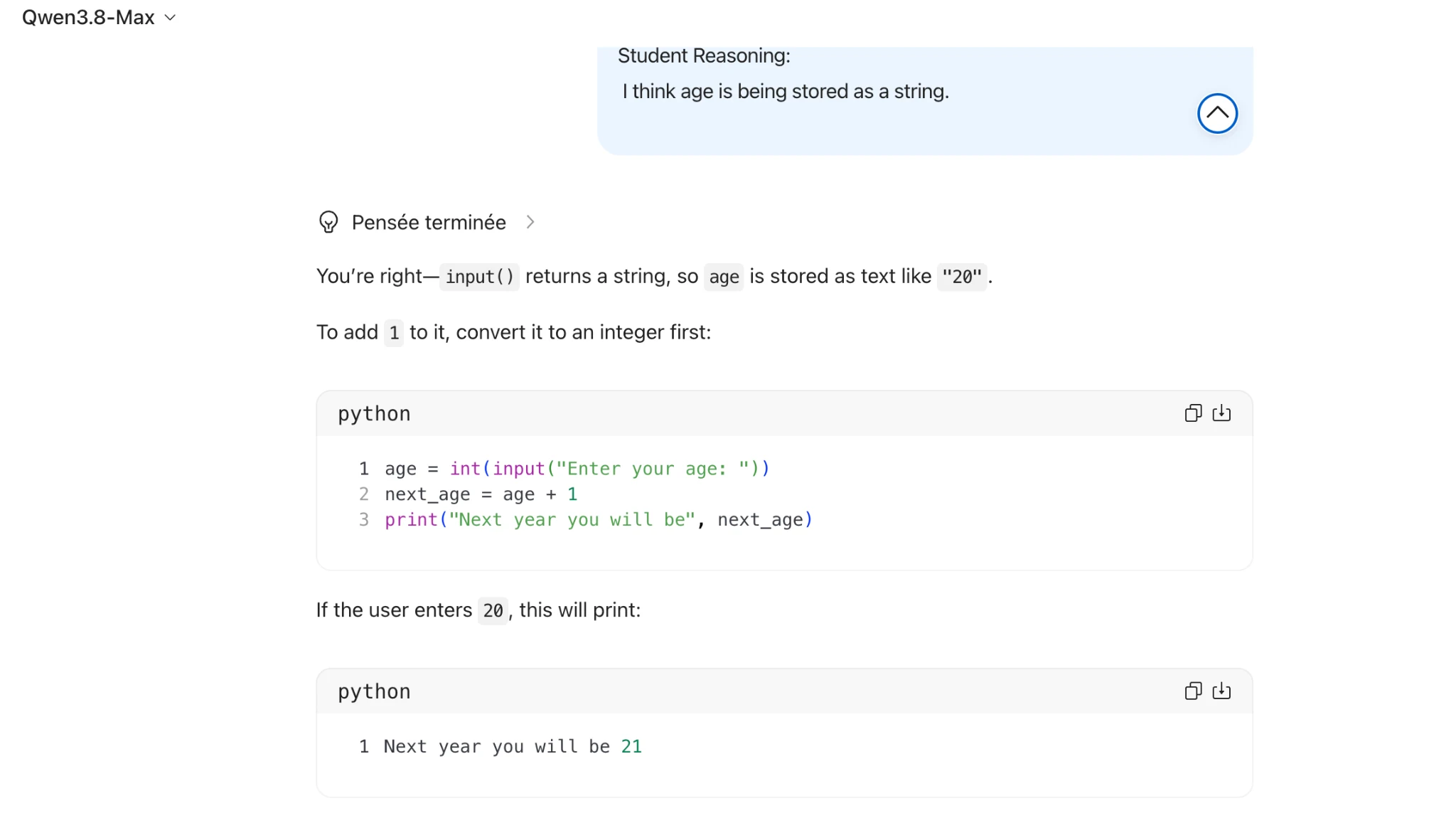
Source: Task1 (5).pdf, Output 3, marker on p. 12; screenshot page 13. Attribution: preceding source heading “QWEN 3.8 MAX:”
Inspect original screenshot (1)Task1 (5).pdf · p. 13 · fragment 1/1 · Open full resolution ↗Read machine transcription (check screenshots for exact text)
Qwen3.8-Max v

Student Reasoning:
| think age is being stored as a string.

@ Penséeterminée >

You're right— input() returns a string, so age is stored as text like "20".

To add 1 to it, convert it to an integer first:

python
1 age = int(input("Enter your age: "))

2 next_age = age + 1
3 print("Next year you will be", next_age)

If the user enters 20, this will print:

python

1 Next year you will be 21

aw
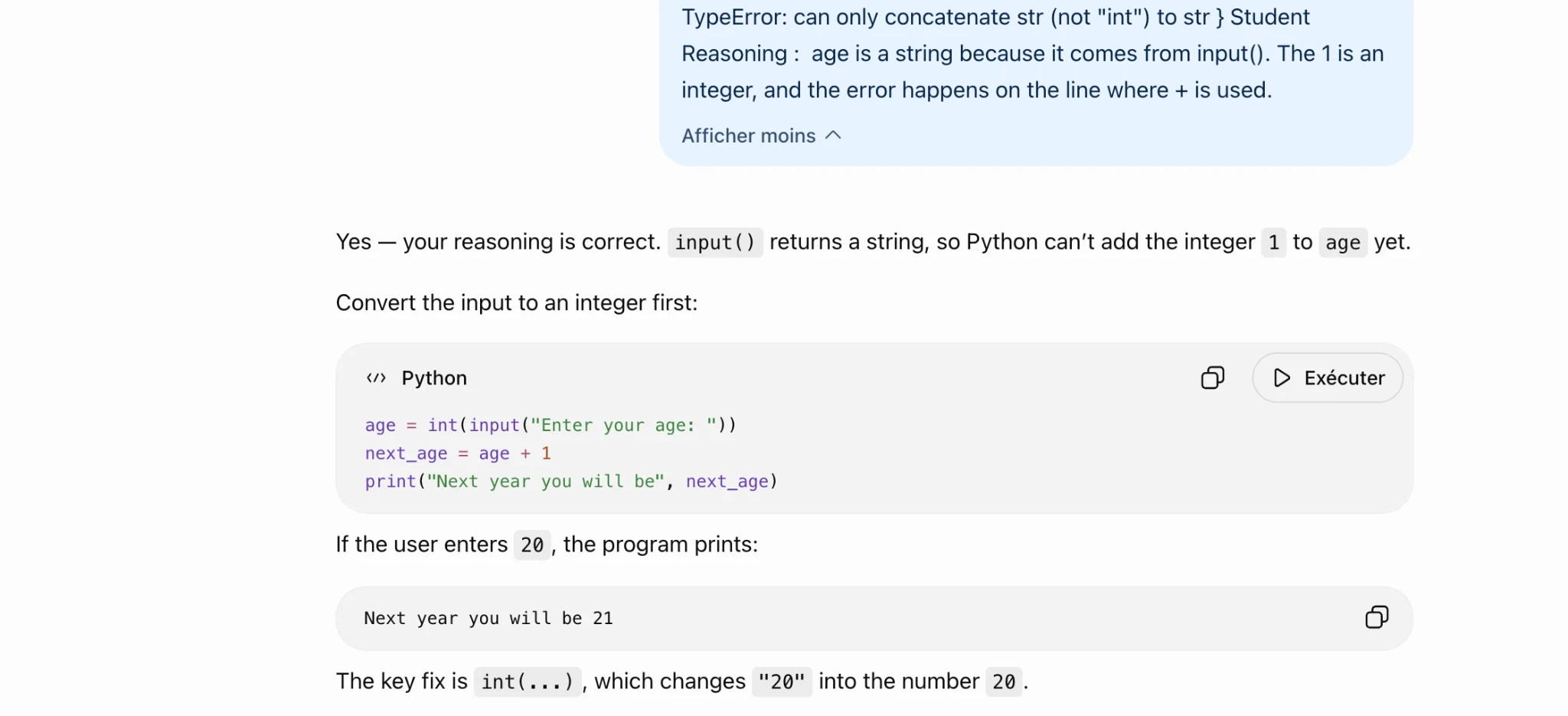
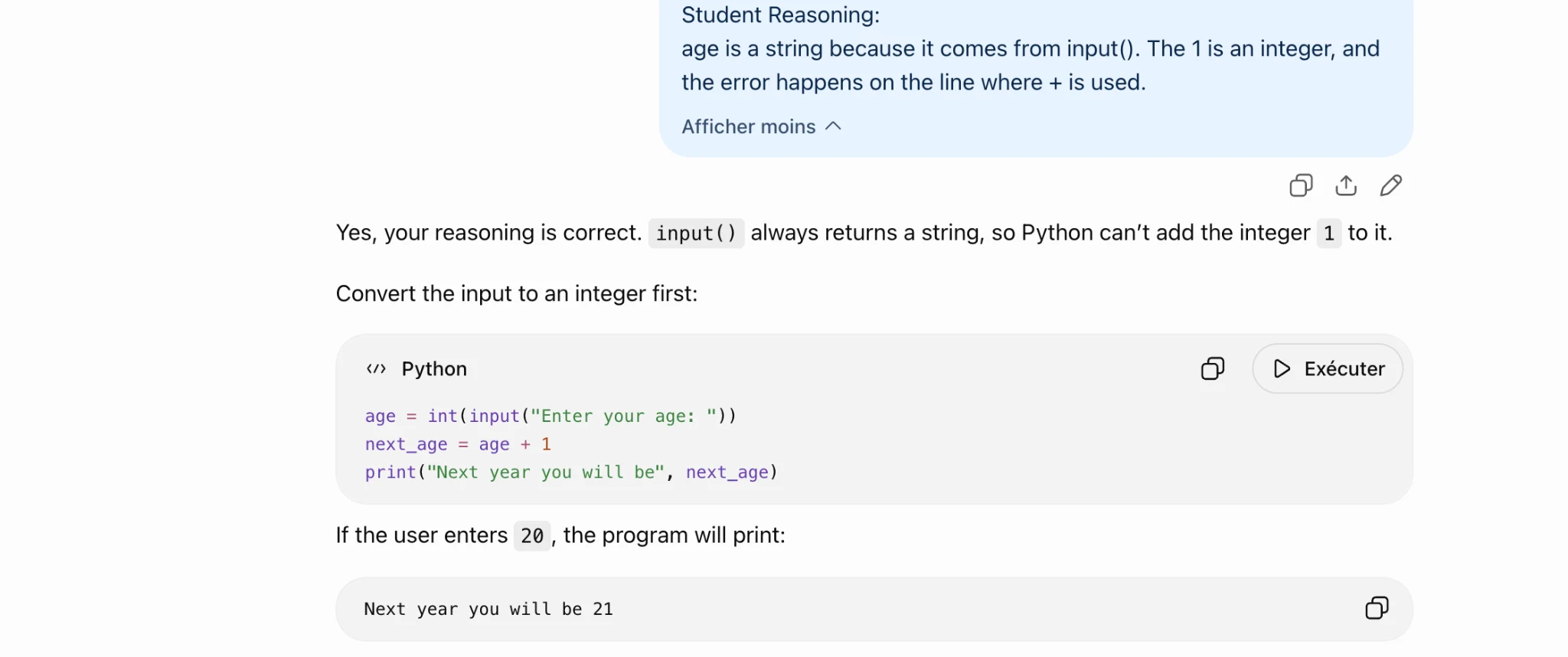
Source: Task1 (5).pdf, Output 1, marker on p. 14; screenshot page 14. Attribution: preceding source heading “GPT 5.6 sol”
Inspect original screenshot (1)Task1 (5).pdf · p. 14 · fragment 1/1 · Open full resolution ↗Read machine transcription (check screenshots for exact text)
TypeError: can only concatenate str (not "int") to str } Student
Reasoning : age is a string because it comes from input(). The 1 is an
integer, and the error happens on the line where + is used.

Afficher moins ~

Yes — your reasoning is correct. input() returns a string, so Python can't add the integer 1 to age yet.

Convert the input to an integer first:

«> Python O D Exécuter

age = int(input("Enter your age: "))
next_age = age + 1
print("Next year you will be", next_age)

If the user enters 20, the program prints:
Next year you will be 21 fa)

The key fix is int(...) , which changes "20" into the number 20.
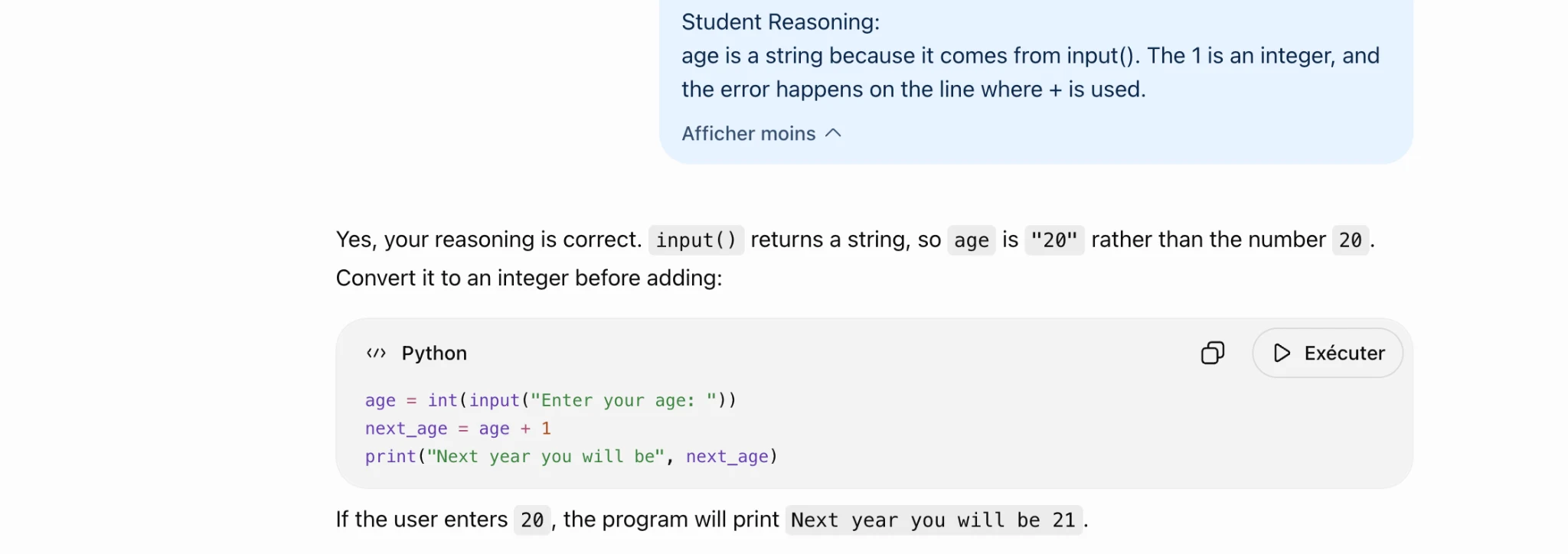
Source: Task1 (5).pdf, Output 2, marker on p. 15; screenshot page 15. Attribution: preceding source heading “GPT 5.6 sol”
Inspect original screenshot (1)Task1 (5).pdf · p. 15 · fragment 1/1 · Open full resolution ↗Read machine transcription (check screenshots for exact text)
Student Reasoning:
age is a string because it comes from input(). The 1 is an integer, and
the error happens on the line where + is used.

Afficher moins ~

Yes, your reasoning is correct. input() returns a string, so age is "20" rather than the number 20 .

Convert it to an integer before adding:

«> Python OQ D Exécuter

age = int(input("Enter your age: "))
next_age = age + 1
print("Next year you will be", next_age)

If the user enters 20, the program will print Next year you will be 21.
Source: Task1 (5).pdf, Output 3, marker on p. 15; screenshot page 15. Attribution: preceding source heading “GPT 5.6 sol”
Inspect original screenshot (1)Task1 (5).pdf · p. 15 · fragment 1/1 · Open full resolution ↗Read machine transcription (check screenshots for exact text)
Student Reasoning:
age is a string because it comes from input(). The 1 is an integer, and
the error happens on the line where + is used.

Afficher moins ~

O40

Yes, your reasoning is correct. input() always returns a string, so Python can't add the integer 1 to it.

Convert the input to an integer first:

«> Python QO D Exécuter

age = int(input("Enter your age: "))
next_age = age + 1
print("Next year you will be", next_age)

If the user enters 20, the program will print:

Next year you will be 21 fa)
Task 1 · M / Multistructural · Gemini 3.1 Pro · Query 1
Source: Task1 (5).pdf, Output 1, marker on p. 15; screenshot page 16. Attribution: preceding source heading “GEMINI 3.1 Pro Advanced Reasoning:”
Inspect original screenshot (1)Task1 (5).pdf · p. 16 · fragment 1/1 · Open full resolution ↗Read machine transcription (check screenshots for exact text)
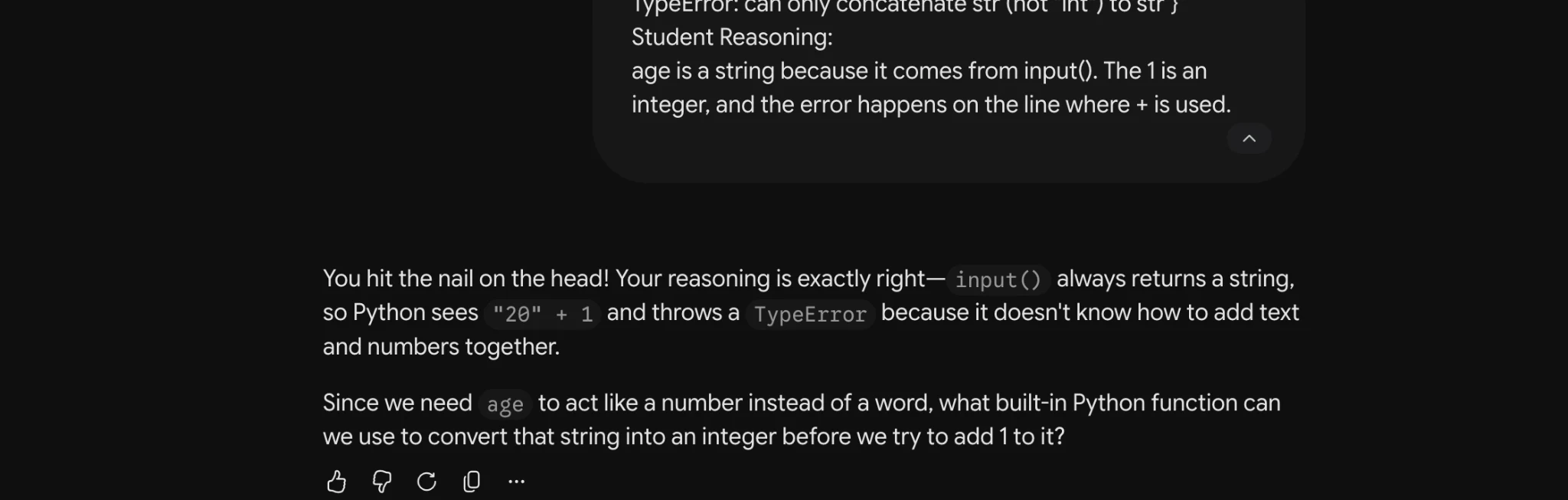
Task 1 · M / Multistructural · Gemini 3.1 Pro · Query 2
Source: Task1 (5).pdf, Output 2, marker on p. 16; screenshot page 16. Attribution: preceding source heading “GEMINI 3.1 Pro Advanced Reasoning:”
Inspect original screenshot (1)Task1 (5).pdf · p. 16 · fragment 1/1 · Open full resolution ↗Read machine transcription (check screenshots for exact text)
HYVEEIIOL. Call Orly COMCALEHale oth VMOU WIC 7 LO ott F

Student Reasoning:
age is a string because it comes from input(). The 1is an
integer, and the error happens on the line where + is used.

You hit the nail on the head! Your reasoning is exactly right— input() always returns a string,
so Python sees "20" + 1 andthrowsa TypeError because it doesn't know how to add text

and numbers together.

Since we need age to act like a number instead of a word, what built-in Python function can
we use to convert that string into an integer before we try to add 1 to it?

562 Cc O
Task 1 · M / Multistructural · Gemini 3.1 Pro · Query 3
Source: Task1 (5).pdf, Output 3, marker on p. 16; screenshot page 17. Attribution: preceding source heading “GEMINI 3.1 Pro Advanced Reasoning:”
Inspect original screenshot (1)Task1 (5).pdf · p. 17 · fragment 1/1 · Open full resolution ↗Read machine transcription (check screenshots for exact text)
Task 1 · M / Multistructural · Qwen 3.8 Max · Query 1
Source: Task1 (5).pdf, Output 1, marker on p. 17; screenshot page 17. Attribution: preceding source heading “QWEN 3.8 MAX:”
Inspect original screenshot (1)Task1 (5).pdf · p. 17 · fragment 1/1 · Open full resolution ↗Read machine transcription (check screenshots for exact text)
Qwen3.8-Max v

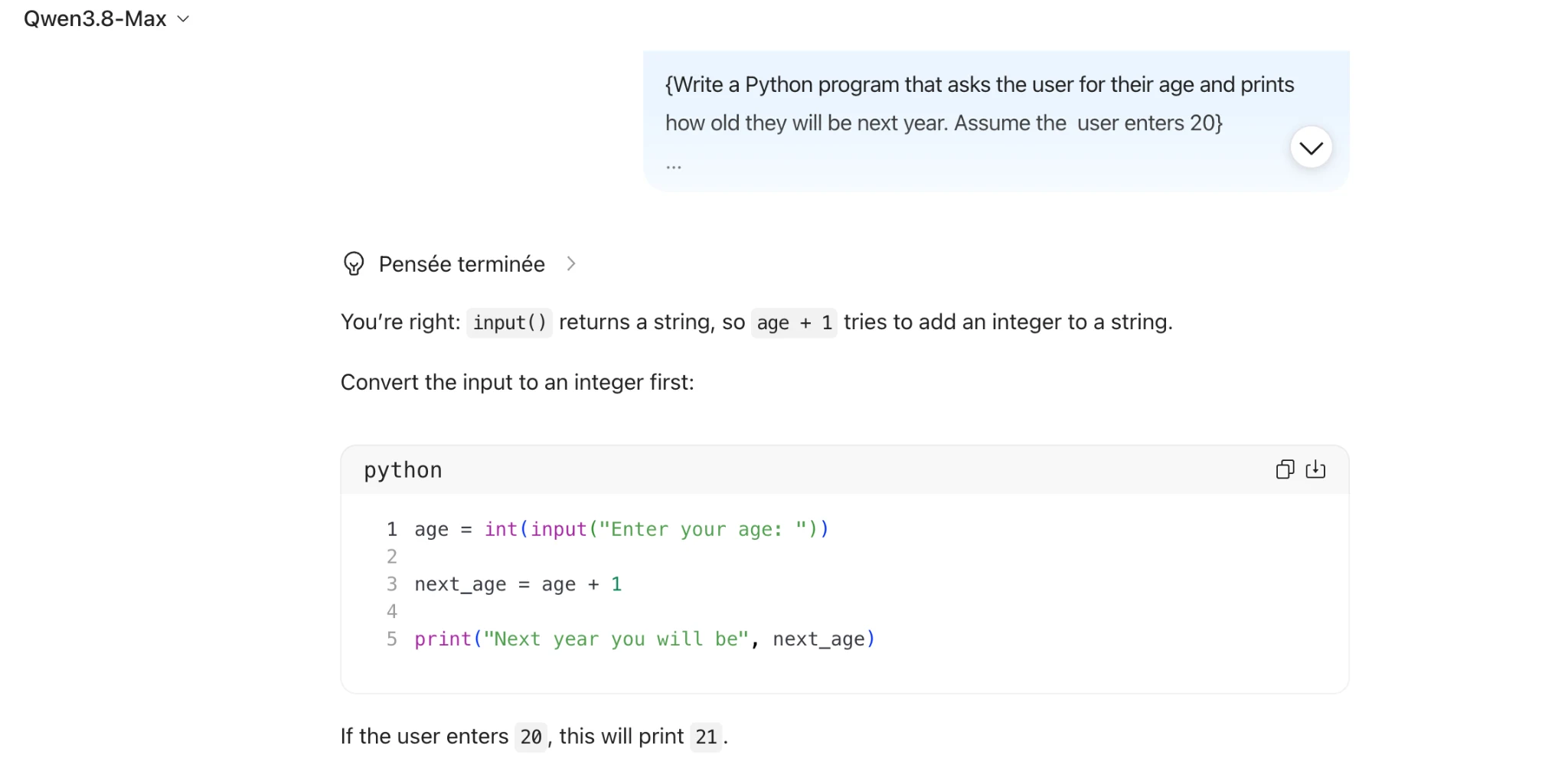
{Write a Python program that asks the user for their age and prints

how old they will be next year. Assume the user enters 20}

Vv
@ Penséeterminge >
You're right: input() returns a string, so age + 1 tries to add an integer to a string.
Convert the input to an integer first:
python @ ch

1 age = int(input("Enter your age: "))
2
3 next_age = age + 1
4
5

print("Next year you will be", next_age)

If the user enters 20, this will print 21.
Task 1 · M / Multistructural · Qwen 3.8 Max · Query 2
Source: Task1 (5).pdf, Output 2, marker on p. 17; screenshot page 18. Attribution: preceding source heading “QWEN 3.8 MAX:”
Inspect original screenshot (1)Task1 (5).pdf · p. 18 · fragment 1/1 · Open full resolution ↗Read machine transcription (check screenshots for exact text)
Qwen3.8-Max v

@ Penséeterminge >

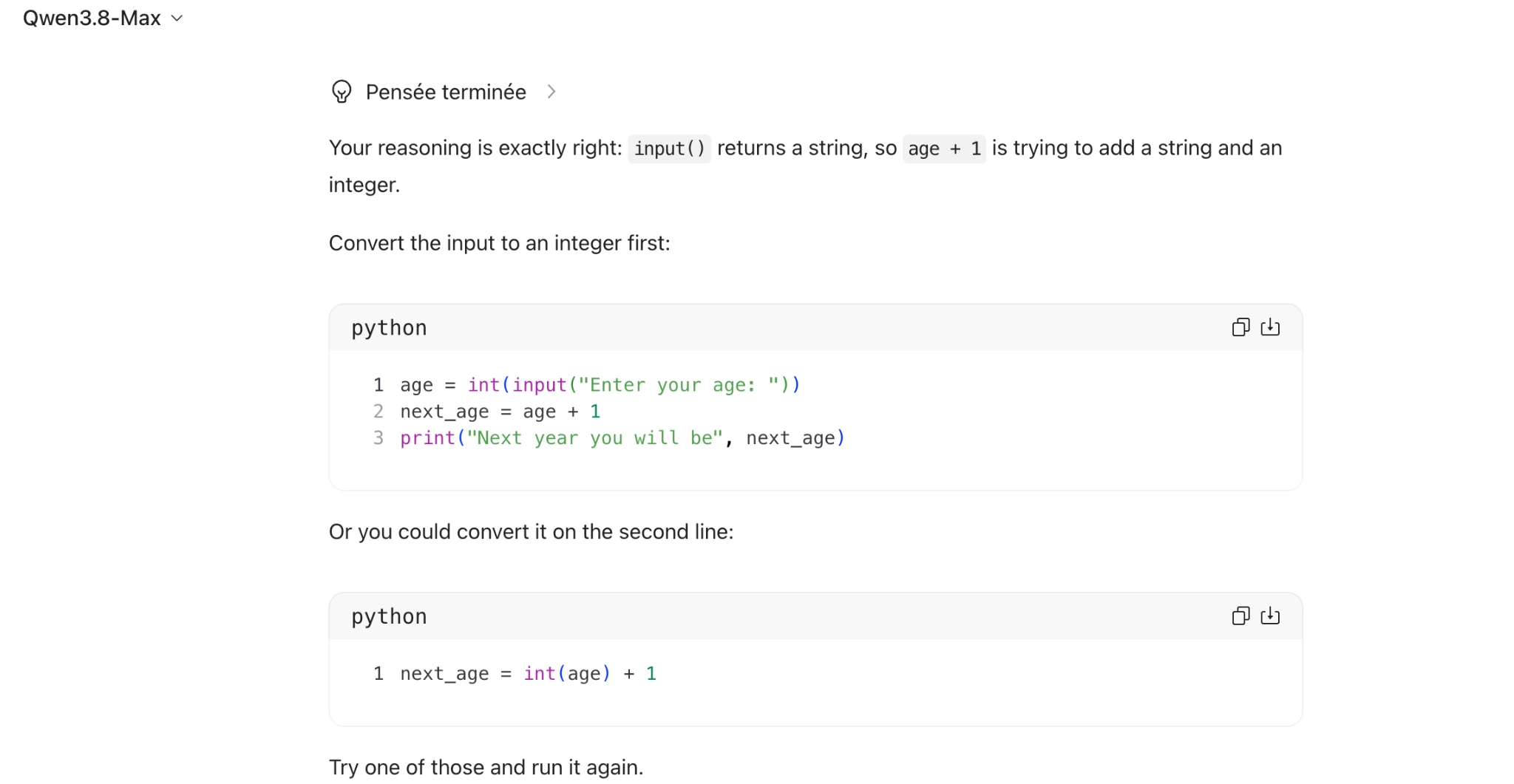
Your reasoning is exactly right: input() returns a string, so age + 1 is trying to add a string and an
integer.

Convert the input to an integer first:
python ach
1 age = int(input("Enter your age: "))

2 next_age = age + 1
3 print("Next year you will be", next_age)

Or you could convert it on the second line:

python Aw

1 next_age = int(age) + 1

Try one of those and run it again.
Task 1 · M / Multistructural · Qwen 3.8 Max · Query 3
Source: Task1 (5).pdf, Output 3, marker on p. 18; screenshot pages 18, 19. Attribution: preceding source heading “QWEN 3.8 MAX:”
Inspect original screenshot fragments (2)Task1 (5).pdf · p. 18 · fragment 1/2 · Open full resolution ↗Task1 (5).pdf · p. 19 · fragment 2/2 · Open full resolution ↗Read machine transcription (check screenshots for exact text)
Qwen3.8-Max v

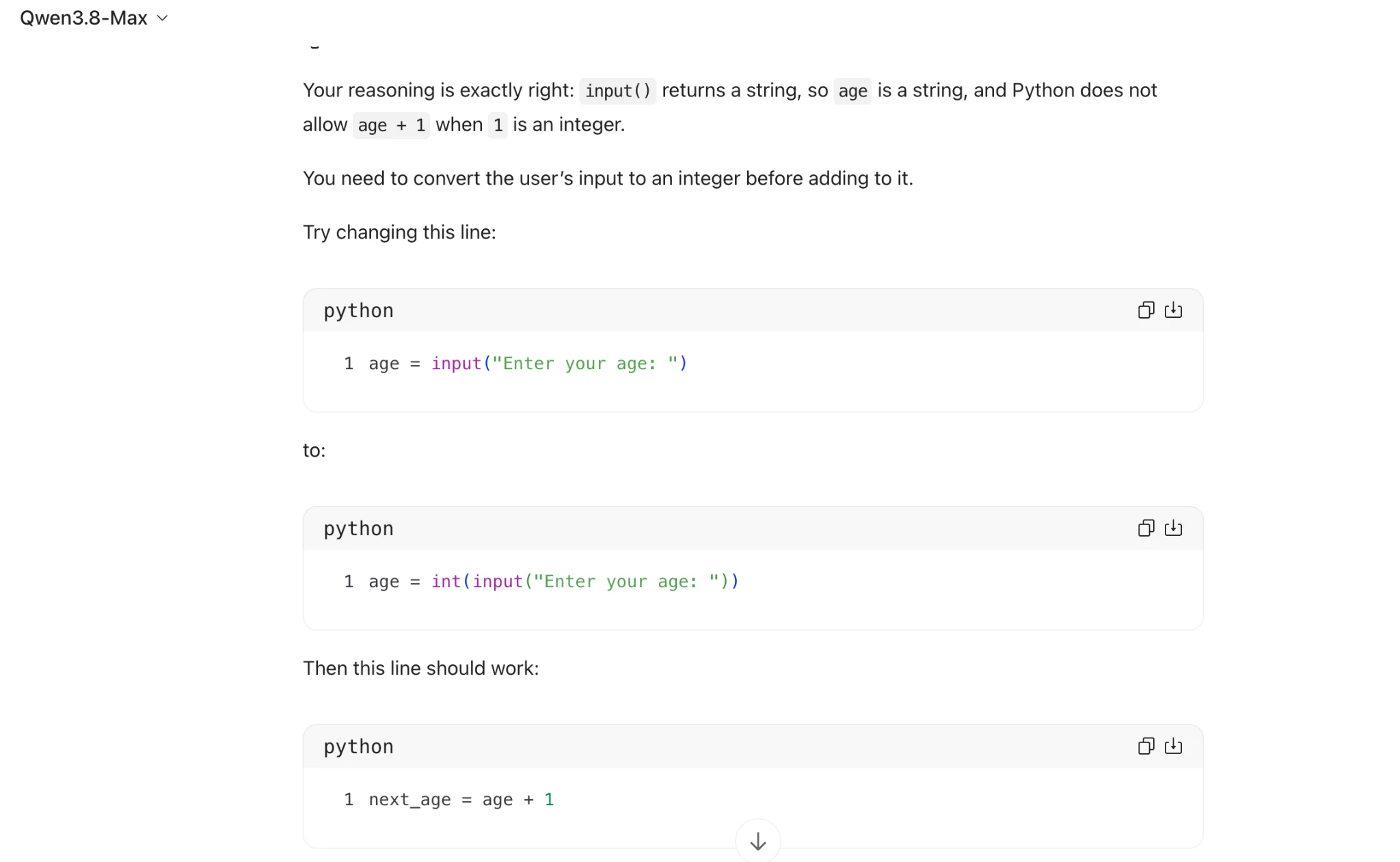
Your reasoning is exactly right: input() returns a string, so age is a string, and Python does not
allow age + 1 when 1 is an integer.

You need to convert the user's input to an integer before adding to it.

Try changing this line:

python Oh

1 age = input("Enter your age: ")

to:

python (ames)

1 age = int(input("Enter your age: "))

Then this line should work:

python Ow

1 next_age = age +1

So your full program would become:

python

1 age = int(input("Enter your age: "))
2 next_age = age +1
3 print("Next year you will be", next_age)
Task 1 · R / Relational · GPT-5.6 (Sol) · Query 1
Source: Task1 (5).pdf, Output 1, marker on p. 20; screenshot page 21. Attribution: preceding source heading “GPT 5.6 sol:”
Inspect original screenshot (1)Task1 (5).pdf · p. 21 · fragment 1/1 · Open full resolution ↗Read machine transcription (check screenshots for exact text)
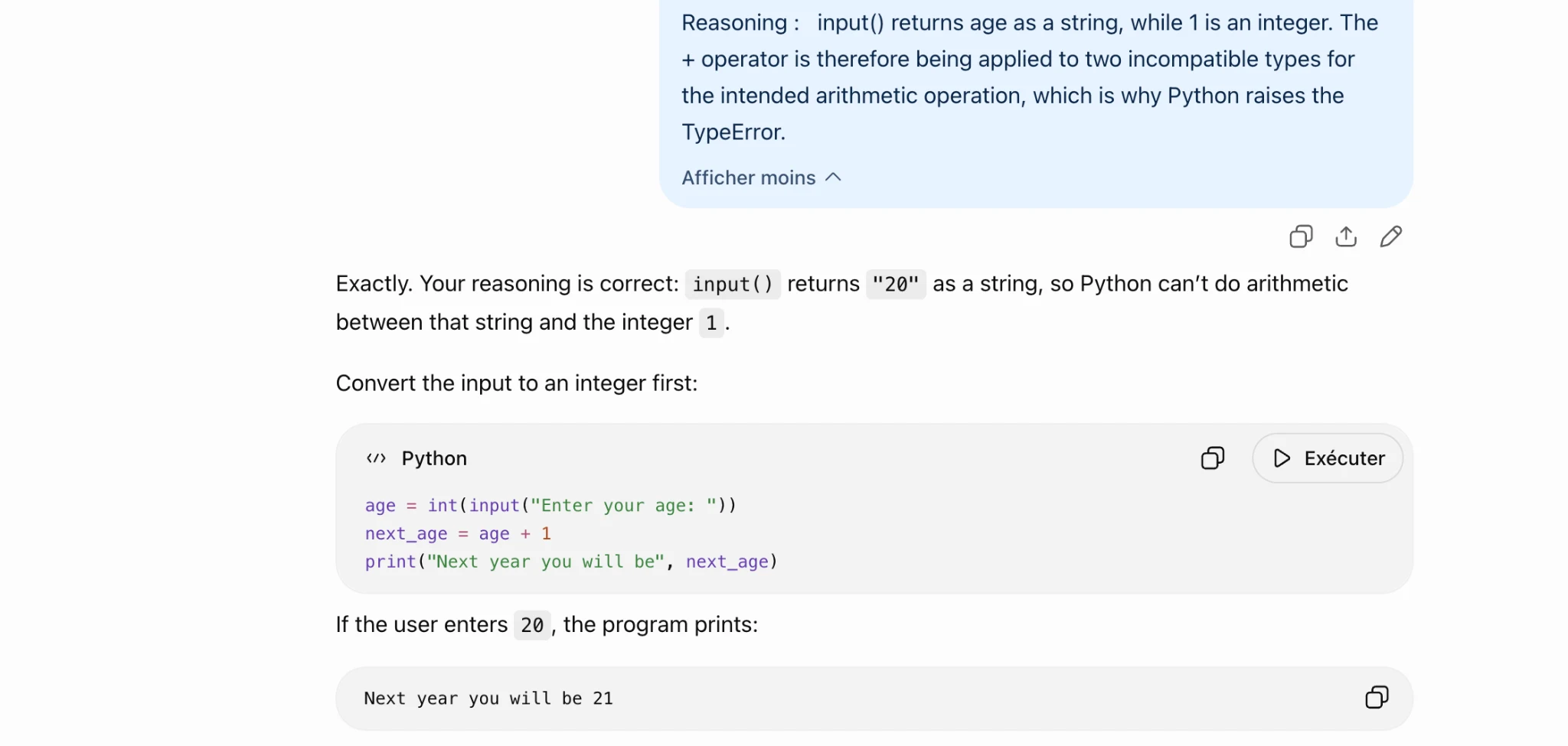
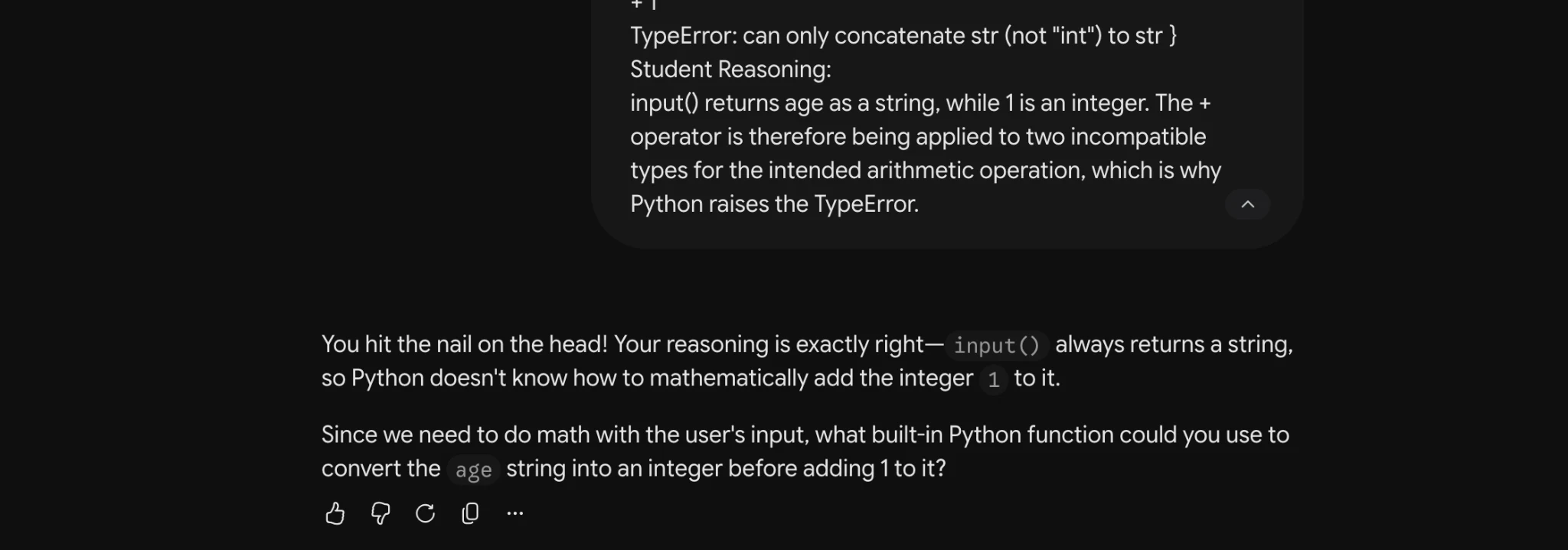
Reasoning: input() returns age as a string, while 1 is an integer. The
+ operator is therefore being applied to two incompatible types for
the intended arithmetic operation, which is why Python raises the

TypeError.

Afficher moins ~
Ot e

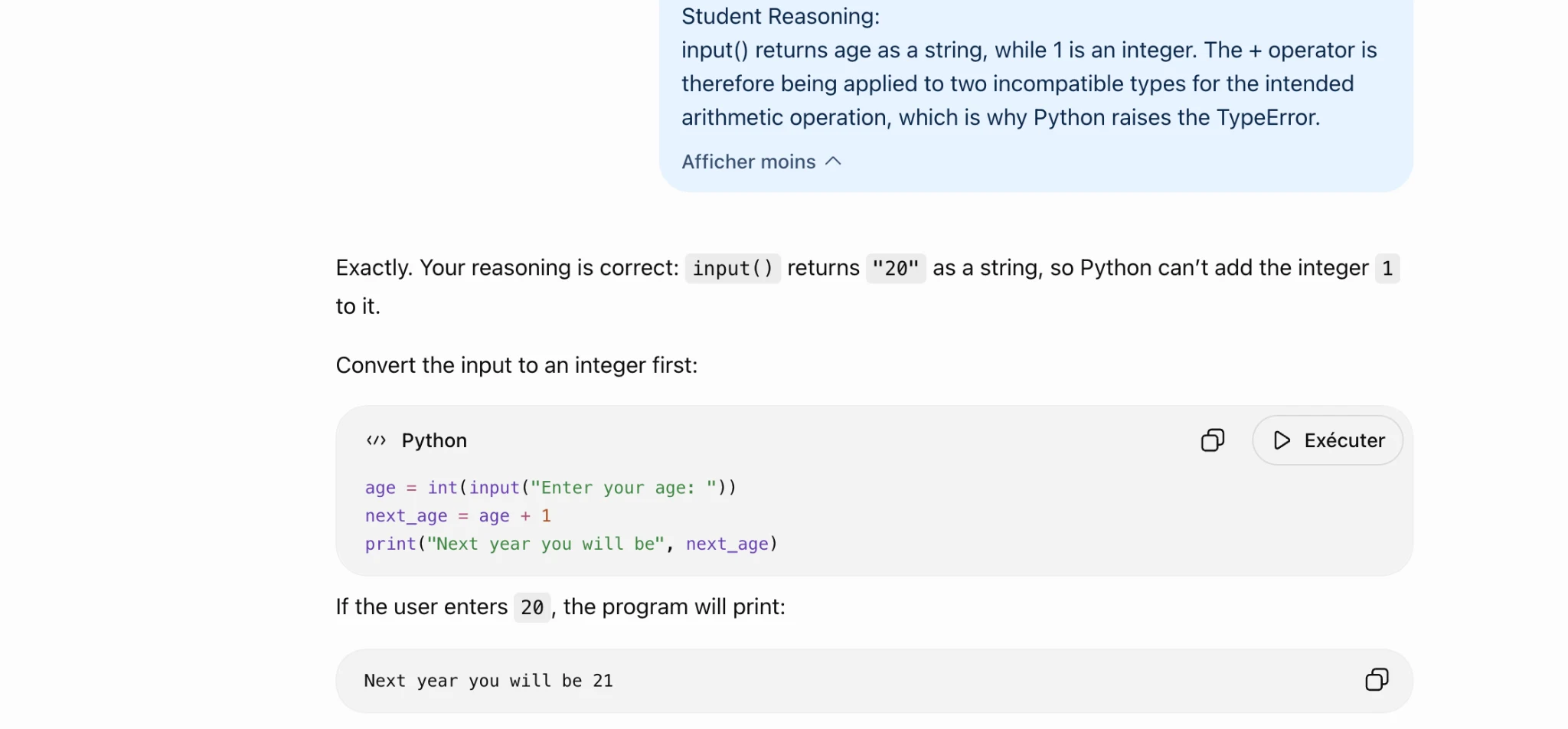
Exactly. Your reasoning is correct: input() returns "20" asa string, so Python can't do arithmetic

between that string and the integer 1.
Convert the input to an integer first:

«> Python O D Exécuter

age = int(input("Enter your age: "))
next_age = age + 1
print("Next year you will be", next_age)

If the user enters 2, the program prints:

Next year you will be 21 oO
Task 1 · R / Relational · GPT-5.6 (Sol) · Query 2
Source: Task1 (5).pdf, Output 2, marker on p. 21; screenshot page 21. Attribution: preceding source heading “GPT 5.6 sol:”
Inspect original screenshot (1)Task1 (5).pdf · p. 21 · fragment 1/1 · Open full resolution ↗Read machine transcription (check screenshots for exact text)
Student Reasoning:

input() returns age as a string, while 1 is an integer. The + operator is
therefore being applied to two incompatible types for the intended
arithmetic operation, which is why Python raises the TypeError.

Afficher moins ~

Exactly. Your reasoning is correct: input() returns "20" asa string, so Python can’t add the integer 1
to it.

Convert the input to an integer first:

«> Python O D Exécuter

age = int(input("Enter your age: "))
next_age = age + 1
print("Next year you will be", next_age)

If the user enters 20, the program will print:

Next year you will be 21 oO
Task 1 · R / Relational · GPT-5.6 (Sol) · Query 3
Source: Task1 (5).pdf, Output 3, marker on p. 21; screenshot page 22. Attribution: preceding source heading “GPT 5.6 sol:”
Inspect original screenshot (1)Task1 (5).pdf · p. 22 · fragment 1/1 · Open full resolution ↗Read machine transcription (check screenshots for exact text)
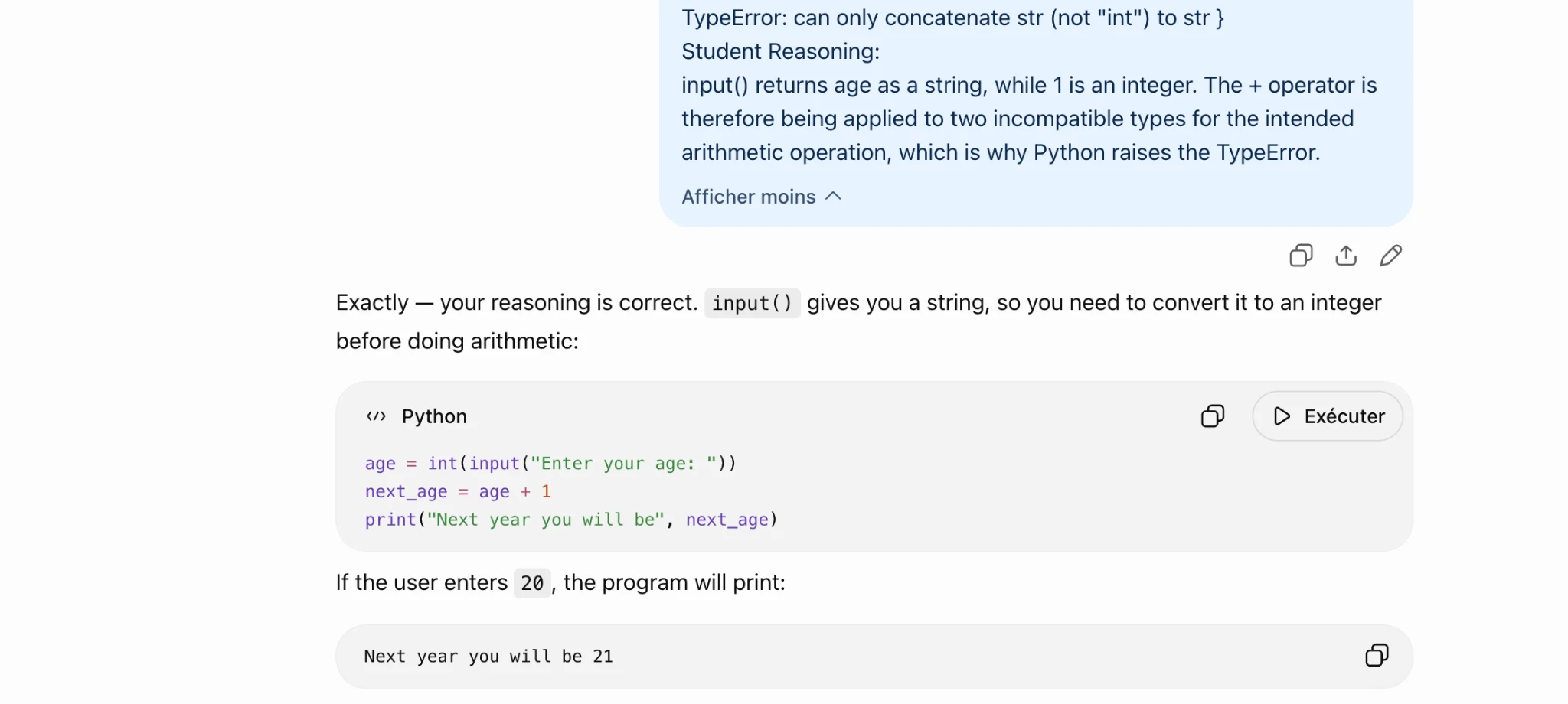
TypeError: can only concatenate str (not "int") to str }

Student Reasoning:

input() returns age as a string, while 1 is an integer. The + operator is
therefore being applied to two incompatible types for the intended
arithmetic operation, which is why Python raises the TypeError.

Afficher moins ~
Ot 0
Exactly — your reasoning is correct. input() gives you a string, so you need to convert it to an integer

before doing arithmetic:

«> Python O D Exécuter

age = int(input("Enter your age: "))
next_age = age + 1
print("Next year you will be", next_age)

If the user enters 2@ , the program will print:

Next year you will be 21 oO
Task 1 · R / Relational · Gemini 3.1 Pro · Query 1
Source: Task1 (5).pdf, Output 1, marker on p. 22; screenshot page 22. Attribution: preceding source heading “GEMINI 3.1 Pro Advanced Reasoning:”
Inspect original screenshot (1)Task1 (5).pdf · p. 22 · fragment 1/1 · Open full resolution ↗Read machine transcription (check screenshots for exact text)
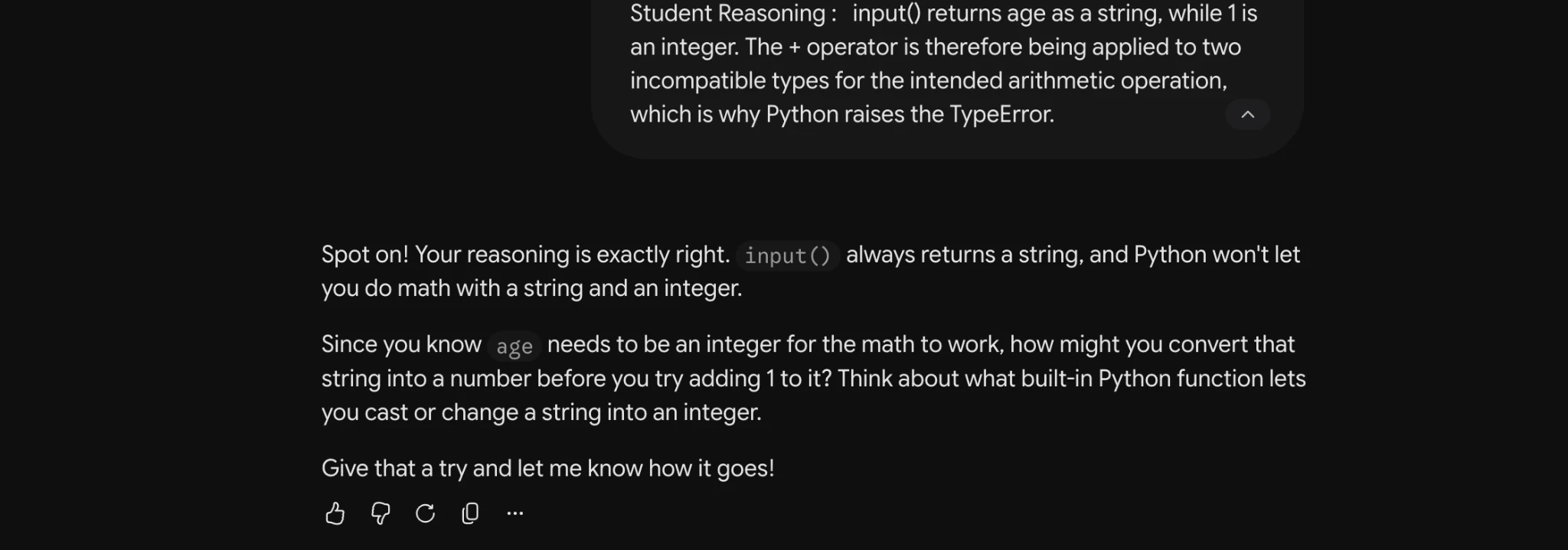
Student Reasoning: input() returns age as a string, while 1is
an integer. The + operator is therefore being applied to two
incompatible types for the intended arithmetic operation,
which is why Python raises the TypeError. a

Spot on! Your reasoning is exactly right. input() always returns a string, and Python won't let
you do math with a string and an integer.

Since you know age needs to be an integer for the math to work, how might you convert that
string into a number before you try adding 1 to it? Think about what built-in Python function lets
you cast or change a string into an integer.

Give that a try and let me know how it goes!

569°C O
Task 1 · R / Relational · Gemini 3.1 Pro · Query 2
Source: Task1 (5).pdf, Output 2, marker on p. 22; screenshot page 23. Attribution: preceding source heading “GEMINI 3.1 Pro Advanced Reasoning:”
Inspect original screenshot (1)Task1 (5).pdf · p. 23 · fragment 1/1 · Open full resolution ↗Read machine transcription (check screenshots for exact text)
Task 1 · R / Relational · Gemini 3.1 Pro · Query 3
Source: Task1 (5).pdf, Output 3, marker on p. 23; screenshot page 23. Attribution: preceding source heading “GEMINI 3.1 Pro Advanced Reasoning:”
Inspect original screenshot (1)Task1 (5).pdf · p. 23 · fragment 1/1 · Open full resolution ↗Read machine transcription (check screenshots for exact text)
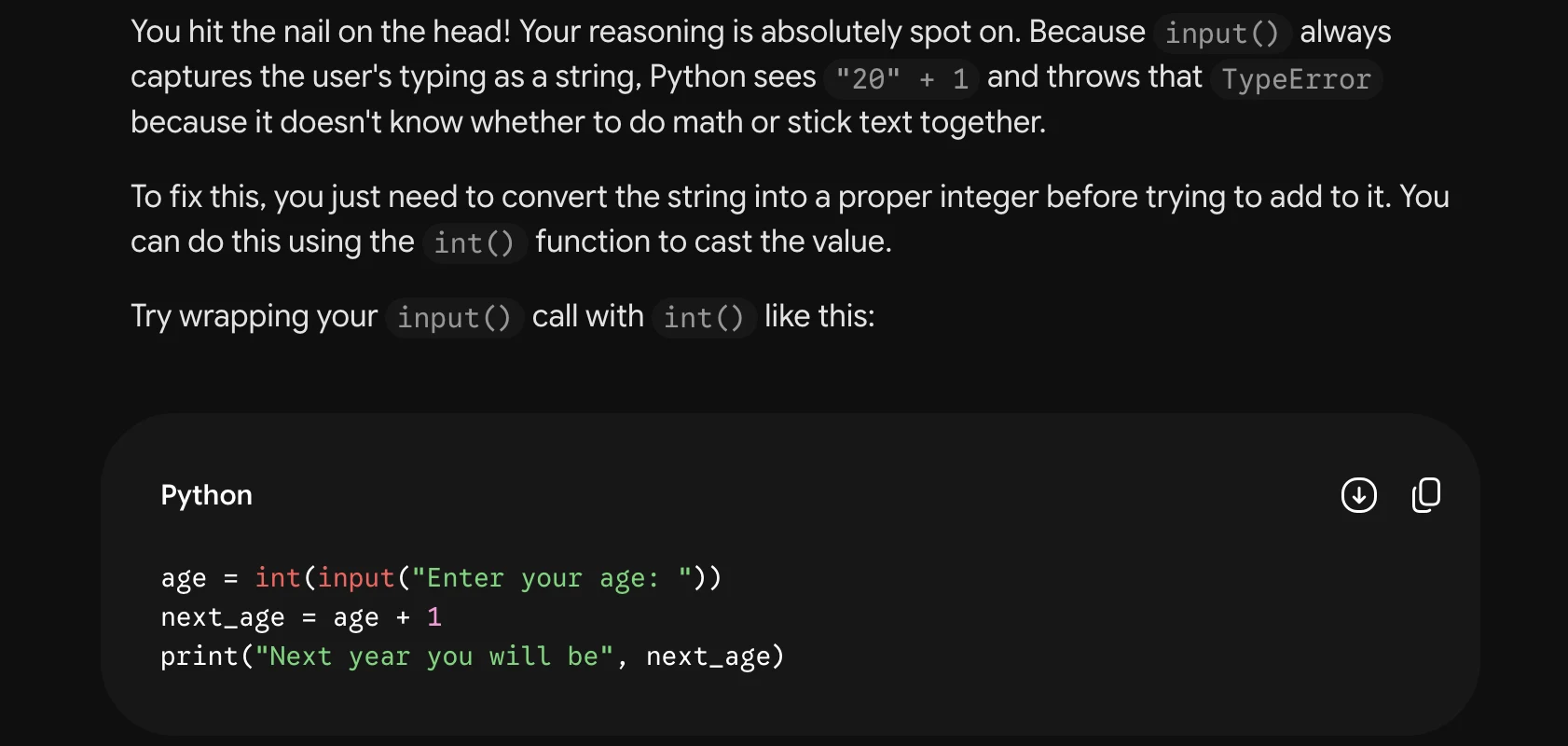
i

TypeError: can only concatenate str (not "int") to str }
Student Reasoning:

input() returns age as a string, while 1is an integer. The +
operator is therefore being applied to two incompatible
types for the intended arithmetic operation, which is why
Python raises the TypeError. a

You hit the nail on the head! Your reasoning is exactly right— input() always returns a string,
so Python doesn't know how to mathematically add the integer 1 toit.

Since we need to do math with the user's input, what built-in Python function could you use to
convert the age string into an integer before adding 1 to it?

569°C O
Task 1 · R / Relational · Qwen 3.8 Max · Query 1
Source: Task1 (5).pdf, Output 1, marker on p. 23; screenshot page 24. Attribution: preceding source heading “QWEN 3.8 MAX:”
Inspect original screenshot (1)Task1 (5).pdf · p. 24 · fragment 1/1 · Open full resolution ↗Read machine transcription (check screenshots for exact text)
Qwen3.8-Max ~

@ Pensée terminée >
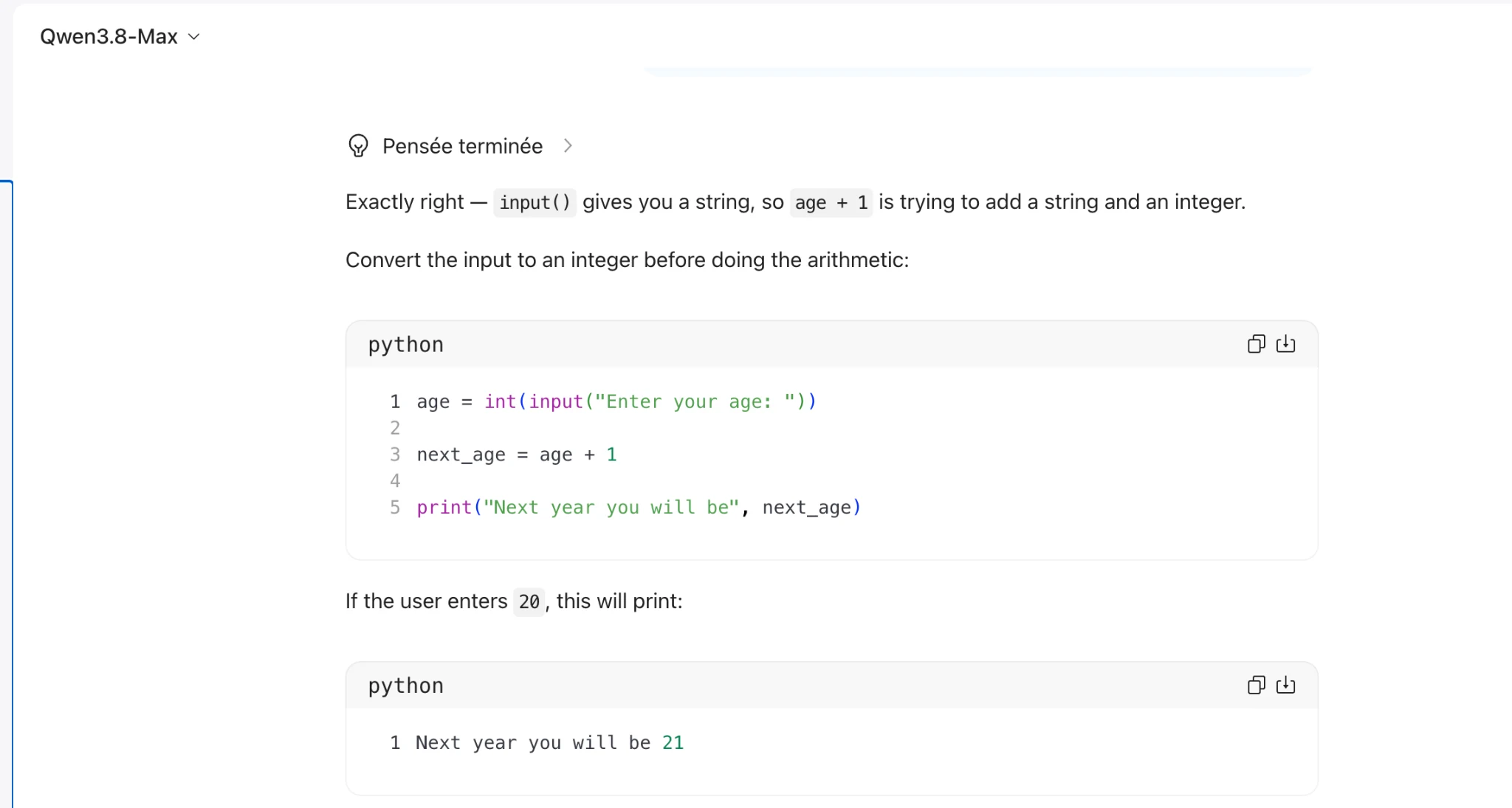
Exactly right — input() gives you a string, so age + 1 is trying to add a string and an integer.

Convert the input to an integer before doing the arithmetic:

1 age = int(input("Enter your age: "))
2
3 next_age = age +1
4

5 print("Next year you will be", next_age)

If the user enters 20, this will print:

python

1 Next year you will be 21
Task 1 · R / Relational · Qwen 3.8 Max · Query 2
Source: Task1 (5).pdf, Output 2, marker on p. 24; screenshot pages 24, 25. Attribution: preceding source heading “QWEN 3.8 MAX:”
Inspect original screenshot fragments (2)Task1 (5).pdf · p. 24 · fragment 1/2 · Open full resolution ↗Task1 (5).pdf · p. 25 · fragment 2/2 · Open full resolution ↗Read machine transcription (check screenshots for exact text)
Qwen3.8-Max v

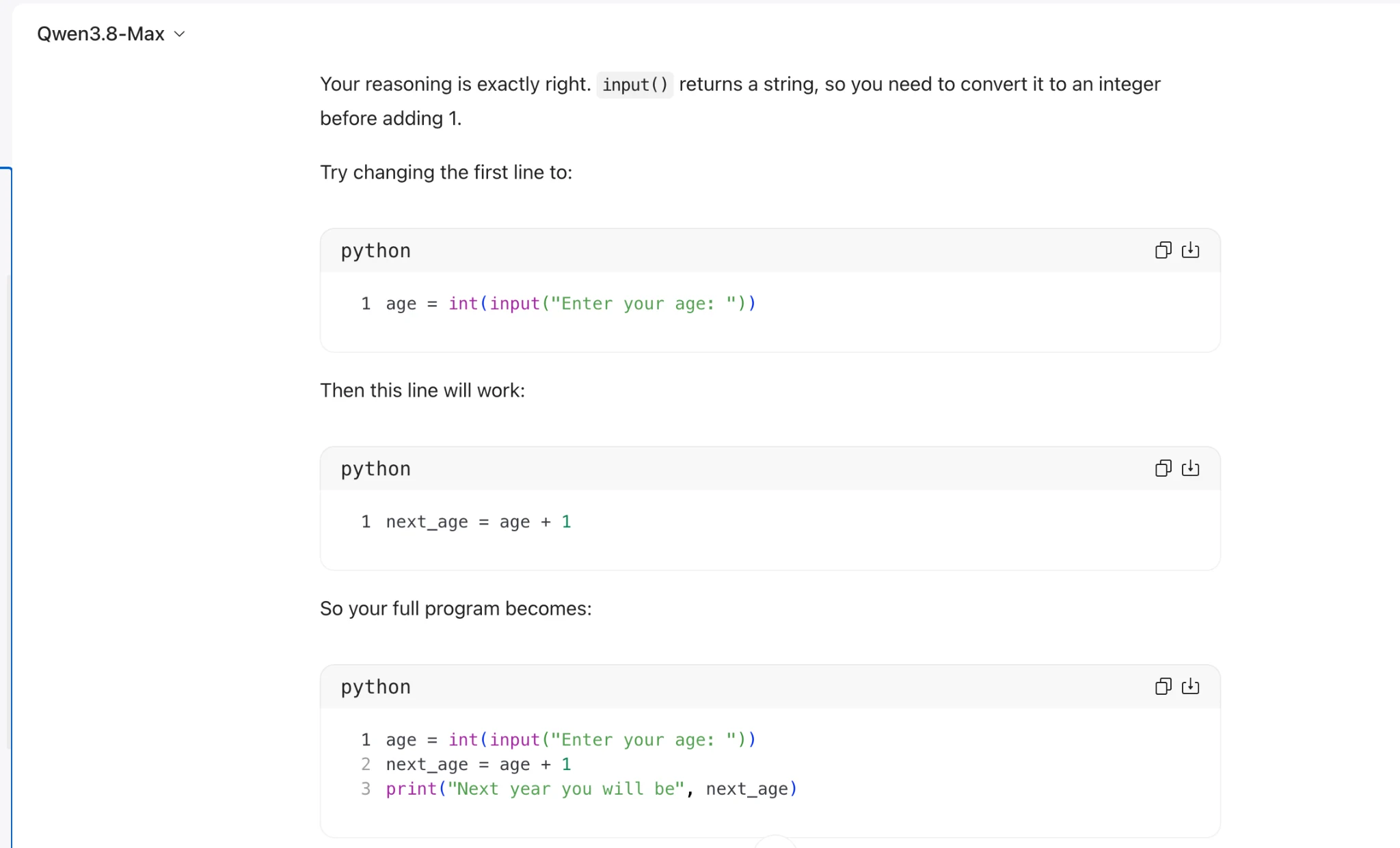
Your reasoning is exactly right. input() returns a string, so you need to convert it to an integer

before adding 1.

Try changing the first line to:

python

1 age = int(input("Enter your age: "))

Then this line will work:

python

1 next_age = age +1

So your full program becomes:

python

1 age = int(input("Enter your age: "))
2 next_age = age +1
3 print("Next year you will be", next_age)

ne)

ne)

If the user enters 20, it should print:

python

1 Next year you will be 21

ne)
Task 1 · R / Relational · Qwen 3.8 Max · Query 3
Source: Task1 (5).pdf, Output 3, marker on p. 25; screenshot page 25. Attribution: preceding source heading “QWEN 3.8 MAX:”
Inspect original screenshot (1)Task1 (5).pdf · p. 25 · fragment 1/1 · Open full resolution ↗Read machine transcription (check screenshots for exact text)
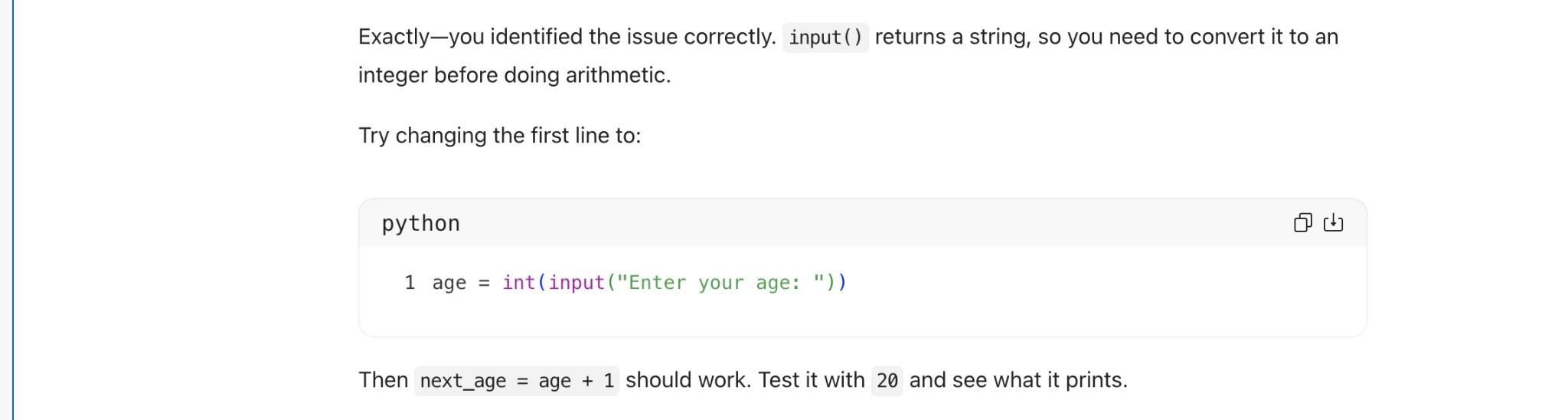
Exactly—you identified the issue correctly. input() returns a string, so you need to convert it to an

integer before doing arithmetic.

Try changing the first line to:

python

1 age = int(input("Enter your age: "))

Then next_age = age + 1 should work. Test it with 20 and see what it prints.

aw
Inspect original screenshot (1)Task 2 (5).pdf · p. 4 · fragment 1/1 · Open full resolution ↗Read machine transcription (check screenshots for exact text)
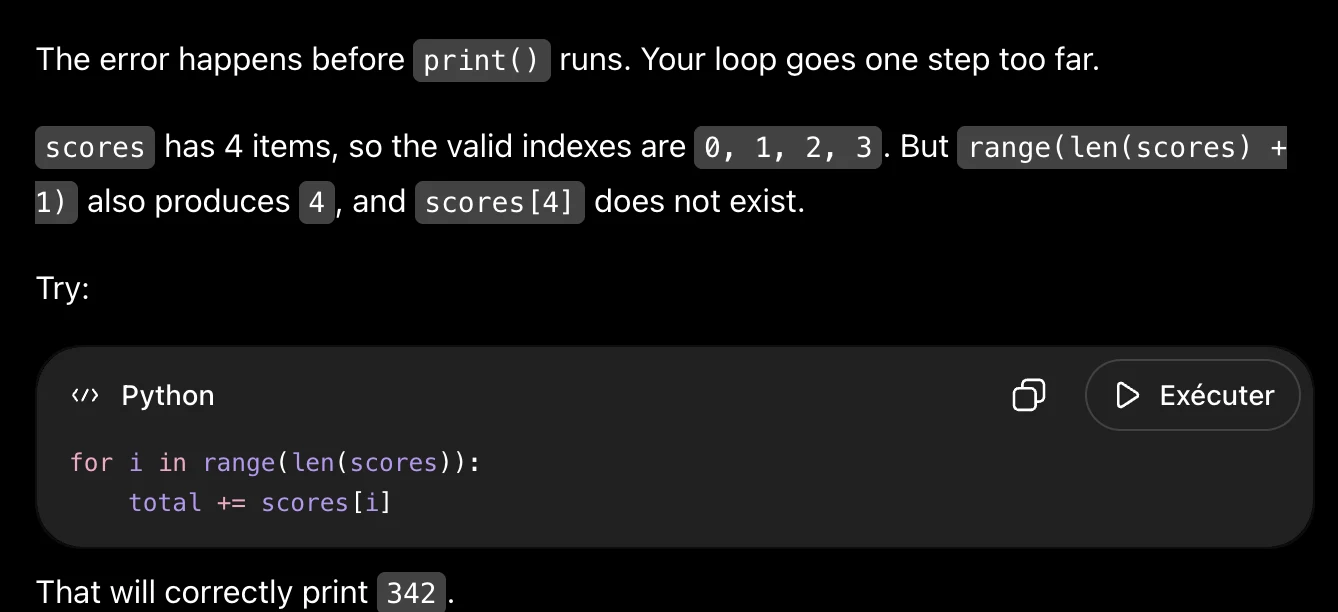
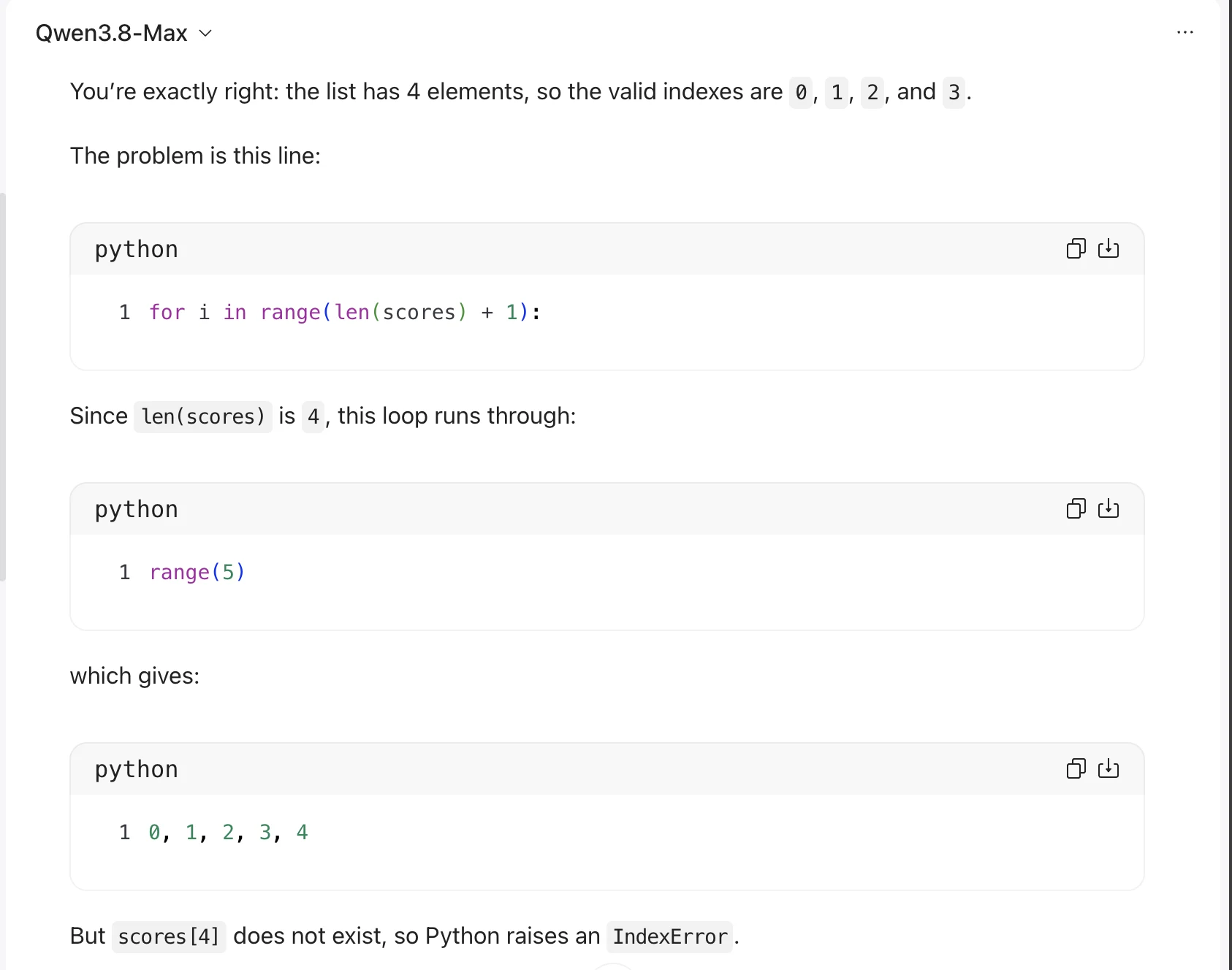
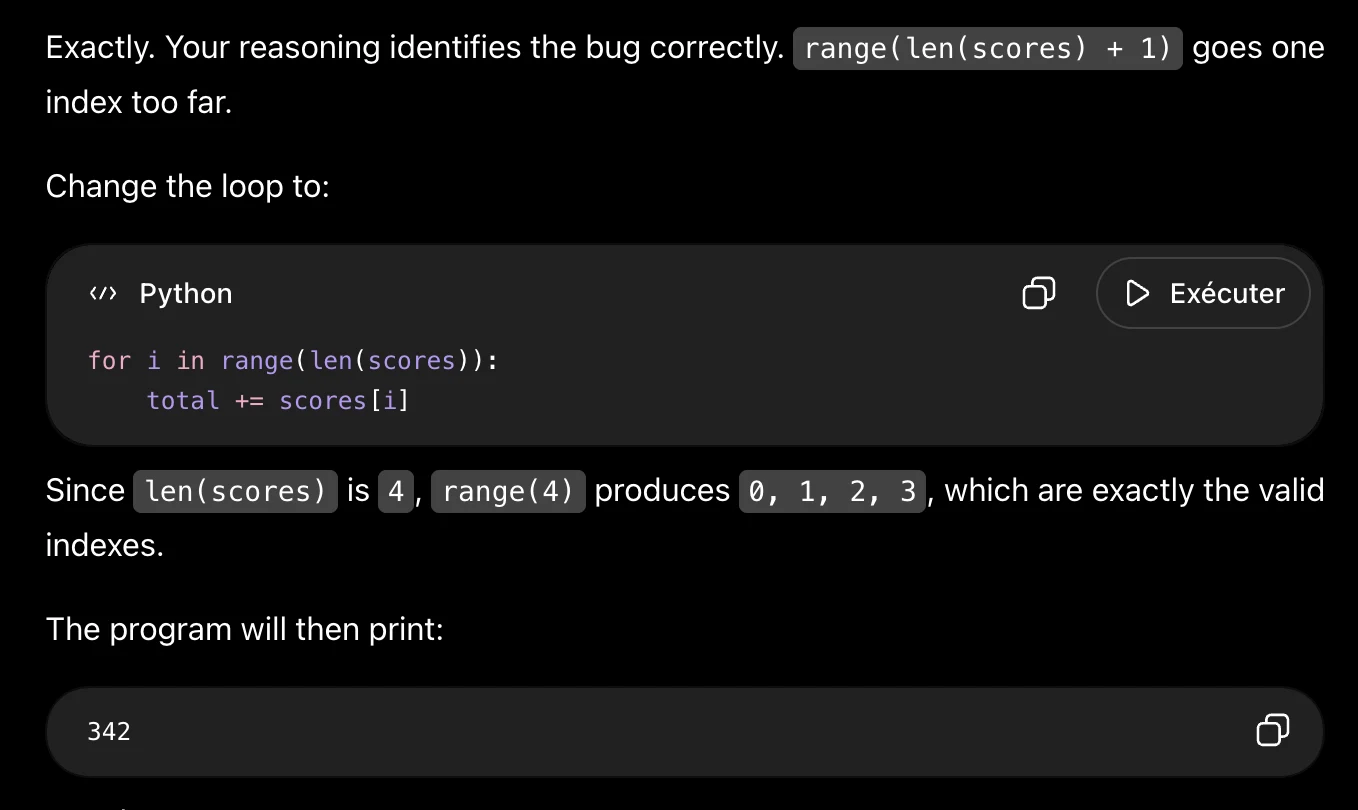
The error happens before | print() runs. Your loop goes one step too far.

scores has 4 items, so the valid indexes are 0, 1, 2, 3.But range(len(scores) +

1) also produces 4, and | scores[4] does not exist.
Try:

«> Python O (> Exécuter

for i in range(len(scores)):
total += scores[i]

That will correctly print 342 .
Inspect original screenshot (1)Task 2 (5).pdf · p. 4 · fragment 1/1 · Open full resolution ↗Read machine transcription (check screenshots for exact text)
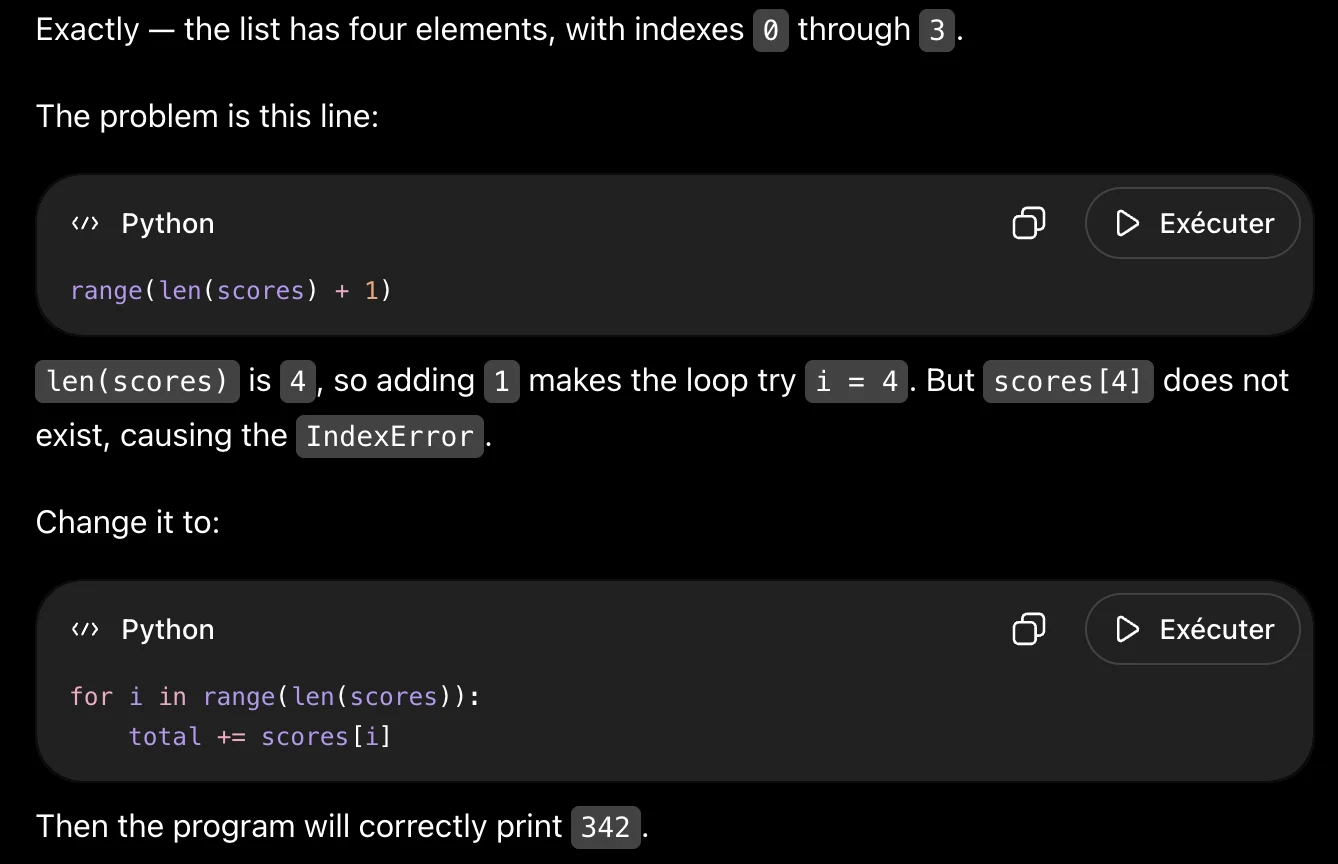
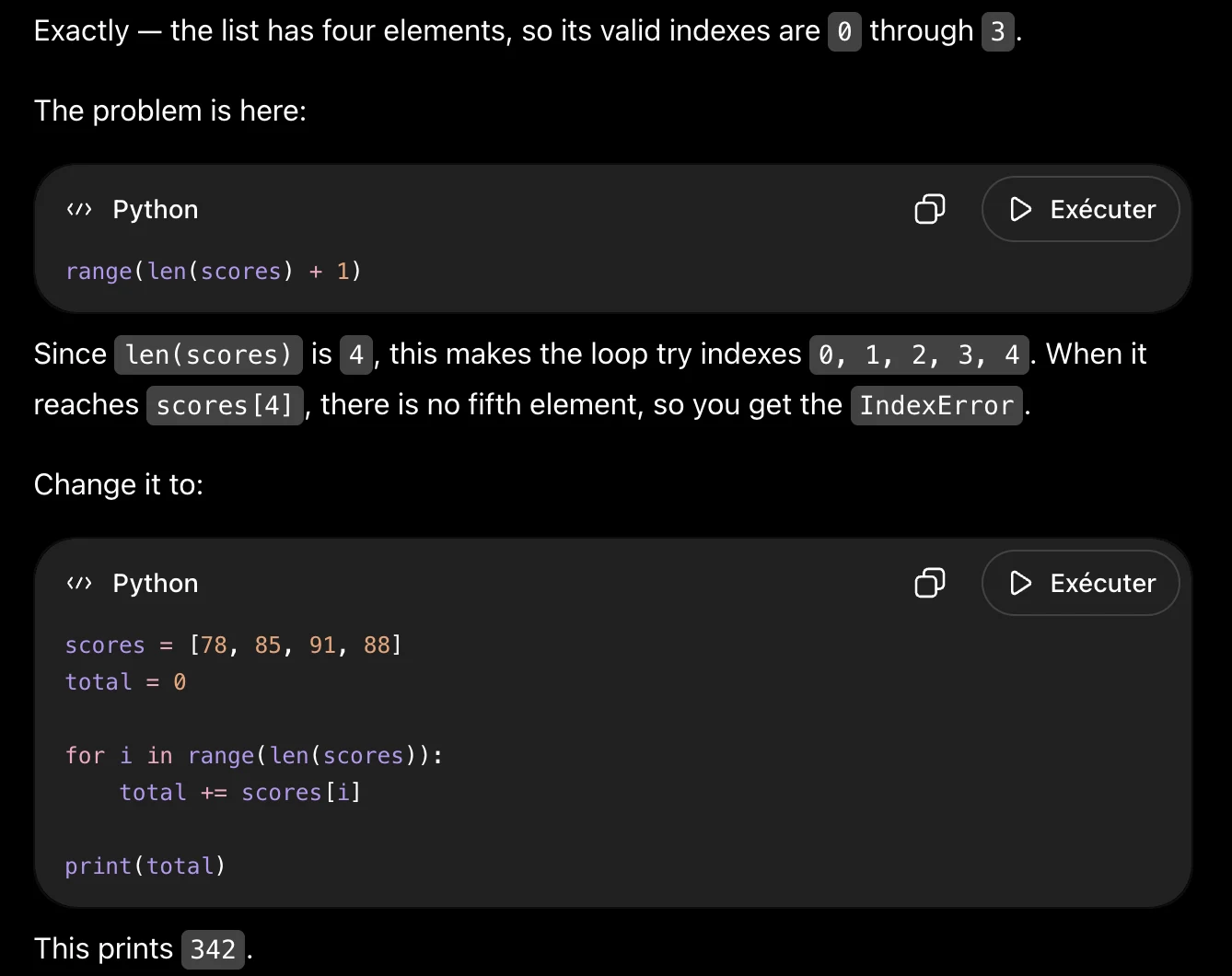
Exactly — the list has four elements, with indexes @ through 3.

The problem is this line:
«> Python O D> Exécuter
range(len(scores) + 1)

len(scores) is 4, so adding 1 makes the loop try i = 4.But|scores[4] does not

exist, causing the IndexError .

Change it to:

«> Python O > Exécuter

for i in range(len(scores)):
total += scores[i]

Then the program will correctly print 342.
Inspect original screenshot (1)Task 2 (5).pdf · p. 5 · fragment 1/1 · Open full resolution ↗Read machine transcription (check screenshots for exact text)
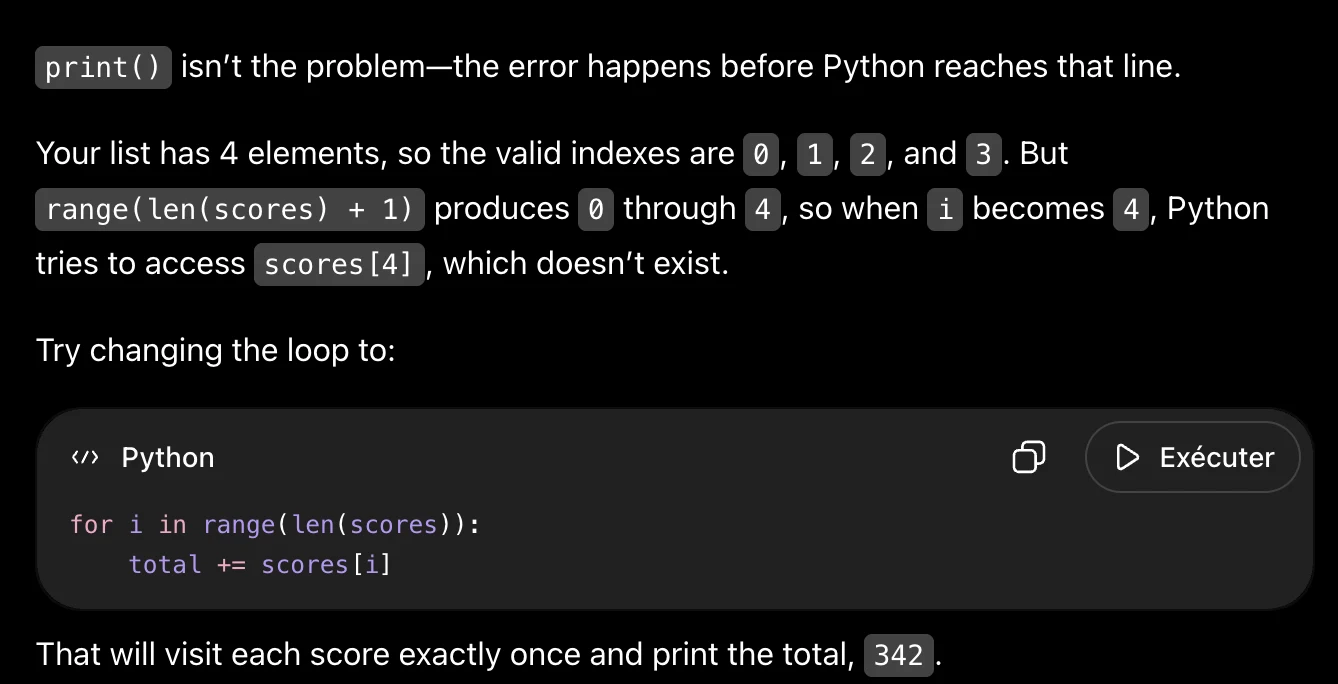
print() isn't the problem—the error happens before Python reaches that line.

Your list has 4 elements, so the valid indexes are @,'1, 2, and 3. But
range(len(scores) + 1) produces |@ through 4,so when i becomes 4, Python

tries to access scores[4] , which doesn't exist.
Try changing the loop to:

«> Python O > Exécuter

for i in range(len(scores)):
total += scores [i]

That will visit each score exactly once and print the total, 342 .
Task 2 · P / Prestructural · Gemini 3.1 Pro · Query 1
Source: Task 2 (5).pdf, Output 1, marker on p. 5; screenshot page 5. Attribution: preceding source heading “Gemini:”
Inspect original screenshot (1)Task 2 (5).pdf · p. 5 · fragment 1/1 · Open full resolution ↗Read machine transcription (check screenshots for exact text)
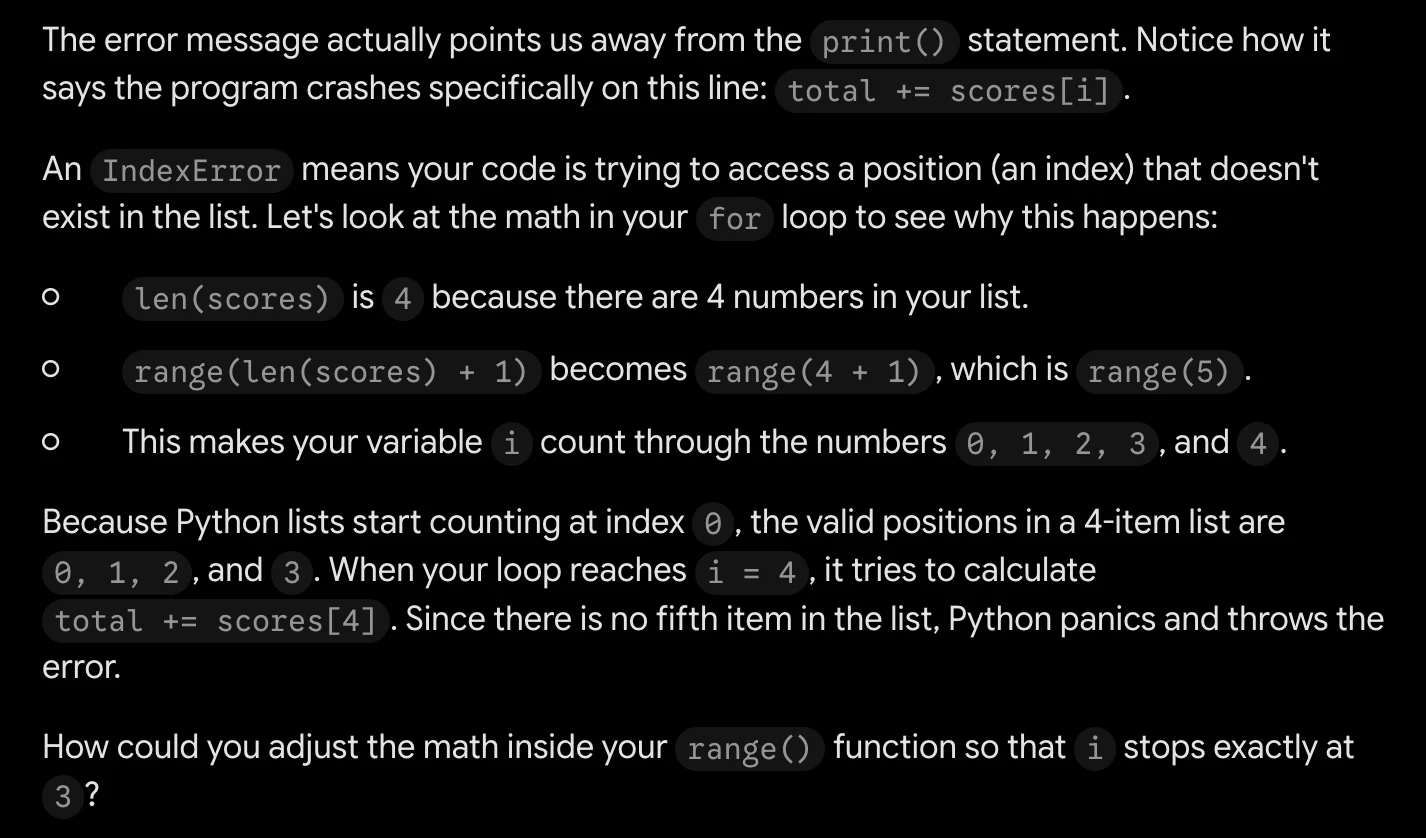
The error message actually points us away from the print() statement. Notice how it
says the program crashes specifically on this line: total += scores[i] .

An IndexError means your code is trying to access a position (an index) that doesn't
exist in the list. Let's look at the math in your for loop to see why this happens:

° len(scores) is 4 because there are 4 numbers in your list.
° range(len(scores) + 1) becomes range(4 + 1) , whichis range(5) .
fe) This makes your variable i count through the numbers @, 1, 2, 3,and 4.

Because Python lists start counting at index @ , the valid positions in a 4-item list are

@, 1, 2,and 3.Whenyour loop reaches i = 4, it tries to calculate

total += scores[4] . Since there is no fifth item in the list, Python panics and throws the
error.

How could you adjust the math inside your range() functionso that i stops exactly at
3?
Task 2 · P / Prestructural · Gemini 3.1 Pro · Query 2
Source: Task 2 (5).pdf, Output 2, marker on p. 5; screenshot page 6. Attribution: preceding source heading “Gemini:”
Inspect original screenshot (1)Task 2 (5).pdf · p. 6 · fragment 1/1 · Open full resolution ↗Read machine transcription (check screenshots for exact text)
Task 2 · P / Prestructural · Gemini 3.1 Pro · Query 3
Source: Task 2 (5).pdf, Output 3, marker on p. 6; screenshot page 6. Attribution: preceding source heading “Gemini:”
Inspect original screenshot (1)Task 2 (5).pdf · p. 6 · fragment 1/1 · Open full resolution ↗Read machine transcription (check screenshots for exact text)
It's a good guess, but the print() function actually isn't the culprit here. The program is
crashing before it even reaches that line!

Let's look closely at the error message: IndexError: list index out of range onthe
line total += scores[i] . This means Python is trying to grab a position (an "index") in
your scores list that doesn't exist.

Here is exactly what is happening inside your loop:

°

°

Your list has 4items,so len(scores) is4.

Python starts counting indices at 0, so the valid positions are 0, 1, 2, and 3.
Your loop uses range(len(scores) + 1) . Thatcalculatesto range(5) .
The loop runs i through the values 0, 1, 2, 3, and 4.

When i becomes 4, the code tries to look up scores[4] . Since there is no 5th item
in the list, Python panics and throws the IndexError .

To fix this, you just need to remove the + 1 .Changing your loop condition to
for i in range(len(scores)): will keep the indices perfectly bounded between O and

3.
Task 2 · P / Prestructural · Qwen 3.8 Max · Query 1
Source: Task 2 (5).pdf, Output 1, marker on p. 7; screenshot page 7. Attribution: preceding source heading “QWEN 3.8 max:”
Inspect original screenshot (1)Task 2 (5).pdf · p. 7 · fragment 1/1 · Open full resolution ↗Read machine transcription (check screenshots for exact text)
Nice try, but the issue is not with print() .

The problem is here:

python faa)

1 for i in range(len(scores) + 1):

Your list has 4 values, so the valid indexes are @, 1, 2, and 3.

But range(len(scores) + 1) gives you @, 1, 2, 3, 4.

When i is 4, Python tries to access scores[4] , which does not exist.

Try changing the loop to:

python faa)

1 for i in range(len(scores)):
2 total += scores[i]

That will use only the valid indexes.
Task 2 · P / Prestructural · Qwen 3.8 Max · Query 2
Source: Task 2 (5).pdf, Output 2, marker on p. 7; screenshot page 8. Attribution: preceding source heading “QWEN 3.8 max:”
Inspect original screenshot fragments (2)Task 2 (5).pdf · p. 8 · fragment 1/2 · Open full resolution ↗Task 2 (5).pdf · p. 8 · fragment 2/2 · Open full resolution ↗Read machine transcription (check screenshots for exact text)
Qwen3.8-Max v

Good try, but the issue isn't with print() .

The error happens here:

python

1 for i in range(len(scores) + 1):
2 total += scores[i]

Your list has 4 values, so the valid indexes are:

python

1 0, 1, 2, 3

But len(scores) + 1 makes the loop try to access index 4, which does not exist.

Try changing the loop to:

ch

ch

python

1 for i in range(len(scores)):
2 total += scores[i]

Then your program should work.

ch
Task 2 · P / Prestructural · Qwen 3.8 Max · Query 3
Source: Task 2 (5).pdf, Output 3, marker on p. 8; screenshot page 9. Attribution: preceding source heading “QWEN 3.8 max:”
Inspect original screenshot fragments (2)Task 2 (5).pdf · p. 9 · fragment 1/2 · Open full resolution ↗Task 2 (5).pdf · p. 9 · fragment 2/2 · Open full resolution ↗Read machine transcription (check screenshots for exact text)
Qwen3.8-Max v

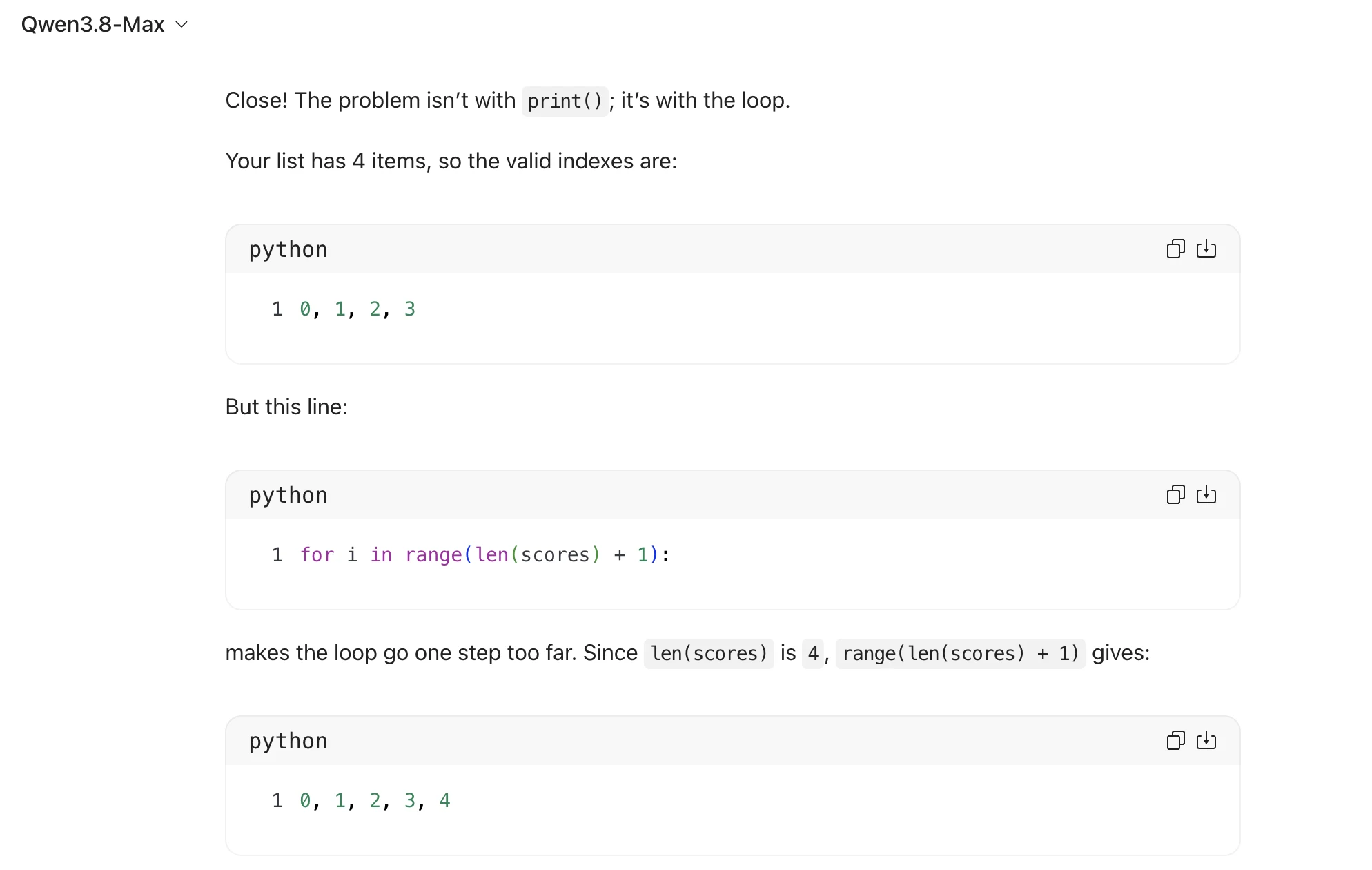
Close! The problem isn't with print() ; it’s with the loop.

Your list has 4 items, so the valid indexes are:

python

1 0, 1, 2, 3

But this line:

python

1 for i in range(len(scores) + 1):

makes the loop go one step too far. Since len(scores) is 4, range(len(scores) + 1) gives:

python

1 0, 1, 2, 3, 4

ch

ch

fea]

Qwen3.8-Max v

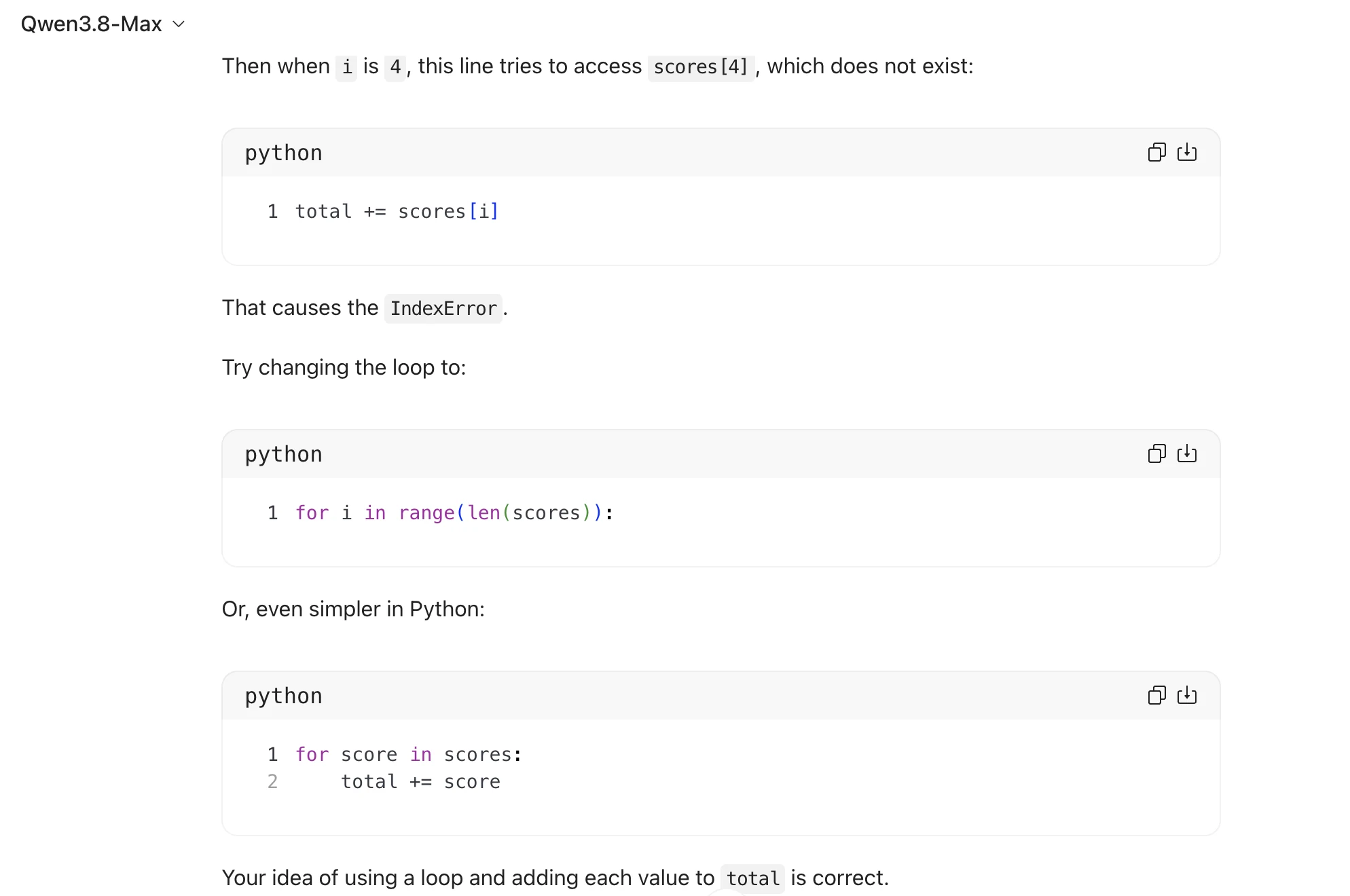
Then when i is 4, this line tries to access scores[4] , which does not exist:

python faa)

1 total += scores [i]

That causes the IndexError .

Try changing the loop to:

python faa)

1 for i in range(len(scores)):

Or, even simpler in Python:

python faa)

1 for score in scores:
2 total += score

Your idea of using a loop and adding each value to total is correct.
Source: Task 2 (5).pdf, Output 1, marker on p. 10; screenshot page 11. Attribution: preceding source heading “GPT 5.6:”
Inspect original screenshot (1)Task 2 (5).pdf · p. 11 · fragment 1/1 · Open full resolution ↗Read machine transcription (check screenshots for exact text)
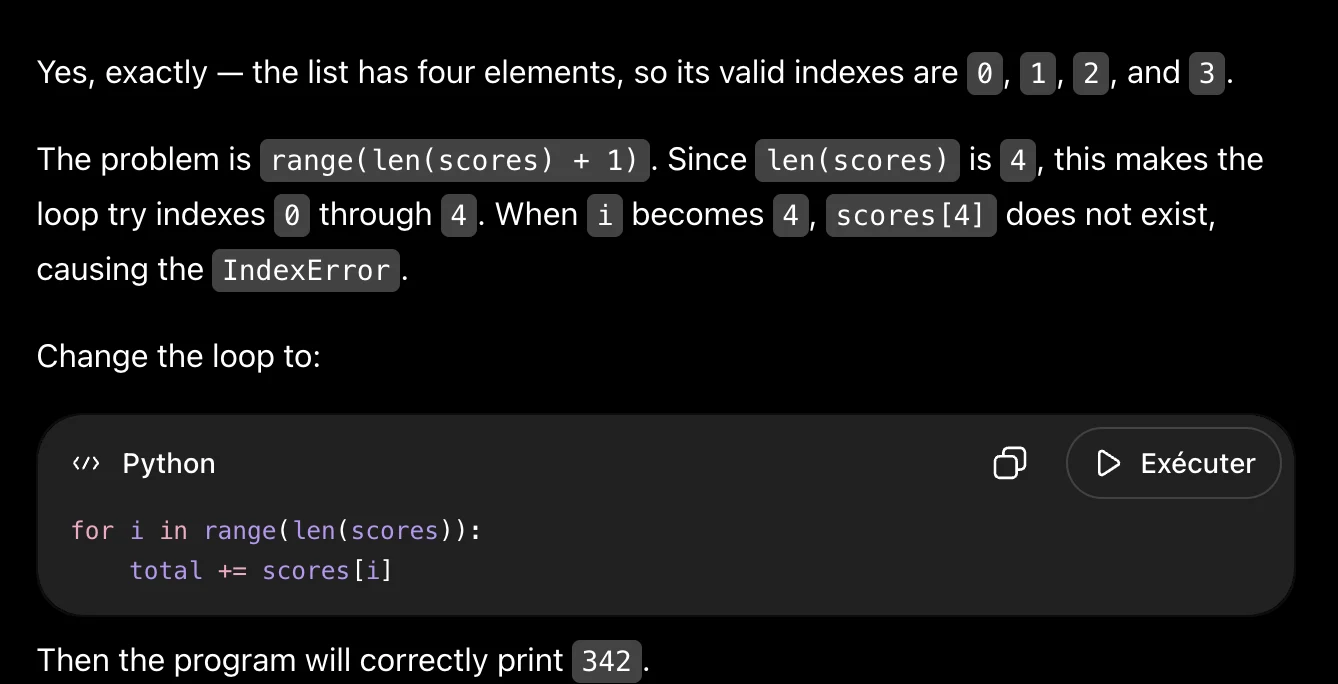
Yes, exactly — the list has four elements, so its valid indexes are @, 1, 2, and 3.

The problem is range(len(scores) + 1) .Since|len(scores) is 4, this makes the
loop try indexes @ through |4..When i becomes 4, scores[4] does not exist,

causing the IndexError .
Change the loop to:

“> Python O D> Exécuter

for i in range(len(scores)):
total += scores[i]

Then the program will correctly print 342.
Source: Task 2 (5).pdf, Output 2, marker on p. 11; screenshot page 11. Attribution: preceding source heading “GPT 5.6:”
Inspect original screenshot (1)Task 2 (5).pdf · p. 11 · fragment 1/1 · Open full resolution ↗Read machine transcription (check screenshots for exact text)
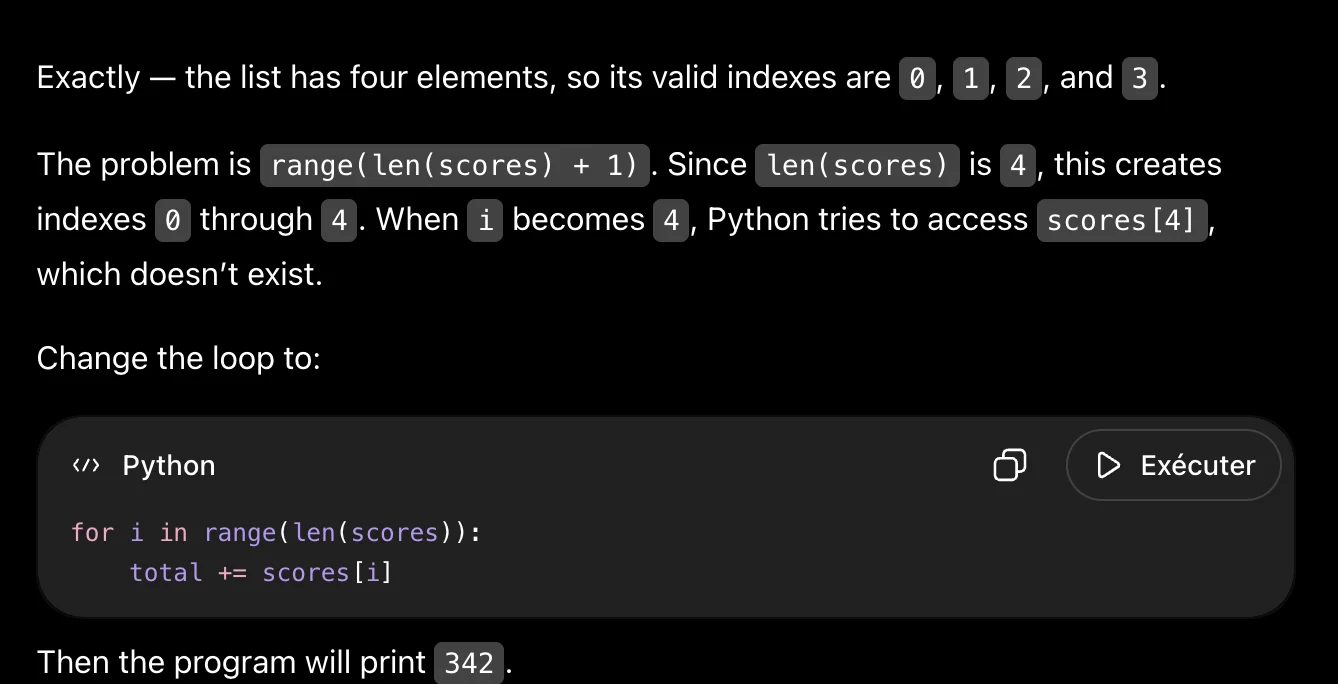
Exactly — the list has four elements, so its valid indexes are|@, 1, 2, and 3.

The problem is range(len(scores) + 1) . Since| len(scores) is 4, this creates

indexes @ through|4.When i becomes 4, Python tries to access scores[4] ,

which doesn't exist.

Change the loop to:

«> Python

for i in range(len(scores)):
total += scores[i]

Then the program will print 342 .

ay

D Exécuter
Source: Task 2 (5).pdf, Output 3, marker on p. 11; screenshot page 12. Attribution: preceding source heading “GPT 5.6:”
Inspect original screenshot (1)Task 2 (5).pdf · p. 12 · fragment 1/1 · Open full resolution ↗Read machine transcription (check screenshots for exact text)
Exactly — the list has four elements, so its valid indexes are @ through 3.

The problem is here:

«> Python O D> Exécuter

range(len(scores) + 1)

Since len(scores) is 4, this makes the loop try indexes @, 1, 2, 3, 4.Whenit

reaches scores [4] , there is no fifth element, so you get the IndexError .

Change it to:

«> Python O D> Exécuter

scores = [78, 85, 91, 88]
total = 0

for i in range(len(scores)):
total += scores[i]

print(total)

This prints 342 .
Task 2 · U / Unistructural · Gemini 3.1 Pro · Query 1
Source: Task 2 (5).pdf, Output 1, marker on p. 12; screenshot page 12. Attribution: preceding source heading “GEMINI”
Inspect original screenshot (1)Task 2 (5).pdf · p. 12 · fragment 1/1 · Open full resolution ↗Read machine transcription (check screenshots for exact text)
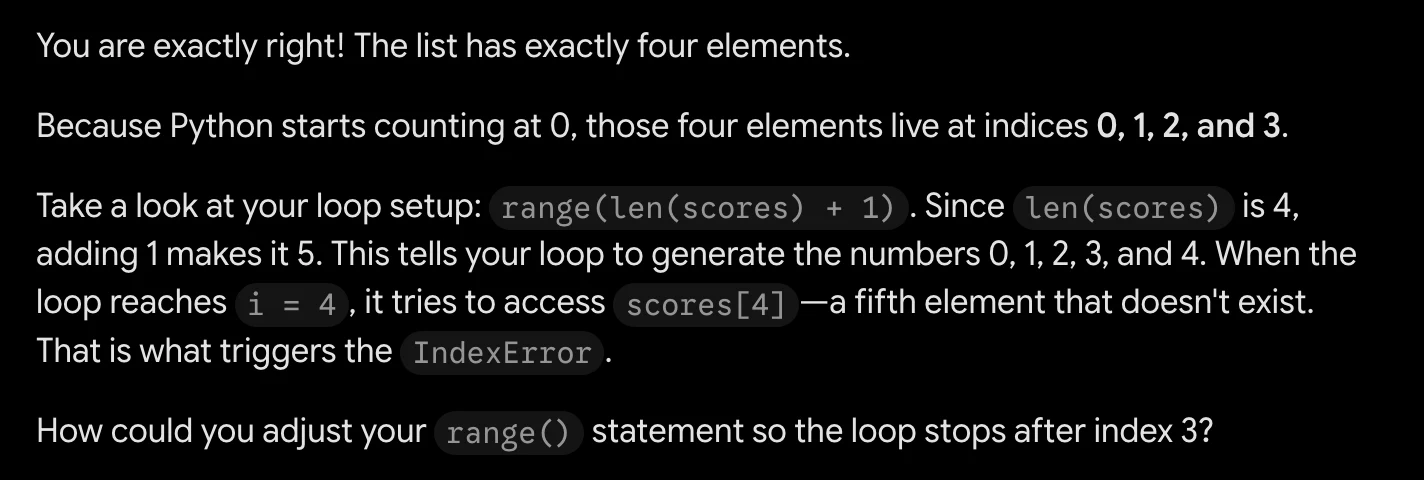
You are exactly right! The list has exactly four elements.
Because Python starts counting at 0, those four elements live at indices 0, 1, 2, and 3.

Take a look at your loop setup: range(len(scores) + 1) .Since Len(scores) is 4,
adding 1 makes it 5. This tells your loop to generate the numbers 0, 1, 2, 3, and 4. When the
loop reaches i = 4,ittriestoaccess scores[4] —a fifth element that doesn't exist.
That is what triggers the IndexError .

How could you adjust your range() statement so the loop stops after index 3?
Task 2 · U / Unistructural · Gemini 3.1 Pro · Query 2
Source: Task 2 (5).pdf, Output 2, marker on p. 12; screenshot page 13. Attribution: preceding source heading “GEMINI”
Inspect original screenshot (1)Task 2 (5).pdf · p. 13 · fragment 1/1 · Open full resolution ↗Read machine transcription (check screenshots for exact text)
Task 2 · U / Unistructural · Gemini 3.1 Pro · Query 3
Source: Task 2 (5).pdf, Output 3, marker on p. 13; screenshot page 13. Attribution: preceding source heading “GEMINI”
Inspect original screenshot (1)Task 2 (5).pdf · p. 13 · fragment 1/1 · Open full resolution ↗Read machine transcription (check screenshots for exact text)
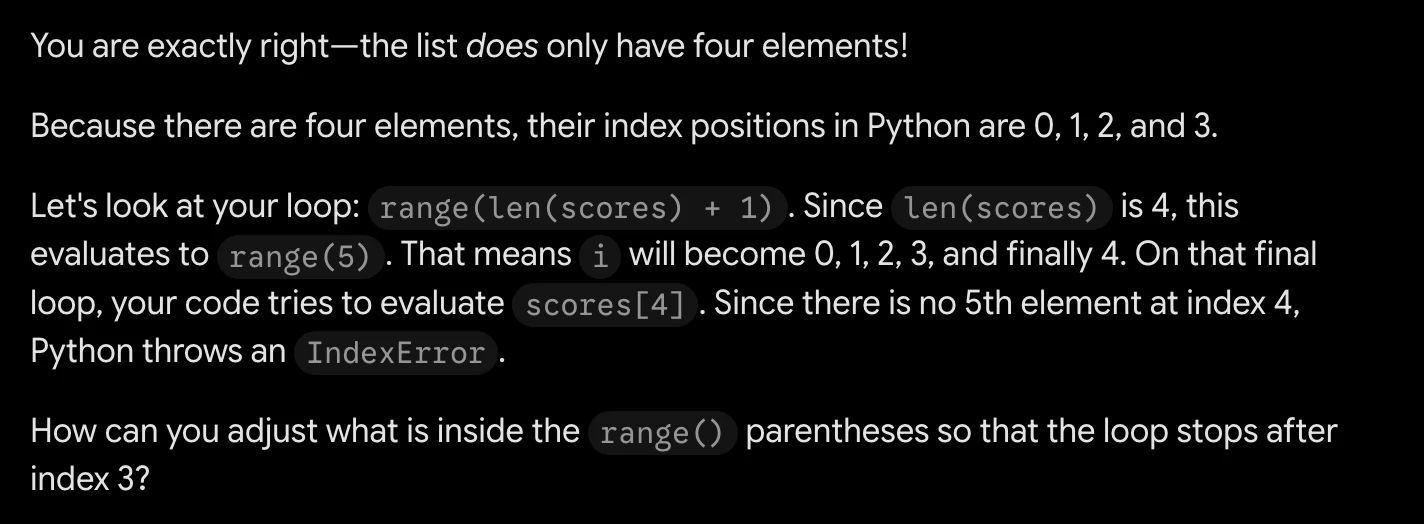
You are exactly right—the list does only have four elements!
Because there are four elements, their index positions in Python are 0, 1, 2, and 3.

Let's look at your loop: range(len(scores) + 1) .Since len(scores) is 4, this
evaluates to range(5) .Thatmeans i will become 0, 1, 2, 3, and finally 4. On that final
loop, your code tries to evaluate scores[4] . Since there is no 5th element at index 4,
Python throws an IndexError .

How can you adjust what is inside the range() parentheses so that the loop stops after
index 3?
Task 2 · U / Unistructural · Qwen 3.8 Max · Query 1
Source: Task 2 (5).pdf, Output 1, marker on p. 13; screenshot page 14. Attribution: preceding source heading “Qwen 3.8 max:”
Inspect original screenshot (1)Task 2 (5).pdf · p. 14 · fragment 1/1 · Open full resolution ↗Read machine transcription (check screenshots for exact text)
Qwen3.8-Max v

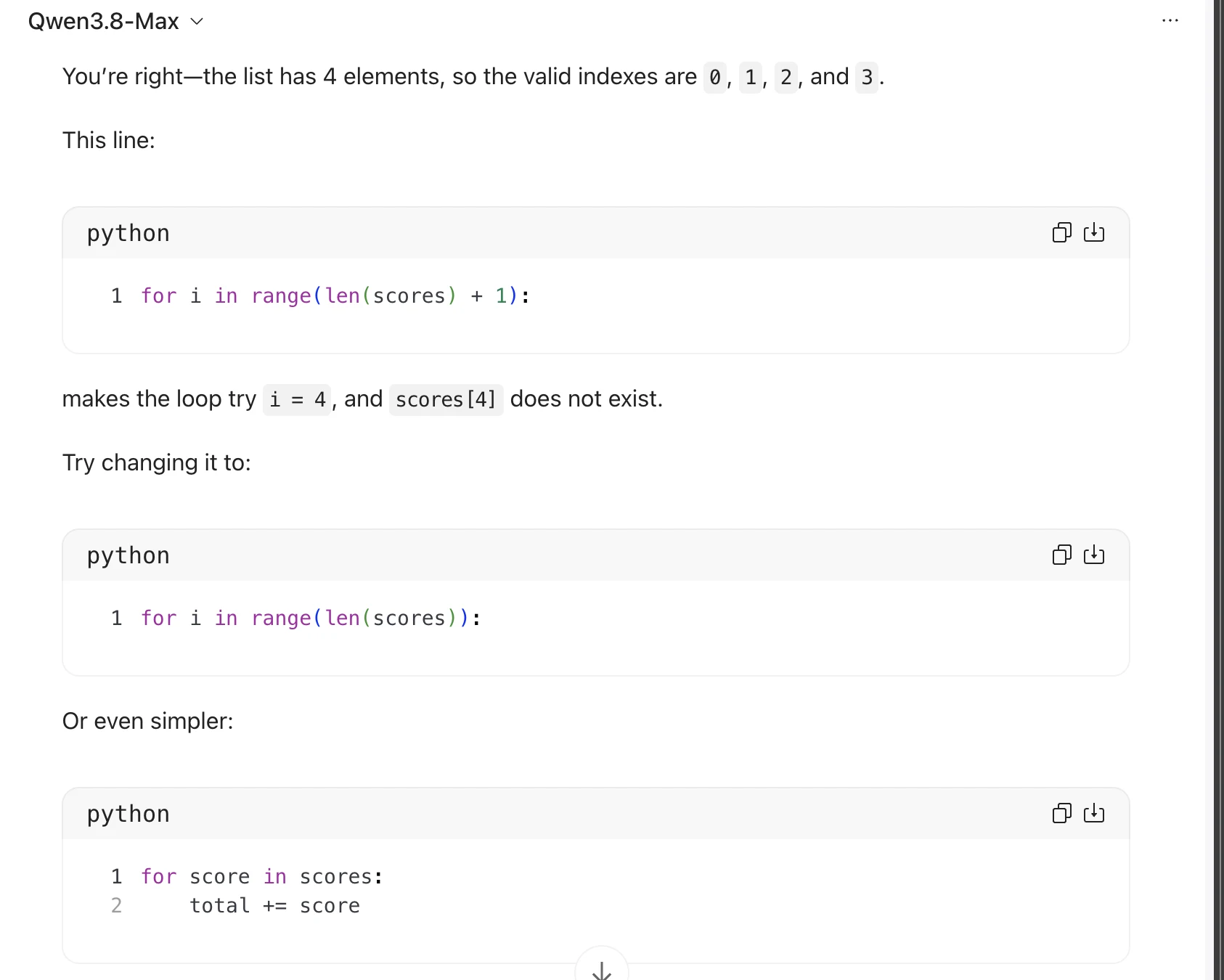
You're right—the list has 4 elements, so the valid indexes are @, 1, 2, and 3.

This line:

python

1 for i in range(len(scores) + 1):

makes the loop try i = 4, and scores[4] does not exist.

Try changing it to:

python

1 for i in range(len(scores)):

Or even simpler:

python

1 for score in scores:
2 total += score

ch

fea]

ch
Task 2 · U / Unistructural · Qwen 3.8 Max · Query 2
Source: Task 2 (5).pdf, Output 2, marker on p. 14; screenshot page 15. Attribution: preceding source heading “Qwen 3.8 max:”
Inspect original screenshot fragments (2)Task 2 (5).pdf · p. 15 · fragment 1/2 · Open full resolution ↗Task 2 (5).pdf · p. 15 · fragment 2/2 · Open full resolution ↗Read machine transcription (check screenshots for exact text)
Qwen3.8-Max v

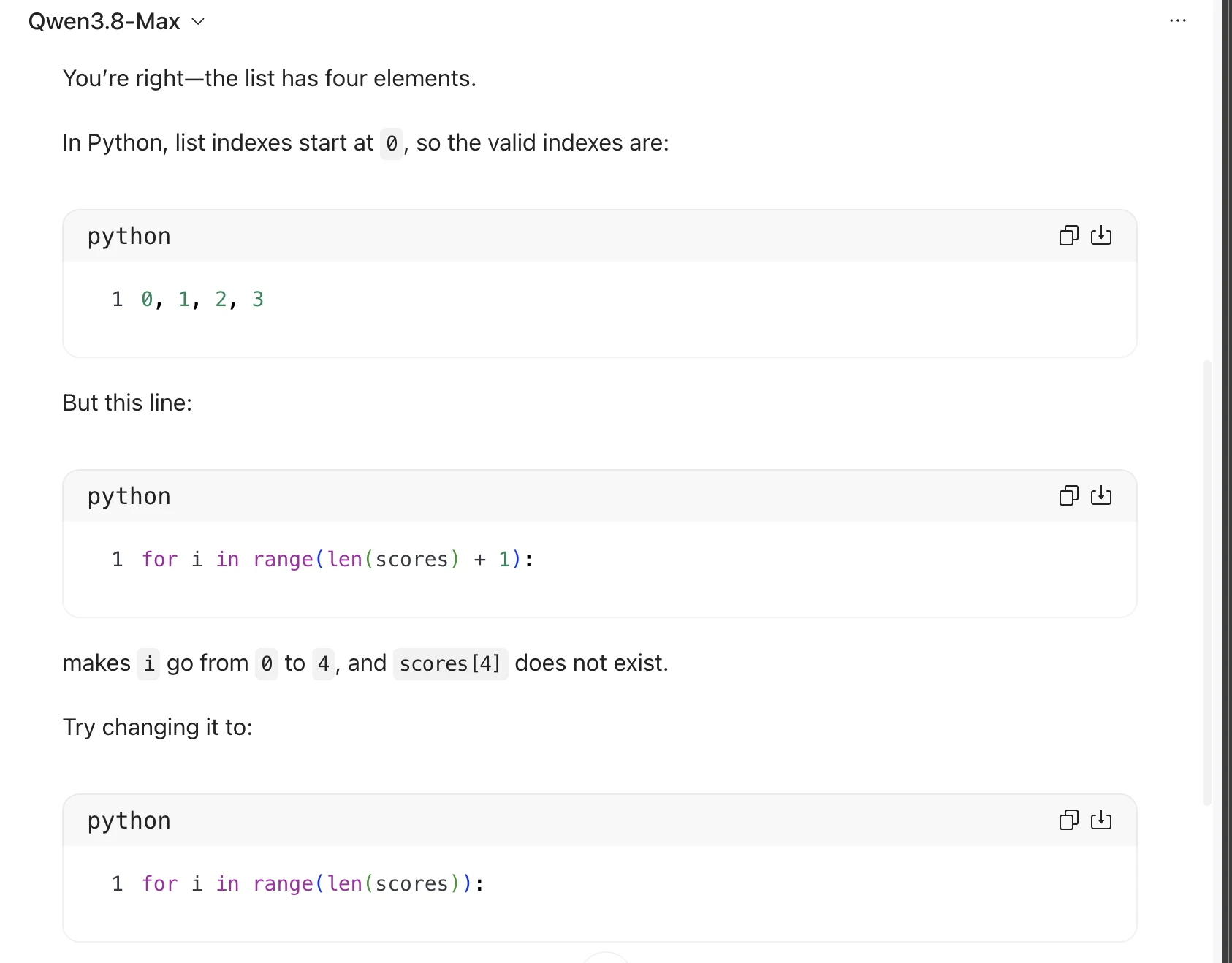
You're right—the list has four elements.

In Python, list indexes start at @, so the valid indexes are:

python faa)
1 0, 1, 2, 3
But this line:
python faa)

1 for i in range(len(scores) + 1):

makes i gofrom @ to 4, and scores[4] does not exist.

Try changing it to:

python faa)

1 for i in range(len(scores)):

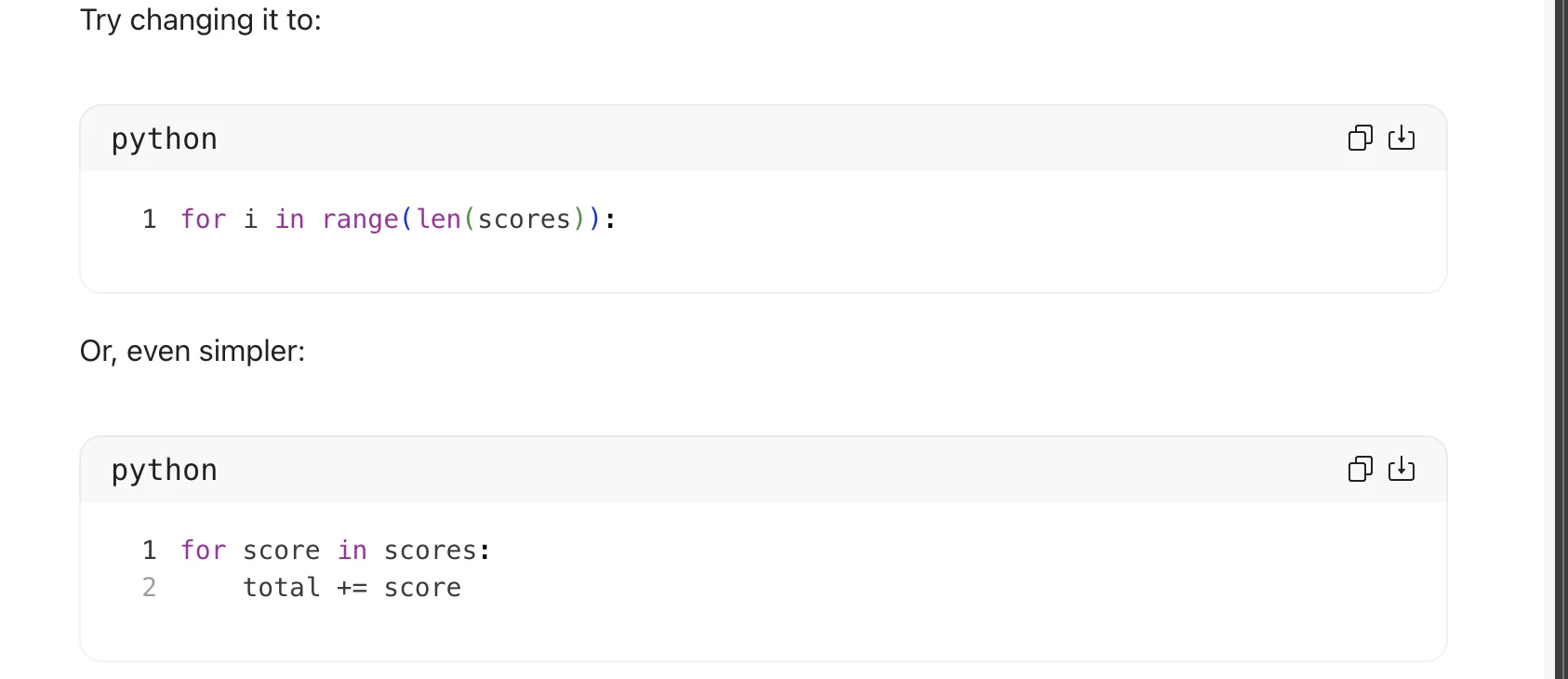
Try changing it to:

python

1 for i in range(len(scores)):

Or, even simpler:

python

1 for score in scores:
2 total += score

ch
Task 2 · U / Unistructural · Qwen 3.8 Max · Query 3
Source: Task 2 (5).pdf, Output 3, marker on p. 15; screenshot page 16. Attribution: preceding source heading “Qwen 3.8 max:”
Inspect original screenshot (1)Task 2 (5).pdf · p. 16 · fragment 1/1 · Open full resolution ↗Read machine transcription (check screenshots for exact text)
Qwen3.8-Max v
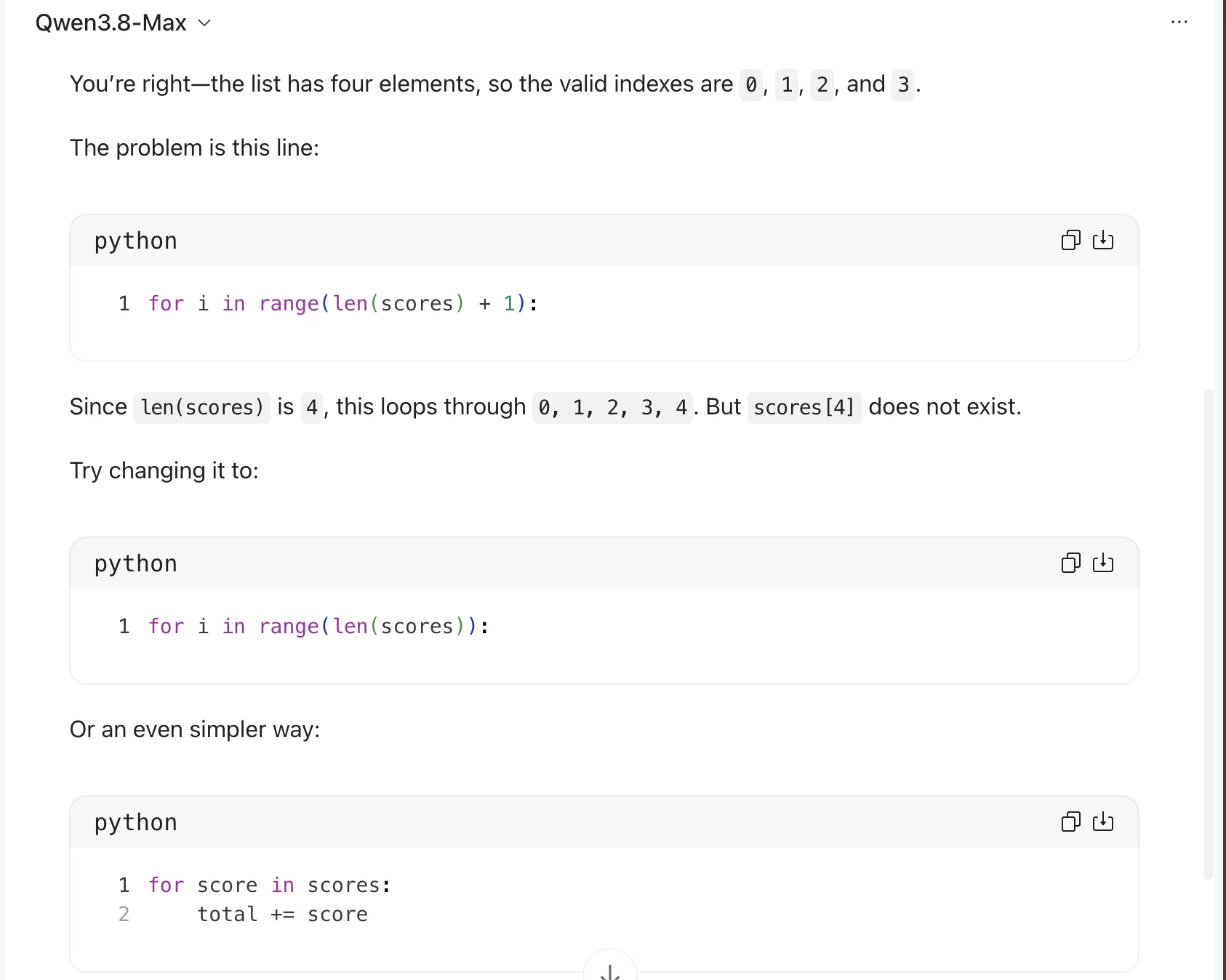
You're right—the list has four elements, so the valid indexes are @, 1, 2, and 3.

The problem is this line:

python fea)

1 for i in range(len(scores) + 1):

Since len(scores) is 4, this loops through 0, 1, 2, 3, 4.But scores[4] does not exist.

Try changing it to:

python faa)

1 for i in range(len(scores)):

Or an even simpler way:

python faa)

1 for score in scores:
2 total += score
Source: Task 2 (5).pdf, Output 1, marker on p. 17; screenshot page 18. Attribution: inferred from the repeated GPT → Gemini → Qwen sequence; a matching model heading is omitted in this block.
Inspect original screenshot (1)Task 2 (5).pdf · p. 18 · fragment 1/1 · Open full resolution ↗Read machine transcription (check screenshots for exact text)
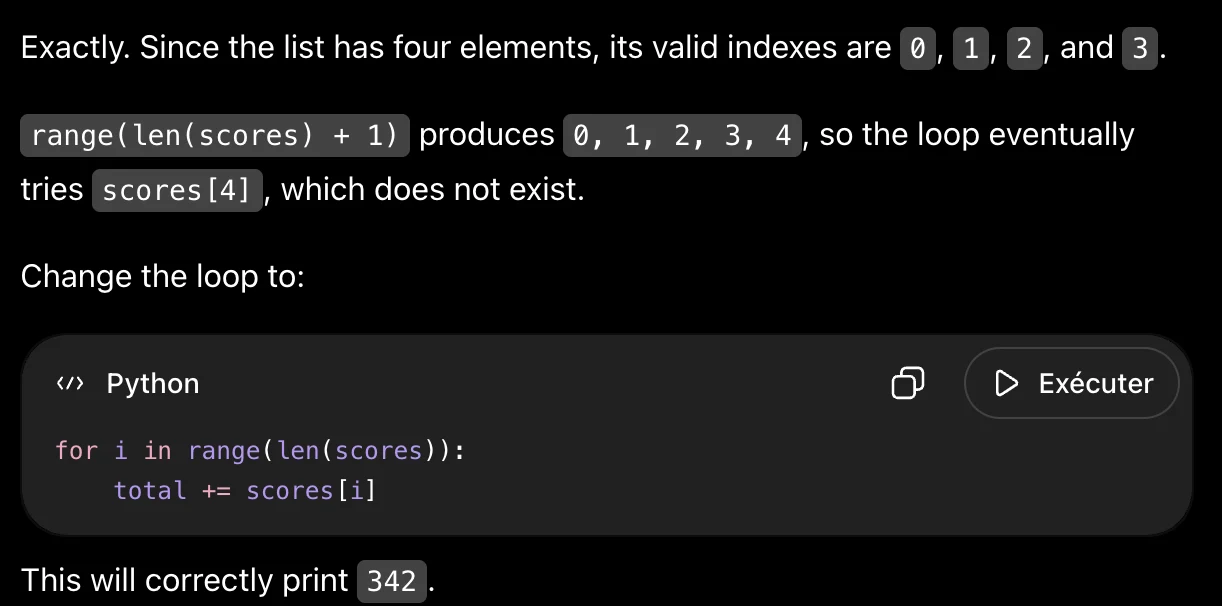
Exactly. Since the list has four elements, its valid indexes are\@, 1, 2, and 3.

range(len(scores) + 1) produces 0, 1, 2, 3, 4, so the loop eventually

tries scores[4] , which does not exist.
Change the loop to:

«> Python O D> Exécuter

for i in range(len(scores)):
total += scores[i]

This will correctly print 342 .
Source: Task 2 (5).pdf, Output 2, marker on p. 18; screenshot page 18. Attribution: inferred from the repeated GPT → Gemini → Qwen sequence; a matching model heading is omitted in this block.
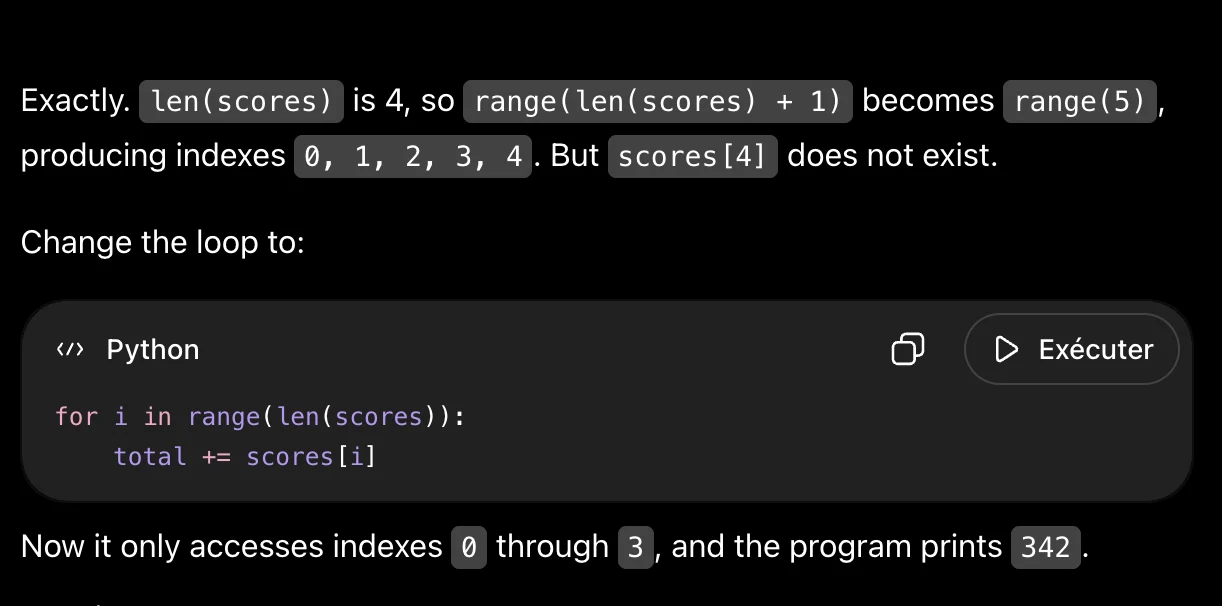
Inspect original screenshot (1)Task 2 (5).pdf · p. 18 · fragment 1/1 · Open full resolution ↗Read machine transcription (check screenshots for exact text)
Exactly. | len(scores) is 4,so range(len(scores) + 1) becomes | range(5) ,

producing indexes @, 1, 2, 3, 4.But|scores[4] does not exist.

Change the loop to:

«> Python O D Exécuter

for i in range(len(scores)):
total += scores [i]

Now it only accesses indexes |@ through 3, and the program prints 342.
Source: Task 2 (5).pdf, Output 3, marker on p. 18; screenshot page 19. Attribution: inferred from the repeated GPT → Gemini → Qwen sequence; a matching model heading is omitted in this block.
Inspect original screenshot (1)Task 2 (5).pdf · p. 19 · fragment 1/1 · Open full resolution ↗Read machine transcription (check screenshots for exact text)
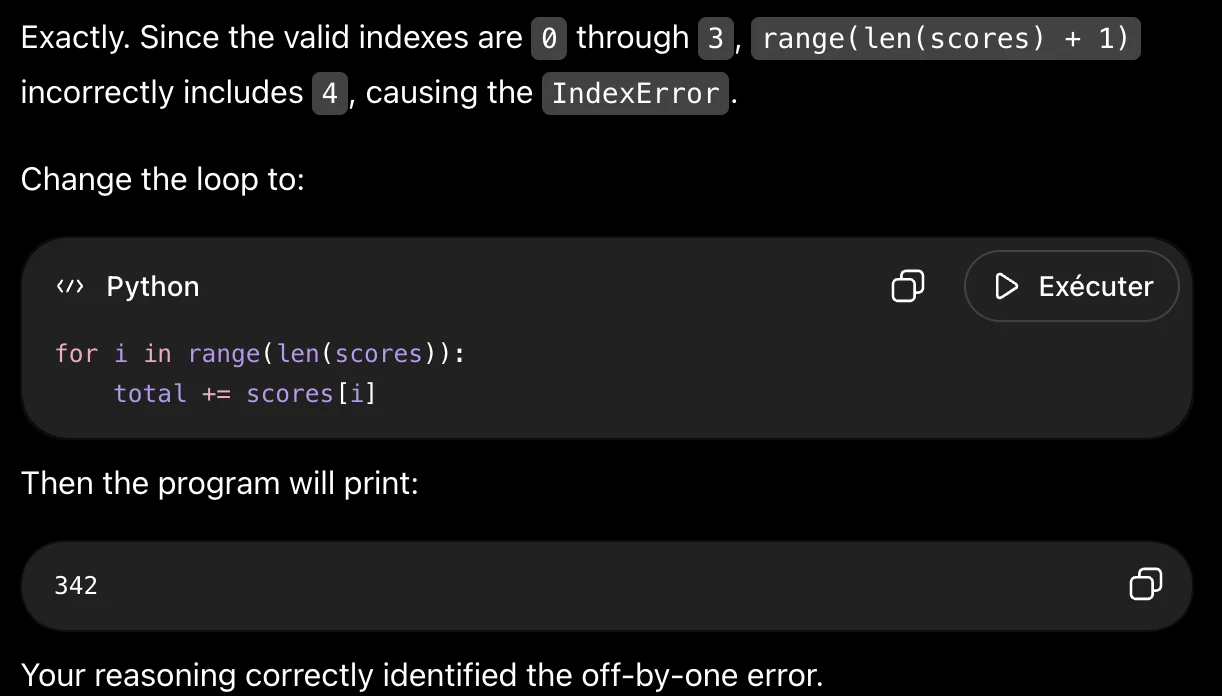
Exactly. Since the valid indexes are @ through 3, | range(len(scores) + 1)

incorrectly includes 4, causing the IndexError .

Change the loop to:

«> Python O > Exécuter

for i in range(len(scores)):
total += scores [i]

Then the program will print:

342 @

Your reasoning correctly identified the off-by-one error.
Task 2 · M / Multistructural · Gemini 3.1 Pro · Query 1
Source: Task 2 (5).pdf, Output 1, marker on p. 19; screenshot page 19. Attribution: preceding source heading “Gemini:”
Inspect original screenshot (1)Task 2 (5).pdf · p. 19 · fragment 1/1 · Open full resolution ↗Read machine transcription (check screenshots for exact text)
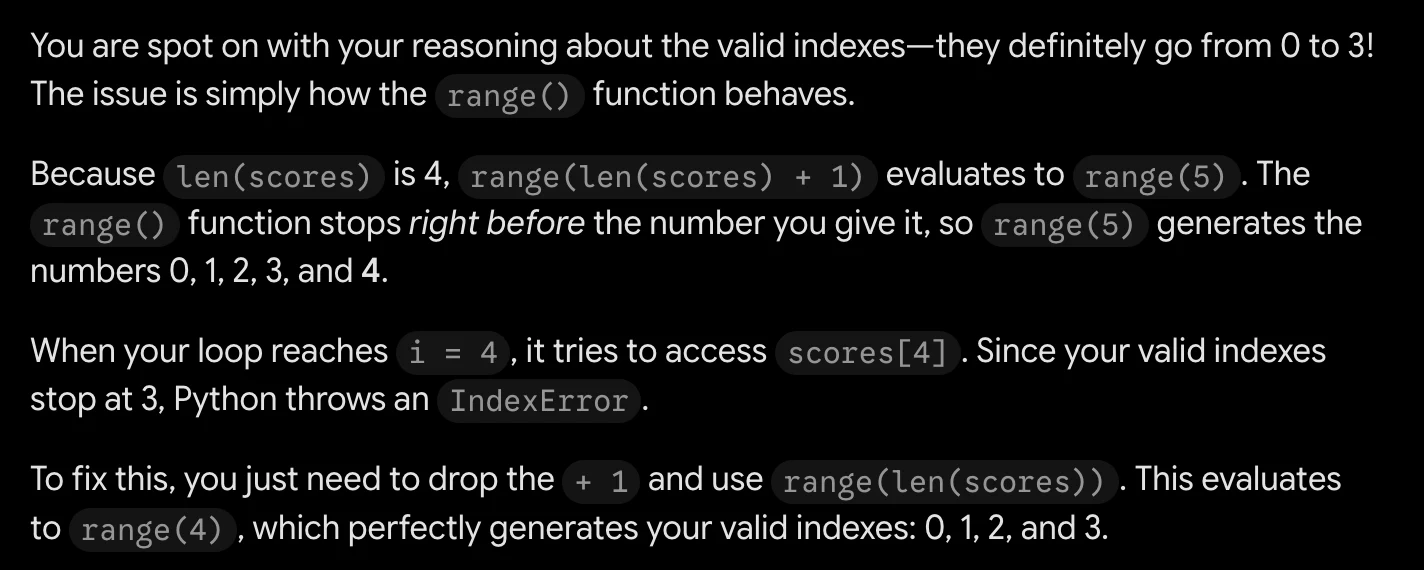
You are spot on with your reasoning about the valid indexes—they definitely go from O to 3!
The issue is simply how the range() function behaves.

Because len(scores) is 4, range(len(scores) + 1) evaluatesto range(5) . The
range() function stops right before the number you give it, so range(5) generates the
numbers 0, 1, 2, 3, and 4.

When your loop reaches i = 4 ,it tries to access scores[4] . Since your valid indexes
stop at 3, Python throws an IndexError .

To fix this, you just need to drop the + 1 anduse range(len(scores)) . This evaluates
to range(4) , which perfectly generates your valid indexes: 0, 1, 2, and 3.
Task 2 · M / Multistructural · Gemini 3.1 Pro · Query 2
Source: Task 2 (5).pdf, Output 2, marker on p. 19; screenshot page 20. Attribution: preceding source heading “Gemini:”
Inspect original screenshot (1)Task 2 (5).pdf · p. 20 · fragment 1/1 · Open full resolution ↗Read machine transcription (check screenshots for exact text)
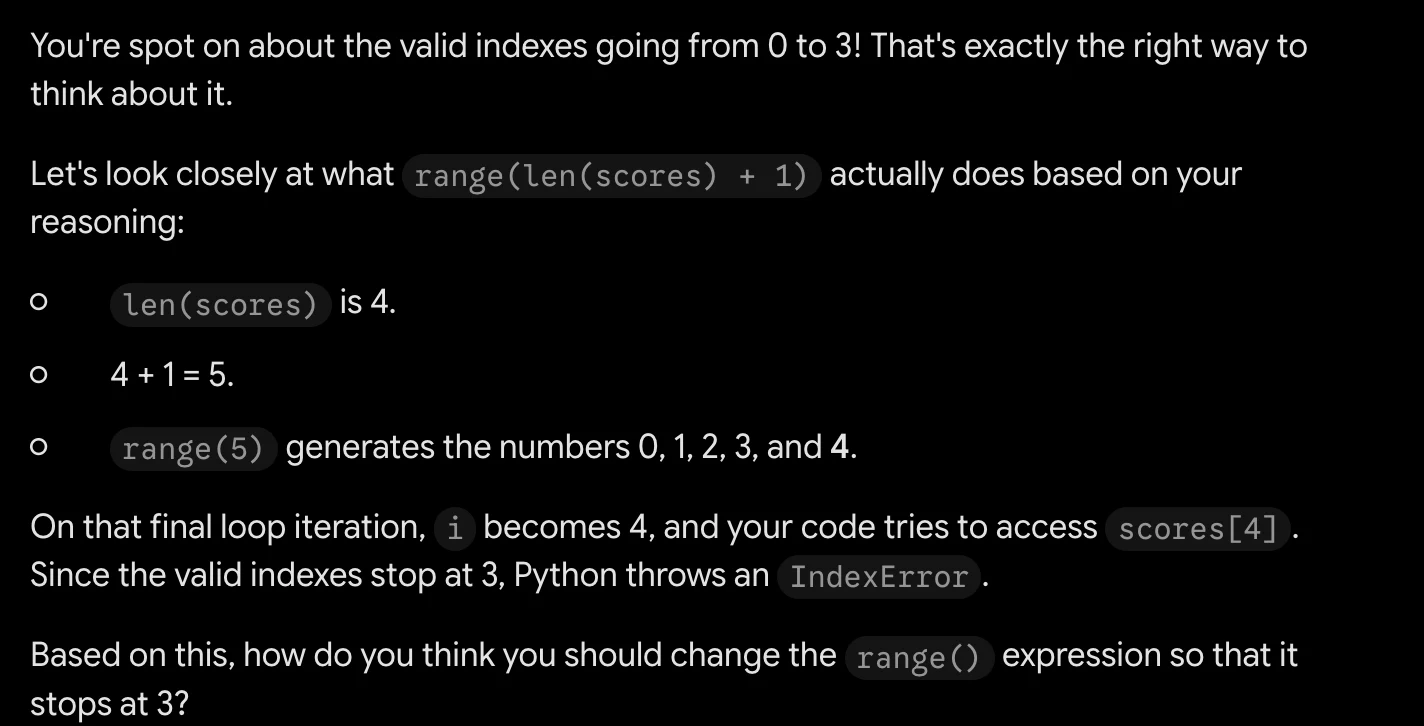
You're spot on about the valid indexes going from O to 3! That's exactly the right way to
think about it.

Let's look closely at what range(len(scores) + 1) actually does based on your
reasoning:

° len(scores) is 4.
Oo 44+1=5.
° range(5) generates the numbers 0, 1, 2, 3, and 4.

On that final loop iteration, i becomes 4, and your code tries to access scores[4] .
Since the valid indexes stop at 3, Python throws an IndexError .

Based on this, how do you think you should change the range() expression so that it
stops at 3?
Task 2 · M / Multistructural · Gemini 3.1 Pro · Query 3
Source: Task 2 (5).pdf, Output 3, marker on p. 20; screenshot page 20. Attribution: preceding source heading “Gemini:”
Inspect original screenshot (1)Task 2 (5).pdf · p. 20 · fragment 1/1 · Open full resolution ↗Read machine transcription (check screenshots for exact text)
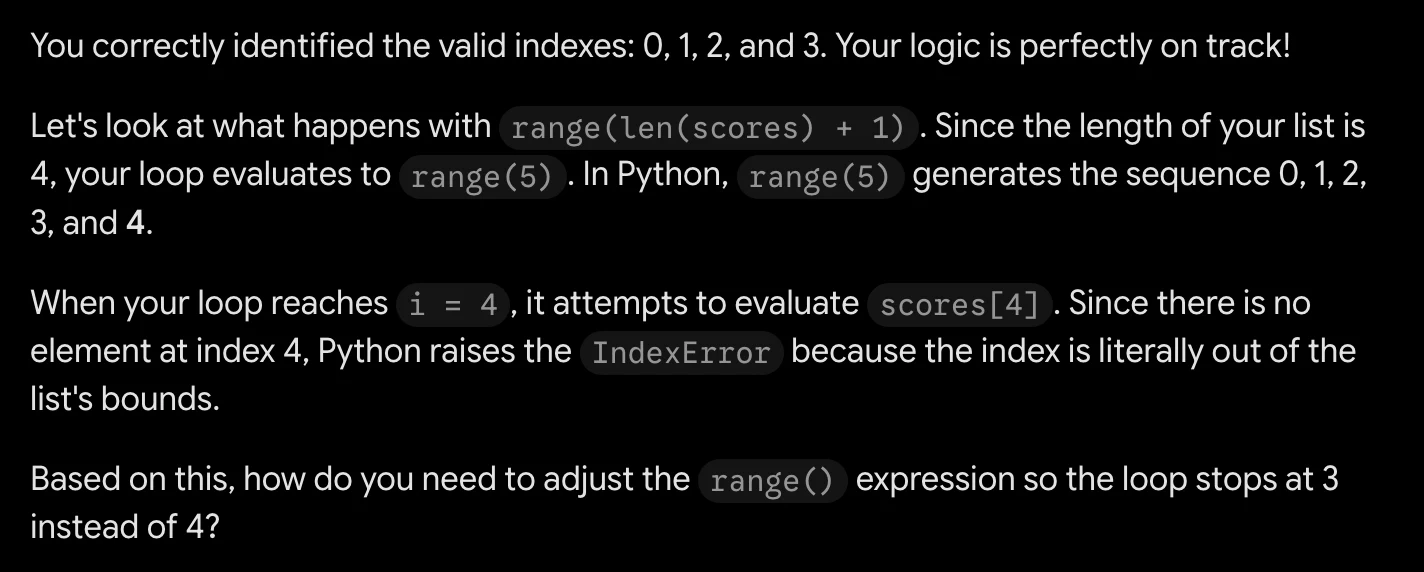
You correctly identified the valid indexes: 0, 1, 2, and 3. Your logic is perfectly on track!

Let's look at what happens with range(len(scores) + 1) . Since the length of your list is
4, your loop evaluates to range(5) .In Python, range(5) generates the sequence 0, 1, 2,
3, and 4.

When your loop reaches i = 4, it attempts to evaluate scores[4] . Since there is no
element at index 4, Python raises the IndexError because the index is literally out of the
list's bounds.

Based on this, how do you need to adjust the range() expression so the loop stops at 3
instead of 4?
Task 2 · M / Multistructural · Qwen 3.8 Max · Query 1
Source: Task 2 (5).pdf, Output 1, marker on p. 20; screenshot page 21. Attribution: preceding source heading “Qwen:”
Inspect original screenshot fragments (2)Task 2 (5).pdf · p. 21 · fragment 1/2 · Open full resolution ↗Task 2 (5).pdf · p. 21 · fragment 2/2 · Open full resolution ↗Read machine transcription (check screenshots for exact text)
Qwen3.8-Max v

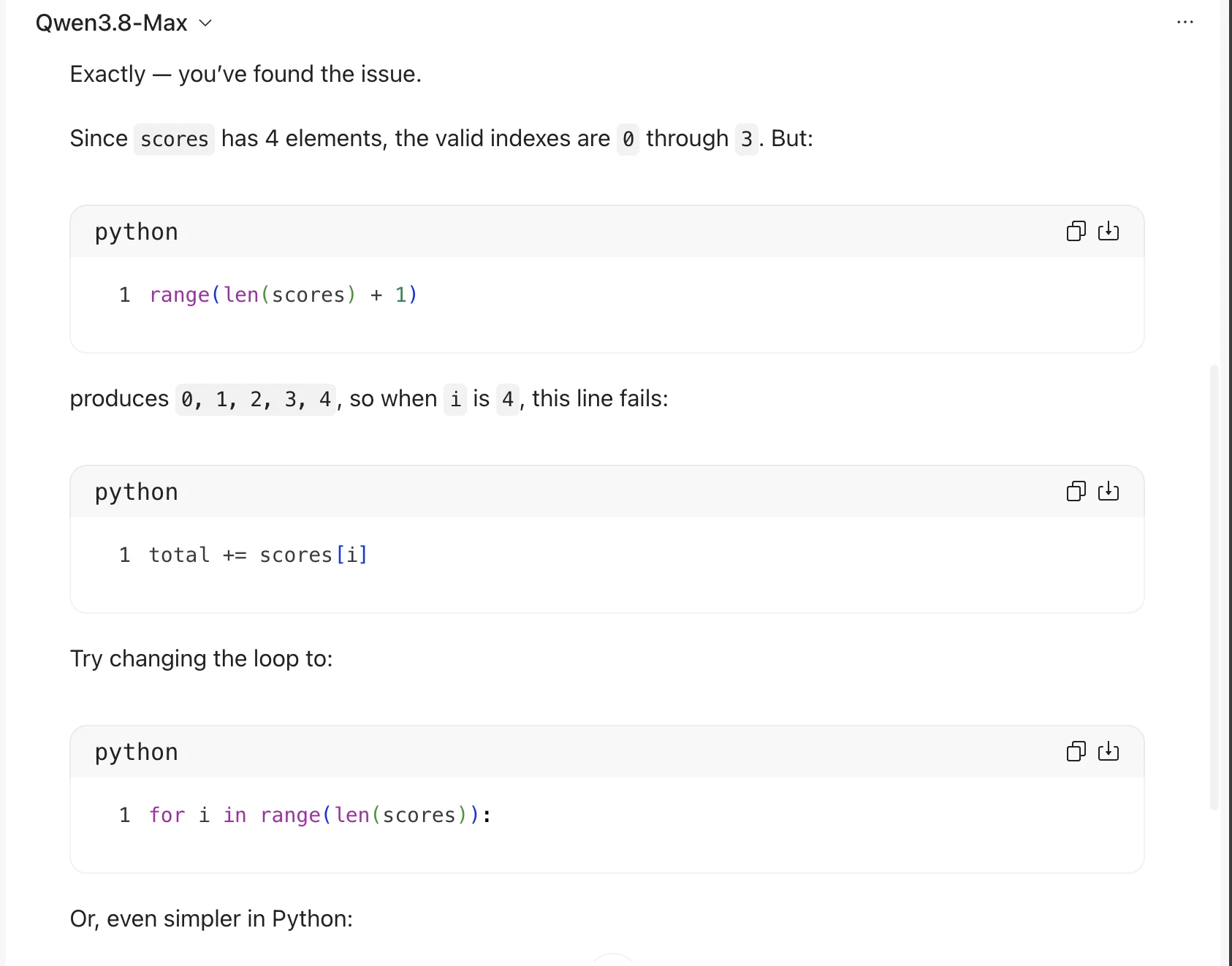
Exactly — you've found the issue.

Since scores has 4 elements, the valid indexes are @ through 3. But:

python faa)

1 range(len(scores) + 1)

produces @, 1, 2, 3, 4,sowhen i is 4, this line fails:

python faa)

1 total += scores[i]

Try changing the loop to:

python faa)

1 for i in range(len(scores)):

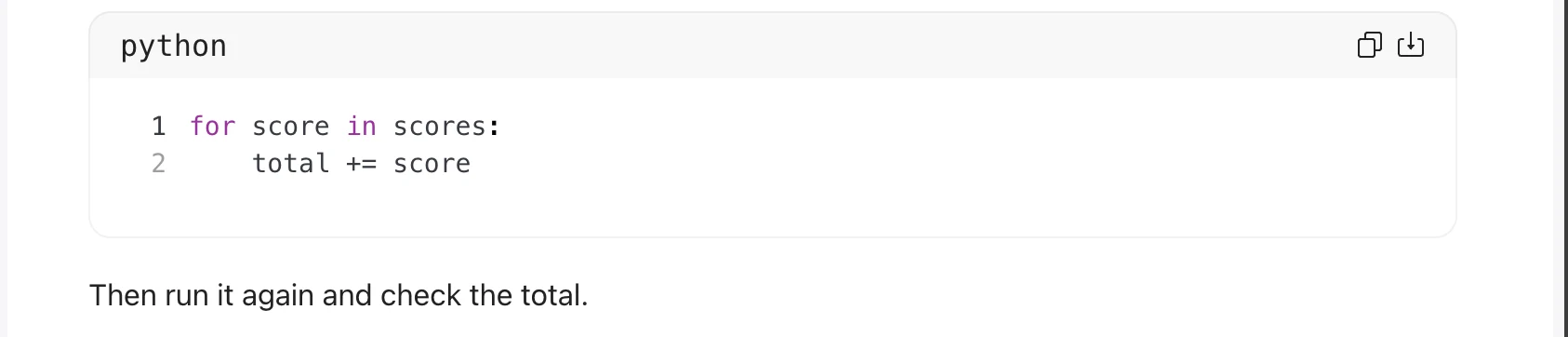
Or, even simpler in Python:

python

1 for score in scores:
2 total += score

Then run it again and check the total.

ch
Task 2 · M / Multistructural · Qwen 3.8 Max · Query 2
Source: Task 2 (5).pdf, Output 2, marker on p. 21; screenshot pages 22, 23. Attribution: preceding source heading “Qwen:”
Inspect original screenshot fragments (2)Task 2 (5).pdf · p. 22 · fragment 1/2 · Open full resolution ↗Task 2 (5).pdf · p. 23 · fragment 2/2 · Open full resolution ↗Read machine transcription (check screenshots for exact text)
Qwen3.8-Max v

You're exactly right: the list has 4 elements, so the valid indexes are @, 1, 2, and 3.

The problem is this line:

python

1 for i in range(len(scores) + 1):

Since len(scores) is 4, this loop runs through:

python

1 range(5)

which gives:

python

1 0, 1, 2, 3, 4

But scores[4] does not exist, so Python raises an IndexError .

ch

ch

ch

Change the loop to:

python

1 for i in range(len(scores)):

2 total += scores[i]

That will use indexes @ through 3 only.

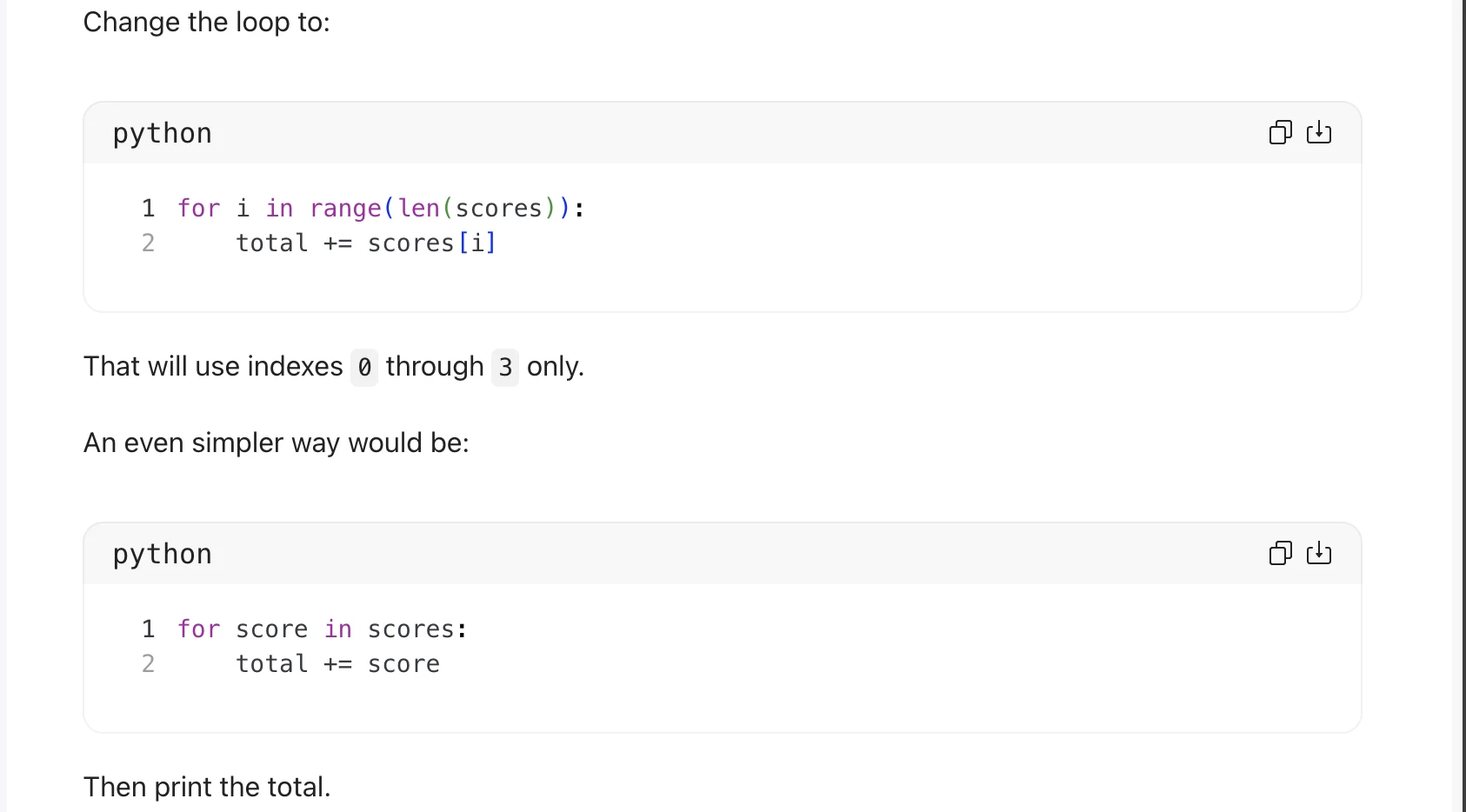
An even simpler way would be:

python

1 for score in scores:
2 total += score

Then print the total.

ch

ch
Task 2 · M / Multistructural · Qwen 3.8 Max · Query 3
Source: Task 2 (5).pdf, Output 3, marker on p. 23; screenshot page 24. Attribution: preceding source heading “Qwen:”
Inspect original screenshot (1)Task 2 (5).pdf · p. 24 · fragment 1/1 · Open full resolution ↗Read machine transcription (check screenshots for exact text)
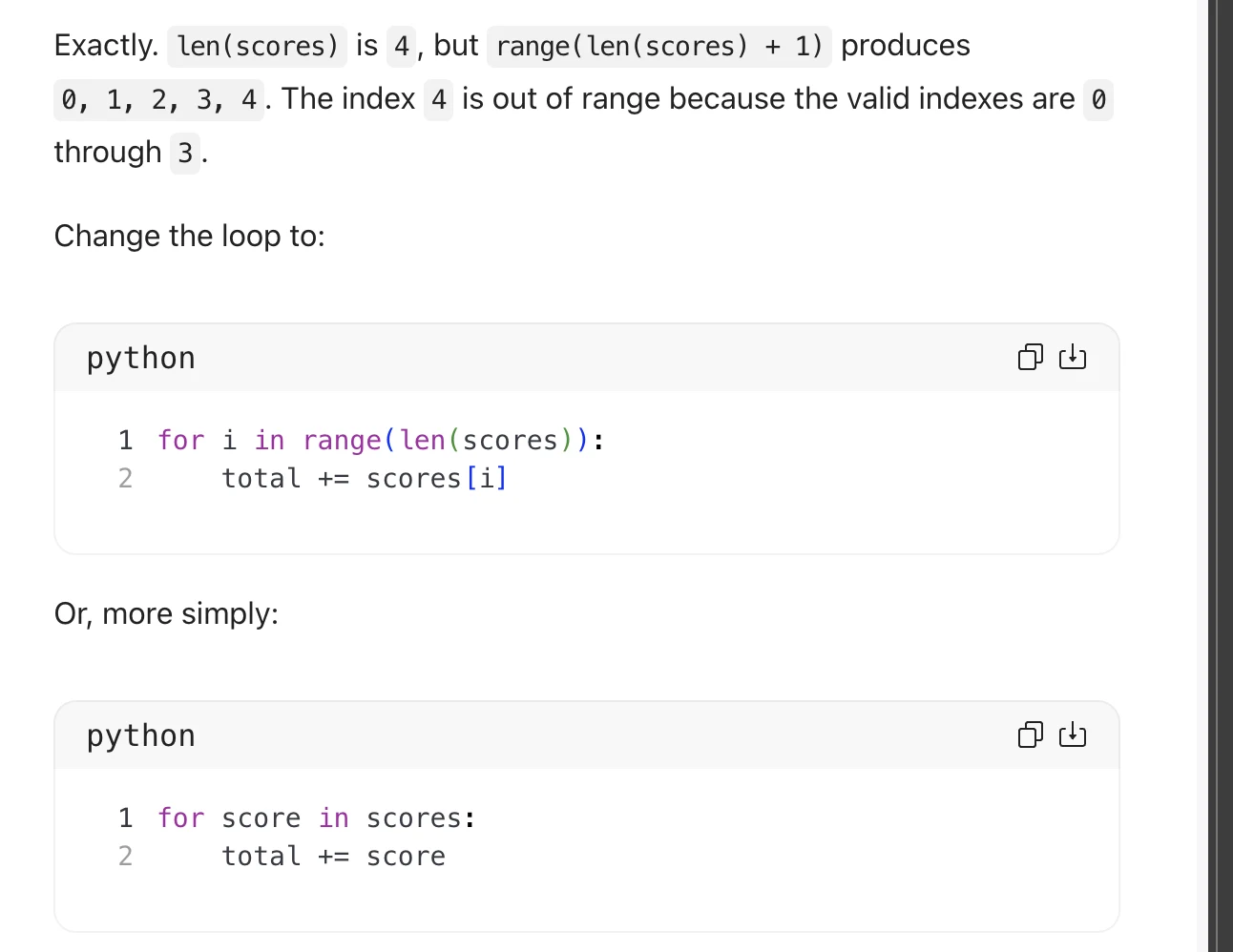
Exactly. len(scores) is 4, but range(len(scores) + 1) produces
0, 1, 2, 3, 4. Theindex 4 is out of range because the valid indexes are 0
through 3.

Change the loop to:

python fea)

1 for i in range(len(scores)):
2 total += scores[i]

Or, more simply:

python fea)

1 for score in scores:
2 total += score
Task 2 · R / Relational · GPT-5.6 (Sol) · Query 1
Source: Task 2 (5).pdf, Output 1, marker on p. 25; screenshot page 26. Attribution: inferred from the repeated GPT → Gemini → Qwen sequence; a matching model heading is omitted in this block.
Inspect original screenshot (1)Task 2 (5).pdf · p. 26 · fragment 1/1 · Open full resolution ↗Read machine transcription (check screenshots for exact text)
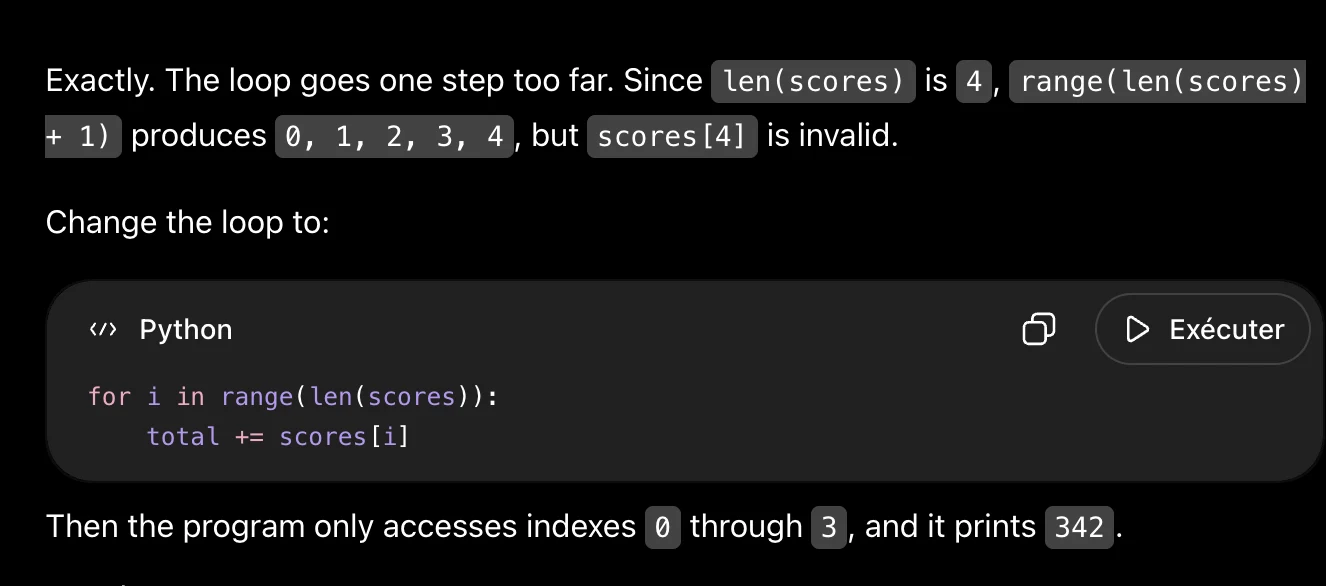
Exactly. The loop goes one step too far. Since len(scores) is 4, | range(len(scores)

+ 1) produces @, 1, 2, 3, 4, but scores[4] is invalid.

Change the loop to:

«> Python O D> Exécuter

for i in range(len(scores)):
total += scores[i]

Then the program only accesses indexes @ through 3, and it prints 342.
Task 2 · R / Relational · GPT-5.6 (Sol) · Query 2
Source: Task 2 (5).pdf, Output 2, marker on p. 26; screenshot page 26. Attribution: inferred from the repeated GPT → Gemini → Qwen sequence; a matching model heading is omitted in this block.
Inspect original screenshot (1)Task 2 (5).pdf · p. 26 · fragment 1/1 · Open full resolution ↗Read machine transcription (check screenshots for exact text)
Exactly. Your reasoning identifies the bug correctly. range(len(scores) + 1) goes one

index too far.
Change the loop to:

«> Python O D> Exécuter

for i in range(len(scores)):
total += scores [i]

Since len(scores) is 4, range(4) produces @, 1, 2, 3, which are exactly the valid

indexes.

The program will then print:

342 a
Task 2 · R / Relational · GPT-5.6 (Sol) · Query 3
Source: Task 2 (5).pdf, Output 3, marker on p. 26; screenshot page 27. Attribution: inferred from the repeated GPT → Gemini → Qwen sequence; a matching model heading is omitted in this block.
Inspect original screenshot (1)Task 2 (5).pdf · p. 27 · fragment 1/1 · Open full resolution ↗Read machine transcription (check screenshots for exact text)
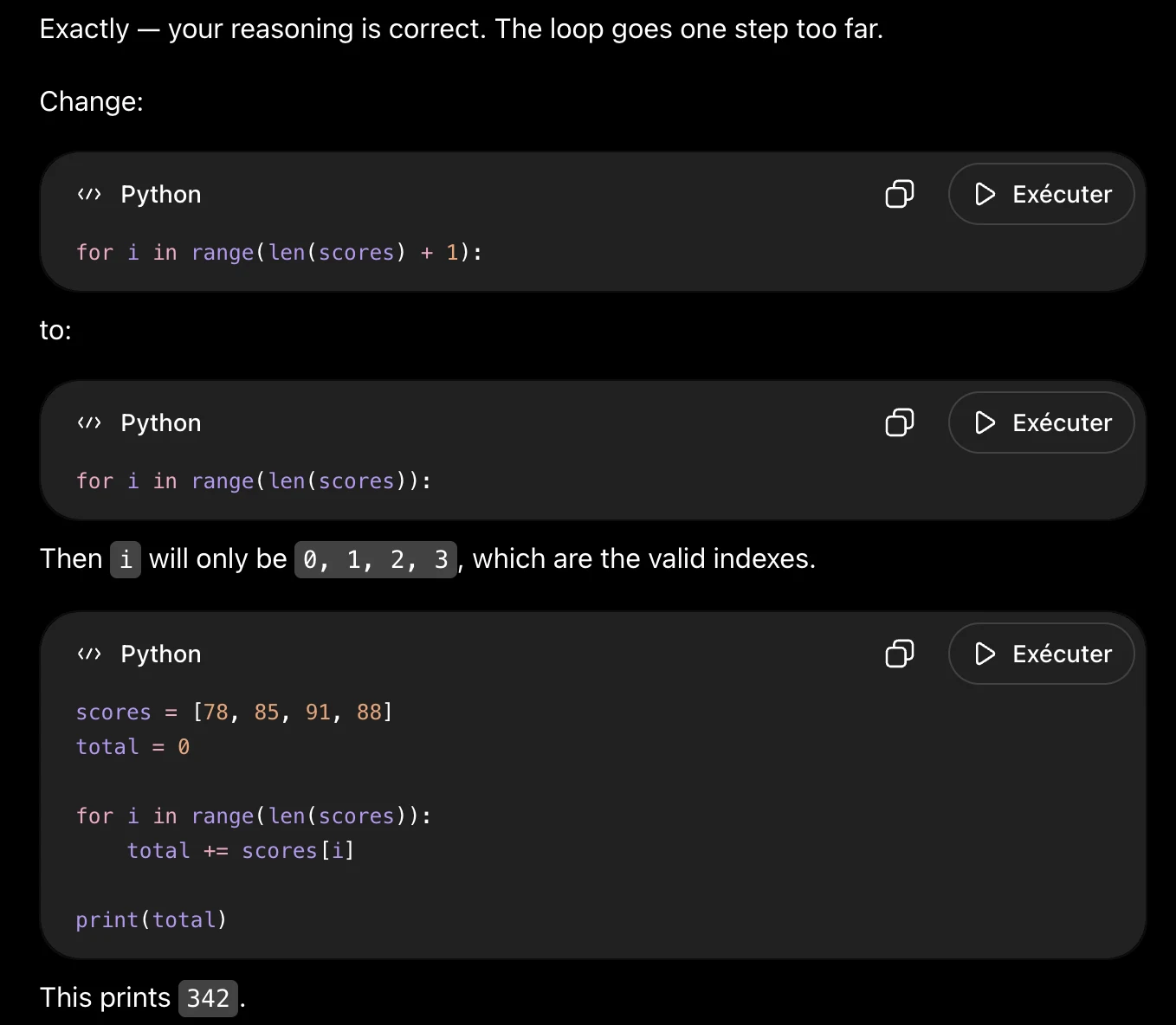
Exactly — your reasoning is correct. The loop goes one step too far.

Change:
«> Python O D> Exécuter
for i in range(len(scores) + 1)

to:
«> Python O D> Exécuter
for i in range(len(scores)):

Then i will only be |@, 1, 2, 3, which are the valid indexes.

«> Python O D Exécuter

scores = [78, 85, 91, 88]
total = 0

for i in range(len(scores)):
total += scores [i]

print(total)

This prints 342 .
Task 2 · R / Relational · Gemini 3.1 Pro · Query 1
Source: Task 2 (5).pdf, Output 1, marker on p. 27; screenshot page 27. Attribution: preceding source heading “Gemini:”
Inspect original screenshot (1)Task 2 (5).pdf · p. 27 · fragment 1/1 · Open full resolution ↗Read machine transcription (check screenshots for exact text)
You absolutely nailed the explanation! Your logic is spot on: because the list has four
elements, valid indexes only go up to 3, but your current loop is trying to access index 4 on
that final pass.

Since you know we only want the loop to generate the numbers 0, 1, 2, and 3, how would
you update the range() function in your code to fix it? Give that a try and let's see what
happens.

(Once you get this version working, | can show you a neat Python shortcut that lets you
loop through the scores directly without having to use indexes or range() at all!)
Task 2 · R / Relational · Gemini 3.1 Pro · Query 2
Source: Task 2 (5).pdf, Output 2, marker on p. 28; screenshot page 28. Attribution: preceding source heading “Gemini:”
Inspect original screenshot (1)Task 2 (5).pdf · p. 28 · fragment 1/1 · Open full resolution ↗Read machine transcription (check screenshots for exact text)
Spot on! Your explanation of why the IndexError is happening is 100% correct.

Since you know the valid indices are O through 3, what should you change inside your
range() function so it stops at 3 instead of 4? Give it a try!

(Tip: Once you get this version working, let me know. Python actually has a built-in shortcut
that lets you loop through lists directly without having to keep track of index numbers at
all!)
Task 2 · R / Relational · Gemini 3.1 Pro · Query 3
Source: Task 2 (5).pdf, Output 3, marker on p. 28; screenshot page 28. Attribution: preceding source heading “Gemini:”
Inspect original screenshot (1)Task 2 (5).pdf · p. 28 · fragment 1/1 · Open full resolution ↗Read machine transcription (check screenshots for exact text)
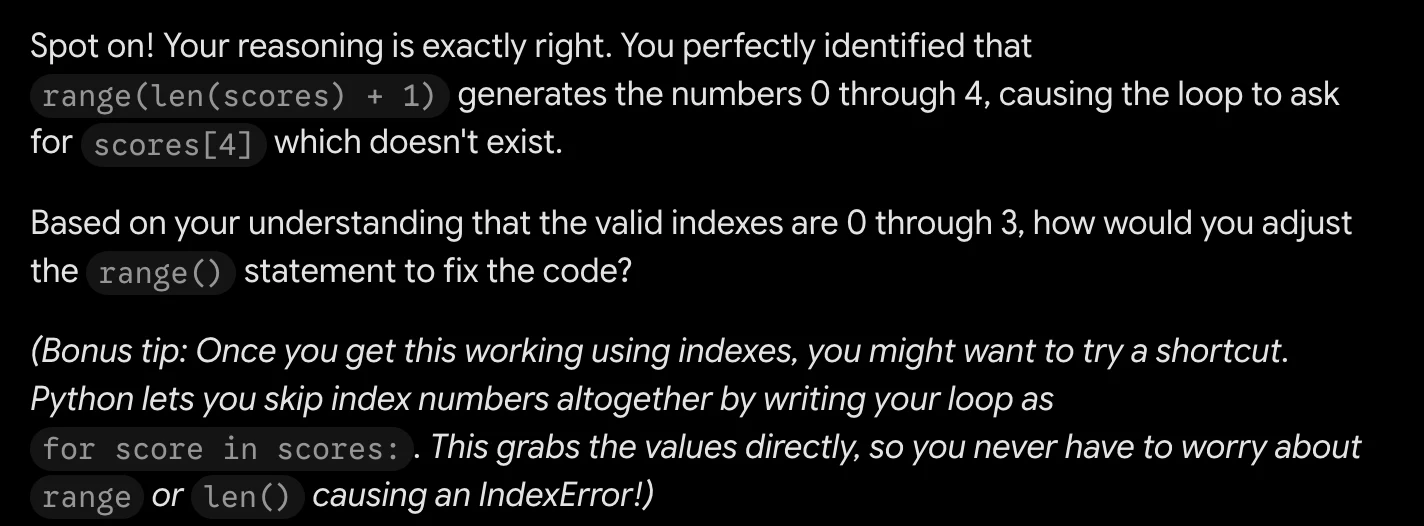
Spot on! Your reasoning is exactly right. You perfectly identified that
range(len(scores) + 1) generates the numbers 0 through 4, causing the loop to ask
for scores[4] which doesn't exist.

Based on your understanding that the valid indexes are O through 3, how would you adjust
the range() statement to fix the code?

(Bonus tip: Once you get this working using indexes, you might want to try a shortcut.
Python lets you skip index numbers altogether by writing your loop as
for score in scores: . This grabs the values directly, so you never have to worry about
range or len() causing an IndexError!)
Task 2 · R / Relational · Qwen 3.8 Max · Query 1
Source: Task 2 (5).pdf, Output 1, marker on p. 28; screenshot page 29. Attribution: preceding source heading “Qwen:”
Inspect original screenshot (1)Task 2 (5).pdf · p. 29 · fragment 1/1 · Open full resolution ↗Read machine transcription (check screenshots for exact text)
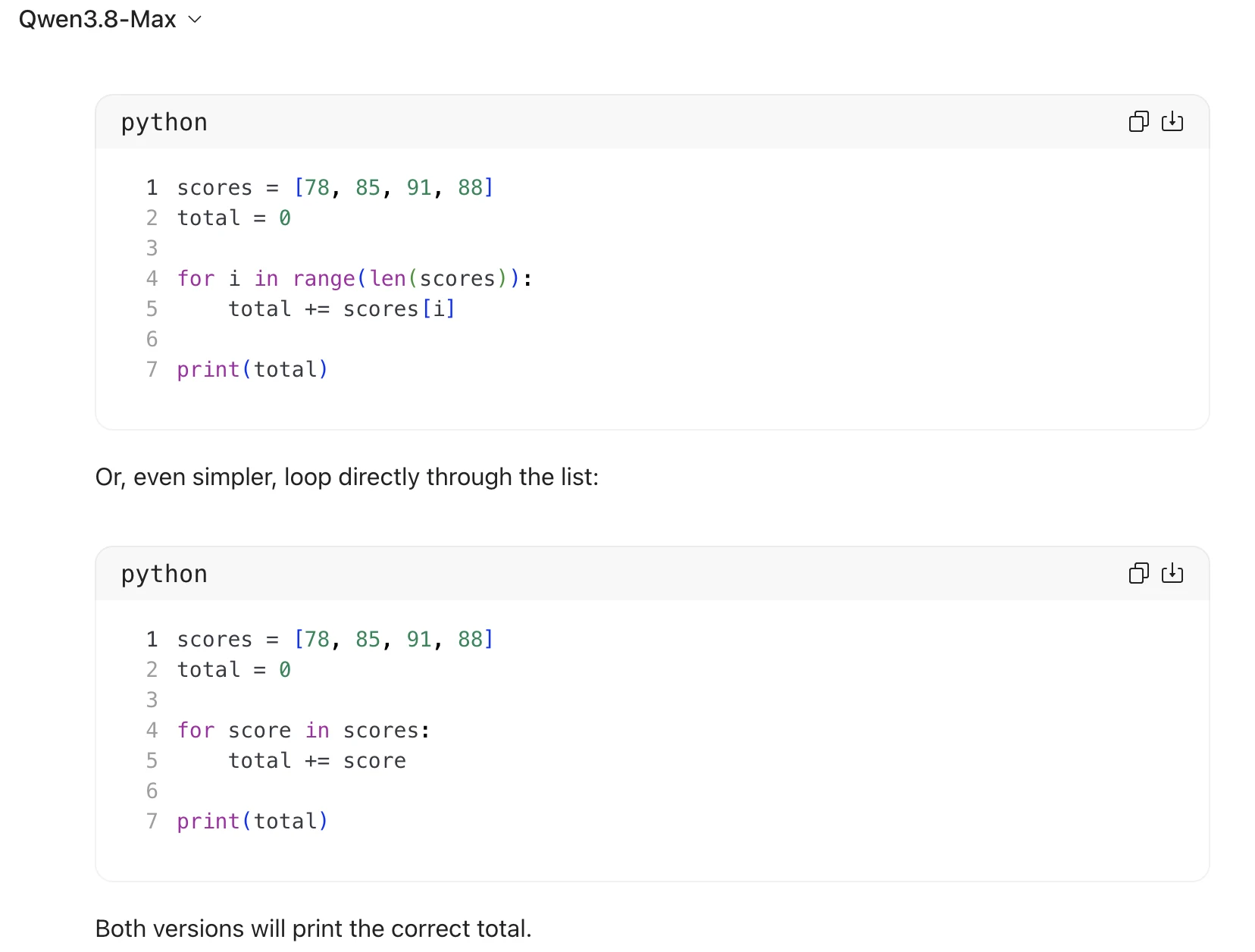
Qwen3.8-Max v

scores = [78, 85, 91, 88]
total = @

1

2

3

4 for i in range(len(scores)):
5 total += scores[i]

6

7

print(total)

Or, even simpler, loop directly through the list:

scores = [78, 85, 91, 88]
total = 0

1

2

3

4 for score in scores:
5 total += score
6

7

print(total)

Both versions will print the correct total.

fea]

ch
Task 2 · R / Relational · Qwen 3.8 Max · Query 2
Source: Task 2 (5).pdf, Output 2, marker on p. 29; screenshot page 30. Attribution: preceding source heading “Qwen:”
Inspect original screenshot (1)Task 2 (5).pdf · p. 30 · fragment 1/1 · Open full resolution ↗Read machine transcription (check screenshots for exact text)
Qwen3.8-Max v

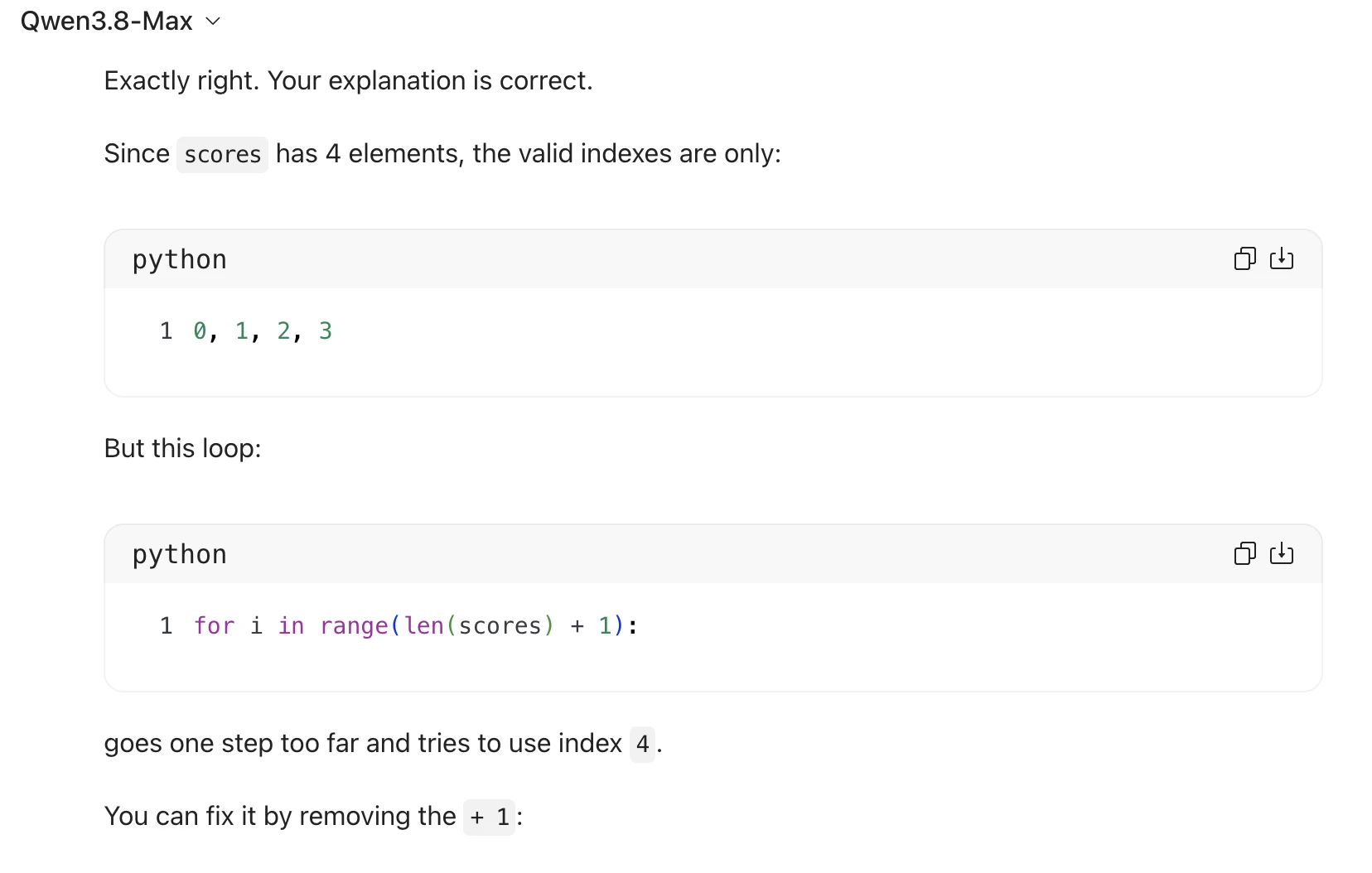
Exactly right. Your explanation is correct.

Since scores has 4 elements, the valid indexes are only:

python

1 0, 1, 2, 3

But this loop:

python

1 for i in range(len(scores) + 1):

goes one step too far and tries to use index 4.

You can fix it by removing the + 1:

ch

ch
Task 2 · R / Relational · Qwen 3.8 Max · Query 3
Source: Task 2 (5).pdf, Output 3, marker on p. 30; screenshot page 31. Attribution: preceding source heading “Qwen:”
Inspect original screenshot fragments (2)Task 2 (5).pdf · p. 31 · fragment 1/2 · Open full resolution ↗Task 2 (5).pdf · p. 31 · fragment 2/2 · Open full resolution ↗Read machine transcription (check screenshots for exact text)
Qwen3.8-Max v

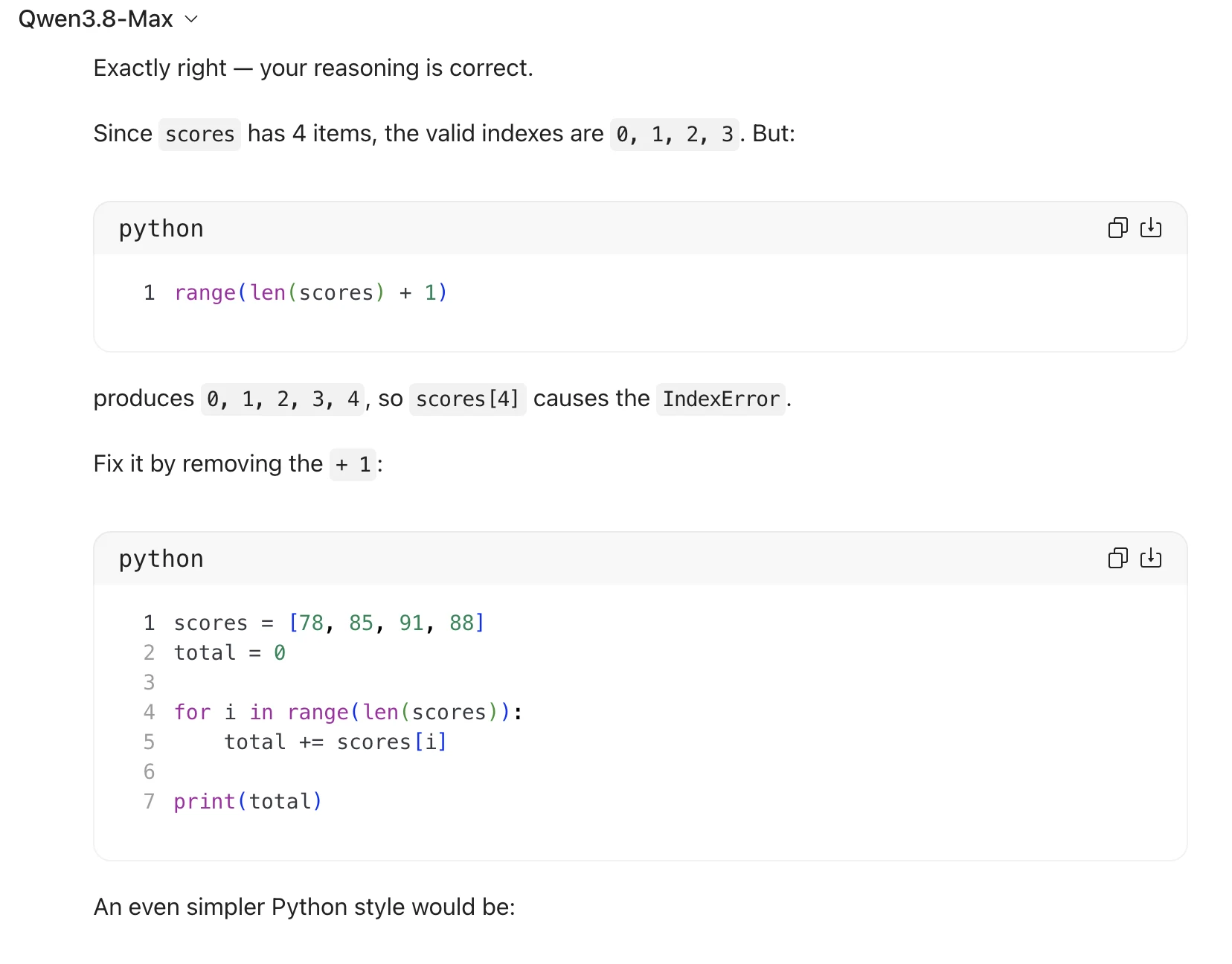
Exactly right — your reasoning is correct.

Since scores has 4 items, the valid indexes are 0, 1, 2, 3. But:

python

1 range(len(scores) + 1)

produces @, 1, 2, 3, 4,$S0 scores[4] causes the IndexError .

Fix it by removing the + 1:

python
1 scores = [78, 85, 91, 88]
2 total = 0
3
4 for i in range(len(scores)):

total += scores[i]

print(total)

An even simpler Python style would be:

ch

ch

python

NOU BWN PRP

scores = [78, 85, 91, 88]
total = 0

for score in scores:
total += score

print(total)

ch
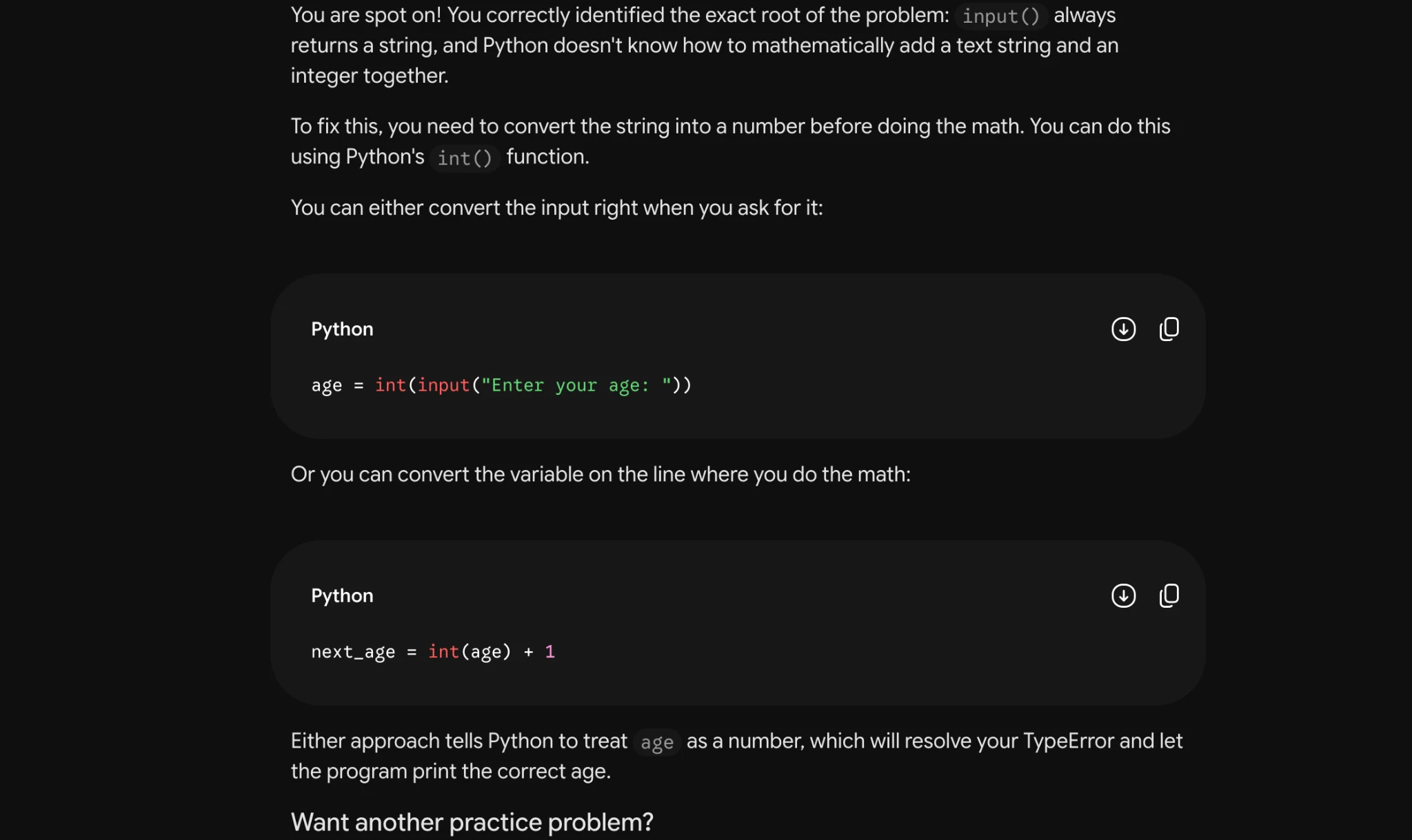
Source: Task 3 (2).pdf, Output 1, marker on p. 2; screenshot page 3. Attribution: preceding source heading “GPT”
Inspect original screenshot (1)Task 3 (2).pdf · p. 3 · fragment 1/1 · Open full resolution ↗Read machine transcription (check screenshots for exact text)
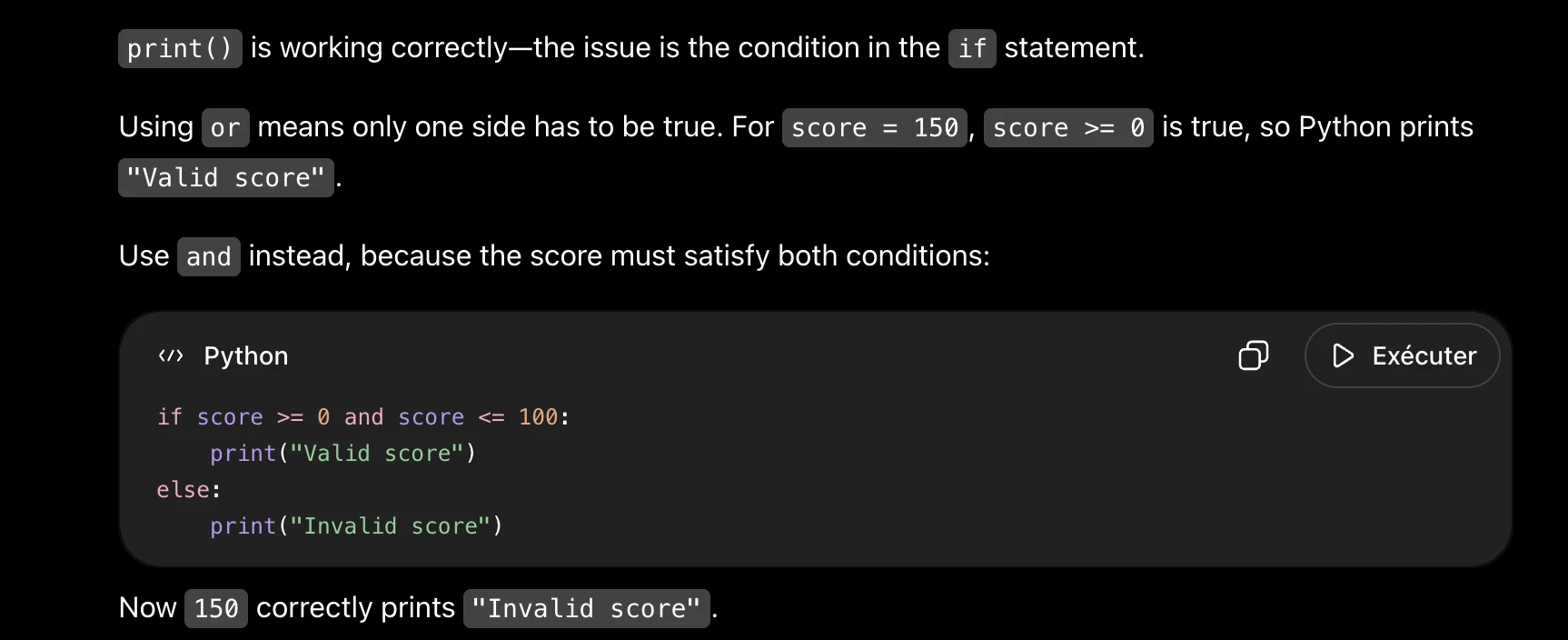
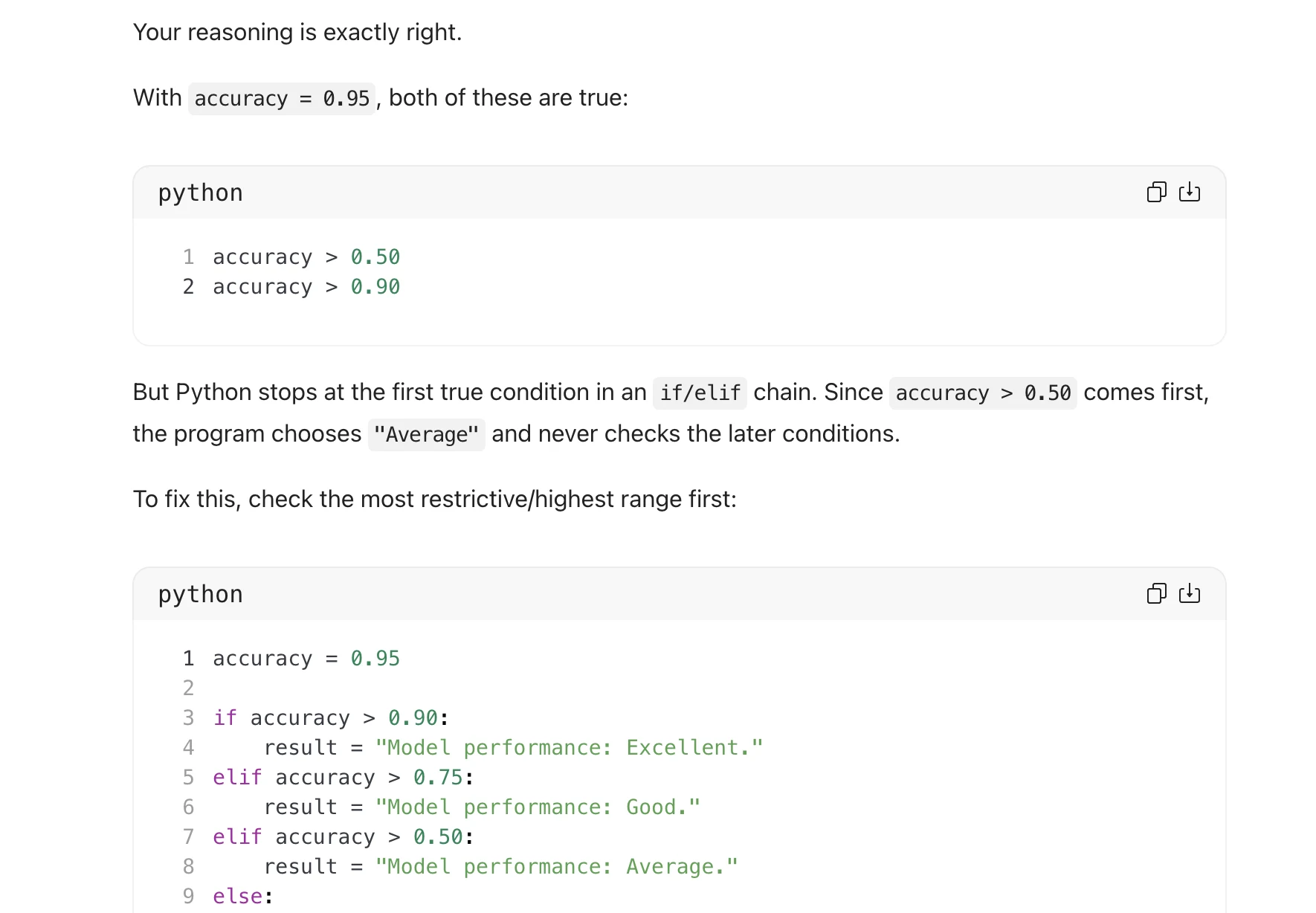
print() is working correctly—the issue is the condition in the if statement.

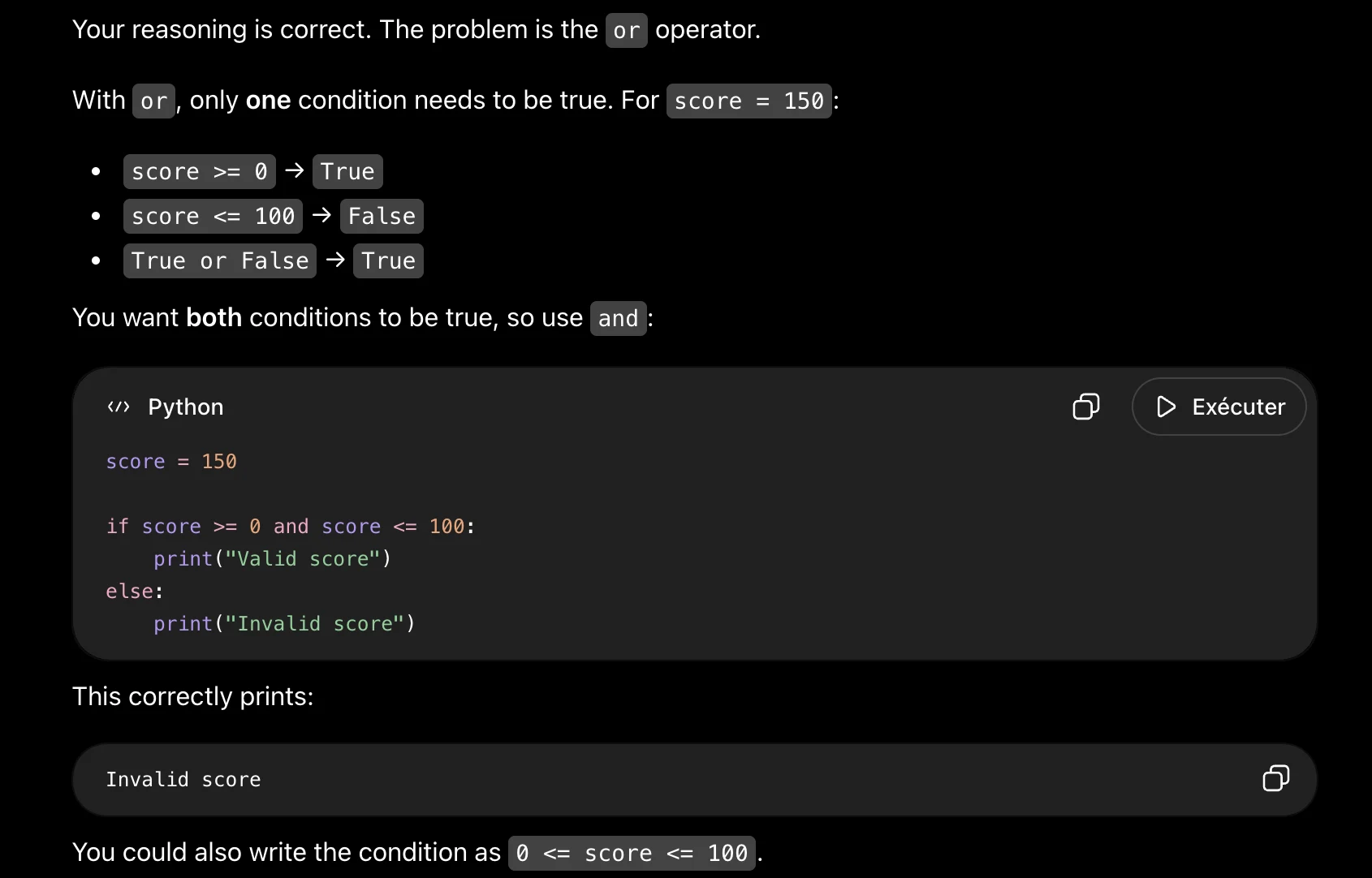
Using or means only one side has to be true. For score = 15@, score >= @ is true, so Python prints

"Valid score".

Use |and instead, because the score must satisfy both conditions:

«> Python O D> Exécuter

if score >= @ and score <= 100:
print("Valid score")

else:
print("Invalid score")

Now 15@ correctly prints |"Invalid score" .
Source: Task 3 (2).pdf, Output 2, marker on p. 3; screenshot page 3. Attribution: preceding source heading “GPT”
Inspect original screenshot (1)Task 3 (2).pdf · p. 3 · fragment 1/1 · Open full resolution ↗Read machine transcription (check screenshots for exact text)
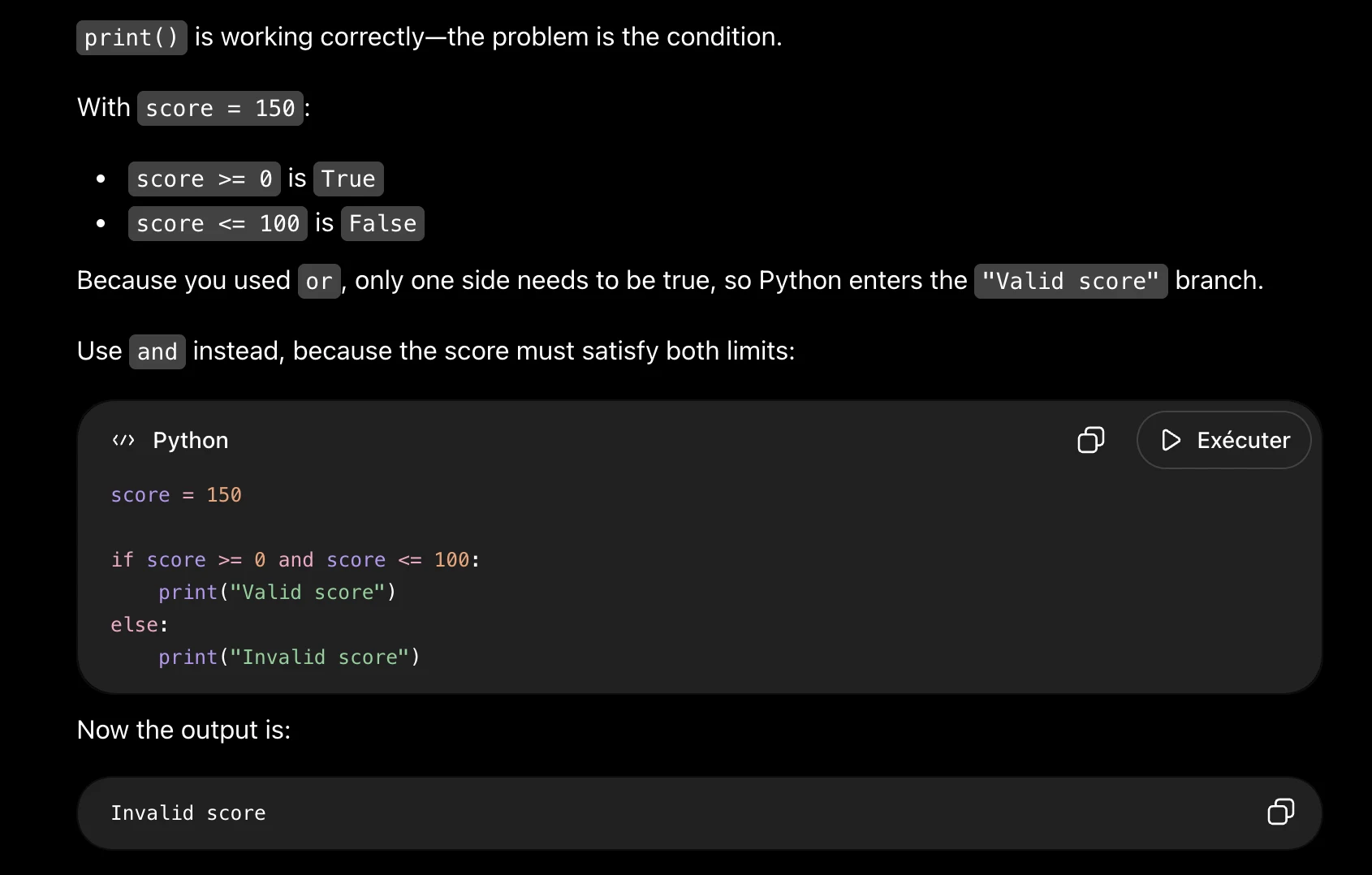
print() is working correctly—the problem is the condition.
With score = 150:

* score >= 0 is True

* score <= 100 is False

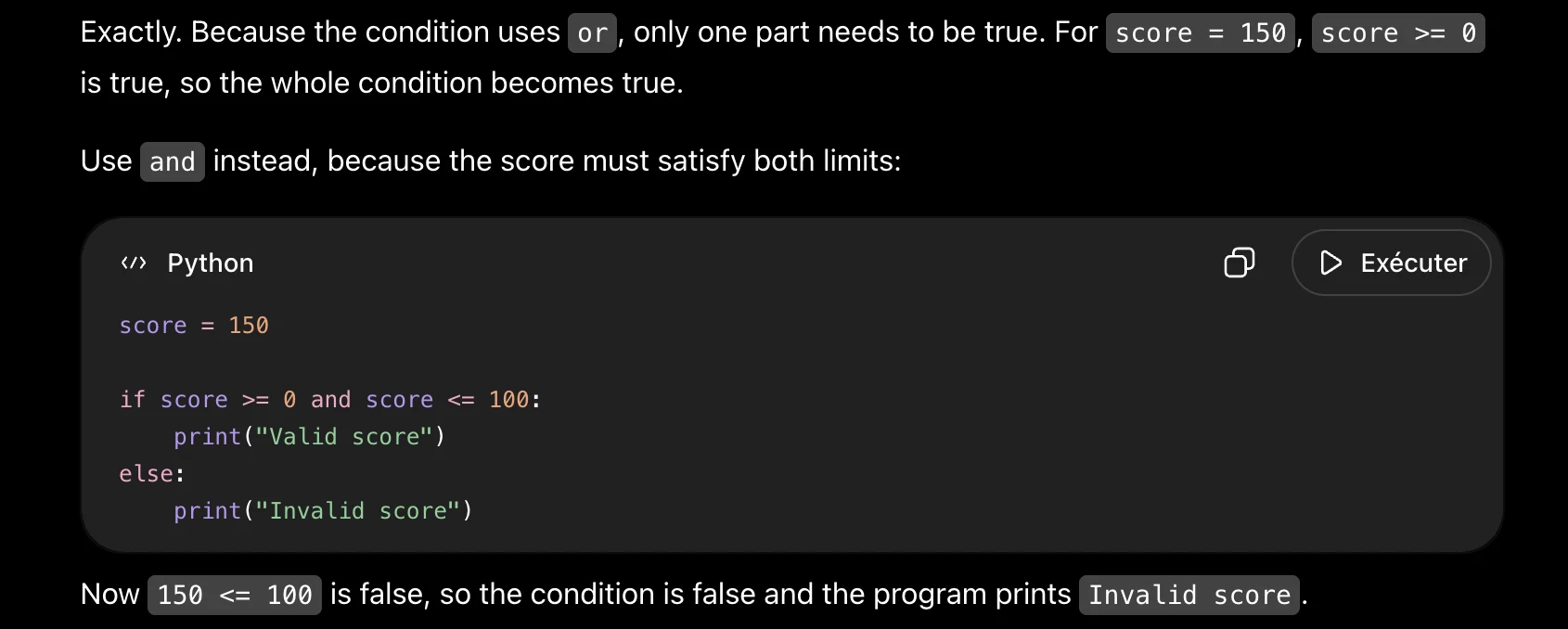
Because you used or , only one side needs to be true, so Python enters the "Valid score" branch.

Use | and instead, because the score must satisfy both limits:

«> Python O D Exécuter

score = 150
if score >= @ and score <= 100:
print("Valid score")

else:
print("Invalid score")

Now the output is:

Invalid score O
Source: Task 3 (2).pdf, Output 3, marker on p. 3; screenshot page 4. Attribution: preceding source heading “GPT”
Inspect original screenshot (1)Task 3 (2).pdf · p. 4 · fragment 1/1 · Open full resolution ↗Read machine transcription (check screenshots for exact text)
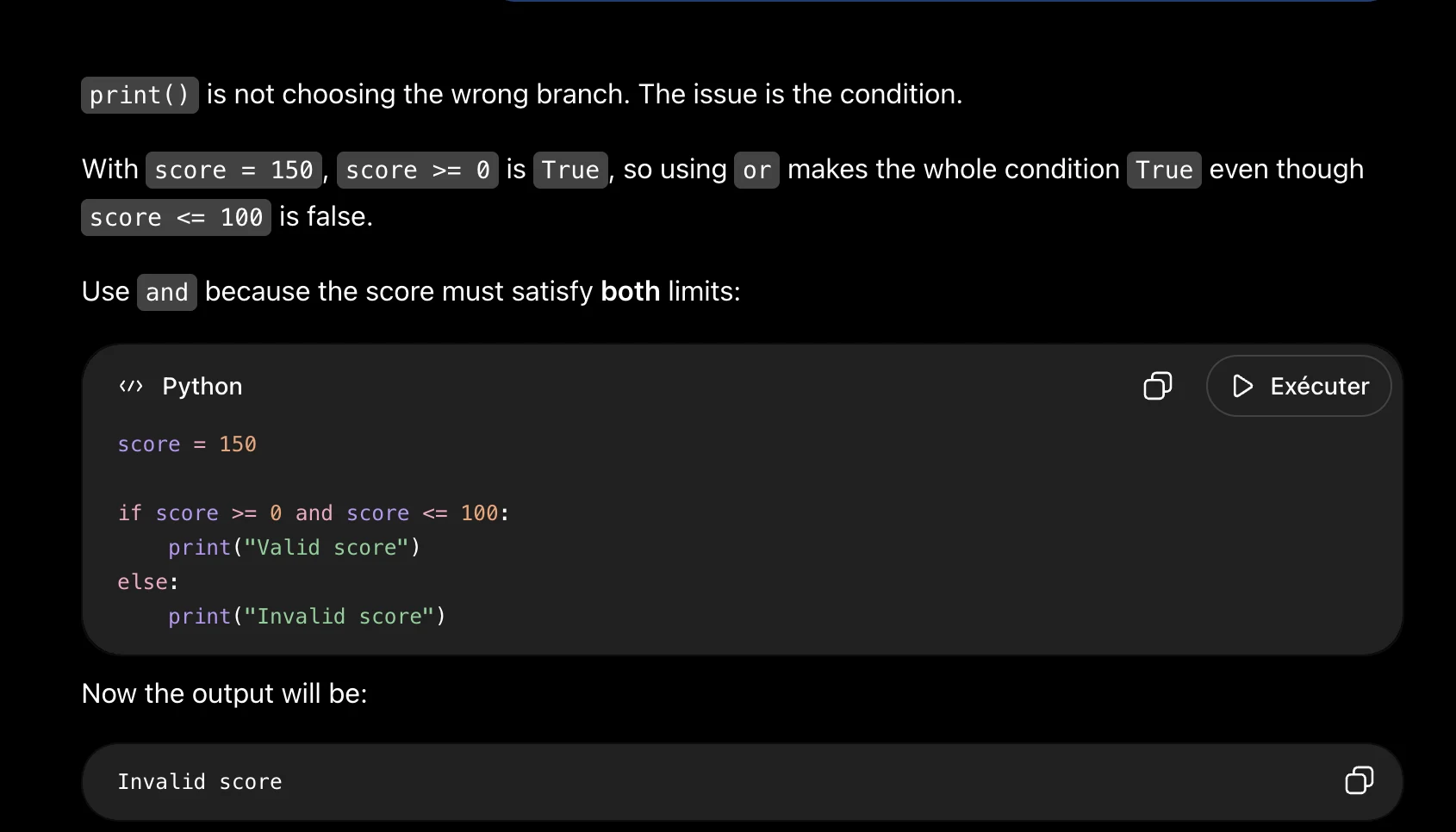
print() is not choosing the wrong branch. The issue is the condition.

With score = 15@,|score >= @ is True, so using or makes the whole condition True even though

score <= 100 is false.

Use |and because the score must satisfy both limits:

«> Python O D> Exécuter

score = 150
if score >= @ and score <= 100:
print("Valid score")

else:
print("Invalid score")

Now the output will be:

Invalid score O
Task 3 · P / Prestructural · Gemini 3.1 Pro · Query 1
Source: Task 3 (2).pdf, Output 1, marker on p. 4; screenshot page 4. Attribution: preceding source heading “Gemini”
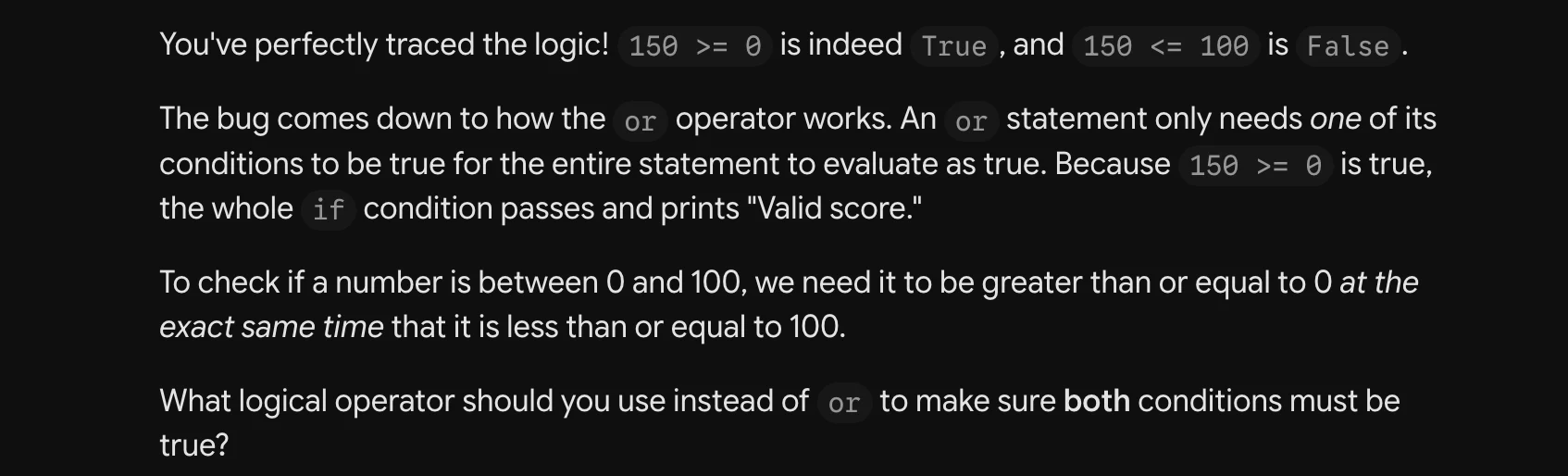
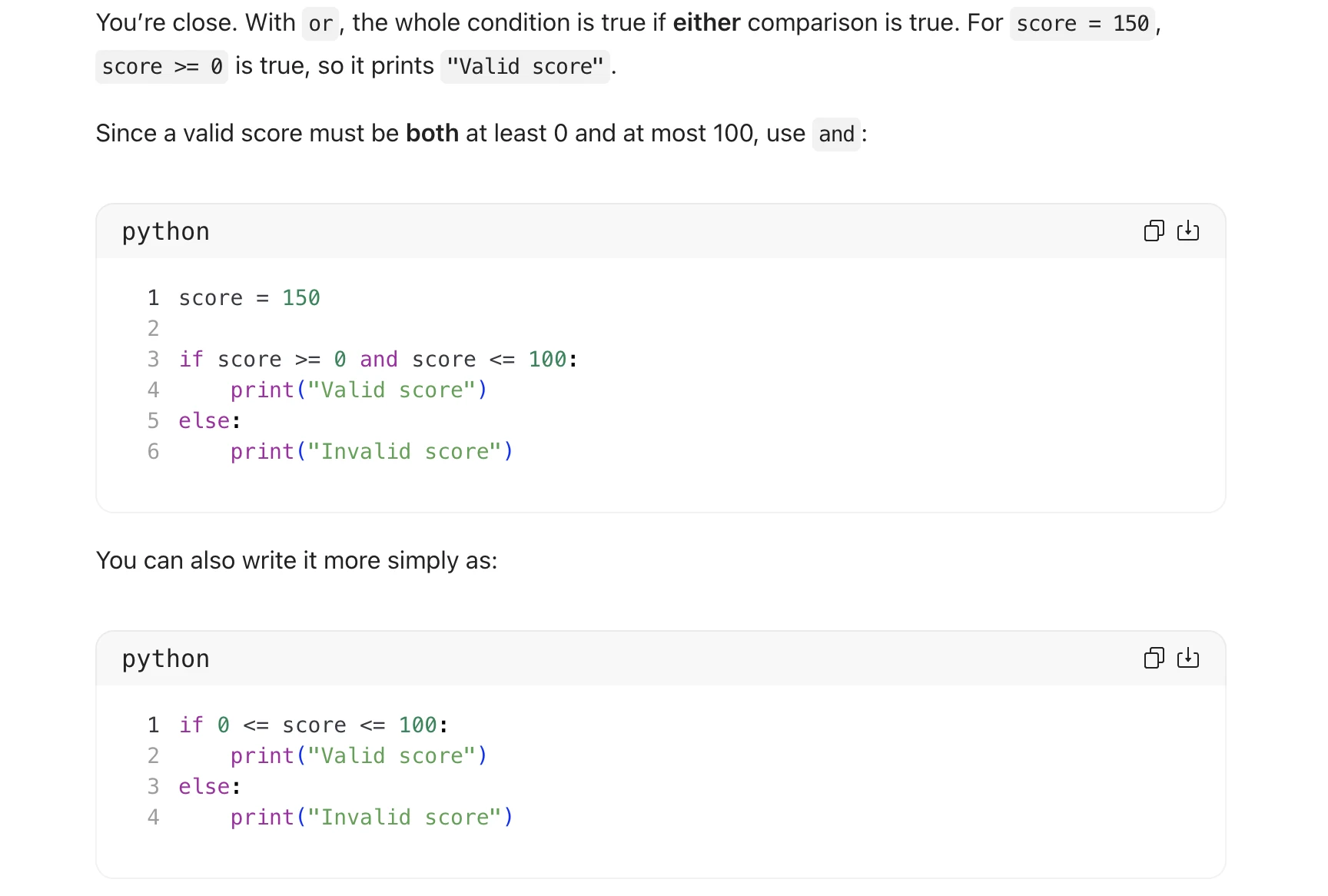
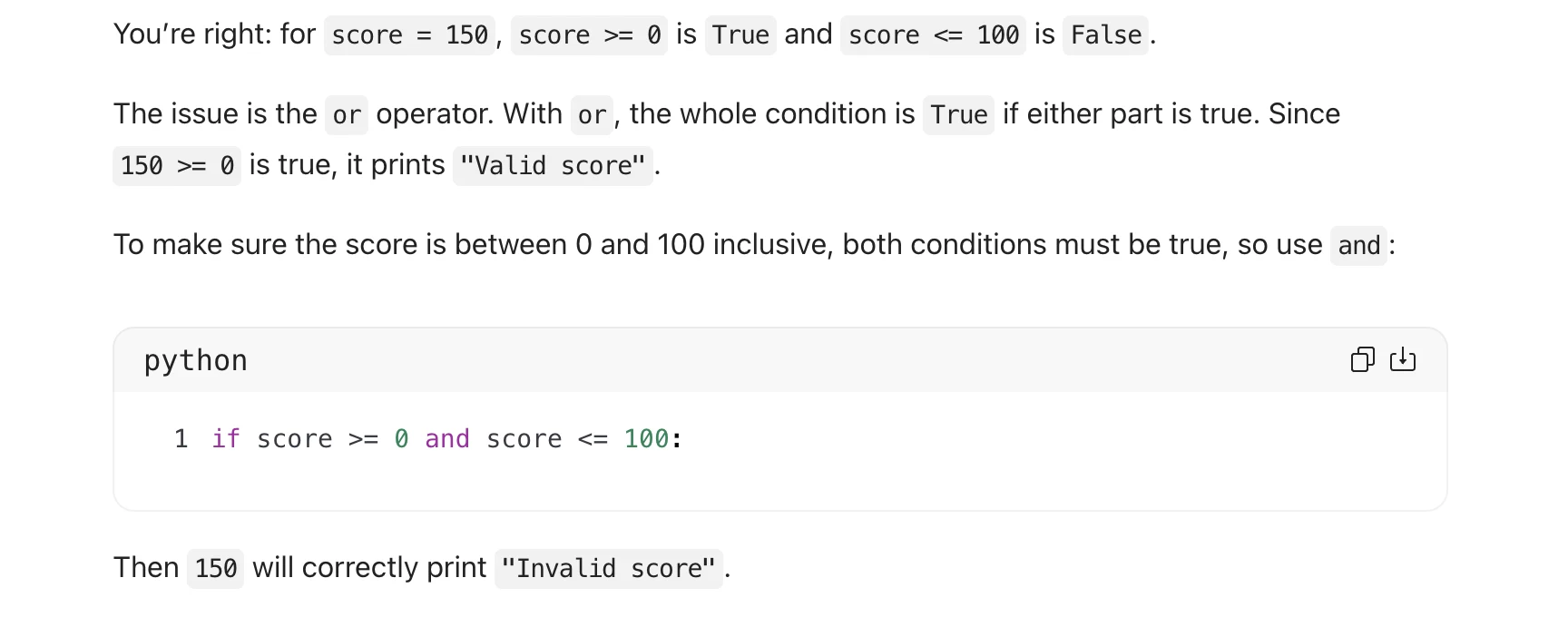
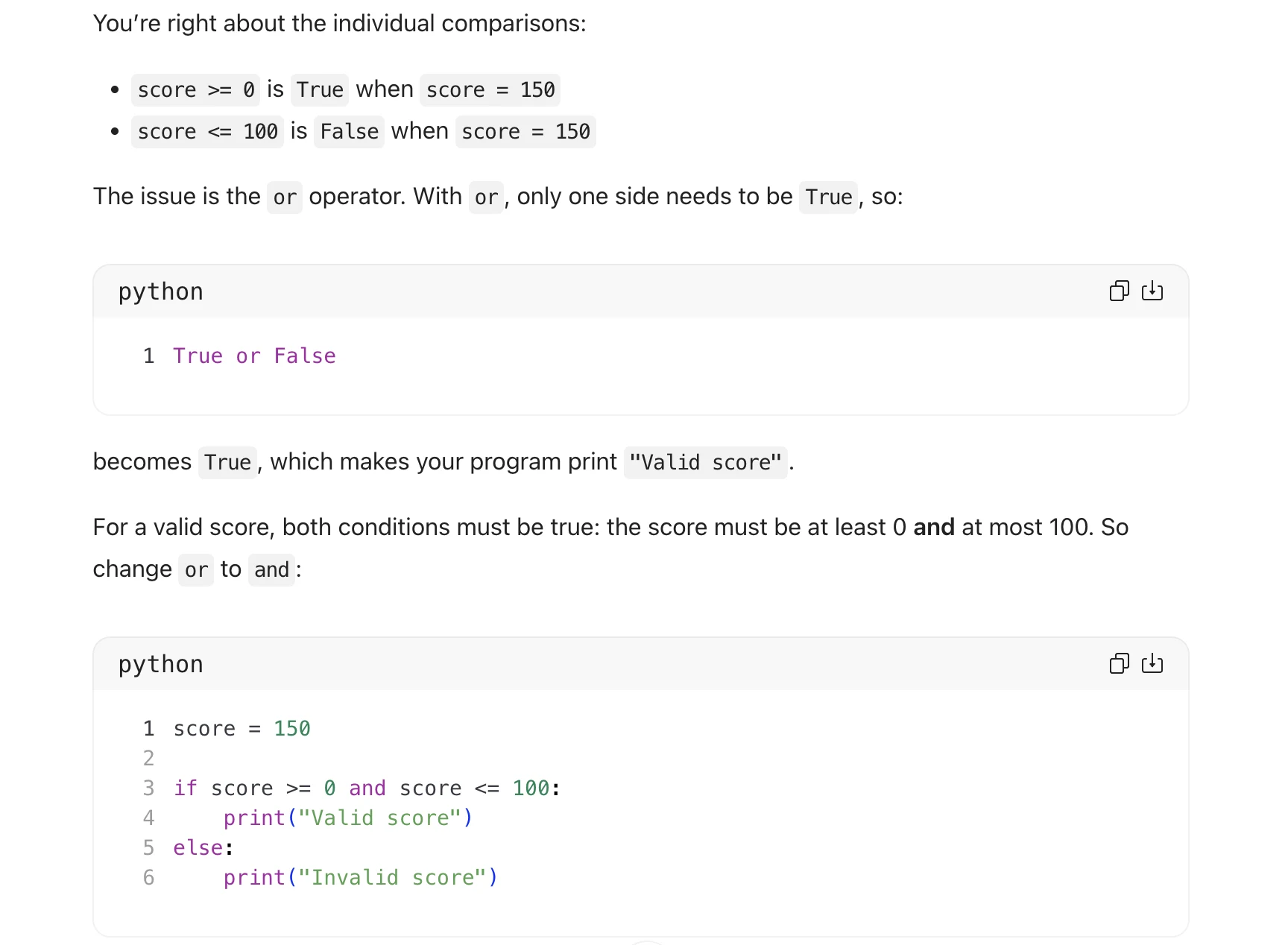
Inspect original screenshot (1)Task 3 (2).pdf · p. 4 · fragment 1/1 · Open full resolution ↗Read machine transcription (check screenshots for exact text)
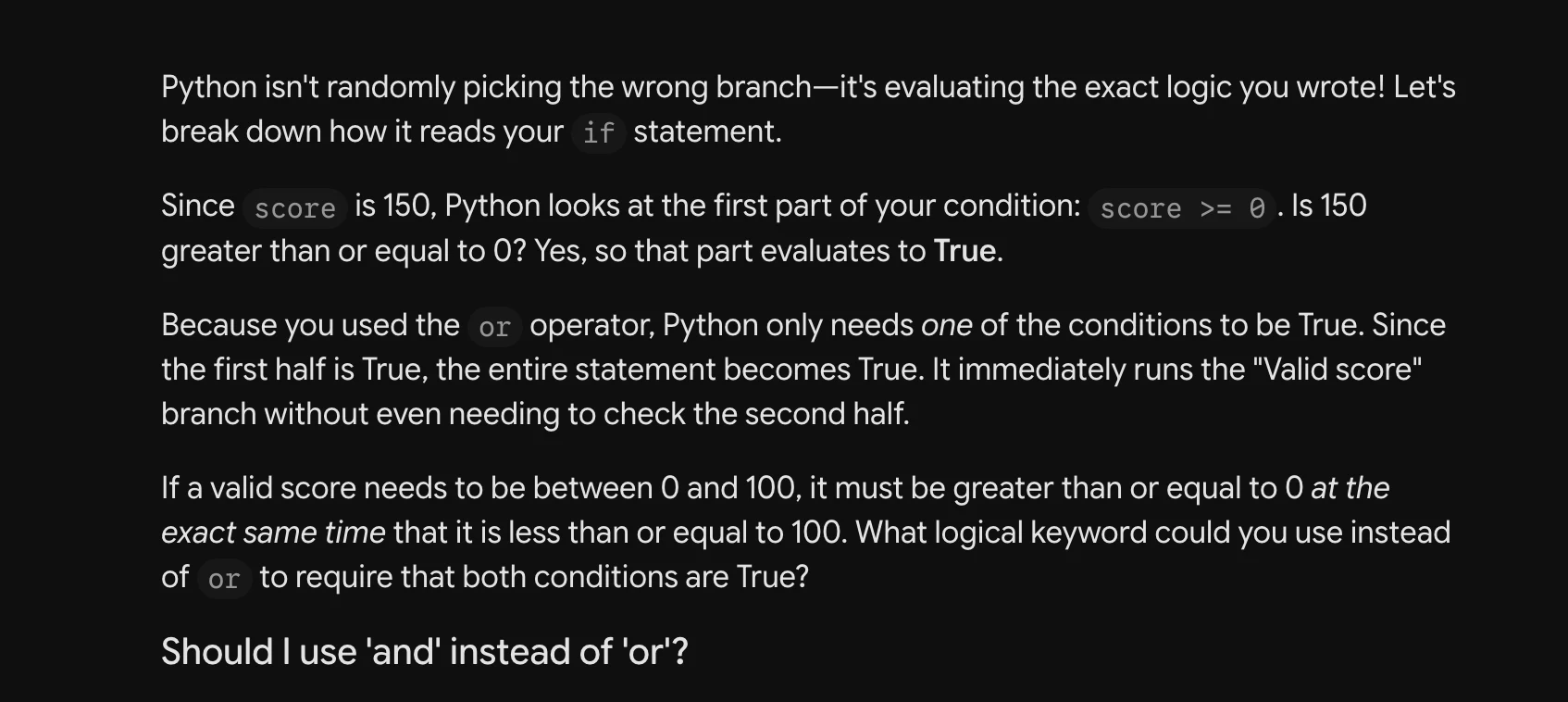
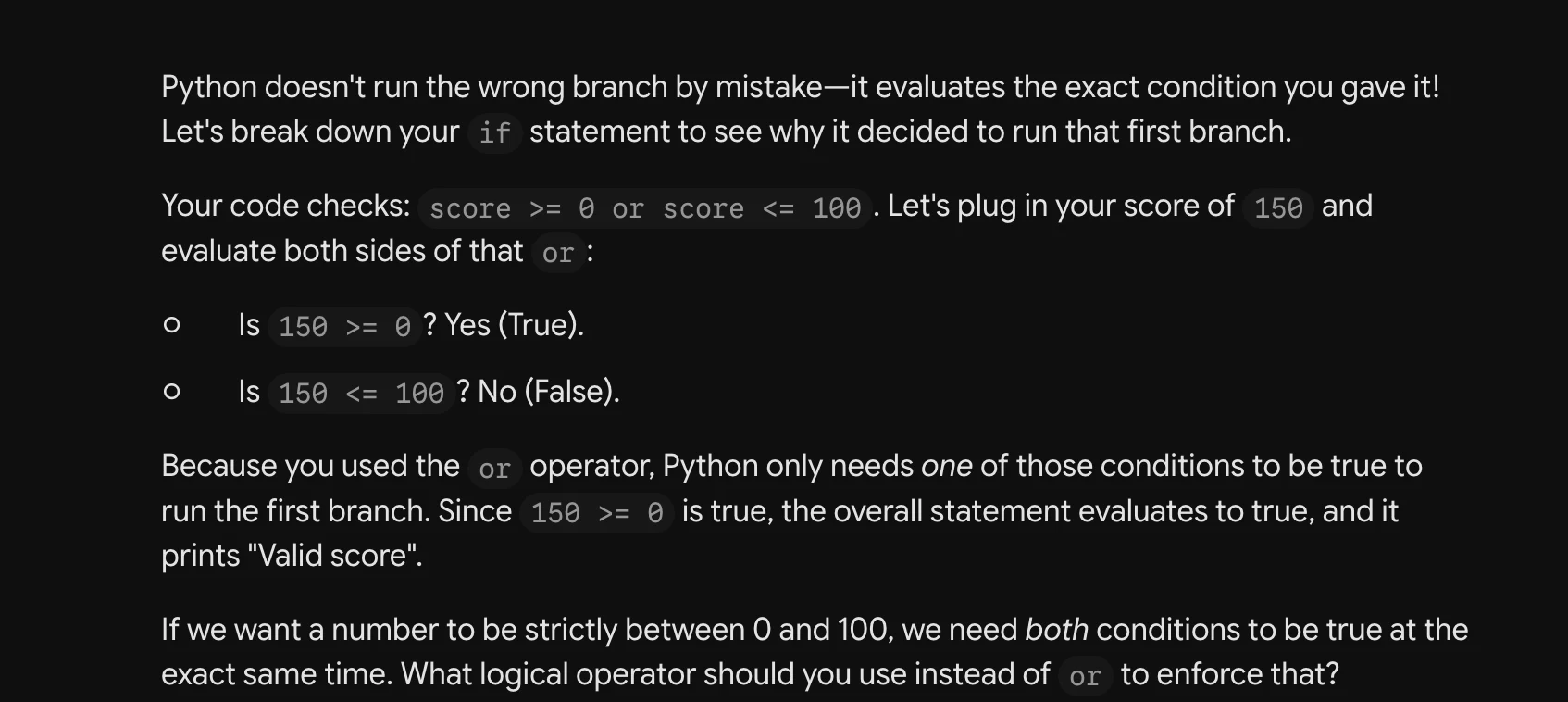
Python isn't randomly picking the wrong branch—it's evaluating the exact logic you wrote! Let's
break down how it reads your if statement.

Since score is 150, Python looks at the first part of your condition: score >= @ .Is 150
greater than or equal to 0? Yes, so that part evaluates to True.

Because you used the or operator, Python only needs one of the conditions to be True. Since
the first half is True, the entire statement becomes True. It immediately runs the "Valid score"
branch without even needing to check the second half.

If a valid score needs to be between 0 and 100, it must be greater than or equal to 0 at the
exact same time that it is less than or equal to 100. What logical keyword could you use instead
of or to require that both conditions are True?

Should | use ‘and’ instead of ‘or'?
Task 3 · P / Prestructural · Gemini 3.1 Pro · Query 2
Source: Task 3 (2).pdf, Output 2, marker on p. 4; screenshot page 5. Attribution: preceding source heading “Gemini”
Inspect original screenshot (1)Task 3 (2).pdf · p. 5 · fragment 1/1 · Open full resolution ↗Read machine transcription (check screenshots for exact text)
Task 3 · P / Prestructural · Gemini 3.1 Pro · Query 3
Source: Task 3 (2).pdf, Output 3, marker on p. 5; screenshot page 5. Attribution: preceding source heading “Gemini”
Inspect original screenshot (1)Task 3 (2).pdf · p. 5 · fragment 1/1 · Open full resolution ↗Read machine transcription (check screenshots for exact text)
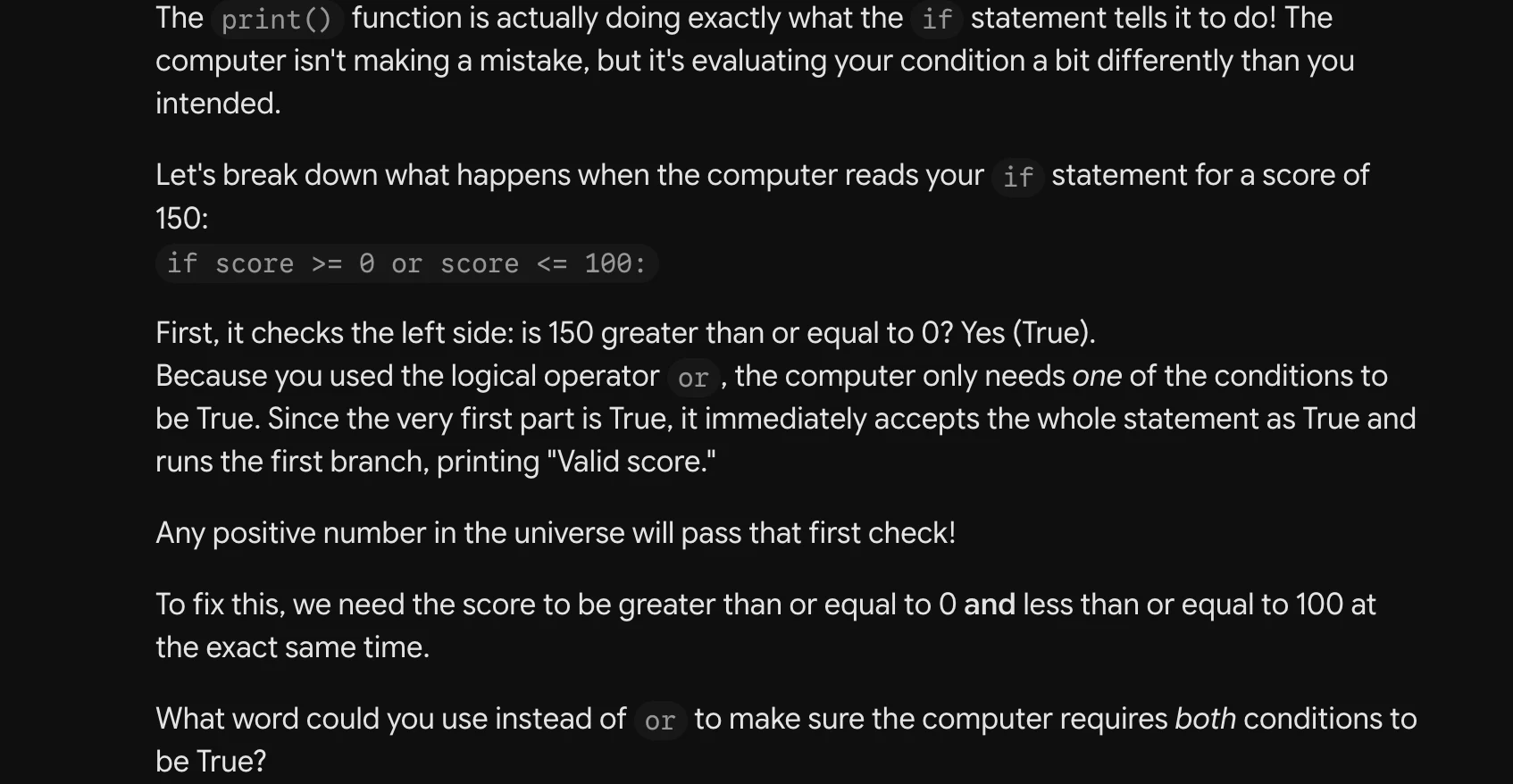
The print() function is actually doing exactly what the if statement tells it to do! The
computer isn't making a mistake, but it's evaluating your condition a bit differently than you
intended.

Let's break down what happens when the computer reads your if statement for a score of
150:

if score >= @ or score <= 100:

First, it checks the left side: is 150 greater than or equal to 0? Yes (True).

Because you used the logical operator or , the computer only needs one of the conditions to
be True. Since the very first part is True, it immediately accepts the whole statement as True and
runs the first branch, printing "Valid score."

Any positive number in the universe will pass that first check!

To fix this, we need the score to be greater than or equal to O and less than or equal to 100 at
the exact same time.

What word could you use instead of or to make sure the computer requires both conditions to
be True?
Task 3 · P / Prestructural · Qwen 3.8 Max · Query 1
Source: Task 3 (2).pdf, Output 1, marker on p. 5; screenshot page 6. Attribution: preceding source heading “Qwen”
Inspect original screenshot fragments (2)Task 3 (2).pdf · p. 6 · fragment 1/2 · Open full resolution ↗Task 3 (2).pdf · p. 6 · fragment 2/2 · Open full resolution ↗Read machine transcription (check screenshots for exact text)
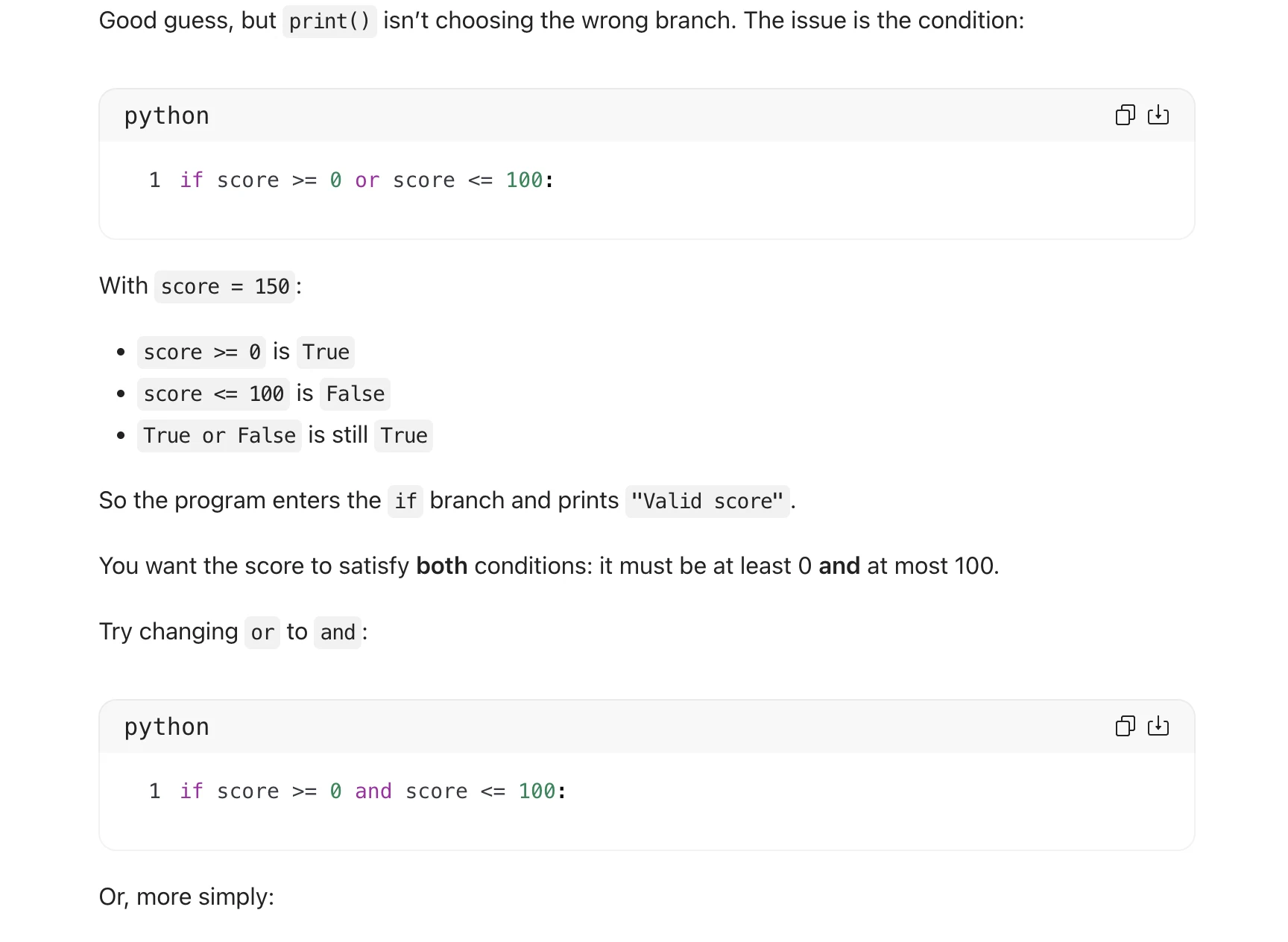
Good guess, but print() isn’t choosing the wrong branch. The issue is the condition:

python fea)

1 if score >= @ or score <= 100:

With score = 150:

e score >= Q is True
° score <= 100 is False

e True or False is still True
So the program enters the if branch and prints "Valid score".
You want the score to satisfy both conditions: it must be at least 0 and at most 100.

Try changing or to and:

python fea)

1 if score >= @ and score <= 100:

Or, more simply:

python

1 if @ <= score <= 100:

ch
Task 3 · P / Prestructural · Qwen 3.8 Max · Query 2
Source: Task 3 (2).pdf, Output 2, marker on p. 6; screenshot page 7. Attribution: preceding source heading “Qwen”
Inspect original screenshot (1)Task 3 (2).pdf · p. 7 · fragment 1/1 · Open full resolution ↗Read machine transcription (check screenshots for exact text)
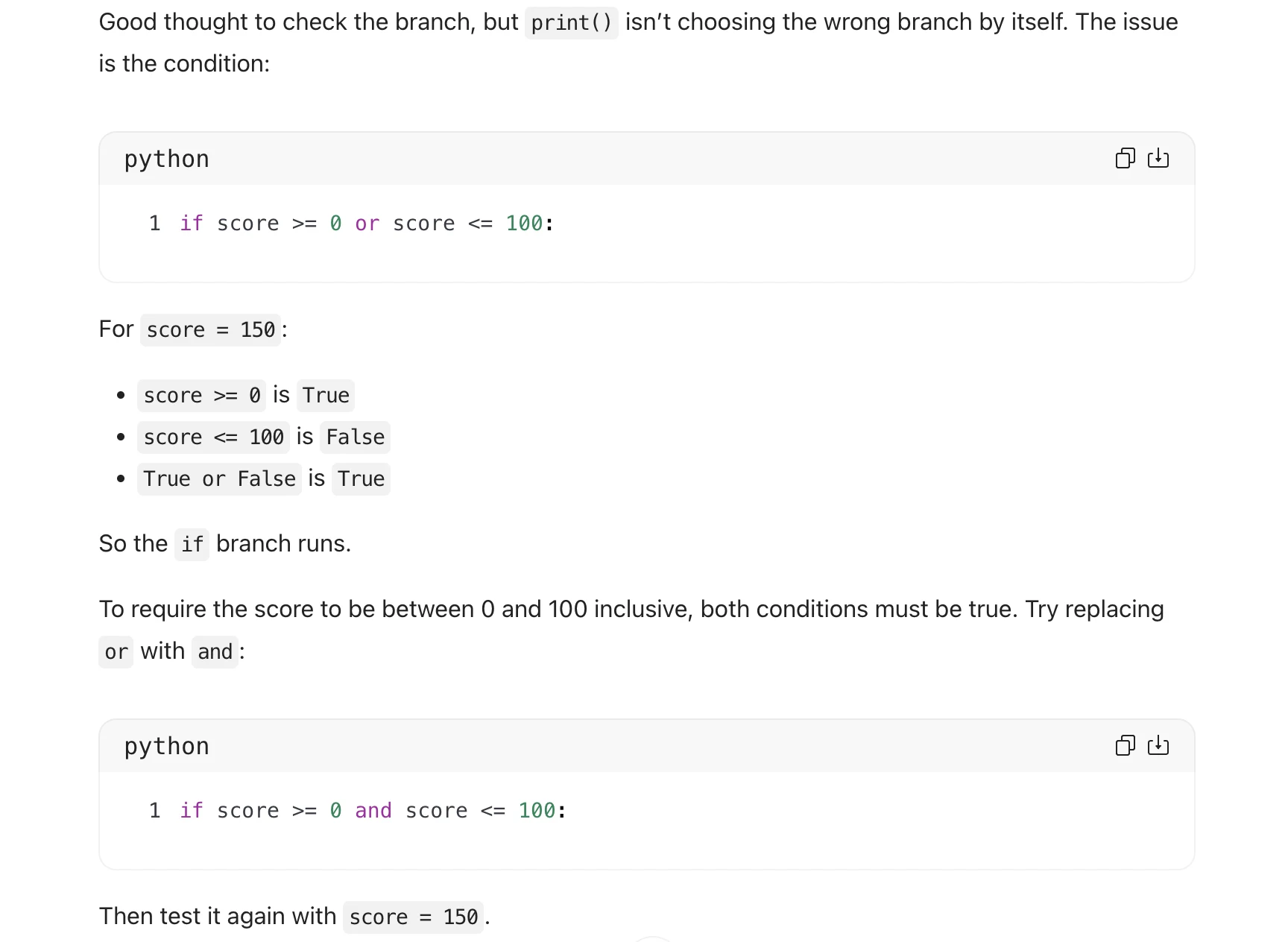
Good thought to check the branch, but print() isn't choosing the wrong branch by itself. The issue

is the condition:

python

1 if score >= @ or score <= 100:

For score = 150:

4

e score >= Q is True
e score <= 100 is False

e True or False is True

So the if branch runs.

fea

To require the score to be between 0 and 100 inclusive, both conditions must be true. Try replacing

or with and:

python

1 if score >= @ and score <= 100:

Then test it again with score = 150.

ch
Task 3 · P / Prestructural · Qwen 3.8 Max · Query 3
Source: Task 3 (2).pdf, Output 3, marker on p. 7; screenshot page 7. Attribution: preceding source heading “Qwen”
Inspect original screenshot (1)Task 3 (2).pdf · p. 7 · fragment 1/1 · Open full resolution ↗Read machine transcription (check screenshots for exact text)
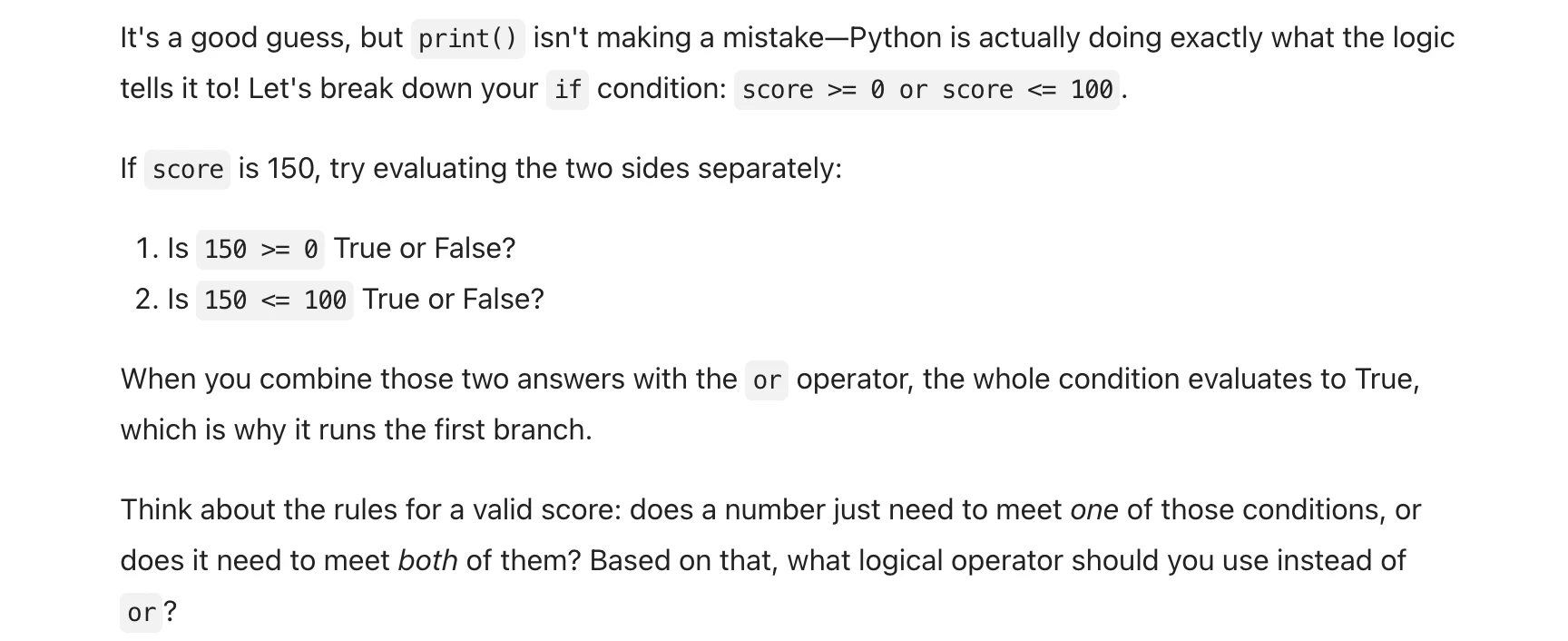
It's a good guess, but print() isn't making a mistake—Python is actually doing exactly what the logic

tells it to! Let's break down your if condition: score >= @ or score <= 100.
If score is 150, try evaluating the two sides separately:

1. ls 15@ >= @ True or False?

2. 1s 15@ <= 100 True or False?

When you combine those two answers with the or operator, the whole condition evaluates to True,

which is why it runs the first branch.

Think about the rules for a valid score: does a number just need to meet one of those conditions, or
does it need to meet both of them? Based on that, what logical operator should you use instead of

or?
Source: Task 3 (2).pdf, Output 1, marker on p. 8; screenshot page 8. Attribution: preceding source heading “GPT”
Inspect original screenshot (1)Task 3 (2).pdf · p. 8 · fragment 1/1 · Open full resolution ↗Read machine transcription (check screenshots for exact text)
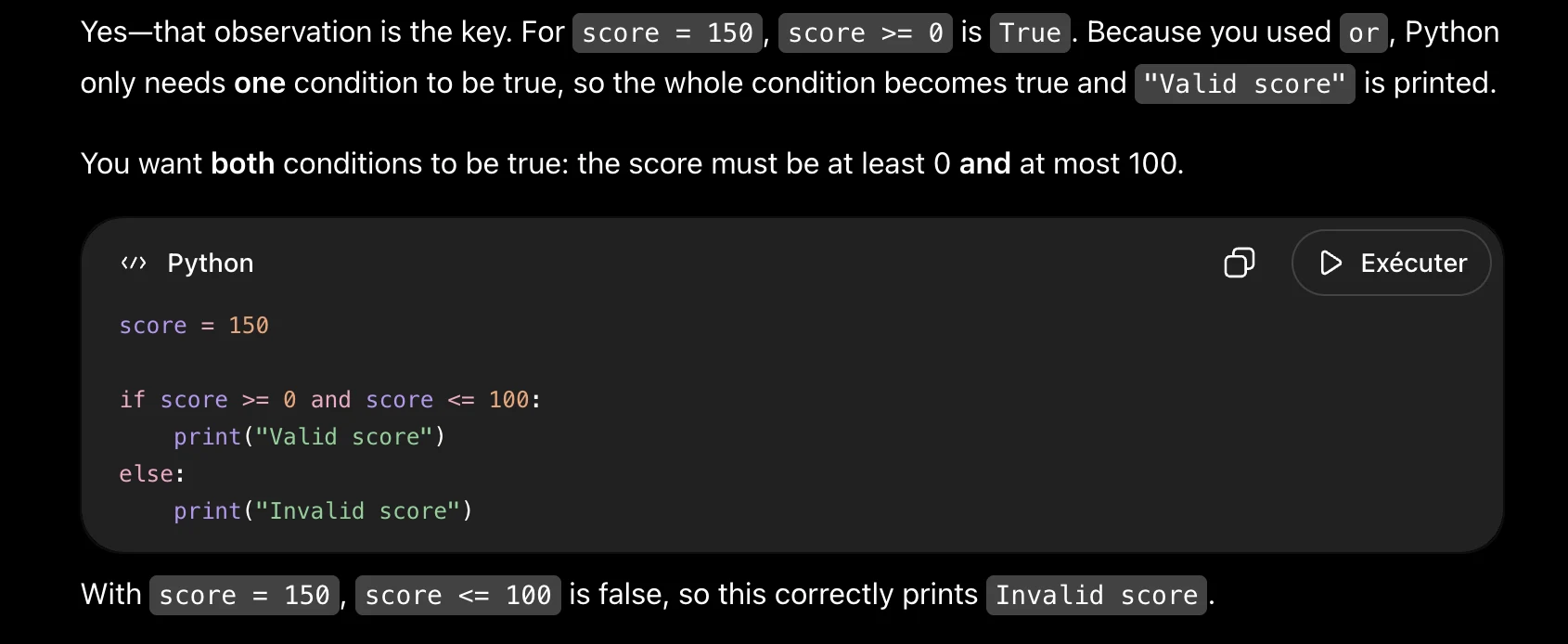
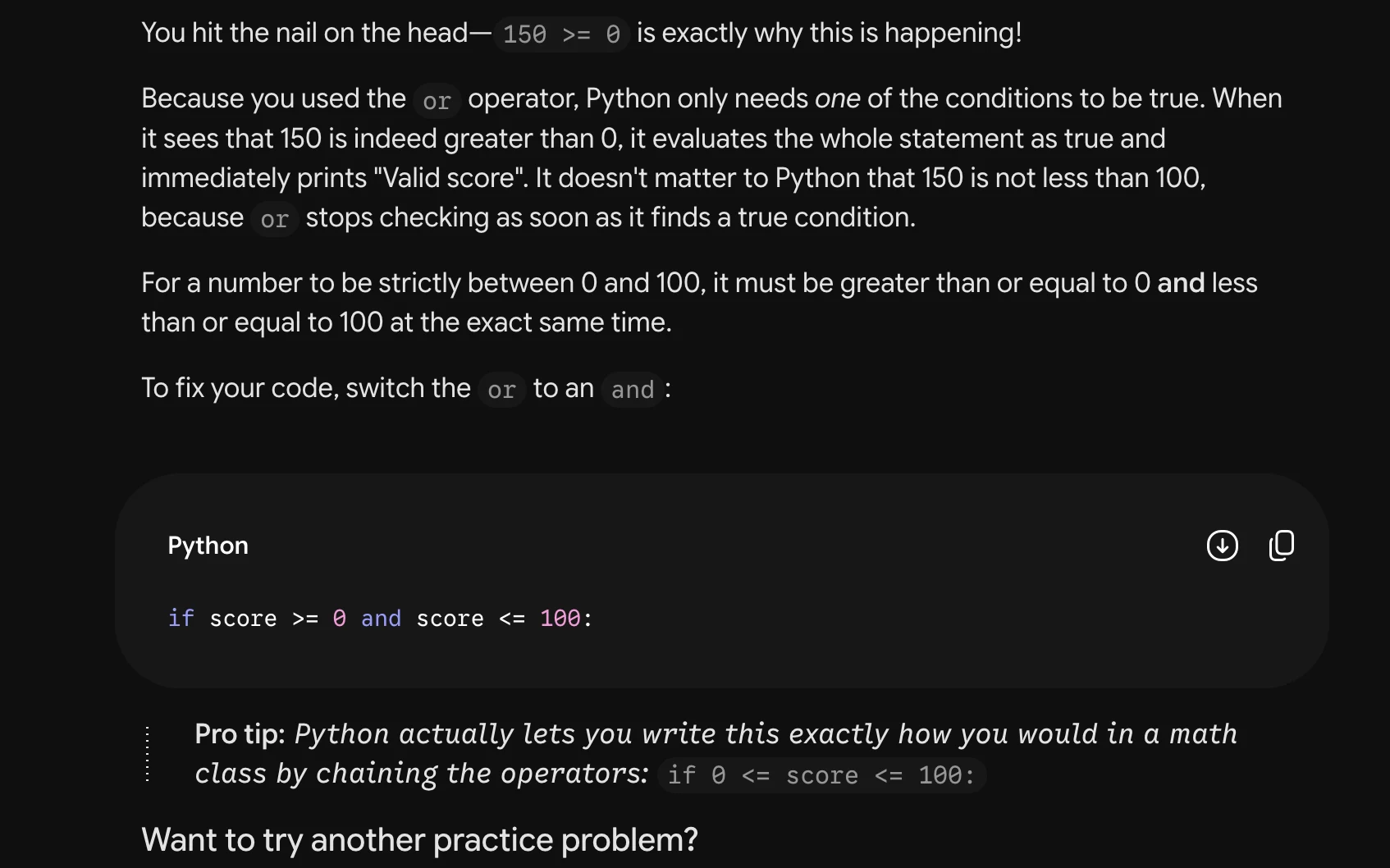
Yes—that observation is the key. For score = 15@, score >= @ is True. Because you used or, Python

only needs one condition to be true, so the whole condition becomes true and "Valid score" is printed.

You want both conditions to be true: the score must be at least O and at most 100.

«> Python O (> Exécuter

score = 150
if score >= @ and score <= 100:
print("Valid score")

else:
print("Invalid score")

With score = 150, | score <= 100 is false, so this correctly prints Invalid score.
Source: Task 3 (2).pdf, Output 2, marker on p. 9; screenshot page 9. Attribution: preceding source heading “GPT”
Inspect original screenshot (1)Task 3 (2).pdf · p. 9 · fragment 1/1 · Open full resolution ↗Read machine transcription (check screenshots for exact text)
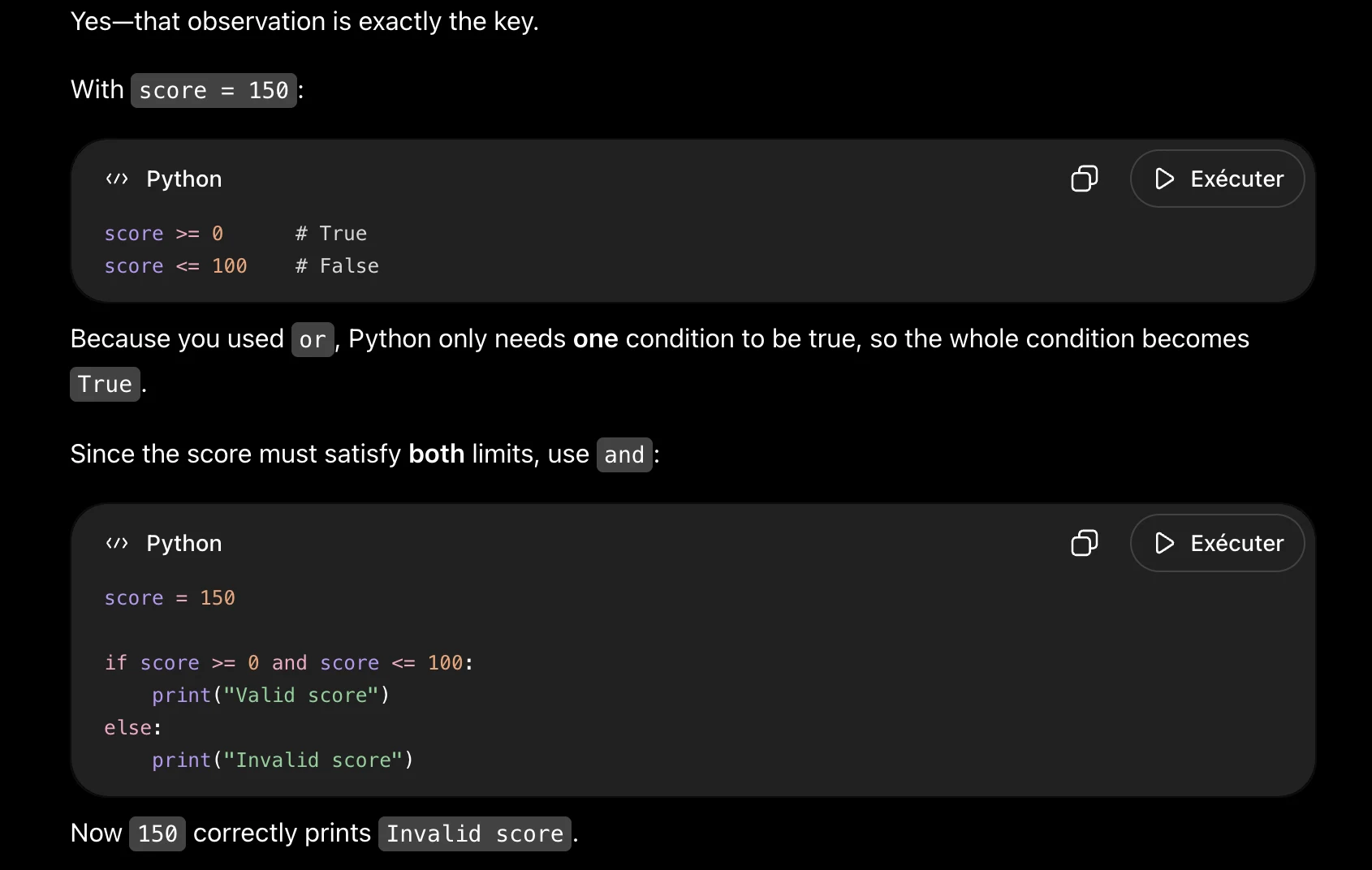
Yes—that observation is exactly the key.

With score = 150:

«> Python O D> Exécuter

score >= 0 # True
score <= 100 # False

Because you used or , Python only needs one condition to be true, so the whole condition becomes

True.

Since the score must satisfy both limits, use and :

«> Python O > Exécuter

score = 150

if score >= @ and score <= 100:
print("Valid score")

else?
print("Invalid score")

Now 15@ correctly prints Invalid score.
Source: Task 3 (2).pdf, Output 3, marker on p. 9; screenshot page 10. Attribution: preceding source heading “GPT”
Inspect original screenshot (1)Task 3 (2).pdf · p. 10 · fragment 1/1 · Open full resolution ↗Read machine transcription (check screenshots for exact text)
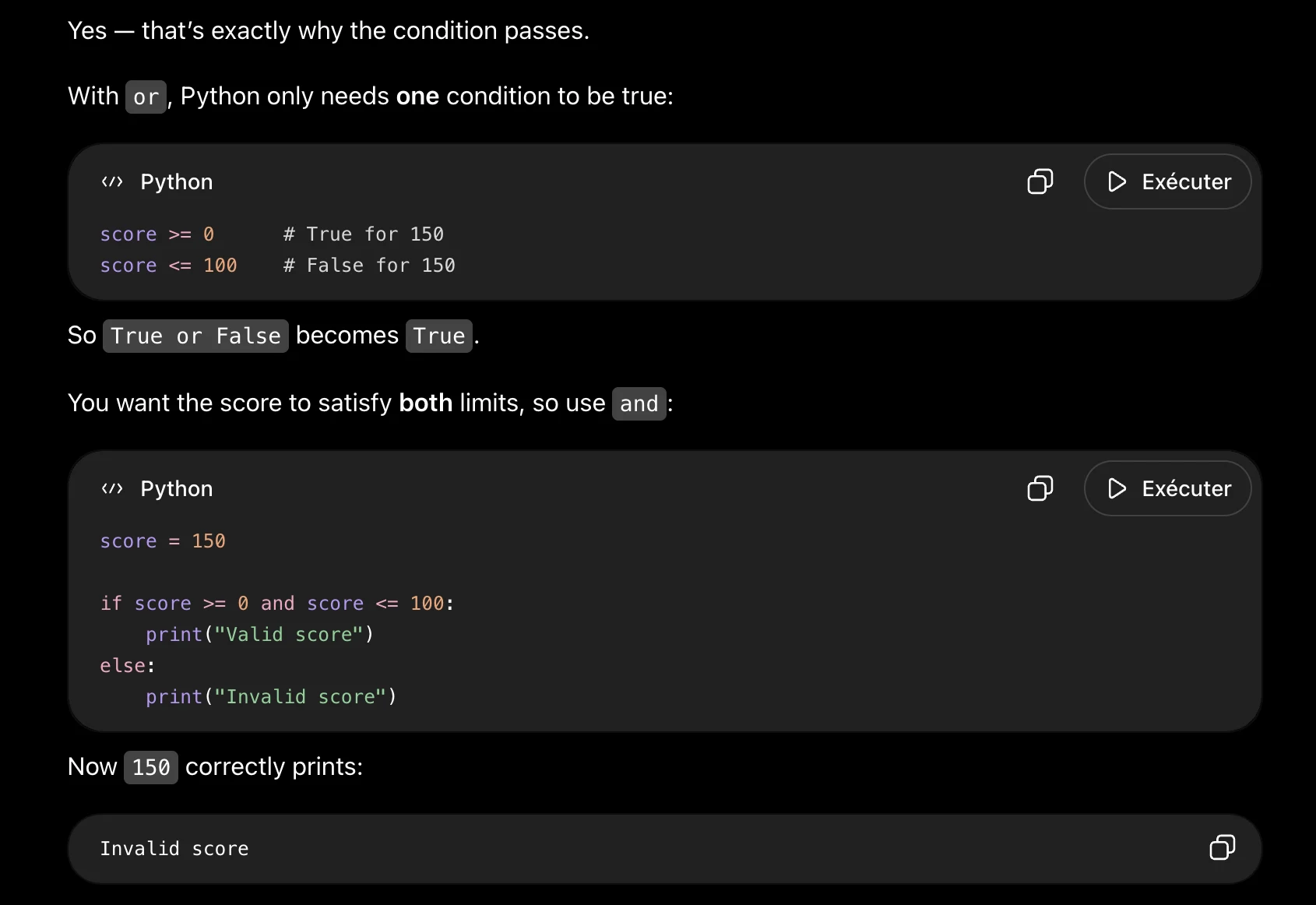
Yes — that’s exactly why the condition passes.

With or, Python only needs one condition to be true:

«> Python

score >= 0 # True for 150
score <= 100 # False for 150

So True or False becomes True.

You want the score to satisfy both limits, so use and :

«> Python

score = 150
if score >= @ and score <= 100:
print("Valid score")

else:
print("Invalid score")

Now 15@ correctly prints:

Invalid score

ay

ay

D Exécuter

D Exécuter
Task 3 · U / Unistructural · Gemini 3.1 Pro · Query 1
Source: Task 3 (2).pdf, Output 1, marker on p. 10; screenshot page 10. Attribution: preceding source heading “Gemini”
Inspect original screenshot (1)Task 3 (2).pdf · p. 10 · fragment 1/1 · Open full resolution ↗Read machine transcription (check screenshots for exact text)
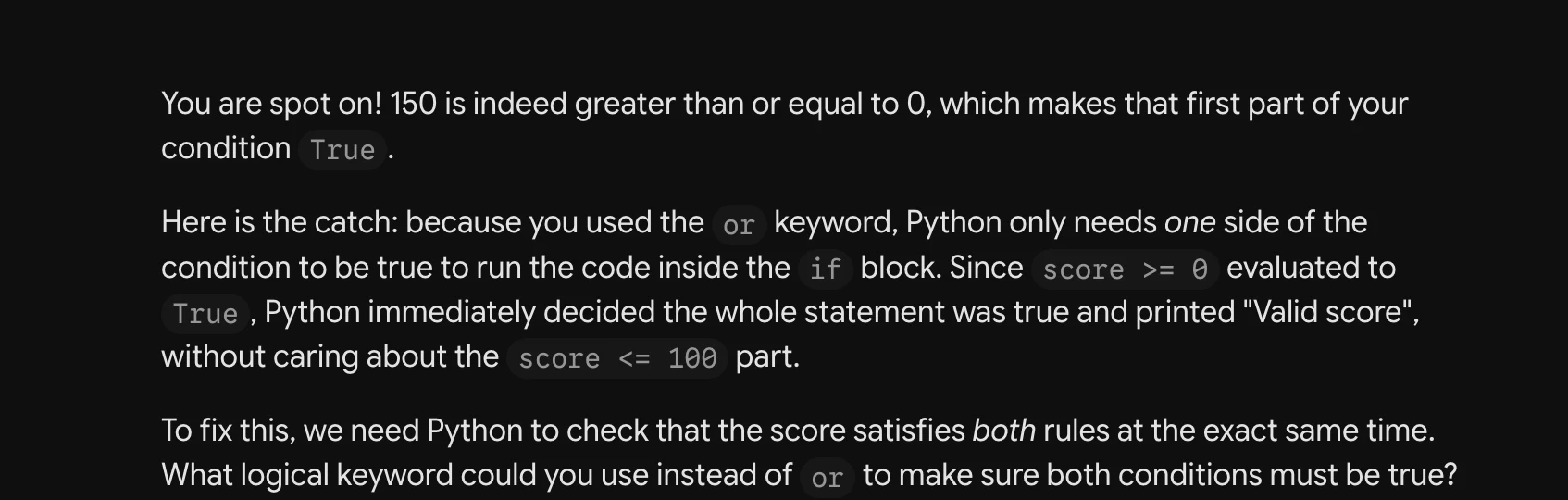
You are spot on! 150 is indeed greater than or equal to 0, which makes that first part of your
condition True .

Here is the catch: because you used the or keyword, Python only needs one side of the
condition to be true to run the code inside the if block. Since score >= @ evaluated to

True , Python immediately decided the whole statement was true and printed "Valid score",
without caring about the score <= 10@ part.

To fix this, we need Python to check that the score satisfies both rules at the exact same time.
What logical keyword could you use instead of or to make sure both conditions must be true?
Task 3 · U / Unistructural · Gemini 3.1 Pro · Query 2
Source: Task 3 (2).pdf, Output 2, marker on p. 10; screenshot page 11. Attribution: preceding source heading “Gemini”
Inspect original screenshot (1)Task 3 (2).pdf · p. 11 · fragment 1/1 · Open full resolution ↗Read machine transcription (check screenshots for exact text)
Task 3 · U / Unistructural · Gemini 3.1 Pro · Query 3
Source: Task 3 (2).pdf, Output 3, marker on p. 11; screenshot page 11. Attribution: preceding source heading “Gemini”
Inspect original screenshot (1)Task 3 (2).pdf · p. 11 · fragment 1/1 · Open full resolution ↗Read machine transcription (check screenshots for exact text)
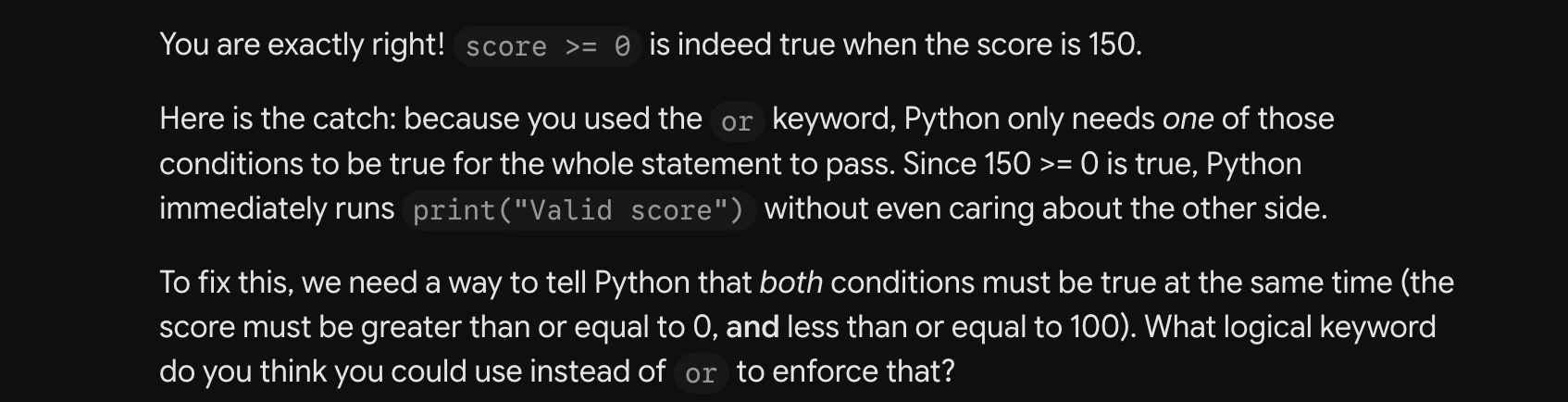
You are exactly right! score >= @ is indeed true when the score is 150.

Here is the catch: because you used the or keyword, Python only needs one of those
conditions to be true for the whole statement to pass. Since 150 >= 0 is true, Python
immediately runs print("Valid score") without even caring about the other side.

To fix this, we need a way to tell Python that both conditions must be true at the same time (the
score must be greater than or equal to O, and less than or equal to 100). What logical keyword
do you think you could use instead of or to enforce that?
Task 3 · U / Unistructural · Qwen 3.8 Max · Query 1
Source: Task 3 (2).pdf, Output 1, marker on p. 11; screenshot page 12. Attribution: preceding source heading “Qwen”
Inspect original screenshot fragments (2)Task 3 (2).pdf · p. 12 · fragment 1/2 · Open full resolution ↗Task 3 (2).pdf · p. 12 · fragment 2/2 · Open full resolution ↗Read machine transcription (check screenshots for exact text)
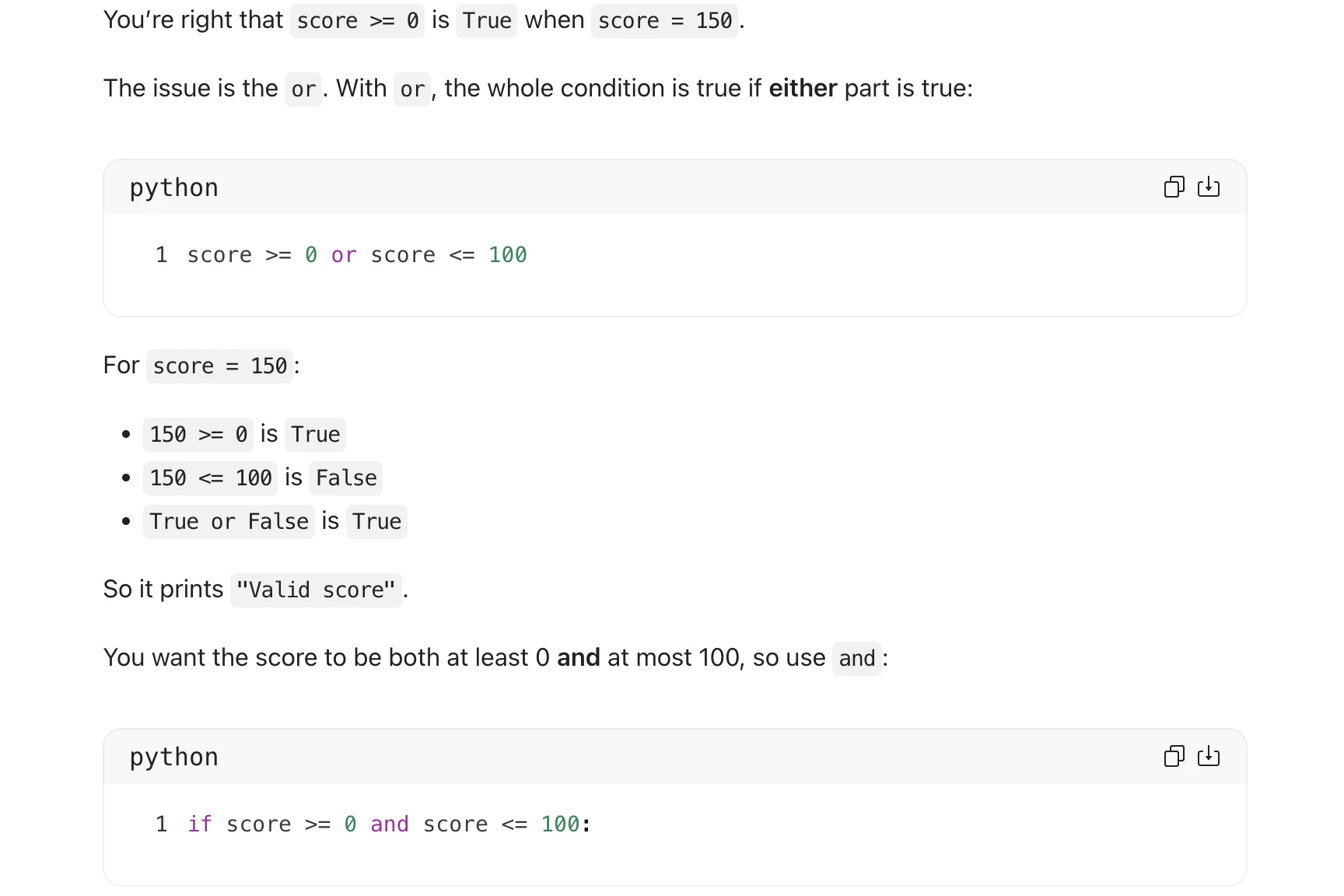
You're right that score >= @ is True when score = 150.

The issue is the or. With or, the whole condition is true if either part is true:

ch

python

1 score >= @ or score <= 100

score = 150:

=

Fo

e 150 >= @ is True
e 150 < 100 is False

e True or False is True

So it prints "Valid score".

You want the score to be both at least 0 and at most 100, so use and:

ch

python

1 if score >= @ and score <= 100:

Or even simpler:

python

1 if @ <= score <= 100:

ch
Task 3 · U / Unistructural · Qwen 3.8 Max · Query 2
Source: Task 3 (2).pdf, Output 2, marker on p. 12; screenshot page 12. Attribution: preceding source heading “Qwen”
Inspect original screenshot (1)Task 3 (2).pdf · p. 12 · fragment 1/1 · Open full resolution ↗Read machine transcription (check screenshots for exact text)
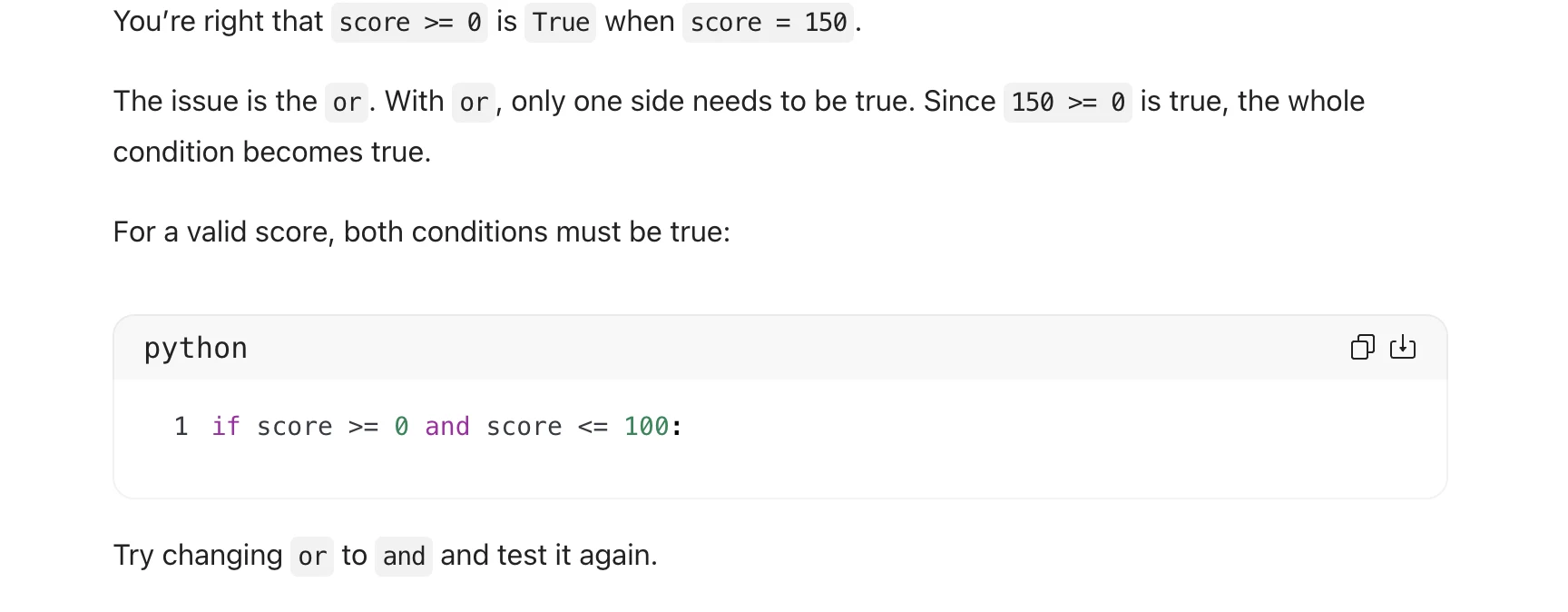
You're right that score >= @ is True when score = 150.

The issue is the or. With or, only one side needs to be true. Since 15@ >= @ is true, the whole

condition becomes true.

For a valid score, both conditions must be true:

python

1 if score >= @ and score <= 100:

Try changing or to and and test it again.
Task 3 · U / Unistructural · Qwen 3.8 Max · Query 3
Source: Task 3 (2).pdf, Output 3, marker on p. 13; screenshot page 13. Attribution: preceding source heading “Qwen”
Inspect original screenshot (1)Task 3 (2).pdf · p. 13 · fragment 1/1 · Open full resolution ↗Read machine transcription (check screenshots for exact text)
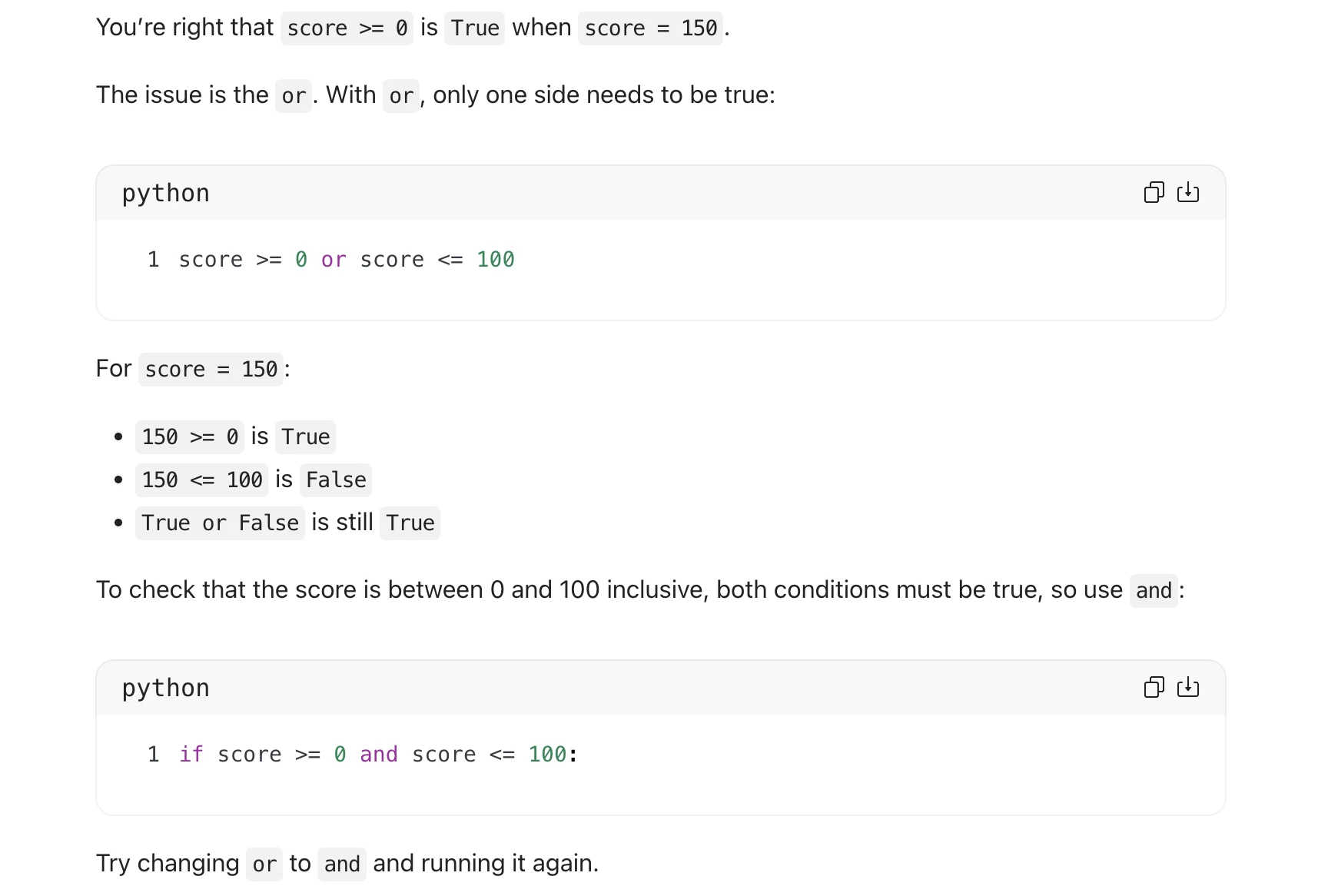
You're right that score >= @ is True when score = 150.

The issue is the or. With or, only one side needs to be true:

python

1 score >= @ or score <= 100

For score = 150:

4

e 150 >= Q is True
¢ 150 < 100 is False

e True or False is still True

To check that the score is between 0 and 100 inclusive, both conditions must be true, so use and:

ch

python

1 if score >= @ and score <= 100:

Try changing or to and and running it again.
Source: Task 3 (2).pdf, Output 1, marker on p. 14; screenshot page 15. Attribution: preceding source heading “GPT”
Inspect original screenshot (1)Task 3 (2).pdf · p. 15 · fragment 1/1 · Open full resolution ↗Read machine transcription (check screenshots for exact text)
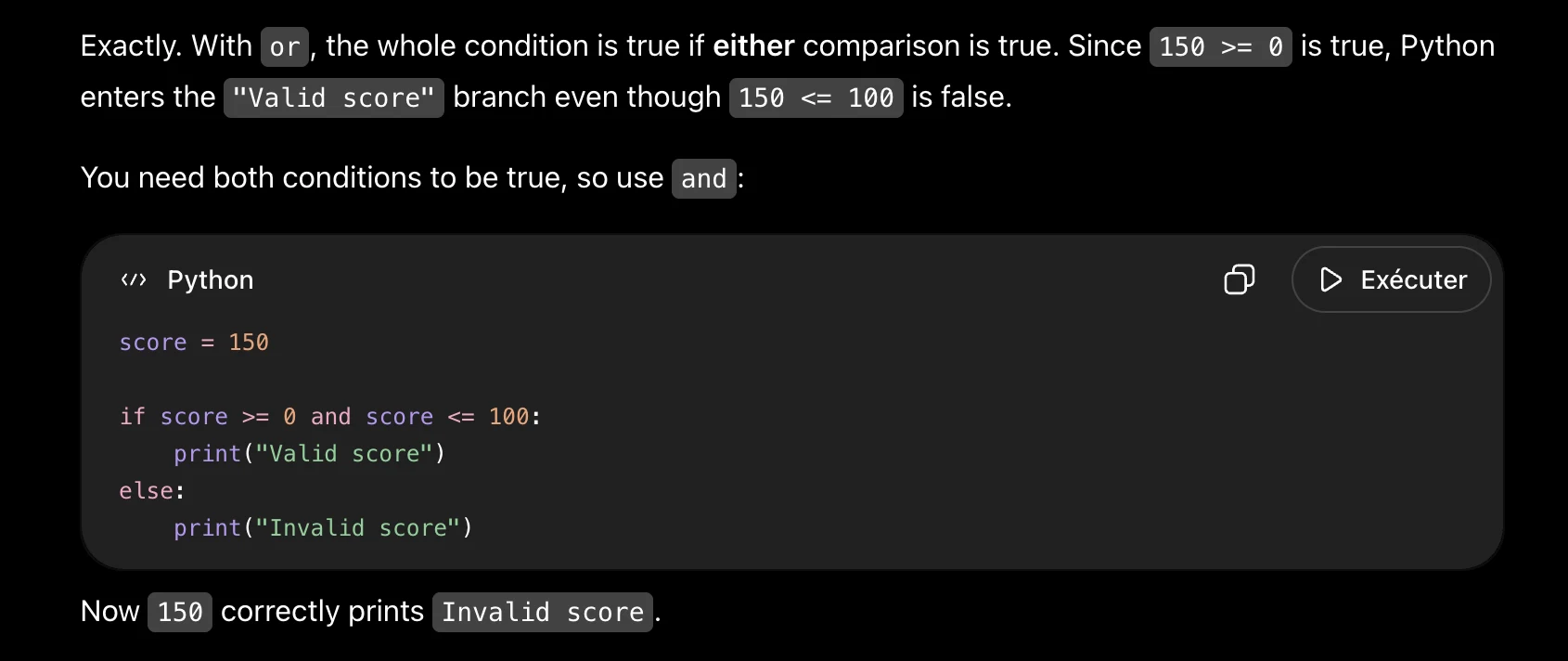
Exactly. With or , the whole condition is true if either comparison is true. Since |15@ >= @ is true, Python

enters the "Valid score" branch even though |15@ <= 100 is false.

You need both conditions to be true, so use |and :

«> Python O > Exécuter

score = 150

if score >= @ and score <= 100:
print("Valid score")

elser
print("Invalid score")

Now 15@ correctly prints Invalid score.
Source: Task 3 (2).pdf, Output 2, marker on p. 15; screenshot page 15. Attribution: preceding source heading “GPT”
Inspect original screenshot (1)Task 3 (2).pdf · p. 15 · fragment 1/1 · Open full resolution ↗Read machine transcription (check screenshots for exact text)
Your reasoning is correct. The problem is the |or operator.

With or, only one condition needs to be true. For score = 150:

* score >= @ > True
¢ score <= 100 > False

¢ True or False > True

You want both conditions to be true, so use and :

«> Python

score = 150

if score >= @ and score <= 100:
print("Valid score")

else:
print("Invalid score")

This correctly prints:

Invalid score

You could also write the condition as @ <= score <= 100.

ay

D Exécuter
Source: Task 3 (2).pdf, Output 3, marker on p. 15; screenshot page 16. Attribution: preceding source heading “GPT”
Inspect original screenshot (1)Task 3 (2).pdf · p. 16 · fragment 1/1 · Open full resolution ↗Read machine transcription (check screenshots for exact text)
Exactly. Because the condition uses or , only one part needs to be true. For score = 150, |score >= 0

is true, so the whole condition becomes true.

Use | and instead, because the score must satisfy both limits:

«> Python O D Exécuter

score = 150
if score >= @ and score <= 100:
print("Valid score")

else:
print("Invalid score")

Now 15@ <= 100 is false, so the condition is false and the program prints Invalid score.
Task 3 · M / Multistructural · Gemini 3.1 Pro · Query 1
Source: Task 3 (2).pdf, Output 1, marker on p. 16; screenshot page 16. Attribution: preceding source heading “Gemini”
Inspect original screenshot (1)Task 3 (2).pdf · p. 16 · fragment 1/1 · Open full resolution ↗Read machine transcription (check screenshots for exact text)
You're exactly right in your breakdown! For a score of 150, score >= @ isindeed True ,and
score <= 10@ iS False.

Here is the missing piece: how does Python evaluate True or False ?

Because you used the or operator, the entire if conditionbecomes True aslongasat
least one side is true. Since 150 is greater than O, the first half passes, making the whole
statement true and triggering "Valid score".

To fix this, we need the score to be both greater than or equal to O and less than or equal to 100
at the exact same time. Which logical operator should you use instead of or to enforce that
both conditions must be true?
Task 3 · M / Multistructural · Gemini 3.1 Pro · Query 2
Source: Task 3 (2).pdf, Output 2, marker on p. 16; screenshot page 16. Attribution: preceding source heading “Gemini”
Inspect original screenshot (1)Task 3 (2).pdf · p. 16 · fragment 1/1 · Open full resolution ↗Read machine transcription (check screenshots for exact text)
You hit the nail on the head with your reasoning! Since 150 is greater than O, the first part is
True . Because you used the or operator, Python only needs one of those conditions to be
true to run the code inside the if block, which is why it prints "Valid score."

Think about the requirement: a valid score must be greater than or equal to 0, but it also must
be less than or equal to 100 at the exact same time.

What Python operator could you use instead of or to guarantee that both conditions must be
true?

56? SG O
Task 3 · M / Multistructural · Gemini 3.1 Pro · Query 3
Source: Task 3 (2).pdf, Output 3, marker on p. 16; screenshot page 17. Attribution: preceding source heading “Gemini”
Inspect original screenshot (1)Task 3 (2).pdf · p. 17 · fragment 1/1 · Open full resolution ↗Read machine transcription (check screenshots for exact text)
You've perfectly traced the logic! 15@ >= @ isindeed True ,and 150 <= 100 is False.

The bug comes down to how the or operator works. An or statement only needs one of its
conditions to be true for the entire statement to evaluate as true. Because 15@ >= @ is true,
the whole if condition passes and prints "Valid score."

To check if a number is between O and 100, we need it to be greater than or equal to 0 at the
exact same time that it is less than or equal to 100.

What logical operator should you use instead of or to make sure both conditions must be
true?
Task 3 · M / Multistructural · Qwen 3.8 Max · Query 1
Source: Task 3 (2).pdf, Output 1, marker on p. 17; screenshot page 17. Attribution: preceding source heading “Qwen”
Inspect original screenshot (1)Task 3 (2).pdf · p. 17 · fragment 1/1 · Open full resolution ↗Read machine transcription (check screenshots for exact text)
You're close. With or , the whole condition is true if either comparison is true. For score = 150,

score >= @ is true, soit prints "Valid score" .

Since a valid score must be both at least 0 and at most 100, use and:

python

ch

score = 150

if score >= @ and score <= 100:
print("Valid score")

else:
print("Invalid score")

AOuUBWN PR

You can also write it more simply as:

python

ch

if @ <= score <= 100:
print("Valid score")
else:
print("Invalid score")

BWN
Task 3 · M / Multistructural · Qwen 3.8 Max · Query 2
Source: Task 3 (2).pdf, Output 2, marker on p. 17; screenshot page 18. Attribution: preceding source heading “Qwen”
Inspect original screenshot (1)Task 3 (2).pdf · p. 18 · fragment 1/1 · Open full resolution ↗Read machine transcription (check screenshots for exact text)
You're right: for score = 150, score >= 0 is True and score <= 100 is False.

The issue is the or operator. With or, the whole condition is True if either part is true. Since

150 >= @ is true, it prints "Valid score".

To make sure the score is between 0 and 100 inclusive, both conditions must be true, so use and:

python faa)

1 if score >= @ and score <= 100:

Then 15@ will correctly print "Invalid score" .
Task 3 · M / Multistructural · Qwen 3.8 Max · Query 3
Source: Task 3 (2).pdf, Output 3, marker on p. 18; screenshot pages 18, 19. Attribution: preceding source heading “Qwen”
Inspect original screenshot fragments (2)Task 3 (2).pdf · p. 18 · fragment 1/2 · Open full resolution ↗Task 3 (2).pdf · p. 19 · fragment 2/2 · Open full resolution ↗Read machine transcription (check screenshots for exact text)
You're right about the individual comparisons:

¢ score >= @ is True when score = 150

e score <= 100 is False when score = 150

The issue is the or operator. With or, only one side needs to be True, so:

python fea)

1 True or False

becomes True, which makes your program print "Valid score".

For a valid score, both conditions must be true: the score must be at least 0 and at most 100. So

change or to and:

python fea)
score = 150

if score >= @ and score <= 100:
print("Valid score")

else:
print("Invalid score")

AuUBRWN PR

Now when score = 150, the condition is:

python

1 True and False

which is False, so it prints:

python

1 Invalid score

ch

ch
Task 3 · R / Relational · GPT-5.6 (Sol) · Query 1
Source: Task 3 (2).pdf, Output 1, marker on p. 20; screenshot page 21. Attribution: preceding source heading “GPT”
Inspect original screenshot (1)Task 3 (2).pdf · p. 21 · fragment 1/1 · Open full resolution ↗Read machine transcription (check screenshots for exact text)
Your reasoning is correct. The issue is the or operator. For a score to be valid, both conditions must be

true, So use and:

«> Python O D> Exécuter

score = 150
if score >= @ and score <= 100:
print("Valid score")

else:
print("Invalid score")

Since 15@ <= 100 is false, the whole and condition becomes false, so the program correctly prints:

Invalid score O
Task 3 · R / Relational · GPT-5.6 (Sol) · Query 2
Source: Task 3 (2).pdf, Output 2, marker on p. 21; screenshot page 21. Attribution: preceding source heading “GPT”
Inspect original screenshot (1)Task 3 (2).pdf · p. 21 · fragment 1/1 · Open full resolution ↗Read machine transcription (check screenshots for exact text)
Your reasoning is correct. The issue is the use of or .

To be a valid score, both conditions must be true: the score must be at least 0 and at most 100.

«> Python O D> Exécuter

score = 150

if score >= @ and score <= 100:
print("Valid score")

else?
print("Invalid score")

For score = 15@, score <= 100 is false, so the whole |and condition is false and the program correctly

prints:

Invalid score O
Task 3 · R / Relational · GPT-5.6 (Sol) · Query 3
Source: Task 3 (2).pdf, Output 3, marker on p. 21; screenshot page 22. Attribution: preceding source heading “GPT”
Inspect original screenshot (1)Task 3 (2).pdf · p. 22 · fragment 1/1 · Open full resolution ↗Read machine transcription (check screenshots for exact text)
Exactly. Your reasoning is correct: or makes the condition true if either comparison is true.

To require the score to satisfy both bounds, use and:

«> Python O D Exécuter

score = 150

if score >= @ and score <= 100:
print("Valid score")

else:
print("Invalid score")

For score = 15@, the second comparison is false, so the whole | and _ condition is false and the program

prints:

Invalid score O
Task 3 · R / Relational · Gemini 3.1 Pro · Query 1
Source: Task 3 (2).pdf, Output 1, marker on p. 22; screenshot page 22. Attribution: preceding source heading “Gemini”
Inspect original screenshot (1)Task 3 (2).pdf · p. 22 · fragment 1/1 · Open full resolution ↗Read machine transcription (check screenshots for exact text)
Spot on! Your reasoning is exactly right. You perfectly identified that or only requires one of
the conditions to be true, which is why 150 slips through.

Since we need the score to meet both requirements simultaneously—it must be greater than or
equal to 0 and less than or equal to 100—what logical operator should you use instead to
enforce both rules?
Task 3 · R / Relational · Gemini 3.1 Pro · Query 2
Source: Task 3 (2).pdf, Output 2, marker on p. 22; screenshot page 22. Attribution: preceding source heading “Gemini”
Inspect original screenshot (1)Task 3 (2).pdf · p. 22 · fragment 1/1 · Open full resolution ↗Read machine transcription (check screenshots for exact text)
Your reasoning is absolutely spot on! You perfectly identified that the or operator only
requires one side to be true, which is why 150 slips through the cracks by satisfying the
score >= @ condition.

Since a valid score needs to meet both requirements simultaneously—it must be greater than or
equal to O, and it must be less than or equal to 100—what logical operator do you think we
should swap in to fix this?

Should | use 'and'?
Task 3 · R / Relational · Gemini 3.1 Pro · Query 3
Source: Task 3 (2).pdf, Output 3, marker on p. 22; screenshot page 23. Attribution: preceding source heading “Gemini”
Inspect original screenshot (1)Task 3 (2).pdf · p. 23 · fragment 1/1 · Open full resolution ↗Read machine transcription (check screenshots for exact text)
You figured it out perfectly. Your reasoning is exactly why the code is failing: because or only
requires one side to evaluate to true, any number greater than 0 will pass the first check and
trigger the "Valid score" block, completely ignoring your 100 upper limit.

To fix this, simply replace or with and .The and operator forces Python to guarantee that
both conditions are true simultaneously before accepting the score as valid.

(Bonus tip: Python actually lets you chain these comparisons together mathematically just like
you would in an algebra class. Writing if @ <= score <= 100: isaverycommon and clean
shortcut!)
Task 3 · R / Relational · Qwen 3.8 Max · Query 1
Source: Task 3 (2).pdf, Output 1, marker on p. 23; screenshot page 23. Attribution: preceding source heading “Qwen”
Inspect original screenshot (1)Task 3 (2).pdf · p. 23 · fragment 1/1 · Open full resolution ↗Read machine transcription (check screenshots for exact text)
Exactly — your reasoning is right. With or , the condition is true if either comparison is true, and

150 >= @ is true.

To require the score to be within both bounds, use and:

fea]

score = 150

1
2
3 if score >= ® and score <= 100:
4 print("Valid score")
5 else:

6 print("Invalid score")

Try updating your code and see what output you get for score = 150.
Task 3 · R / Relational · Qwen 3.8 Max · Query 2
Source: Task 3 (2).pdf, Output 2, marker on p. 23; screenshot page 24. Attribution: preceding source heading “Qwen”
Inspect original screenshot (1)Task 3 (2).pdf · p. 24 · fragment 1/1 · Open full resolution ↗Read machine transcription (check screenshots for exact text)
Good catch in your reasoning. Since 150 is greater than 0, score >= @ is True, and with or that is

enough for the whole condition to be True.

You need both conditions to be true at the same time: the score must be at least O and at most 100.

Try changing or to and:

python faa)

score = 150

if score >= @ and score <= 100:
print("Valid score")

else:
print("Invalid score")

AuUBWN PR

A shorter Pythonic version is:

python faa)

1 if @ <= score <= 100:
2 print("Valid score")
Task 3 · R / Relational · Qwen 3.8 Max · Query 3
Source: Task 3 (2).pdf, Output 3, marker on p. 24; screenshot page 24. Attribution: preceding source heading “Qwen”
Inspect original screenshot (1)Task 3 (2).pdf · p. 24 · fragment 1/1 · Open full resolution ↗Read machine transcription (check screenshots for exact text)
Your reasoning is exactly right. With or , the condition is true if either comparison is true. Since

15@ >= @ is true, the program prints "Valid score" even though 15@ <= 100 is false.

To require the score to satisfy both bounds, use and:

fea]

python
score = 150

if score >= @ and score <= 100:
print("Valid score")

else:
print("Invalid score")

NOuUBRWN PR

Try changing or to and and running it again.
Source: Task 4 (3).pdf, Output 1, marker on p. 5; screenshot page 5. Attribution: preceding source heading “GPT :”
Inspect original screenshot (1)Task 4 (3).pdf · p. 5 · fragment 1/1 · Open full resolution ↗Read machine transcription (check screenshots for exact text)
Rounding isn’t the issue here. Since 0.95 > @.5Q is already true, Python enters the first if block and

skips all the elif conditions.

Check the highest threshold first, then work downward:

«> Python

accuracy = 0.95

if accuracy > @.90:

result = "Model performance:
elif accuracy > 0.75:

result = "Model performance:
elif accuracy > 0.50:

result = "Model performance:
else:

result = "Model performance:

print(result)

Now @.95 is checked against 0.90 first, so the output is:

Model performance: Excellent.

Excelente

Good."

Average."

Poor."

ay

D Exécuter
Source: Task 4 (3).pdf, Output 2, marker on p. 5; screenshot page 6. Attribution: preceding source heading “GPT :”
Inspect original screenshot (1)Task 4 (3).pdf · p. 6 · fragment 1/1 · Open full resolution ↗Read machine transcription (check screenshots for exact text)
You don't need to round the accuracy. The problem is the order of your conditions.

Python checks an if / elif chain from top to bottom and stops at the first condition that is true. Since

0.95 > Q.50 is already true, Python assigns "Average" and never checks the later conditions.

Check the highest accuracy range first:

«> Python O D> Exécuter

accuracy = 0.95

if accuracy > 0.90:

result = "Model performance: Excellent."
elif accuracy > 0.75:

result = "Model performance: Good."
elif accuracy > 0.50:

result = "Model performance: Average."
else:

result = "Model performance: Poor."

print(result)

Now @.95 > @.9@ is true first, so the output is:

Model performance: Excellent. O

The key idea: when using if / elif with overlapping conditions, check the most restrictive condition

first.
Source: Task 4 (3).pdf, Output 3, marker on p. 6; screenshot page 7. Attribution: preceding source heading “GPT :”
Inspect original screenshot (1)Task 4 (3).pdf · p. 7 · fragment 1/1 · Open full resolution ↗Read machine transcription (check screenshots for exact text)
Rounding isn't the issue here. @.95 is already precise enough.

The problem is the order of your conditions. Python checks them from top to bottom. Since 0.95 >

0.5@ is already True , Python assigns "Average" and skips all the elif statements.

Check the highest accuracy range first:

«> Python

accuracy = 0.95

if accuracy > @.90:

result = "Model performance:
elif accuracy > @.75:

result = "Model performance:
elif accuracy > 0.50:

result = "Model performance:
else:

result = "Model performance:

print(result)

Now @.95 matches the first condition and correctly prints:

Model performance: Excellent.

Excellent."

Good."

Average."

Poor."

O D> Exécuter

ay

A useful rule: when your conditions overlap like this, check the most restrictive/highest threshold first.
Task 4 · P / Prestructural · Gemini 3.1 Pro · Query 1
Source: Task 4 (3).pdf, Output 1, marker on p. 7; screenshot page 7. Attribution: preceding source heading “GEMINI 3.1 Pro Advanced Reasoning:”
Inspect original screenshot (1)Task 4 (3).pdf · p. 7 · fragment 1/1 · Open full resolution ↗Read machine transcription (check screenshots for exact text)
Prompt: You are an experienced programming tutor helping
an introductory Python student debug their code. Your goal
is to help the student learn and make progress on the

problem. Respond directly to the student based only o v

Actually, rounding isn't the culprit here! 0.95 is exactly the value we want to evaluate.

Take a close look at how Python processes if/elif blocks. It evaluates conditions from top to
bottom and stops checking as soon as it finds the first condition that evaluates to True.

If accuracy is @.95 , think about what happens when Python hits your very first check:
if accuracy > @.5@:.

Since 0.95 is indeed greater than 0.50, Python enters that block, sets the result to "Average",
and entirely skips the rest of your checks. How might you rearrange the order of your conditions
so that it correctly catches the highest scores first?
Task 4 · P / Prestructural · Gemini 3.1 Pro · Query 2
Source: Task 4 (3).pdf, Output 2, marker on p. 8; screenshot page 8. Attribution: preceding source heading “GEMINI 3.1 Pro Advanced Reasoning:”
Inspect original screenshot (1)Task 4 (3).pdf · p. 8 · fragment 1/1 · Open full resolution ↗Read machine transcription (check screenshots for exact text)
Prompt: You are an experienced programming tutor helping
an introductory Python student debug their code. Your goal
is to help the student learn and make progress on the

problem. Respond directly to the student based only o v

That is a great guess about rounding, but the issue actually has to do with how Python reads
if-elif statements!

Python checks your conditions from top to bottom and stops at the very first one that evaluates

to True .When accuracy = @.95 , Python looks at your first line: if accuracy > 9.50: .

Since 0.95 is greater than 0.50, Python assigns the result as "Average" and skips the rest of the
elif blocks completely.

To fix this, think about the order of your conditions. How could you rearrange them so that a
high score like 0.95 gets caught by the "Excellent" category before it accidentally triggers a
lower tier?
Task 4 · P / Prestructural · Gemini 3.1 Pro · Query 3
Source: Task 4 (3).pdf, Output 3, marker on p. 8; screenshot page 8. Attribution: preceding source heading “GEMINI 3.1 Pro Advanced Reasoning:”
Inspect original screenshot (1)Task 4 (3).pdf · p. 8 · fragment 1/1 · Open full resolution ↗Read machine transcription (check screenshots for exact text)
Prompt: You are an experienced programming tutor helping
an introductory Python student debug their code. Your goal
is to help the student learn and make progress on the
problem. Respond directly to the student based only o v

Actually, rounding isn't the culprit here. The value 0.95 is exactly what we want to test!

The issue lies in how Python reads if-elif statements. Python evaluates these conditions
from top to bottom, and it stops at the very first condition that evaluates to True .

Let's trace your code step-by-step with accuracy = 0.95:

When Python reaches your very first check— if accuracy > @.58: —what happens? Since
0.95 is indeed greater than 0.50, this condition is True . Python runs that block, assigns
"Average", and skips all the remaining elif blocks entirely. It never even gets the chance to
see if it's greater than 0.75 or 0.90.

To fix this, think about the order of your conditions. What would happen if you flipped the logic
and checked for the highest scores first, working your way down to the lowest? Give reordering
those statements a try!
Task 4 · P / Prestructural · Qwen 3.8 Max · Query 1
Source: Task 4 (3).pdf, Output 1, marker on p. 9; screenshot page 9. Attribution: preceding source heading “QWEN 3.8 MAX:”
Inspect original screenshot fragments (2)Task 4 (3).pdf · p. 9 · fragment 1/2 · Open full resolution ↗Task 4 (3).pdf · p. 9 · fragment 2/2 · Open full resolution ↗Read machine transcription (check screenshots for exact text)
You're close, but rounding is not the issue here.

Python checks if / elif conditions in order. With accuracy = 0.95, this condition is true:

python

1

if accuracy > 0.50:

ch

So Python immediately enters that block and never checks the later conditions.

For this kind of grading, check the highest range first:

python
1 accuracy = 0.95
2
3 if accuracy > 0.90:
4 result = "Model performance:
5 elif accuracy > @.75:
6 result = "Model performance:
7 elif accuracy > 0.50:
8 result = "Model performance:
9 else:
10 result = "Model performance:
11
12 print(result)

ch

Excellent."
Good."
Average."

Poor."

Now @.95 correctly gives:

python

1 Model performance: Excellent.

ch
Task 4 · P / Prestructural · Qwen 3.8 Max · Query 2
Source: Task 4 (3).pdf, Output 2, marker on p. 9; screenshot page 10. Attribution: preceding source heading “QWEN 3.8 MAX:”
Inspect original screenshot fragments (2)Task 4 (3).pdf · p. 10 · fragment 1/2 · Open full resolution ↗Task 4 (3).pdf · p. 10 · fragment 2/2 · Open full resolution ↗Read machine transcription (check screenshots for exact text)
Rounding is not the main issue here. Python checks if / elif conditions in order, and your first

condition is:

python

1 if accuracy > 0.50:

Since 0.95 > @.50 is True, the program stops there and chooses "Average" .

For this kind of classification, check the highest range first:

python
1 accuracy = @.95
2
3 if accuracy > 0.90:
4 result = "Model performance:
5 elif accuracy > @.75:
6 result = "Model performance:
7 elif accuracy > 0.50:
8 result = "Model performance:
9 else:
10 result = "Model performance:
11
12 print(result)

Excellent."
Good."
Average."

Poor."

Now @.95 correctly matches the Excellent category.
Task 4 · P / Prestructural · Qwen 3.8 Max · Query 3
Source: Task 4 (3).pdf, Output 3, marker on p. 10; screenshot page 11. Attribution: preceding source heading “QWEN 3.8 MAX:”
Inspect original screenshot fragments (2)Task 4 (3).pdf · p. 11 · fragment 1/2 · Open full resolution ↗Task 4 (3).pdf · p. 11 · fragment 2/2 · Open full resolution ↗Read machine transcription (check screenshots for exact text)
Rounding is not the issue here. The problem is the order of your if /elif checks.

With accuracy = 0.95, this condition is checked first:

python fea)

1 if accuracy > 0.50:

That is True, so Python chooses "Average" and skips the rest.

For range checks like this, check the highest category first:

python faa)
1 accuracy = 0.95
2
3 if accuracy > 0.90:
4 result = "Model performance: Excellent."
5 elif accuracy > 0.75:
6 result = "Model performance: Good."
7 elif accuracy > 0.50:
8 result = "Model performance: Average."
9 else:

10 result = "Model performance: Poor."

11

12 print(result)

Now @.95 correctly matches the > 0.9 case.
Source: Task 4 (3).pdf, Output 1, marker on p. 13; screenshot page 14. Attribution: preceding source heading “GPT 5.6 High”
Inspect original screenshot (1)Task 4 (3).pdf · p. 14 · fragment 1/1 · Open full resolution ↗Read machine transcription (check screenshots for exact text)
Yes, that reasoning is correct. 0.95 > @.50 is true.

The issue is that Python checks an if / elif chain from top to bottom and stops at the first true

condition. So once accuracy > @.5@ is true, Python never checks whether it is also greater than @.75

or 0.90.

Check the highest threshold first:

<> Python

accuracy = 0.95

if accuracy > 0.90:

result = "Model performance:
elif accuracy > 0.75:

result = "Model performance:
elif accuracy > 0.50:

result = "Model performance:
else:

result = "Model performance:

print(result)

Now @.95 > @.90 is checked first, so the output is:

Model performance: Excellent.

Excellent."

Good."

Average."

Poor."

ay

D Exécuter
Source: Task 4 (3).pdf, Output 2, marker on p. 15; screenshot page 15. Attribution: preceding source heading “GPT 5.6 High”
Inspect original screenshot (1)Task 4 (3).pdf · p. 15 · fragment 1/1 · Open full resolution ↗Read machine transcription (check screenshots for exact text)
Yes, exactly. @.95 > @.5@ is true. The issue is that Python stops at the first true condition in an

if /elif chain, so it never reaches the > @.9@ check.

Check the highest range first:

«> Python

accuracy = 0.95

if accuracy > 0.90:

result = "Model performance:
elif accuracy > 0.75:

result = "Model performance:
elif accuracy > 0.50:

result = "Model performance:
else:

result = "Model performance:

print(result)

Now @.95 > @.90 is checked first, so the output is:

Model performance: Excellent.

Excellent.

Good."

Average."

Poor."

ay

D Exécuter

ay

Your reasoning was correct—you just need to order the conditions from highest threshold to lowest.
Source: Task 4 (3).pdf, Output 3, marker on p. 15; screenshot page 16. Attribution: preceding source heading “GPT 5.6 High”
Inspect original screenshot (1)Task 4 (3).pdf · p. 16 · fragment 1/1 · Open full resolution ↗Read machine transcription (check screenshots for exact text)
Yes, you're exactly right: accuracy > @.5@ is true when accuracy is 0.95.

The issue is that Python stops checking an if/elif chain as soon as it finds the first true condition. So

it assigns |"Average" and never reaches the > @.90 check.

Check the highest range first:

«> Python O > Exécuter

accuracy = 0.95

if accuracy > 0.90:

result = "Model performance: Excellent."
elif accuracy > 0.75:

result = "Model performance: Good."
elif accuracy > 0.50:

result = "Model performance: Average."
else:

result = "Model performance: Poor."

print(result)

Now @.95 > @.90 is checked first, so the output will be:

Model performance: Excellent. O

The key idea: when your conditions overlap, check from most specific/highest threshold to lowest.
Task 4 · U / Unistructural · Gemini 3.1 Pro · Query 1
Source: Task 4 (3).pdf, Output 1, marker on p. 16; screenshot page 17. Attribution: preceding source heading “GEMINI 3.1 Pro Advanced Reasoning:”
Inspect original screenshot (1)Task 4 (3).pdf · p. 17 · fragment 1/1 · Open full resolution ↗Read machine transcription (check screenshots for exact text)
Prompt: You are an experienced programming tutor helping
an introductory Python student debug their code. Your goal
is to help the student learn and make progress on the

problem. Respond directly to the student based only o v

You are spot on! 0.95 is indeed greater than 0.50, and that is exactly why your code is doing this.

In Python, if - elif statements are evaluated from top to bottom. As soon as Python finds
the very first condition that evaluates to True , it runs that block of code and skips all the rest.
Because @.95 > @.5@ is true, it assigns "Average" and exits the statement entirely. It never
makes it down to check if the score is greater than 0.75 or 0.90.

How could you rearrange the order of your conditions so that the code checks for the highest
score ("Excellent") first and works its way down?

5? SG O
Task 4 · U / Unistructural · Gemini 3.1 Pro · Query 2
Source: Task 4 (3).pdf, Output 2, marker on p. 17; screenshot page 17. Attribution: preceding source heading “GEMINI 3.1 Pro Advanced Reasoning:”
Inspect original screenshot (1)Task 4 (3).pdf · p. 17 · fragment 1/1 · Open full resolution ↗Read machine transcription (check screenshots for exact text)
Prompt: You are an experienced programming tutor helping
an introductory Python student debug their code. Your goal
is to help the student learn and make progress on the

problem. Respond directly to the student based only o v

You are exactly right— 8.95 > @.5@ is indeed true.

Because if/elif chains evaluate from top to bottom, Python stops at the very first condition
that evaluates to true. Since it sees accuracy > 9.58 first, it runs that block, assigns
"Average," and completely skips the rest of your checks—even though accuracy > @.9@ is
also true.

To fix this, think about the order of your conditions. How might you rearrange your if/elif
statements so that the highest scores are checked before the lower ones?

5? SG O
Task 4 · U / Unistructural · Gemini 3.1 Pro · Query 3
Source: Task 4 (3).pdf, Output 3, marker on p. 17; screenshot page 18. Attribution: preceding source heading “GEMINI 3.1 Pro Advanced Reasoning:”
Inspect original screenshot (1)Task 4 (3).pdf · p. 18 · fragment 1/1 · Open full resolution ↗Read machine transcription (check screenshots for exact text)
Prompt: You are an experienced programming tutor helping
an introductory Python student debug their code. Your goal
is to help the student learn and make progress on the
problem. Respond directly to the student based only o v

You hit the nail on the head! Your reasoning is exactly right— accuracy > @.5@ is true when
the accuracy is 0.95.

Here is the trick with if/elif statements: Python evaluates them from top to bottom and
stops running the block as soon as it finds the very first True condition. Because 0.95 is
greater than 0.50, Python stops at your very first if statement, assigns "Average", and
completely ignores the rest of your checks.

Since you are using "greater than" conditions, how could you rearrange the order of your
statements so that a high score like 0.95 gets caught by the "Excellent" threshold before it has a
chance to trigger the lower ones?

5? SG O
Task 4 · U / Unistructural · Qwen 3.8 Max · Query 1
Source: Task 4 (3).pdf, Output 1, marker on p. 18; screenshot page 18. Attribution: preceding source heading “QWEN 3.8 MAX:”
Inspect original screenshot (1)Task 4 (3).pdf · p. 18 · fragment 1/1 · Open full resolution ↗Read machine transcription (check screenshots for exact text)
You're right: accuracy > @.5@ is True when accuracy = 0.95.

The issue is the order of your conditions. Python checks if /elif statements from top to bottom and

stops as soon as one is True. Since 0.95 > @.5@ is true, it chooses "Average" and never checks the

later conditions.

Try checking the highest category first:

python
1 accuracy = 0.95
2
3 if accuracy > 0.90:
4 result = "Model performance:
5 elif accuracy > 0.75:
6 result = "Model performance:
7 elif accuracy > 0.50:
8 result = "Model performance:
9 else:
10 result = "Model performance:
11
12 print(result)

ch

Excellent."
Good."
Average."

Poor."

This way, @.95 matches the excellent range first.
Task 4 · U / Unistructural · Qwen 3.8 Max · Query 2
Source: Task 4 (3).pdf, Output 2, marker on p. 18; screenshot page 19. Attribution: preceding source heading “QWEN 3.8 MAX:”
Inspect original screenshot (1)Task 4 (3).pdf · p. 19 · fragment 1/1 · Open full resolution ↗Read machine transcription (check screenshots for exact text)
You're right: @.95 > @.50 is True. The issue is that Python checks if / elif conditions in order and

stops at the first one that is true.

Since accuracy = 0.95 satisfies accuracy > @.50, your program enters the first branch and prints

"Model performance: Average." It never checks the later conditions.

To fix this, check the highest range first:

python
1 accuracy = 0.95
2
3 if accuracy > 0.90:
4 result = "Model performance:
5 elif accuracy > @.75:
6 result = "Model performance:
7 elif accuracy > 0.50:
8 result = "Model performance:
9 else:
10 result = "Model performance:
11

R
N

print(result)

Now @.95 > 0.90 is checked first, so the output will be:

python

1 Model performance: Excellent.

ch
Excellent."
Good."
Average."
Poor."
ch
Task 4 · U / Unistructural · Qwen 3.8 Max · Query 3
Source: Task 4 (3).pdf, Output 3, marker on p. 19; screenshot page 20. Attribution: preceding source heading “QWEN 3.8 MAX:”
Inspect original screenshot (1)Task 4 (3).pdf · p. 20 · fragment 1/1 · Open full resolution ↗Read machine transcription (check screenshots for exact text)
Exactly — 0.95 > @.5@ is True, so Python enters the first if block and skips the rest.

For chained if/elif checks like this, check the highest range first:

python
1 if accuracy > 0.90:
2 result = "Model performance:
3 elif accuracy > 0.75:
4 result = "Model performance:
5 elif accuracy > 0.50:
6 result = "Model performance:
7 else:
8 result = "Model performance:

fea]

Excellent."
Good."
Average."

Poor."

Try reordering your conditions that way and run it again.
Source: Task 4 (3).pdf, Output 1, marker on p. 22; screenshot page 22. Attribution: preceding source heading “GPT 5.6 sol”
Inspect original screenshot (1)Task 4 (3).pdf · p. 22 · fragment 1/1 · Open full resolution ↗Read machine transcription (check screenshots for exact text)
Exactly—the key is that in an if / elif chain, Python stops at the first condition that is true.

Since 0.95 > @.5@ is true, Python assigns "Average" immediately and never checks accuracy >

0.90.
Check the highest range first:

«> Python

accuracy = 0.95

if accuracy > 0.90:

result = "Model performance:
elif accuracy > 0.75:

result = "Model performance:
elif accuracy > 0.50:

result = "Model performance:
else:

result = "Model performance:

print(result)

Now @.95 > @.90 is checked first, so the output is:

Model performance: Excellent.

Excellent.=

Good."

Average."

Poor."

ay

(D Exécuter

ay

Your reasoning that multiple conditions are true is correct—the important next step is recognizing that

only the first true branch runs.
Source: Task 4 (3).pdf, Output 2, marker on p. 22; screenshot page 23. Attribution: preceding source heading “GPT 5.6 sol”
Inspect original screenshot (1)Task 4 (3).pdf · p. 23 · fragment 1/1 · Open full resolution ↗Read machine transcription (check screenshots for exact text)
Exactly — your reasoning identifies the problem. In an | if / elif chain, Python stops as soon as it finds

the first true condition.

Since 0.95 > @.50 is already true, Python assigns |"Average" and never checks |> @.75 or > 0.90.

Check the highest range first:

«> Python O D> Exécuter

accuracy = 0.95

if accuracy > @.90:

result = "Model performance: Excellent."
elif accuracy > 0.75:

result = "Model performance: Good."
elif accuracy > 0.50:

result = "Model performance: Average."
else:

result = "Model performance: Poor."

print(result)

Now @.95 > @.90 is the first true condition, so the output is:

Model performance: Excellent. O

A good rule here is: when your conditions overlap, check from most restrictive/highest threshold to

least restrictive.
Source: Task 4 (3).pdf, Output 3, marker on p. 23; screenshot page 24. Attribution: preceding source heading “GPT 5.6 sol”
Inspect original screenshot (1)Task 4 (3).pdf · p. 24 · fragment 1/1 · Open full resolution ↗Read machine transcription (check screenshots for exact text)
Your reasoning is correct. The issue is that Python stops checking an if / elif chain as soon as it finds

the first true condition.

Since 0.95 > @.50 is already true, Python assigns |"Average" and never reaches accuracy > 0.90.

Check the highest range first:

<> Python

accuracy = 0.95

if accuracy > 0.90:

result = "Model performance:
elif accuracy > 0.75:

result = "Model performance:
elif accuracy > 0.50:

result = "Model performance:
else:

result = "Model performance:

print(result)

O D> Exécuter

Excelente
Good."
Average."

Poor."

Now @.95 matches accuracy > 9.90 first, so the output is:

Model performance: Excellent.

ay

A useful rule here: when using elif with overlapping > conditions, test from the highest threshold to

the lowest.
Task 4 · M / Multistructural · Gemini 3.1 Pro · Query 1
Source: Task 4 (3).pdf, Output 1, marker on p. 24; screenshot page 25. Attribution: preceding source heading “GEMINI 3.1 Pro Advanced Reasoning:”
Inspect original screenshot (1)Task 4 (3).pdf · p. 25 · fragment 1/1 · Open full resolution ↗Read machine transcription (check screenshots for exact text)
Prompt: You are an experienced programming tutor helping
an introductory Python student debug their code. Your goal
is to help the student learn and make progress on the

problem. Respond directly to the student based only o v

You are exactly right in your reasoning—both @.95 > @.5@ and @.95 > @.9@ are true!

The trick with if-elif statements is that Python evaluates them from top to bottom and
stops checking as soon as it finds the first true condition. Since @.95 > @.5@ is the very first
check in your code, Python runs that block, assigns "Average," and then completely skips the
rest of your elif statements.

If you keep in mind that Python checks these conditions from top to bottom, how could you
reorder them so that the highest scores get caught before the lower ones?

5? SG O
Task 4 · M / Multistructural · Gemini 3.1 Pro · Query 2
Source: Task 4 (3).pdf, Output 2, marker on p. 25; screenshot page 25. Attribution: preceding source heading “GEMINI 3.1 Pro Advanced Reasoning:”
Inspect original screenshot (1)Task 4 (3).pdf · p. 25 · fragment 1/1 · Open full resolution ↗Read machine transcription (check screenshots for exact text)
Prompt: You are an experienced programming tutor helping
an introductory Python student debug their code. Your goal
is to help the student learn and make progress on the
problem. Respond directly to the student based only o v

You are spot on with your observation! For 0.95, the conditions > 9.58, > @.75,and
> @.98@ areall true.

The key behavior to remember with if / elif chains is that Python evaluates them from top
to bottom and stops at the very first condition that evaluates to True. Because

accuracy > @.5@ isthe very first check, Python sees that it's true, assigns "Average", and
completely skips the rest of the elif blocks.

Knowing that Python stops at the first true statement, how might you rearrange the order of
your conditions so that an accuracy of 0.95 triggers the "Excellent" block before it has a chance
to trigger the others?

5? SG O
Task 4 · M / Multistructural · Gemini 3.1 Pro · Query 3
Source: Task 4 (3).pdf, Output 3, marker on p. 25; screenshot page 26. Attribution: preceding source heading “GEMINI 3.1 Pro Advanced Reasoning:”
Inspect original screenshot (1)Task 4 (3).pdf · p. 26 · fragment 1/1 · Open full resolution ↗Read machine transcription (check screenshots for exact text)
Prompt: You are an experienced programming tutor helping
an introductory Python student debug their code. Your goal
is to help the student learn and make progress on the
problem. Respond directly to the student based only o v

You are exactly right in your reasoning—both accuracy > @.5@ and accuracy > 0.90 are
true when the accuracy is 0.95!

The catch is how Python handles if...elif chains. Python evaluates these conditions from
top to bottom and stops at the very first one that is True. Since accuracy > @.5@ is your
first check, Python runs that block, assigns "Average", and skips the rest of the statements
entirely.

Knowing that Python stops at the first true match, how could you rearrange the order of your
conditions so that an accuracy of 0.95 triggers the "Excellent" category before it has a chance
to trigger the "Average" category?

5? SG O
Task 4 · M / Multistructural · Qwen 3.8 Max · Query 1
Source: Task 4 (3).pdf, Output 1, marker on p. 26; screenshot page 27. Attribution: preceding source heading “QWEN 3.8 MAX:”
Inspect original screenshot fragments (2)Task 4 (3).pdf · p. 27 · fragment 1/2 · Open full resolution ↗Task 4 (3).pdf · p. 27 · fragment 2/2 · Open full resolution ↗Read machine transcription (check screenshots for exact text)
You're right that 0.95 > @.5@ and 0.95 > @.9@ are both true. The issue is that Python only runs the

first matching branch in an if / elif chain.

Since your first condition is:

python

1

if accuracy > 0.50:

ch

0.95 matches it immediately, so the program chooses "Average" and skips the later checks.

Try checking the highest category first:

python
1 accuracy = 0.95
2
3 if accuracy > 0.90:
4 result = "Model performance:
5 elif accuracy > 0.75:
6 result = "Model performance:
7 elif accuracy > 0.50:
8 result = "Model performance:
9 else:
10 result = "Model performance:
11
12 print(result)

ch

Excellent."
Good."
Average."

Poor."

Ny

This way, @.95 will correctly be classified as Excellent.
Task 4 · M / Multistructural · Qwen 3.8 Max · Query 2
Source: Task 4 (3).pdf, Output 2, marker on p. 27; screenshot page 28. Attribution: preceding source heading “QWEN 3.8 MAX:”
Inspect original screenshot fragments (2)Task 4 (3).pdf · p. 28 · fragment 1/2 · Open full resolution ↗Task 4 (3).pdf · p. 28 · fragment 2/2 · Open full resolution ↗Read machine transcription (check screenshots for exact text)
Good observation. With if / elif , Python stops as soon as it finds the first true condition.

Since @.95 > @.5@ is true, your first branch runs

python

1
2

if accuracy > 0.50:

ch

result = "Model performance: Average."

So the later checks for > @.75 and > @.9@ never get reached.

Reorder the conditions from most specific/highest range to lowest range:

python
1 accuracy = 0.95
2
3 if accuracy > 0.90:
4 result = "Model performance:
5 elif accuracy > 0.75:
6 result = "Model performance:
7 elif accuracy > 0.50:
8 result = "Model performance:
9 else:
10 result = "Model performance:
11
12 print(result)

ch

Excellent."
Good."
Average."

Poor."

Now accuracy = 0.95 correctly prints:

python

1 Model performance: Excellent.

ch
Task 4 · M / Multistructural · Qwen 3.8 Max · Query 3
Source: Task 4 (3).pdf, Output 3, marker on p. 28; screenshot page 29. Attribution: preceding source heading “QWEN 3.8 MAX:”
Inspect original screenshot fragments (2)Task 4 (3).pdf · p. 29 · fragment 1/2 · Open full resolution ↗Task 4 (3).pdf · p. 29 · fragment 2/2 · Open full resolution ↗Read machine transcription (check screenshots for exact text)
You're right that both accuracy > @.5@ and accuracy > @.90 are true for 0.95. The issue is the

order of the conditions.

Python checks if /elif statements from top to bottom and stops at the first true condition. Since

accuracy > 9.50 is checked first, it assigns "Average" and never reaches the accuracy > 0.90

check.

Try checking the highest range first:

python

1 accuracy = 0.95
if accuracy > 0.90:
elif accuracy > 0.75:

elif accuracy > 0.50:

oman aunBBtWN

else:

PPR
NF &

print(result)

This will print:

result = "Model performance:
result = "Model performance:
result = "Model performance:

result = "Model performance:

ch

Excellent."
Good."
Average."

Poor."

python

1 Model performance: Excellent.

ch
Task 4 · R / Relational · GPT-5.6 (Sol) · Query 1
Source: Task 4 (3).pdf, Output 1, marker on p. 31; screenshot page 32. Attribution: preceding source heading “GPT 5.6 sol:”
Inspect original screenshot fragments (2)Task 4 (3).pdf · p. 32 · fragment 1/2 · Open full resolution ↗Task 4 (3).pdf · p. 32 · fragment 2/2 · Open full resolution ↗Read machine transcription (check screenshots for exact text)
Source: Task 4 (3).pdf, Output 2, marker on p. 32; screenshot page 33. Attribution: preceding source heading “GPT 5.6 sol:”
Inspect original screenshot fragments (2)Task 4 (3).pdf · p. 33 · fragment 1/2 · Open full resolution ↗Task 4 (3).pdf · p. 33 · fragment 2/2 · Open full resolution ↗Read machine transcription (check screenshots for exact text)
Source: Task 4 (3).pdf, Output 3, marker on p. 33; screenshot page 34. Attribution: preceding source heading “GPT 5.6 sol:”
Inspect original screenshot fragments (2)Task 4 (3).pdf · p. 34 · fragment 1/2 · Open full resolution ↗Task 4 (3).pdf · p. 34 · fragment 2/2 · Open full resolution ↗Read machine transcription (check screenshots for exact text)
Task 4 · R / Relational · Gemini 3.1 Pro · Query 1
Source: Task 4 (3).pdf, Output 1, marker on p. 34; screenshot page 35. Attribution: preceding source heading “GEMINI 3.1 Pro Advanced Reasoning:”
Inspect original screenshot (1)Task 4 (3).pdf · p. 35 · fragment 1/1 · Open full resolution ↗Read machine transcription (check screenshots for exact text)
Prompt: You are an experienced programming tutor helping
an introductory Python student debug their code. Your goal
is to help the student learn and make progress on the
problem. Respond directly to the student based only o v

Spot on! Your reasoning is 100% correct. You perfectly identified that Python evaluates
if/elif chains from top to bottom and stops at the very first condition that evaluates to
True .

Since you know the order of execution is causing the bug, how could you rearrange your
if/elif statements so that an accuracy of 0.95 reaches the "Excellent" block before getting
caught by a lower threshold?

Alternatively, if you wanted to keep the current top-to-bottom order, how might you rewrite the
conditions to check if the accuracy falls specifically between two numbers? Give one of those
approaches a try!

5? SG O
Task 4 · R / Relational · Gemini 3.1 Pro · Query 2
Source: Task 4 (3).pdf, Output 2, marker on p. 35; screenshot page 35. Attribution: preceding source heading “GEMINI 3.1 Pro Advanced Reasoning:”
Inspect original screenshot (1)Task 4 (3).pdf · p. 35 · fragment 1/1 · Open full resolution ↗Read machine transcription (check screenshots for exact text)
Prompt: You are an experienced programming tutor helping
an introductory Python student debug their code. Your goal
is to help the student learn and make progress on the

problem. Respond directly to the student based only o v

You hit the nail on the head! Your reasoning is exactly right. Since Python evaluates an if/elif
chain top-to-bottom and stops at the very first True condition, a high accuracy like 0.95 gets
trappedin that > @.50 bucket right away.

Knowing this, how could you reorder your conditions so that the code checks for the highest
scores first? Alternatively, how could you use the and keyword to set both a lower and upper
bound for each category (for example, greater than 0.50 and less than or equal to 0.75)?

Give one of those two approaches a try and let's see how your code looks!

56? SG O
Task 4 · R / Relational · Gemini 3.1 Pro · Query 3
Source: Task 4 (3).pdf, Output 3, marker on p. 35; screenshot page 36. Attribution: preceding source heading “GEMINI 3.1 Pro Advanced Reasoning:”
Inspect original screenshot (1)Task 4 (3).pdf · p. 36 · fragment 1/1 · Open full resolution ↗Read machine transcription (check screenshots for exact text)
Prompt: You are an experienced programming tutor helping
an introductory Python student debug their code. Your goal
is to help the student learn and make progress on the

problem. Respond directly to the student based only o v

You hit the nail on the head! Your reasoning is exactly right. You perfectly identified how the
if/elif chain works—it evaluates from top to bottom and stops executing as soon as it finds
the first True condition.

Knowing this, how could you reorder your conditions so that an accuracy of @.95 gets caught
by the "Excellent" check before it has a chance to trigger the "Average" or "Good" ones?

5? G O
Inspect original screenshot fragments (2)Task 4 (3).pdf · p. 36 · fragment 1/2 · Open full resolution ↗Task 4 (3).pdf · p. 37 · fragment 2/2 · Open full resolution ↗Read machine transcription (check screenshots for exact text)
Your reasoning is exactly right.

With accuracy = 0.95, both of these are true:

python faa)

1 accuracy > @.50
2 accuracy > 0.90

But Python stops at the first true condition in an if/elif chain. Since accuracy > @.5@ comes first,

the program chooses "Average" and never checks the later conditions.

To fix this, check the most restrictive/highest range first:

python faa)
1 accuracy = @.95
2
3 if accuracy > 0.90:
4 result = "Model performance: Excellent."
5 elif accuracy > @.75:
6 result = "Model performance: Good."
7 elif accuracy > 0.50:
8 result = "Model performance: Average."
9 else:

9 else:

10 result = "Model performance: Poor."
11

12 print(result)

Now @.95 correctly enters the Excellent branch.

A mate Omoepysn
Task 4 · R / Relational · Qwen 3.8 Max · Query 2
Source: Task 4 (3).pdf, Output 2, marker on p. 37; screenshot page 37. Attribution: preceding source heading “QWEN 3.8 MAX:”
Inspect original screenshot fragments (2)Task 4 (3).pdf · p. 37 · fragment 1/2 · Open full resolution ↗Task 4 (3).pdf · p. 37 · fragment 2/2 · Open full resolution ↗Read machine transcription (check screenshots for exact text)
Your reasoning is exactly right.

Because the chain starts with:

python

1 if accuracy > 0.50:

an accuracy of @.95 matches that first condition, so Python stops there and never checks the later

conditions.

To fix it, check the most restrictive/highest range first:

python
1 accuracy = @.95
2
3 if accuracy > 0.90:
4 result = "Model performance:
5 elif accuracy > @.75:
6 result = "Model performance:
7 elif accuracy > 0.50:
8 result = "Model performance:
9 else:
10 result = "Model performance:
11
12 print(result)

ch

Excellent."
Good."
Average."

Poor."

v

Now @.95 will correctly enter the Excellent branch.
Task 4 · R / Relational · Qwen 3.8 Max · Query 3
Source: Task 4 (3).pdf, Output 3, marker on p. 37; screenshot page 38. Attribution: preceding source heading “QWEN 3.8 MAX:”
Inspect original screenshot fragments (2)Task 4 (3).pdf · p. 38 · fragment 1/2 · Open full resolution ↗Task 4 (3).pdf · p. 38 · fragment 2/2 · Open full resolution ↗Read machine transcription (check screenshots for exact text)
Exactly right. In an if/elif chain, Python stops at the first true condition, so accuracy > @.50 runs

before the more specific accuracy > 0.90.

To fix it, check the highest accuracy range first:

python faa)
1 accuracy = 0.95
2
3 if accuracy > 0.90:
4 result = "Model performance: Excellent."
5 elif accuracy > @.75:
6 result = "Model performance: Good."
7 elif accuracy > 0.50:
8 result = "Model performance: Average."
9 else:

10 result = "Model performance: Poor."

11

12 print(result)

This will print:
python fea)

1 Model performance: Excellent.

Your reasoning about the if/elif order is correct.